
Minecraft datapacks — page 101
2,540 itemsData packs: list


Pillager Outpost Fix
Fixes the two missing blocks at the top of pillager outpost towers, making it symmetrical.InstallOn a server

Redyeable
A Minecraft mod that allows players to dye items.InstallOn a server

Rare Trident & Axe
Axes & Tridents with "impossible" enchantments are now survival loots, and you can't farm it at all, it's going to be RARE ! Rare Trident have Sharpness or Looting enchantments. Rare Diamond Axe have Looting enchantments.InstallOn a server

OP Spawn
When you spawn, you get a stack of netherite blocks and level 30 enchanted netherite armor.InstallOn a server

Fake Blocks
A simple datapack that allows you to create fake blocksInstallOn a server

QTable
Items can be placed on the crafting table.InstallOn a server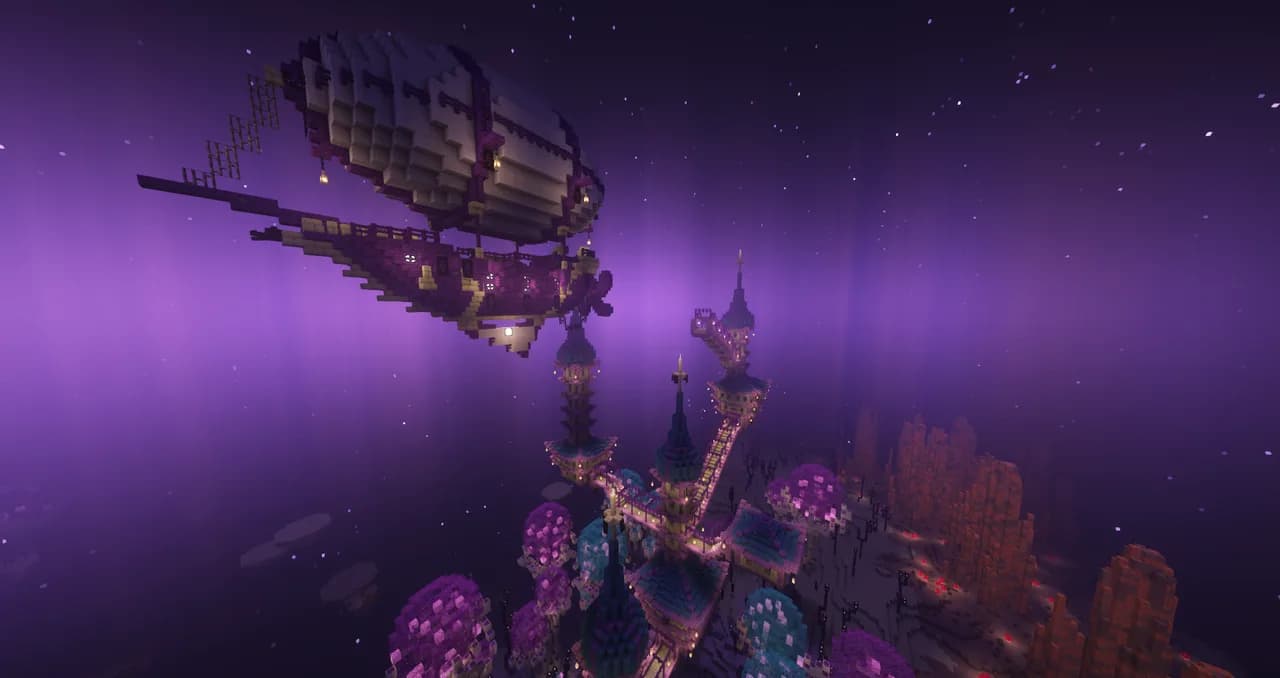

Better End Cities (BYG)
Makes End Cities much Nicer using the Oh The Biomes You'll Go RefabricatedInstallOn a server

No Zombie Nautilus
Disable Zombie Nautilus in Minecraft by preventing its spawning and removing any that appear in the worldInstallOn a server

No Zoglin
Disable Zoglin in Minecraft by preventing its spawning and removing any that appear in the worldInstallOn a server

No More Origins
This datapack removes origins from the origins mod. Hiding the selection menu for origins when you join the game. This is useful for some other datapacks ive made.InstallOn a server

Silktouchless Glass
Allows the player to mine all types of Glass without the need for the Silk Touch enchantment.InstallOn a server

Clean RTP
RTP with chunk preloading to prevent server crash from teleporting into unloaded chunksInstallOn a server

Add more recipes
This is a data pack that adds recipes not available in Minecraft. This data pack is still under constructionInstallOn a server

CC: Advanced Math
A datapack adding advanced mathematical libraries to CC: Tweaked!InstallOn a server

Delete items after death
Datapack that deletes items and xp when you die instead of dropping them.InstallOn a server

Repurposed Structures - Etched Compat
Get musical in RS Villages with Etched on!InstallOn a server

Cheap anvils
This project changes the crafting recipe of anvils.InstallOn a server

Night Vision Switch
Allows you to get night vision by simply crouching and looking up!InstallOn a server

No Trader Llama
Disable Trader Llama in Minecraft by preventing its spawning and removing any that appear in the worldInstallOn a server

planks drops op loots
Wood drops OP loot. This datapack replaces standard plank drops with "God-tier" gear like enchanted Netherite and Golden Apples to bypass traditional progression.InstallOn a server

Blasted Gunpowder
Have you ever ran out of gunpowder? but have loads of Charcoal.InstallOn a server

No Magma Cube
Disable Magma Cube in Minecraft by preventing its spawning and removing any that appear in the worldInstallOn a server

Villager Trade Expansion
Villager Trade Expansion is a datapack that diversifies and enriches the trading experience in Minecraft. With custom trades for armorsmiths, brewers, librarians, butchers, clerics, farmers, fishermen, leatherworkers, and shepherds!InstallOn a serverFAQ
How is a datapack different from a mod?
A datapack uses the game's own tools: it changes recipes, loot, structures and advancements. A mod changes the game's code and can add something genuinely new — a block, a mob, an interface. A datapack doesn't need a loader to work.
How do I install a datapack?
Click “Install” and Millida Launcher will add the datapack to the world you choose. To do it manually, put the archive in the datapacks folder inside the world folder and rejoin the world.
Does a datapack work on a server?
Yes, on a regular server without mods: the datapacks folder sits inside the server's world folder. Players don't need to install anything on their clients.
What is a data pack?
A set of files that changes the game with its own tools: recipes, loot, world generation, advancements and command functions. It works from version 1.13 without mods or loaders and is installed into a specific world.
Are there data packs for world generation?
Yes, it is one of their most common jobs: new biomes, terrain, caves and structures. Generation only changes in chunks that have not been created yet, so such a data pack is best added when creating a new world.
Minecraft datapacks
A datapack changes the game's rules without touching its code: crafting recipes, loot tables, world structures, advancements, command functions. The game supports all of this natively since 1.13, so a datapack needs neither Forge nor Fabric — it's installed into a specific world and works on the vanilla client and a regular server.
Data packs do different jobs: some change world generation — biomes, terrain and structures, others add mechanics, challenges and horror events, and others are made for servers — economy, ranks, command-based minigames. Generation applies only to new chunks, so such packs are added when a world is created. On Millida Hosting a data pack goes onto the server with the On a server button on its page.
That's the main difference from mods: a datapack doesn't show up in the mod list, and it can't add anything the game doesn't have at all — you can't make a new block with its own model this way. On the other hand, it doesn't clash with other packs, doesn't need updating when you switch loaders and doesn't stop you from playing with friends on a regular server. Installing a datapack is simple: put the archive in the datapacks folder inside the world folder, then reload the world or run the reload command. The card lists the game version, author and license, and all releases are gathered in one place.