
Datapacks for Minecraft Java 26.2 — page 4
931 itemsData packs: list


SkyBlock Advancements
This data pack modifies the story and nether advancements to better guide the progression in a skyblock world. It rearranges vanilla advancements and adds extra advancements.InstallOn a server

Gamingbarn's Guns
A datapack that adds simple, purposeful guns, advanced medical supplies, tactical equipment items, and a complex automated turret system!InstallOn a server

qraftyfied: STRUCTURES
This pack adds many well built and lore-friendly STRUCTURES to your minecraft world that invite you to explore them. Now with TERRALITH support! 🫐InstallOn a server

SkyBlock Biome Islands
Add unique islands to your skyblock world!InstallOn a server

Health Indicator
Displays players' health below their names.InstallOn a server

Flower Tweaks
Adds the ability to craft and crossbread for flowers and grassInstallOn a server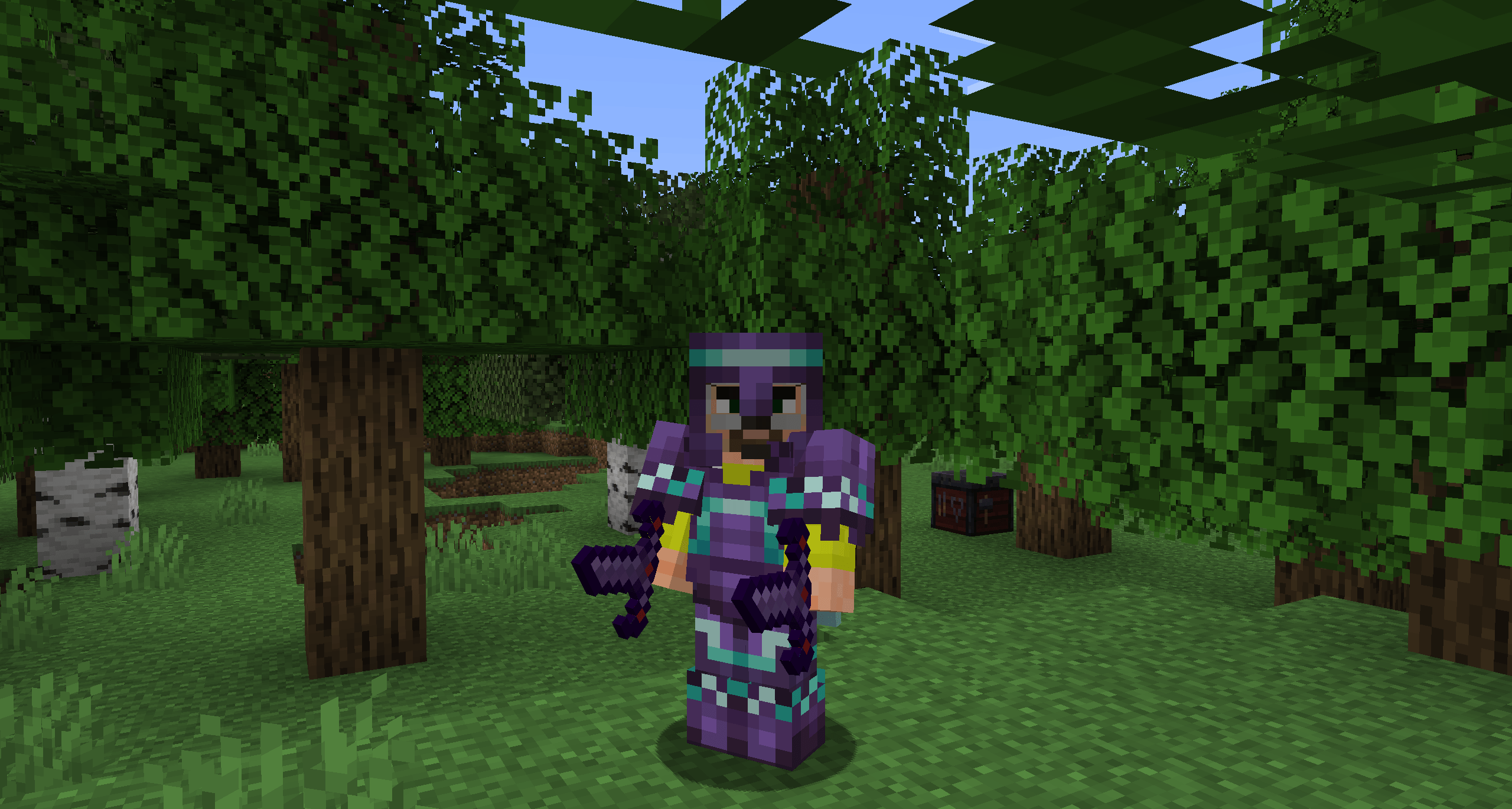
DarkBlades - Armor Trims
Allows armor trims to be applied to all the DarkBlades armor piecesInstallOn a server

Server Sleep
The simplest multiplayer sleep mod/datapack. - Changes playersSleepingPercentage to 50%InstallOn a server
DarkMobs - Easy Mode mobs
DarkMobs datapack to make mobs slightly easier to fightInstallOn a server

JJThunder To The Max
Terra 1-1 styled world generation datapack for latest versionsInstallOn a server

Speed Happy Ghast
adds the speed effect to the happy ghastInstallOn a server

FurniCraft
Furnish your creations with a wide variety of unique furniture in the vanilla style, without the need for any resource packs.InstallOn a server

Timber
Automatically break the whole tree by breaking one log and disable it at will by shifting!InstallOn a server

CliffTree
A vanilla-styled worldgen overhaul, with new biomes and touches to existing ones. Short for "Cliff under a Tree"InstallOn a server

Xaero's Map Server Utils
Allows server administrators to conveniently disable the entity radar, mini-map, and other features of the Xaero's Map series of mods to make competitive play fairerInstallOn a server

Day Counter
A simple day counter display above your hotbar that will tell you the current world day, useful for Hardcore world and 100 days challengesInstallOn a server

Keep Head Names
Keep display names and lore tags of player headsInstallOn a server

Jake's Build Tools
Adds a bunch of craftable tools that help make building easier! Trowel, chisel, hammer and so much more!InstallOn a server

kogtyv-Towny and Village
Changes the generation of villages to the generation of cities.InstallOn a server
Orbital Strike Cannon Datapack & Mod
Orbital Strike Cannon Datapack inspired by Wemmbu from Unstable SMP.InstallOn a server

Banner Flags
Place banners horizontally as flags on fences, walls and other pole-like blocks!InstallOn a server

Mob Heads
All mobs can drop their head. All baby heads, 3072 tropical fish variants & moreInstallOn a server

Enchanted Golden Apple Addition
Add recipes, advancements,... for enchanted golden apples.InstallOn a serverFAQ
How is a datapack different from a mod?
A datapack uses the game's own tools: it changes recipes, loot, structures and advancements. A mod changes the game's code and can add something genuinely new — a block, a mob, an interface. A datapack doesn't need a loader to work.
How do I install a datapack?
Click “Install” and Millida Launcher will add the datapack to the world you choose. To do it manually, put the archive in the datapacks folder inside the world folder and rejoin the world.
Does a datapack work on a server?
Yes, on a regular server without mods: the datapacks folder sits inside the server's world folder. Players don't need to install anything on their clients.
What is a data pack?
A set of files that changes the game with its own tools: recipes, loot, world generation, advancements and command functions. It works from version 1.13 without mods or loaders and is installed into a specific world.
Are there data packs for world generation?
Yes, it is one of their most common jobs: new biomes, terrain, caves and structures. Generation only changes in chunks that have not been created yet, so such a data pack is best added when creating a new world.
Datapacks for Minecraft Java 26.2
Datapacks for Minecraft 26.2: 931 items in the Data packs section. Compatibility is checked against the files, not the description: only items with a build for exactly these conditions stay in the list.
That's the main difference from mods: a datapack doesn't show up in the mod list, and it can't add anything the game doesn't have at all — you can't make a new block with its own model this way. On the other hand, it doesn't clash with other packs, doesn't need updating when you switch loaders and doesn't stop you from playing with friends on a regular server. Installing a datapack is simple: put the archive in the datapacks folder inside the world folder, then reload the world or run the reload command. The card lists the game version, author and license, and all releases are gathered in one place.