
Datapacks for Minecraft 1.21 — page 34
1,282 itemsData packs: list


Cobblemon: Horizon 'Mons
A Cobblemon Addon adding 44 new extensions of existing Pokemon like Regionals, Evolutions, Megas, and more.InstallOn a server

Vivecraft Boots & Claws Disabler
A lightweight Datapack that disables both the Climb Claws and Jump Boots recipesInstallOn a server

Infinite Lunge
Completely removes the cooldown on spears with the lunge enchantment! Go flying!InstallOn a server

NotHighEnough
Increases the world height to 1024 blocksInstallOn a server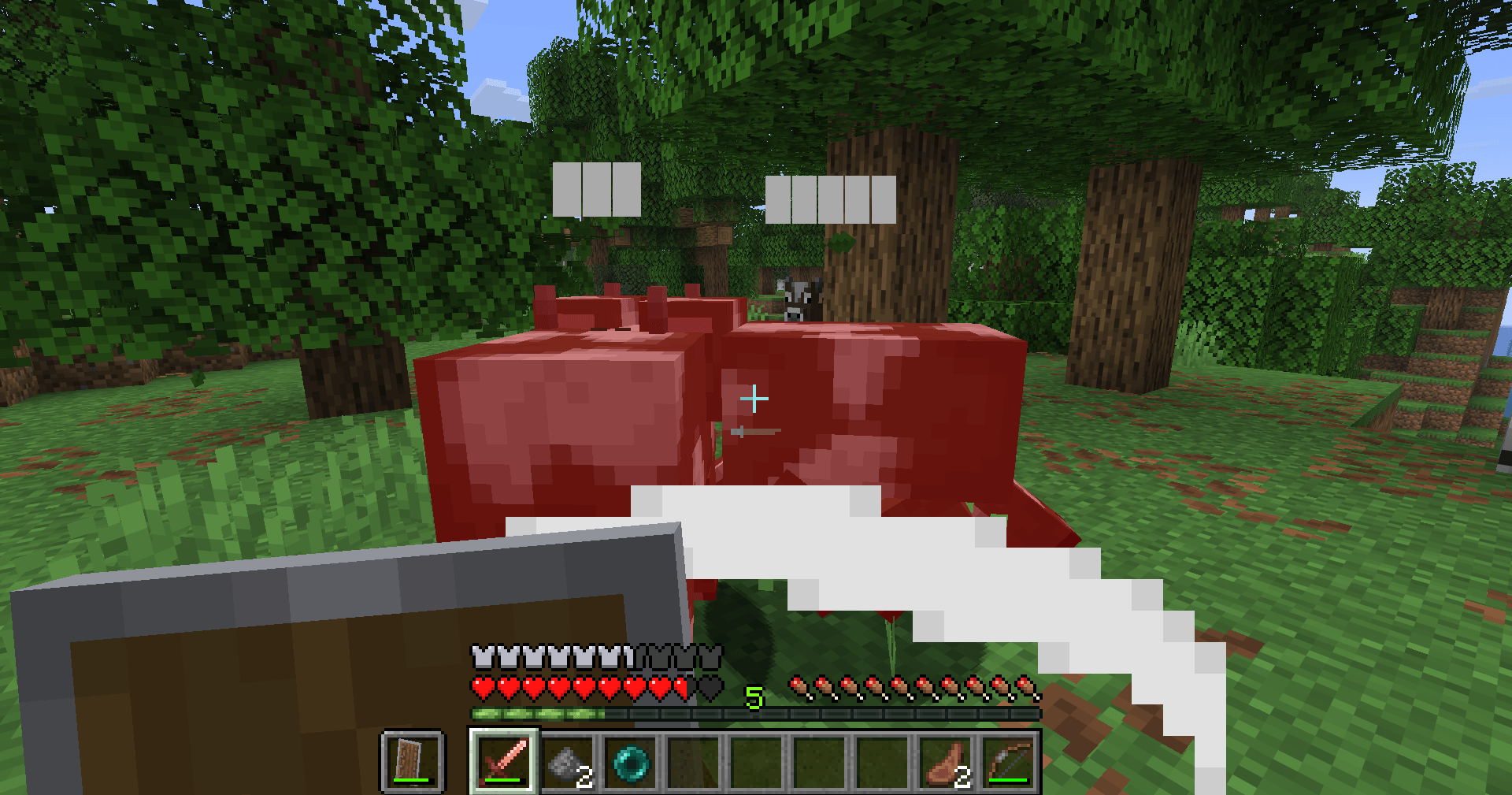
Entity Healthbar
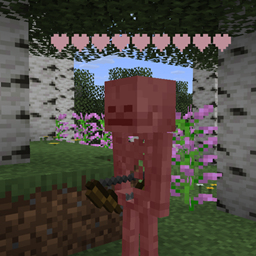
Adds stylized healthbars on hit of any entity with Health.InstallOn a server

Disable SeasonHUD Curios / Trinkets / Accessories Slot
Disables Curios/Trinkets/Accessories support for SeasonHUDInstallOn a server

More Ancient Debris (20x)
Tweaks the world generation to get 20x more ancient debris spawn rates! Way too overkill...InstallOn a server

Literally Nothing
The ultimate universal Mod/Plugin/Resource pack/Shader that does literally nothing and runs on everything!InstallOn a server

Keep Inventory Orbs
A cross-platform fully server-side approach to the gravestone concept introducing 'orbs' to store your inventory upon death.InstallOn a server

More Kills More Damage
Each kill increases the player's damage.InstallOn a server

AFK Display
Datapack that display players who have been afk for more than 5 minutesInstallOn a server

More Ancient Debris (5x)
Tweaks the world generation to get 5x more ancient debris spawn rates!InstallOn a server

AFK Sleep
Sleep while players are idle on your server · Works with custom player sleeping percentages · Handles dimensions, leaving, joining, ...InstallOn a server

Starter Kits
Gives new players some starting gear when they first join your game.InstallOn a server
No Ender Pearl Damage
Removes the damage that the player receives when using an ender pearl. [Supports 1.20.2 to 1.21.2]InstallOn a server

Cauldron Mud
Throw dirt into a cauldron to transform it into mud!InstallOn a server

Unbreakapack
A data pack that gives the item an "unbreakable" tag.InstallOn a server

No Creeper
Disable Creeper in Minecraft by preventing its spawning and removing any that appear in the worldInstallOn a server

Breach + Density
A simple datapack allowing both Breach and Density to be put on the same Mace.InstallOn a server

Craftable Saddles
Backports the saddle recipe added in Minecraft 1.21.6!InstallOn a server

Lucky Block Pink
Thousands of Possibilities in a Pink Block!InstallOn a server

Door Locker
Adds the ability to lock doors, trapdoors, fance gates, levers and buttons. You can also make animated doors.InstallOn a server

Leaping Enchantment
Leaping is a new enchantment for boots with three levels that increases your jump strength!InstallOn a serverFAQ
How is a datapack different from a mod?
A datapack uses the game's own tools: it changes recipes, loot, structures and advancements. A mod changes the game's code and can add something genuinely new — a block, a mob, an interface. A datapack doesn't need a loader to work.
How do I install a datapack?
Click “Install” and Millida Launcher will add the datapack to the world you choose. To do it manually, put the archive in the datapacks folder inside the world folder and rejoin the world.
Does a datapack work on a server?
Yes, on a regular server without mods: the datapacks folder sits inside the server's world folder. Players don't need to install anything on their clients.
What is a data pack?
A set of files that changes the game with its own tools: recipes, loot, world generation, advancements and command functions. It works from version 1.13 without mods or loaders and is installed into a specific world.
Are there data packs for world generation?
Yes, it is one of their most common jobs: new biomes, terrain, caves and structures. Generation only changes in chunks that have not been created yet, so such a data pack is best added when creating a new world.
Datapacks for Minecraft 1.21
Datapacks for Minecraft 1.21: 1,282 items in the Data packs section. Compatibility is checked against the files, not the description: only items with a build for exactly these conditions stay in the list.
That's the main difference from mods: a datapack doesn't show up in the mod list, and it can't add anything the game doesn't have at all — you can't make a new block with its own model this way. On the other hand, it doesn't clash with other packs, doesn't need updating when you switch loaders and doesn't stop you from playing with friends on a regular server. Installing a datapack is simple: put the archive in the datapacks folder inside the world folder, then reload the world or run the reload command. The card lists the game version, author and license, and all releases are gathered in one place.