
Datapacks for Minecraft Java 1.13 — page 5
242 itemsData packs: list


Kills Grant Strength
Killing a player gives one level of strength permanentlyInstallOn a server

No Zombie
Disable Zombie in Minecraft by preventing its spawning and removing any that appear in the worldInstallOn a server

Space's day counter
Track your progress with the Day Counter Datapack, which displays the number of days you've survived in your world right on your scoreboard!InstallOn a server

AutoSaplins
This datapack makes all shoots and crops that fall to the ground plant themselves automatically, so you never run out of trees.InstallOn a server

Stardew Valley Fishing Data Pack
A data pack that adds the Stardew Valley Fishing Minigame whenever a fish or other item would normally be fished. Credit to SethBling for the mechanics 4 years agoInstallOn a server

SaddleBack
Have you ridden a pig or a strider? Do you need to pick up your saddle? With this datapack you can easily do this!InstallOn a server

No Villager
Disable Villager in Minecraft by preventing its spawning and removing any that appear in the worldInstallOn a server

Cobbled Dirt
Allows you to craft dirt by combining dirt and cobblestoneInstallOn a server

CTE - Combine The Experience
Combines the spheres of experience into one, preserving their value.InstallOn a server

Multiplayer Sleeping
Adds multiplayer sleeping functionality by allowing night to be passed without requiring all online players to be sleeping in bedsInstallOn a server
Nie's Improved Recipes
A simple datapack to add or alter recipes which just make sense!InstallOn a server

Dolphins dont die of drowning
Makes dolphins not die of drowning on land or in water.InstallOn a server

Dyeable Saplings
Dye any sapling into a specific tree type.InstallOn a server

Auto keep inventory
Automatically enable keepInventory when loading a world for the first timeInstallOn a server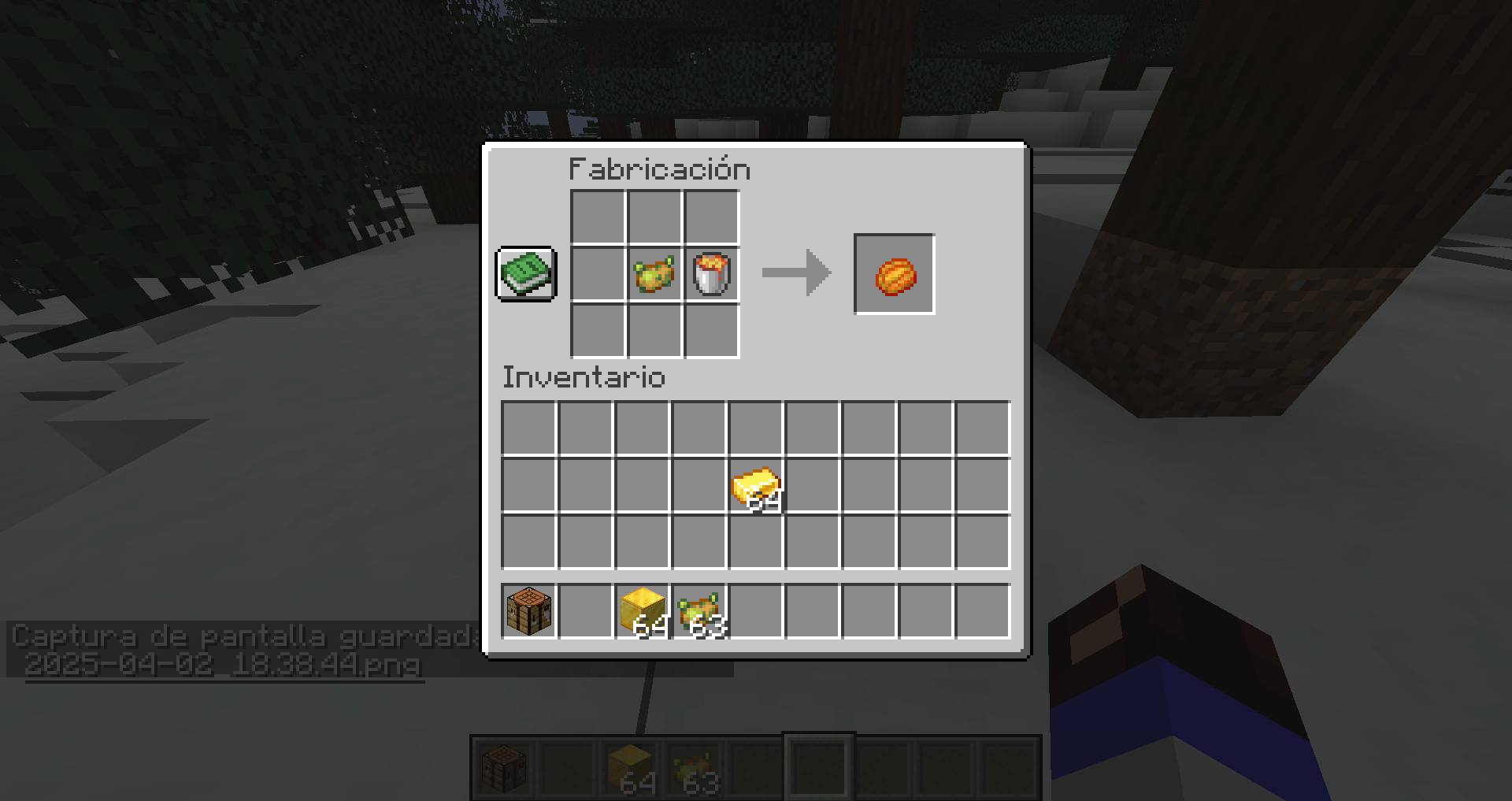
Poisoned Potato
This DataPack contains the Minecraft 1.20.5 Aprils Fools snapshotInstallOn a server

WorldsMH Fast-smelter
Simple fast smelter, put item above furnace.InstallOn a server

Iron block Elevator
This data packet provides you with the function of teleporting upwards while standing on an iron block.InstallOn a server

Bedrock to Obsidian
Replaces all bedrock in the overworld and nether with obsidianInstallOn a server

Cheaper Golden Apple
Makes the golden apple recipe cheaper by requiring 4 gold ingots instead of 8.InstallOn a server

Better End Cities (VillageStyle)
Makes End Cities far more intricate, and contain more loot. All with Vanilla Blocks. And in the style of a villageInstallOn a server

Not Coldown
Lets the admin enable or disable player attack cooldown, switching between classic 1.8.9 combat and the modern system.InstallOn a server

Craftable Uncraftable Objects [CUO]
Minecraft project allows you to craft any object you can't craft it in your vanilla Minecraft world.InstallOn a server

No Silverfish
Disable Silverfish in Minecraft by preventing its spawning and removing any that appear in the worldInstallOn a serverFAQ
How is a datapack different from a mod?
A datapack uses the game's own tools: it changes recipes, loot, structures and advancements. A mod changes the game's code and can add something genuinely new — a block, a mob, an interface. A datapack doesn't need a loader to work.
How do I install a datapack?
Click “Install” and Millida Launcher will add the datapack to the world you choose. To do it manually, put the archive in the datapacks folder inside the world folder and rejoin the world.
Does a datapack work on a server?
Yes, on a regular server without mods: the datapacks folder sits inside the server's world folder. Players don't need to install anything on their clients.
What is a data pack?
A set of files that changes the game with its own tools: recipes, loot, world generation, advancements and command functions. It works from version 1.13 without mods or loaders and is installed into a specific world.
Are there data packs for world generation?
Yes, it is one of their most common jobs: new biomes, terrain, caves and structures. Generation only changes in chunks that have not been created yet, so such a data pack is best added when creating a new world.
Datapacks for Minecraft Java 1.13
Datapacks for Minecraft 1.13: 242 items in the Data packs section. Compatibility is checked against the files, not the description: only items with a build for exactly these conditions stay in the list.
That's the main difference from mods: a datapack doesn't show up in the mod list, and it can't add anything the game doesn't have at all — you can't make a new block with its own model this way. On the other hand, it doesn't clash with other packs, doesn't need updating when you switch loaders and doesn't stop you from playing with friends on a regular server. Installing a datapack is simple: put the archive in the datapacks folder inside the world folder, then reload the world or run the reload command. The card lists the game version, author and license, and all releases are gathered in one place.