

 NeoForge
 Fabric
 Quilt
 Forge
Entity Model Features
Über
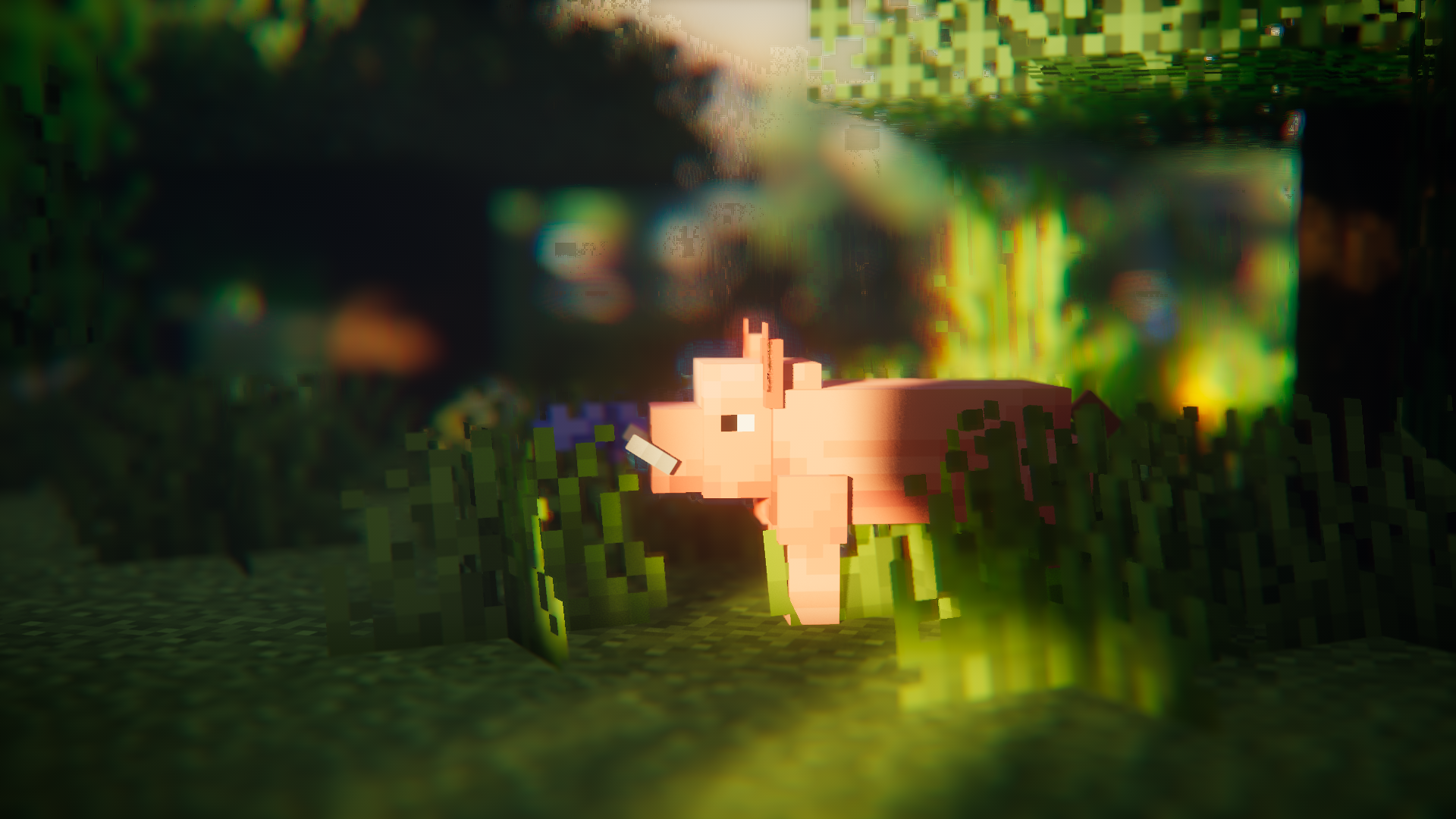
Entity Model Features (EMF) ist eine Fabric-, Forge- und NeoForge-Mod, die Unterstützung für OptiFines Custom Entity Models (CEM) hinzufügt.
gedacht für alle, die CEM-Ressourcenpaket-Funktionen nutzen möchten, aber auch OptiFine-Alternativmods wie Sodium, Continuity oder ETF verwenden.

Erforderliche Mods
Bitte installiere nach Möglichkeit auch die unten aufgeführten Mods; die offensichtlichen wie Sodium werden nicht erwähnt.
Es versteht sich auch von selbst, dass EMF NICHT mit dorianpbs CEM und OptiFine / OptiFabric kompatibel ist.

Erforderlich
- Entity Texture Features (ETF): EMF nutzt mehrere Funktionen aus meiner anderen Mod ETF, daher ist sie erforderlich. (wird hauptsächlich verwendet, um die Funktion für zufällige Modelle, den Konfigurationsbildschirm und die Möglichkeit zu unterstützen, dass in Modellen festgelegte Texturen wie in OptiFine variieren)
Sehr empfohlen
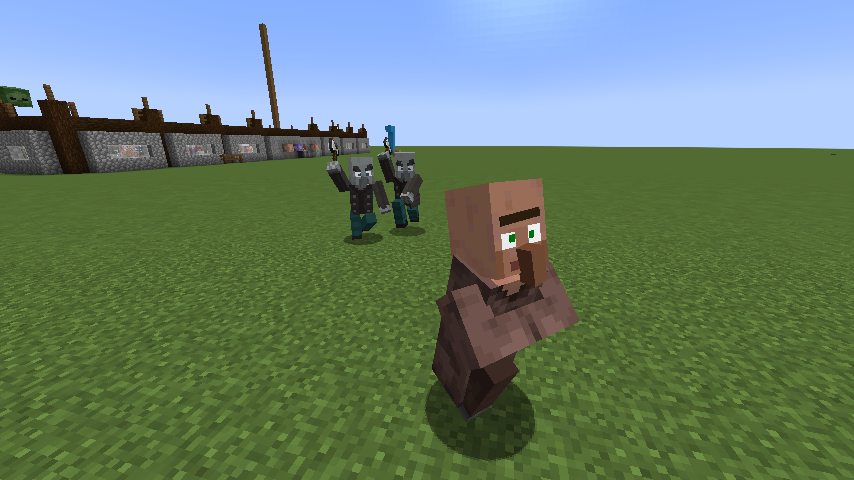
- Entity Culling: Diese Mod wirkt Wunder bei der Reduzierung von Verzögerungen beim Rendern von Entities und leistet sogar mehr als das in Sodium enthaltene Entity-Culling. Dies ist sehr vorteilhaft bei der Verwendung von animationslastigen Paketen wie Fresh Animations.
Fresh Animations?
Ja.
es funktioniert :)
Fresh Animations herunterladen
Funktionen & Unterschiede zu OptiFine & bekannte Fehler
Aktuelle Seite mit Funktionsdetails: Funktionen & Unterschiede zu Optifine
Änderungsprotokoll
Das Änderungsprotokoll findest du hier.
Brauchst du Hilfe oder hast du Fragen?
Du kannst mich auf meinem Discord erreichen (bevorzugt) oder ein Issue auf GitHub öffnen.
Installation von [EMF] Entity Model Features
With Millida Launcher
Install Millida Launcher
The launcher is free: download it at millida.net/launcher and sign in with any nickname.
Click “Install” on this page
The launcher opens and installs the mod for Minecraft 1.18–26.3 on Fabric, Forge, NeoForge or Quilt automatically, together with its dependencies: [ETF] Entity Texture Features.
Launch the game
A profile with it appears in the launcher: click “Play”.
Manually
Install Fabric, Forge, NeoForge or Quilt
The loader must match the game version of the mod file, for example Minecraft 26.3. After installing it, a separate profile appears in your launcher.
Download the file for your version
In the version list above, pick the file entity_model_features-3.3.12-26.3-neoforge.jar (650 KB) for your game version and loader.
Put it in the mods folder
The folder is inside .minecraft (Windows: %appdata%\.minecraft\mods). If it does not exist, create it. Required dependencies go there too: [ETF] Entity Texture Features.
Launch the loader profile
Open “Mods” in the main menu: [EMF] Entity Model Features should be in the list.
[EMF] Entity Model Features works on the player’s side only: there is no need to install it on a server.
Versionen
Mit Abhängigkeiten
| Minecraft | Loader | Datei | Datum | Aktionen |
|---|---|---|---|---|
| 26.3 | NeoForge | 26.3650 KB 443 | ||
| 26.3 | Fabric, Quilt | 26.3650 KB 1.128 | ||
| 26.2 | NeoForge | 26.2650 KB 146 | ||
| 26.2 | Fabric, Quilt | 26.2650 KB 527 | ||
| 26.1.2 | NeoForge | 26.1.2650 KB 48 | ||
| 26.1.2 | Fabric, Quilt | 26.1.2650 KB 160 | ||
| 1.21.10 | NeoForge | 1.21.10655 KB 20 | ||
| 1.21.10 | Forge | 1.21.10833 KB 14 |
Was zum Ausführen nötig ist
- [ETF] Entity Texture Featureserforderlich
Inhalte, die dies benötigen
Bewertungen
Bewerten Sie [EMF] Entity Model Features als Erster


