
SimpleCraft v15.0, 1.8
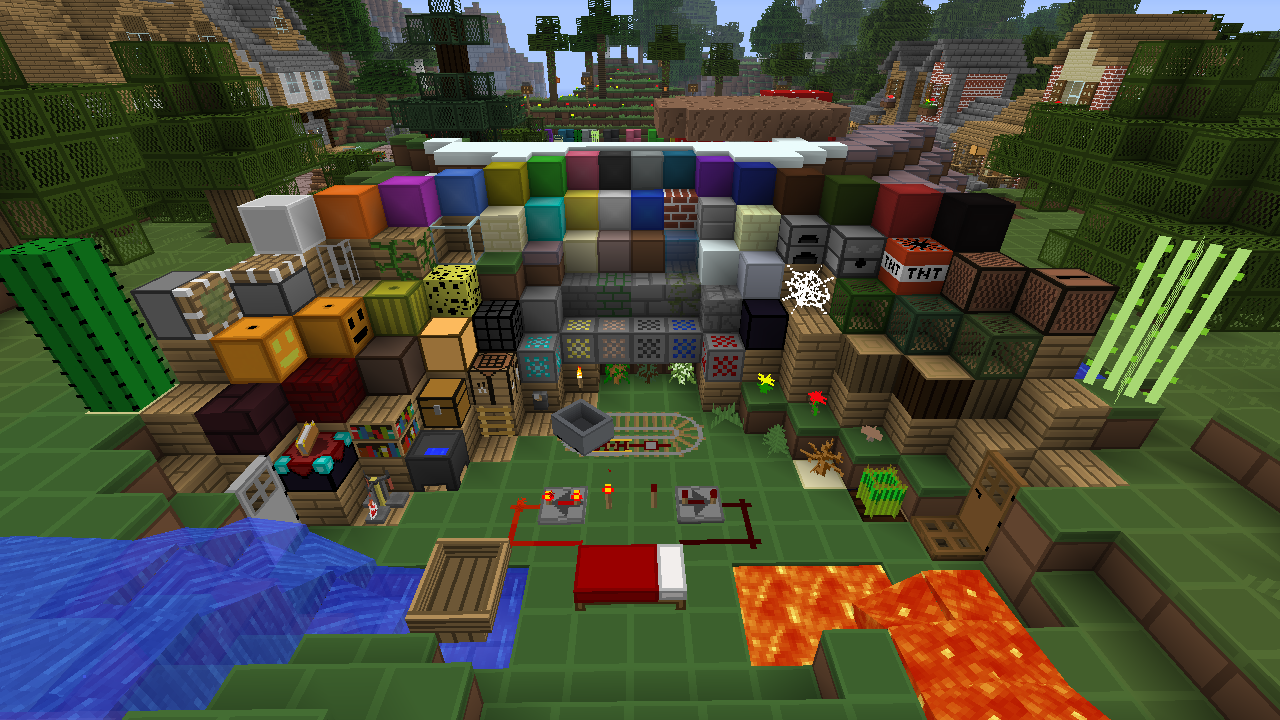
This texture pack is for users that like a simple look to Minecraft.
This texture pack has minimum detail which merges with all types of blocks to make this texture pack stand out and beautiful too look at!
如何安装 SimpleCraft [16x]
With Millida Launcher
Install Millida Launcher
The launcher is free: download it at millida.net/launcher and sign in with any nickname.
Click “Install” on this page
The launcher opens and installs the resource pack for Minecraft 1.8 automatically.
Launch the game
A profile with it appears in the launcher: click “Play”.
Manually
Download the archive
Pick the file SimpleCraft_V15.0.zip (1.3 MB) for your game version. No need to unpack it.
Put it in the resourcepacks folder
The easiest way: “Options”, then “Resource Packs”, then “Open Pack Folder”, and drag the archive there.
Enable the pack
In the same window, move the pack to the right-hand “Selected” column and click “Done”.
版本
含依赖项
| Minecraft | 加载器 | 文件 | 日期 | 操作 |
|---|---|---|---|---|
| 1.8 | — | SimpleCraft V15.01.3 MB |
评价
成为第一个评价 SimpleCraft [16x] 的人


