
关于 Default 3D [16x] 资源包
All latest versions for 1.15 / 1.16 are available at the official website: www.Know2Good.com.
So many different pack versions! What pack do I choose?Below are the specifications of each pack individually.
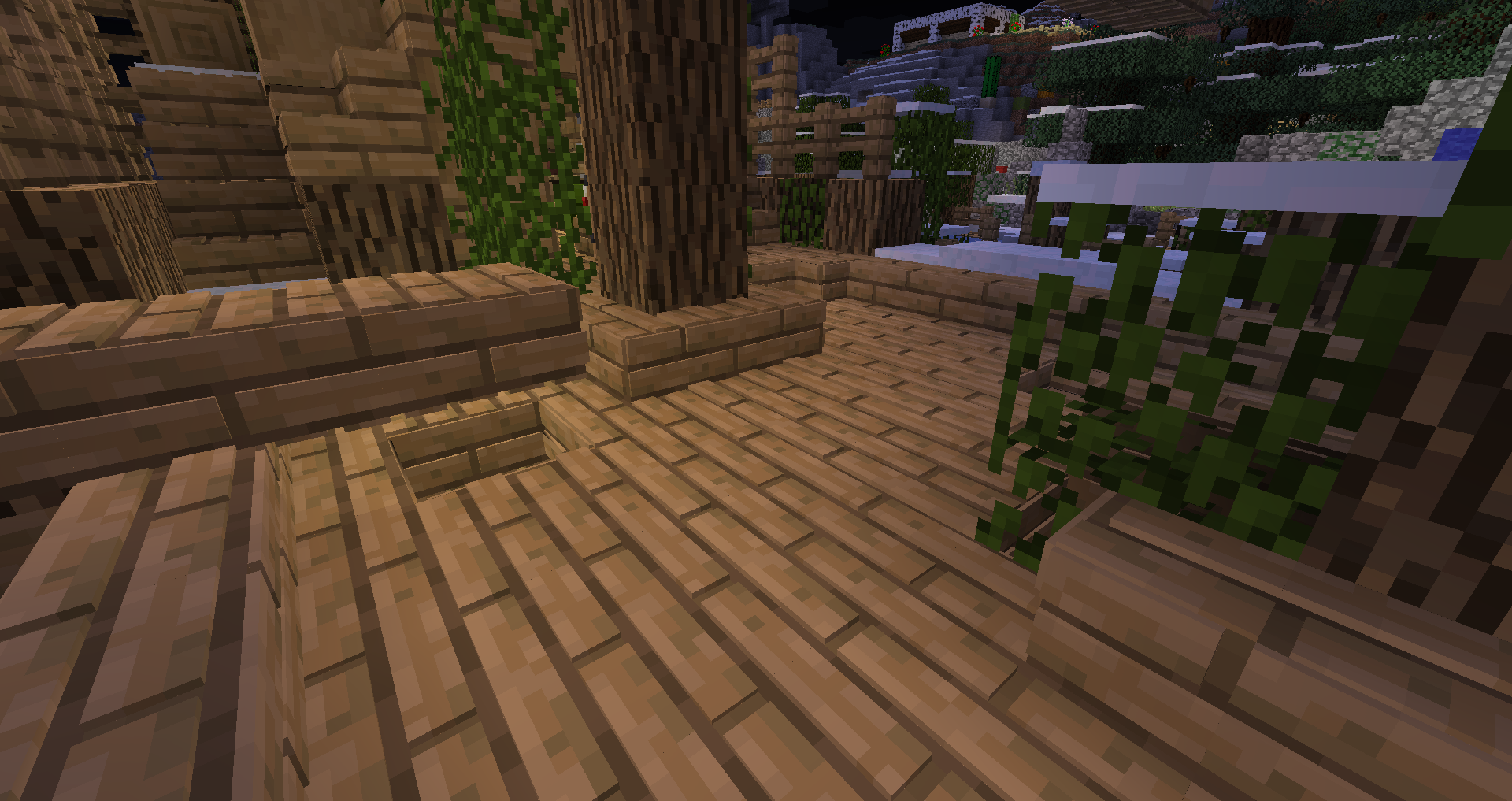
Default 3D Low would be your way to go when the computer you're using isn't that powerful. Considering it's derived from Default 3D High. In comparison, it lacks a few block models and features pack-specific block models. This ensures the pack will run smooth. Models in this pack also features 'smooth edges', this makes all textures of all faces of a model connect seamlessly with its adjacent faces, creating an eye-pleasing gameplay experience.
Default 3D Medium is a great alternative for both Low and High, hence the word 'medium'. It features all blocks, items and textures Default 3D High does. The only difference is that some block models are altered to feature less elements. This benefits the pack's performance. It's designed for decent performing computers. Models in this pack also features 'smooth edges', this makes all textures of all faces of a model connect seamlessly with its adjacent faces, creating an eye-pleasing gameplay experience.
Default 3D High can be considered a number one choice, granted that your computer's performance is average or above. Unaltered, it features all blocks, items and textures. Models in this pack also features 'smooth edges', this makes all textures of all faces of a model connect seamlessly with its adjacent faces, creating an eye-pleasing gameplay experience.
Default 3D Snapshot is exactly what its name implies. It's derived from High, but features models for the newest blocks and items that are added in snapshots. Note that these snapshot models are never featured in any other pack. In case the above packs cannot function properly with newer versions of Minecraft, this pack always will.
For more information: Know2Good.com (redirect via partner)
如何安装 Default 3D [16x]
With Millida Launcher
Install Millida Launcher
The launcher is free: download it at millida.net/launcher and sign in with any nickname.
Click “Install” on this page
The launcher opens and installs the resource pack for Minecraft 1.14–1.14.4 automatically.
Launch the game
A profile with it appears in the launcher: click “Play”.
Manually
Download the archive
Pick the file §lDefault§r..§l3D§r..High§0§o.zip (20 MB) for your game version. No need to unpack it.
Put it in the resourcepacks folder
The easiest way: “Options”, then “Resource Packs”, then “Open Pack Folder”, and drag the archive there.
Enable the pack
In the same window, move the pack to the right-hand “Selected” column and click “Done”.
版本
含依赖项
| Minecraft | 加载器 | 文件 | 日期 | 操作 |
|---|---|---|---|---|
| 1.14.4 | — | Default 3D High 1.1420.3 MB 5 |
常见问题
Which Minecraft versions does Default 3D [16x] work on?
There are files for 1.14.4, 1.14.3, 1.14.2, 1.14.1, 1.14. The newest is 1.14.4.
Where can I download Default 3D [16x] safely?
On this page: the file §lDefault§r..§l3D§r..High§0§o.zip (20 MB) is stored on Millida’s server, with no link shorteners. SHA-1 checksum: ab946ad445a087a7d52fb3694cf683bf2350015e.
评价
成为第一个评价 Default 3D [16x] 的人


