

 Fabric
 OptiFine
关于 B&W Shader 光影
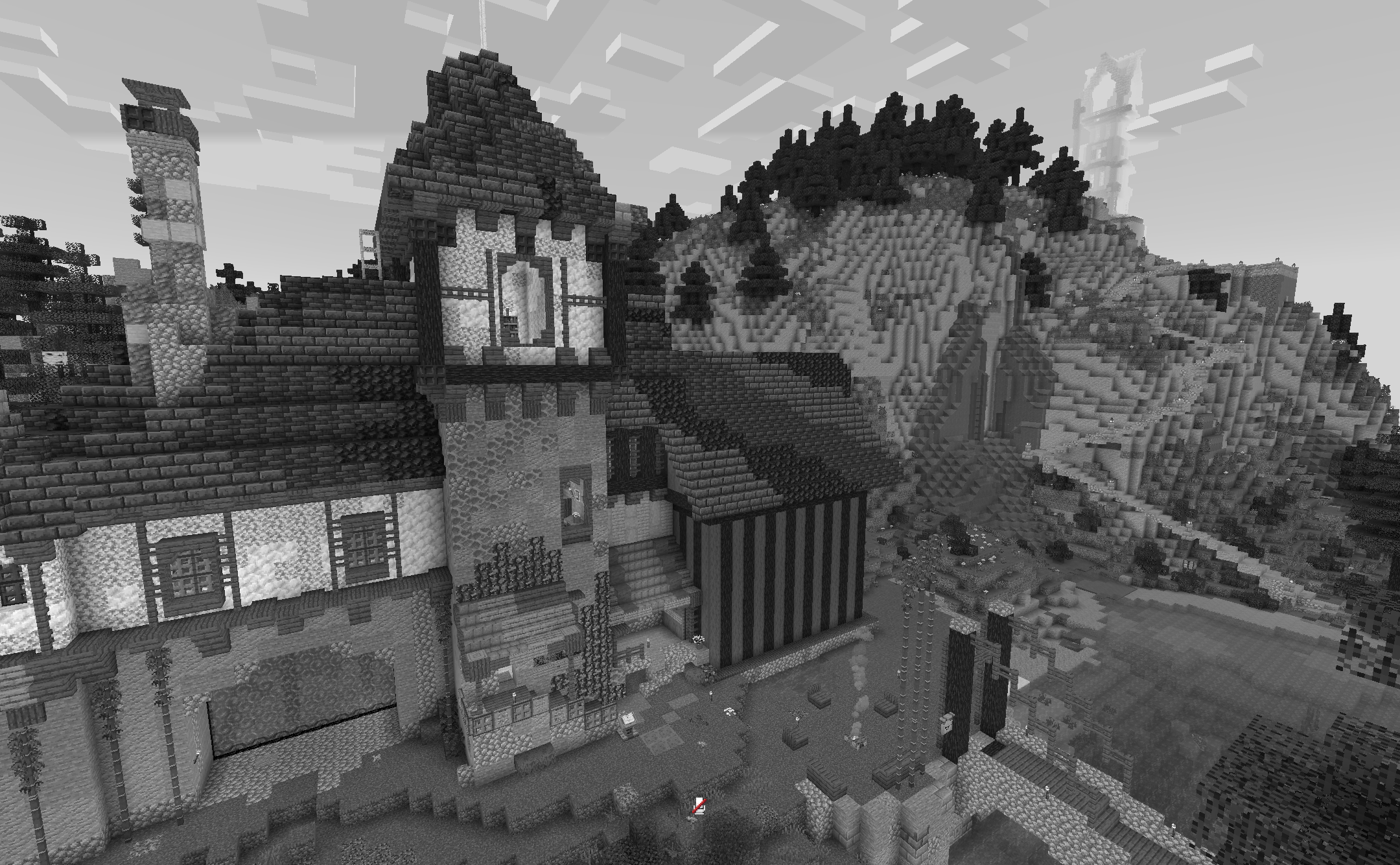
A shader that turns your game into its black and white version. It does not affect performance and works with all versions from 1.12 to 26.1.2 Suitable for iris and optifine
如何安装 B&W Shader
With Millida Launcher
Install Millida Launcher
The launcher is free: download it at millida.net/launcher and sign in with any nickname.
Click “Install” on this page
The launcher opens and installs the shaders for Minecraft 1.12–26.1.2 automatically.
Launch the game
A profile with it appears in the launcher: click “Play”.
Manually
Install Iris or OptiFine
Without a shader mod the game cannot see shaders. Install it for the same Minecraft version.
Download the shader archive
Pick the file b&w shader.zip (496 B) and do not unpack it.
Put it in the shaderpacks folder
“Options”, then “Video Settings”, then “Shader Packs”, then “Open Shader Pack Folder”, and drag the archive there.
Select the shaders
In the same window, click the pack name and “Apply”.
版本
含依赖项
| Minecraft | 加载器 | 文件 | 日期 | 操作 |
|---|---|---|---|---|
| 1.17.1 | Iris, OptiFine | 1.17.1496 B | ||
| 1.15.2 | Iris, OptiFine | 1.15.2496 B | ||
| 1.14.4 | Iris, OptiFine | 1.14.4496 B | ||
| 26.1 | Iris, OptiFine | 26.1496 B | — | |
| 1.21.11 | Iris, OptiFine | 1.21.11496 B | — | |
| 1.21 | Iris, OptiFine | 1.21496 B | — | |
| 1.20.1 | Iris, OptiFine | 1.20.1496 B | — | |
| 1.19.2 | Iris, OptiFine | 1.19.2496 B | — |
常见问题
Which Minecraft versions does B&W Shader work on?
There are files for 1.12–26.1.2, 52 versions in total. The newest is 26.1.2.
What do I need to run B&W Shader?
Shaders are loaded through Iris or OptiFine: without one of them the game cannot see them.
How do I download B&W Shader?
With Millida Launcher: it installs B&W Shader into a modpack by itself, for the right game version and loader. The launcher is free.
评价
成为第一个评价 B&W Shader 的人


