

 Forge
关于 Wizard Lovernite 整合包
Welcome to Wizard Lovernite
A magical world where you will spend hours of fun with the best Magic and adventure mods of this version. Prepare for all dangers and new enemies in this dangerous world, where your best weapon will be to become a powerful sorcerer capable of restoring peace to your world.
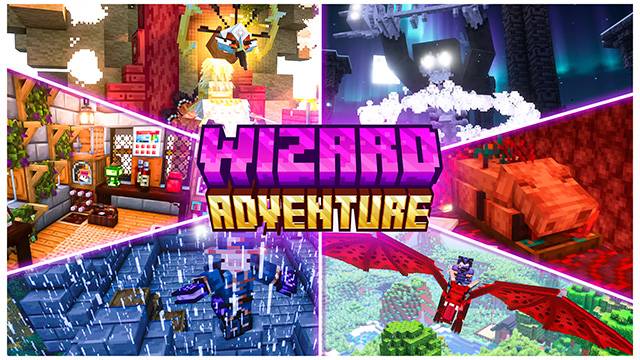
Create and build your base with the large number of new blocks and decorative accessories to give more realism to your constructions, turn your house into a home.
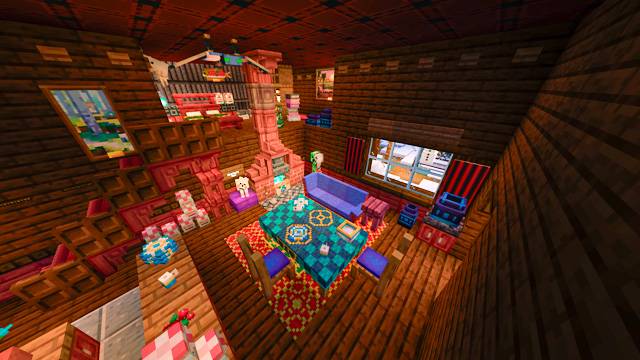
Get new ingredients for the creation of dishes and drinks that will not only fill your stomach, but will also come with special effects that will benefit you at different times in your life.
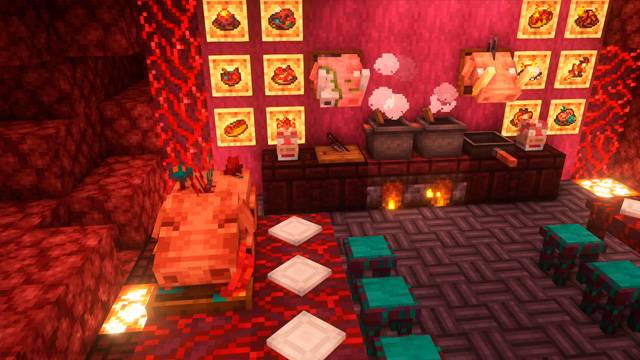
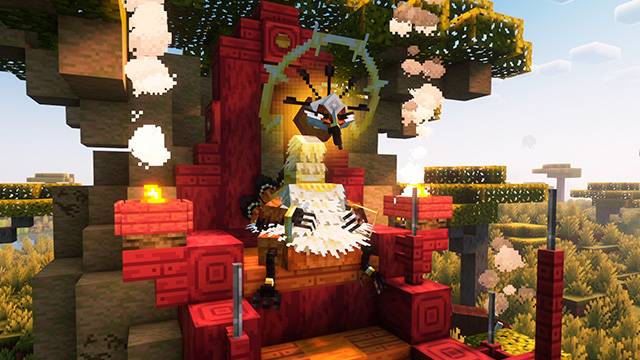
Face new enemies and bosses much more powerful than the Ender Dragon himself, arm yourself well before going for them oh it is very possible that you will end up losing quickly against their enormous power.
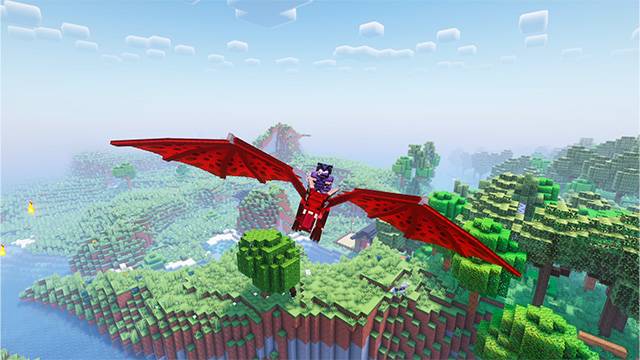
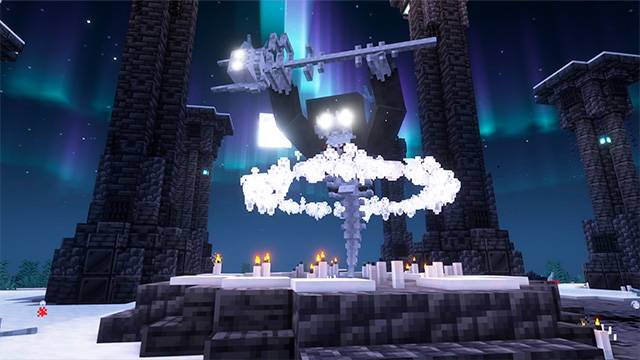
RECOMMENDATIONS (IMPORTANT)
If your computer does not support this Modpack I recommend that you remove some as otherwise you could have performance problems. Here's a list of the heaviest mods and what they add.
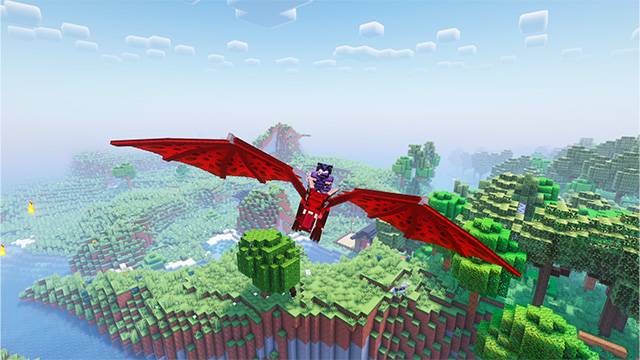
-Ice and Fire: Dragons, Cyclops, Gorgons, Sea Serpents (Mythological Creatures)
-BlomingNature: Biome mods that completely change the structure of the world.
-Ars Nouveau: Magic mod that adds creatures, sorcery and new biomes (Not the only Magic mod)
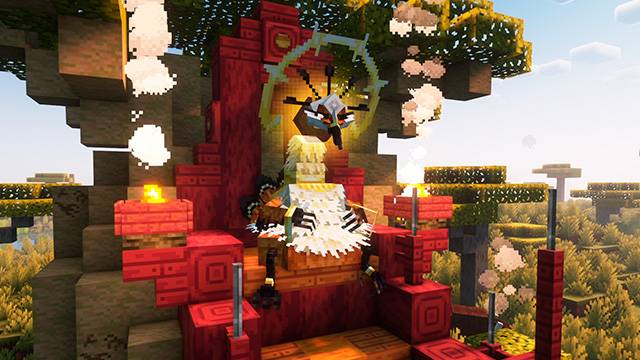
-When Dungeon Arise: Huge new structures in Minecraft
WARNING (IMPORTANT)
In the event that you find few mods you can add more to your liking, however we are not responsible if at any time something stops working properly oh the performance of your world is not good.
如何安装 Wizard Lovernite
With Millida Launcher
Install Millida Launcher
The launcher is free: download it at millida.net/launcher and sign in with any nickname.
Click “Install” on this page
The launcher opens and installs the modpack for Minecraft 1.20.1 on Forge automatically.
Launch the game
A profile with it appears in the launcher: click “Play”.
Manually
Download the modpack archive
In the version list above, pick the file WIZARD LOVERNITE-1.20.1.zip (3 KB).
Import it into a launcher
A launcher that supports modpacks (Millida Launcher, Prism) takes the archive via “Add modpack”, then “From file”. No need to unpack it yourself.
Allocate memory
Modpacks need more memory than the plain game: set 4–6 GB in the profile settings.
On a server
Use the “To server” button
On Millida Hosting, the button at the top of the page uploads the file to your server and restarts it for you.
Invite friends: they install the same modpack
To join the server, every player needs the same modpack version.
Minecraft 1.20.1 runs on Java 17: with a different Java version the game may close right after launch.
版本
含依赖项
| Minecraft | 加载器 | 文件 | 日期 | 操作 |
|---|---|---|---|---|
| 1.20.1 | Forge | WIZARD LOVERNITE-1.20.1.zip3.3 KB |
常见问题
Which Minecraft versions does Wizard Lovernite work on?
Only Minecraft 1.20.1: there are no files for other versions.
Is Wizard Lovernite for Forge or Fabric?
Only for Forge: 1.20.1.
Which Java does Wizard Lovernite need?
Minecraft 1.20.1 runs on Java 17. If the game closes right after launch, the usual cause is the wrong Java version in the profile settings.
Where can I download Wizard Lovernite safely?
On this page: the file WIZARD LOVERNITE-1.20.1.zip (3 KB) is stored on Millida’s server, with no link shorteners. SHA-1 checksum: b1296f6414518e68f5dd8f42d3c834c333d27f28.
评价
成为第一个评价 Wizard Lovernite 的人


