

 Forge
关于 Magic Valley 整合包

Minecraft 1.20.1 • Forge • Magic/Tech • Adventure/Rpg
📖 Details -Modpack Under Construction- Help Needed-
Is a massive Kitchen sink esque modpack with over 400 mods. The goal is to combine Magic/Tech/ Rpg and the coziness/ some of the features of stardew valley. I want to make a pack everyone has something to enjoy progression wise and can continue playing even after completing,
Official server ip- Magic-Valley.kinetic.host
!Pack not available on prism!
Perfect for players who enjoy:
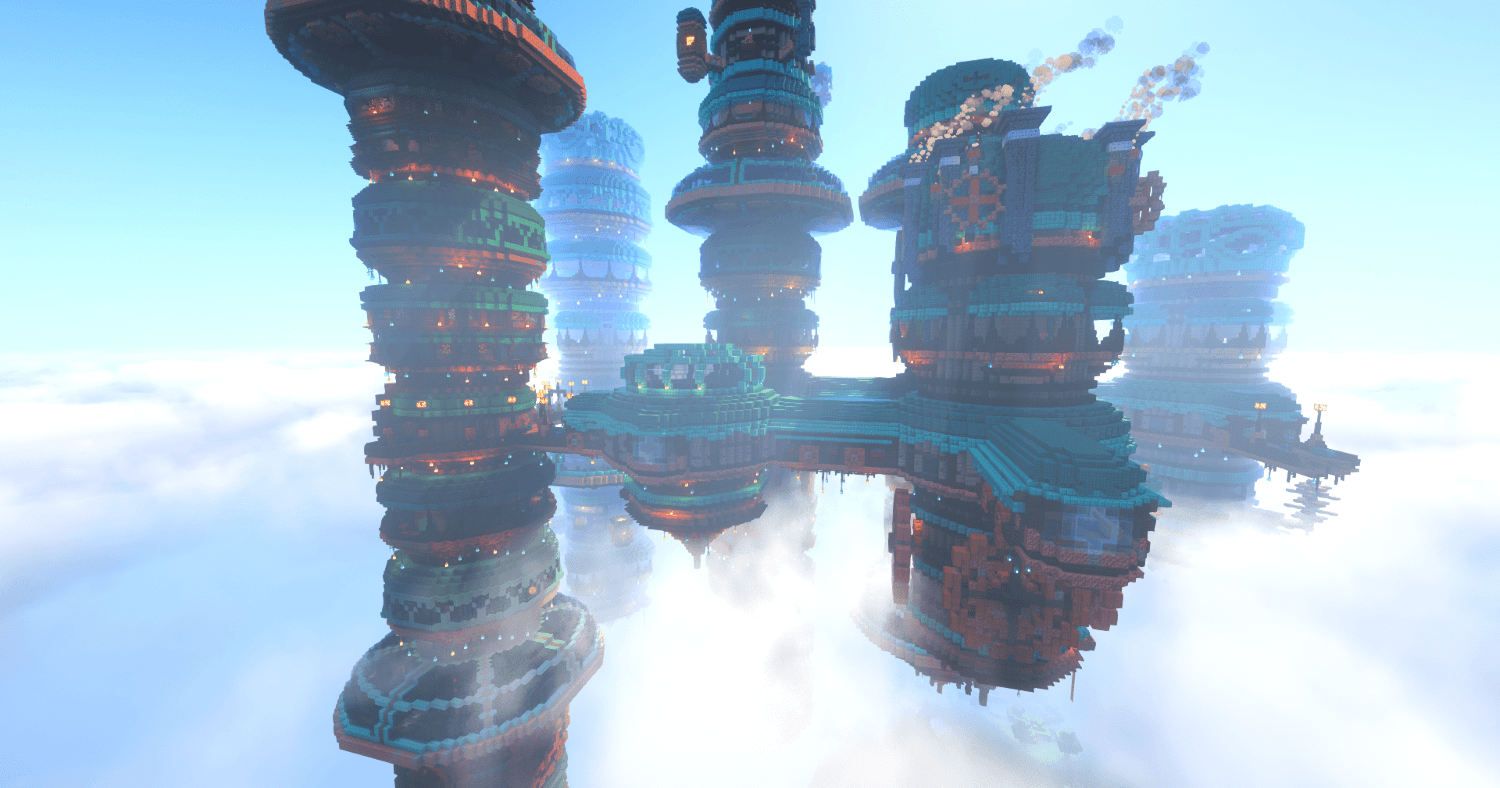
- 🌍 Beautiful world generation and lots to enjoy
- ⚙️ Technology and automation
- 🧙 Magic and Artifacts
- 🏰 Building and creativity
- ⚔️ Adventure and combat
✨ Features
✅ Implemented
- chapter 1 of progression unlocking twilight forest. - partially completed
- 4 different paths of progression to unlock dimensions partially completed
- Multiplayer trading for all of the countless tamable mobs including dragons
- Custom Recipes to fit progression
- Beautiful world gen
- Performance optimized configuration
🛠️ Planned
- 5-6 chapters of main quest line with 4 different paths
- seasonal events/ loot tied to serene season
- unique trades and trade ui using society trading, serene seasons, and create numismatics
- Server only questline
- unique effects to each dimensions
- possible custom npcs and bosses
🔑 Key Mods
This pack features a curated selection of high-quality mods.
Some highlights include:
- ice and fire
- Mekanism/Ae/ Create/ Tcon
- Botania/Ars/Irons spells/mystical ag/ relics/simply swords
- Born in chaos/species/ Apothesis
- Ad Astra/ Twilight Forest/ Aether/ Deeper and Darker/ Cataclysm
🌍 Gameplay Overview
Our progression encourages players to explore and experiment with different playstyles.
You might:
- Explore vast new terrain and structures
- Build powerful automated or magical systems
- Discover powerful weapons/magic spells/ or unique armour and relics
- Fight powerful bosses or collect all the pets/ trophies and collectibles
- Create a cozy farm or a booming factory
⚙️ Recommended Settings
For the best gameplay experience:
RAM Allocation
Minimum: 7 GB Recommended: 6.5-10 GB
Video Settings
Graphics: Fast Render Distance: 8-10 chunks Simulation Distance: 6-9 chunks
Recommended JVM: -XX:+UseG1GC -XX:+ParallelRefProcEnabled -XX:MaxGCPauseMillis=150 -XX:+UnlockExperimentalVMOptions -XX:+DisableExplicitGC -XX:+AlwaysPreTouch -XX:G1NewSizePercent=25 -XX:G1MaxNewSizePercent=35 -XX:G1HeapRegionSize=16M -XX:G1ReservePercent=15 -XX:G1HeapWastePercent=10 -XX:G1MixedGCCountTarget=8 -XX:InitiatingHeapOccupancyPercent=20 -XX:G1MixedGCLiveThresholdPercent=85 -XX:G1RSetUpdatingPauseTimePercent=10 -XX:SurvivorRatio=32 -XX:+PerfDisableSharedMem -XX:MaxTenuringThreshold=1 -XX:+UseStringDeduplication -XX:StringDeduplicationAgeThreshold=1 -Dfile.encoding=UTF-8
Performance Tips
- Close background programs
- Use fullscreen mode
- Update graphics drivers
- Allocate sufficient RAM in CurseForge launcher
💬 Community & Support
Join our Discord community to:
- Report bugs
- Suggest features
- Share builds
- Get help with the modpack
- Participate in events
👥 Recruiting Staff
We are currently expanding the team.
🧩 Modpack Developers
🐞 Testers
🎮 Community Moderators
Apply
Join the Discord and open a staff application ticket.
🐛 Bug Reports
If you find a bug or issue:
1️⃣ Join the Discord 2️⃣ Submit a report in the bug-report channel 3️⃣ Include screenshots or logs if possible
This helps us fix problems faster.
❤️ Credits
Amon- amon_m on discord- performance/ main menu
Empressblue- co creator of arcanic engine modpack- ideas/ path system
Ace- co owner
如何安装 Magic Valley
With Millida Launcher
Install Millida Launcher
The launcher is free: download it at millida.net/launcher and sign in with any nickname.
Click “Install” on this page
The launcher opens and installs the modpack for Minecraft 1.20.1 on Forge automatically.
Launch the game
A profile with it appears in the launcher: click “Play”.
Manually
Download the modpack archive
In the version list above, pick the file Magic Valley-0.19.4 test.zip (63 MB).
Import it into a launcher
A launcher that supports modpacks (Millida Launcher, Prism) takes the archive via “Add modpack”, then “From file”. No need to unpack it yourself.
Allocate memory
Modpacks need more memory than the plain game: set 4–6 GB in the profile settings.
On a server
Use the “To server” button
On Millida Hosting, the button at the top of the page uploads the file to your server and restarts it for you.
Invite friends: they install the same modpack
To join the server, every player needs the same modpack version.
Minecraft 1.20.1 runs on Java 17: with a different Java version the game may close right after launch.
版本
含依赖项
| Minecraft | 加载器 | 文件 | 日期 | 操作 |
|---|---|---|---|---|
| 1.20.1 | Forge | Magic Valley-0.19.4 zip63.5 MB | ||
| 1.20.1 | Forge | Magic Valley0.01.zip1.1 MB |
常见问题
Which Minecraft versions does Magic Valley work on?
Only Minecraft 1.20.1: there are no files for other versions.
Is Magic Valley for Forge or Fabric?
Only for Forge: 1.20.1.
Which Java does Magic Valley need?
Minecraft 1.20.1 runs on Java 17. If the game closes right after launch, the usual cause is the wrong Java version in the profile settings.
Where can I download Magic Valley safely?
On this page: the file Magic Valley-0.19.4 test.zip (63 MB) is stored on Millida’s server, with no link shorteners. SHA-1 checksum: 7467a6da90a126e926e2cabf5fa17f9377b1525e.
评价
成为第一个评价 Magic Valley 的人


