

 NeoForge
Create: Plane and Simple by Big Jim
What is it!?
This pack is a Create: Aeronautics-based pack aimed at giving you the tools to make whatever you want whilst still keeping it grounded with that Minecraft feel.
My goal with this was to build a Create focussed pack for my let's play series, where you can have a great out-of-the-box Aeronautics experience customized around factories and automation whilst playing with the new features and mechanics that Create: Aeronautics adds including a lot of new addon mods based around it
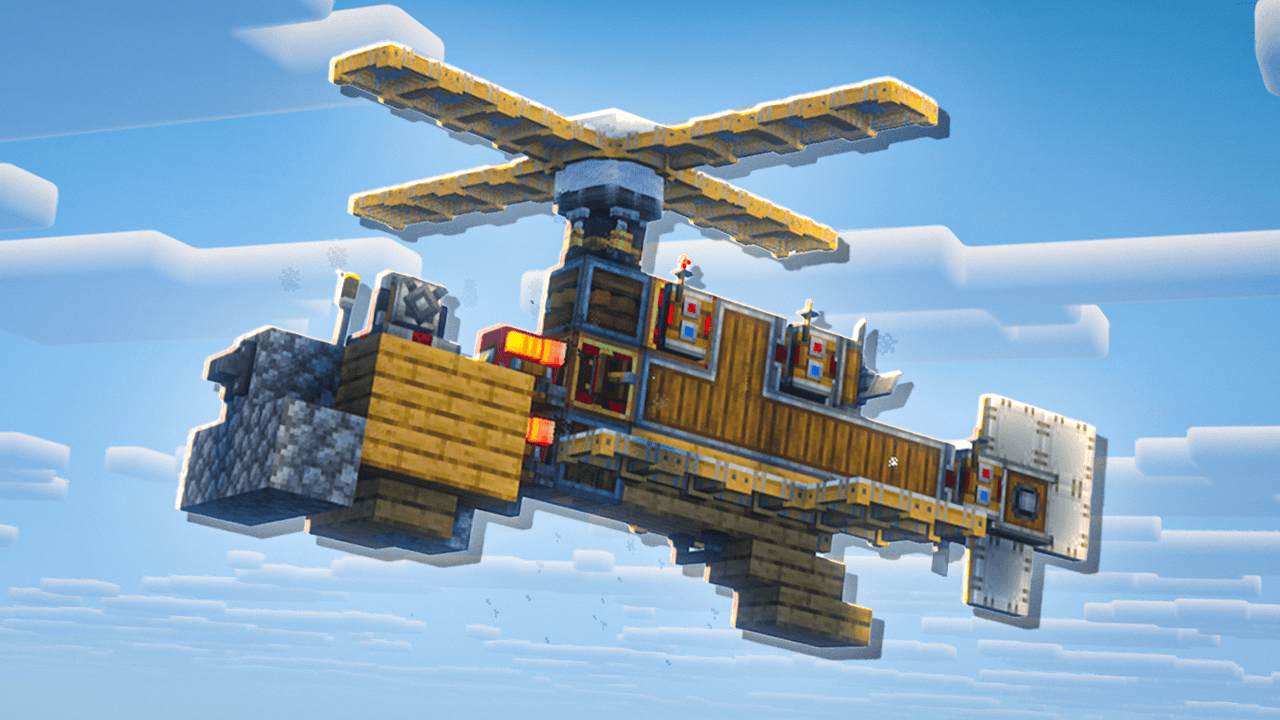
Performance
I've added quite a few optimisation mods to keep this pack running smoothly. Create and Aeronautics do have a tendency to struggle with performance when you add some crazy automations or many physics based builds in one area but hopefully this should run completely smooth.
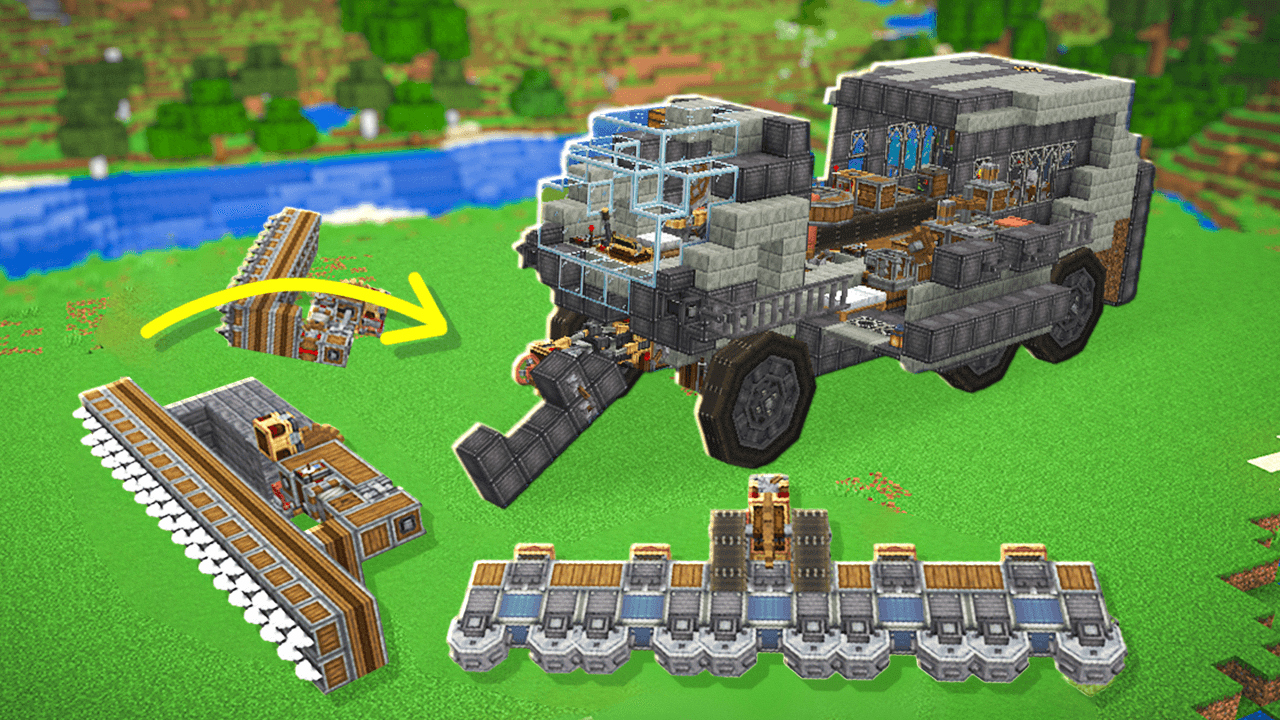
Customization
I've added some customization so that mods like CC: Tweaked and Sophisticated Storage fit right in with Create based-textures and recipes
Automate!
I've also added some recipes for blocks and items that usually do not have them such as all of the Create building blocks (like Asurine, Veridium etc). Both providing new automation challenges to keep you on your toes and testing your Create automation skills
Goals?
There are no goals! Play as long or as little as you would like on the pack, no quests, just pure creative freedom and expression :)
Credits/Shoutouts
- Massive shoutout to the JustCreateSMP and Just Create Season 2 modpack. Before creating my own pack I was originally using a heavily modified version of their pack and had a blast, this inspired me to create my own pack.
如何安装 Create - Plane and Simple
With Millida Launcher
Install Millida Launcher
The launcher is free: download it at millida.net/launcher and sign in with any nickname.
Click “Install” on this page
The launcher opens and installs the modpack for Minecraft 1.21.1 on NeoForge automatically.
Launch the game
A profile with it appears in the launcher: click “Play”.
Manually
Download the modpack archive
In the version list above, pick the file Create - Plane and Simple-1.0.7.zip (3.5 MB).
Import it into a launcher
A launcher that supports modpacks (Millida Launcher, Prism) takes the archive via “Add modpack”, then “From file”. No need to unpack it yourself.
Allocate memory
Modpacks need more memory than the plain game: set 4–6 GB in the profile settings.
On a server
Use the “To server” button
On Millida Hosting, the button at the top of the page uploads the file to your server and restarts it for you.
Invite friends: they install the same modpack
To join the server, every player needs the same modpack version.
Minecraft 1.21.1 runs on Java 21: with a different Java version the game may close right after launch.
版本
含依赖项
| Minecraft | 加载器 | 文件 | 日期 | 操作 |
|---|---|---|---|---|
| 1.21.1 | NeoForge | Create - Plane and Simple-1.0.7.zip3.5 MB 3 |
评价
成为第一个评价 Create - Plane and Simple 的人


