

PoorLite Shader cho Minecraft 26.2
Một shader đơn giản cho thiết bị yếu, các tính năng bao gồm bóng đổ, tia sáng và cài đặt tùy chỉnh.
Giới thiệu shader PoorLite
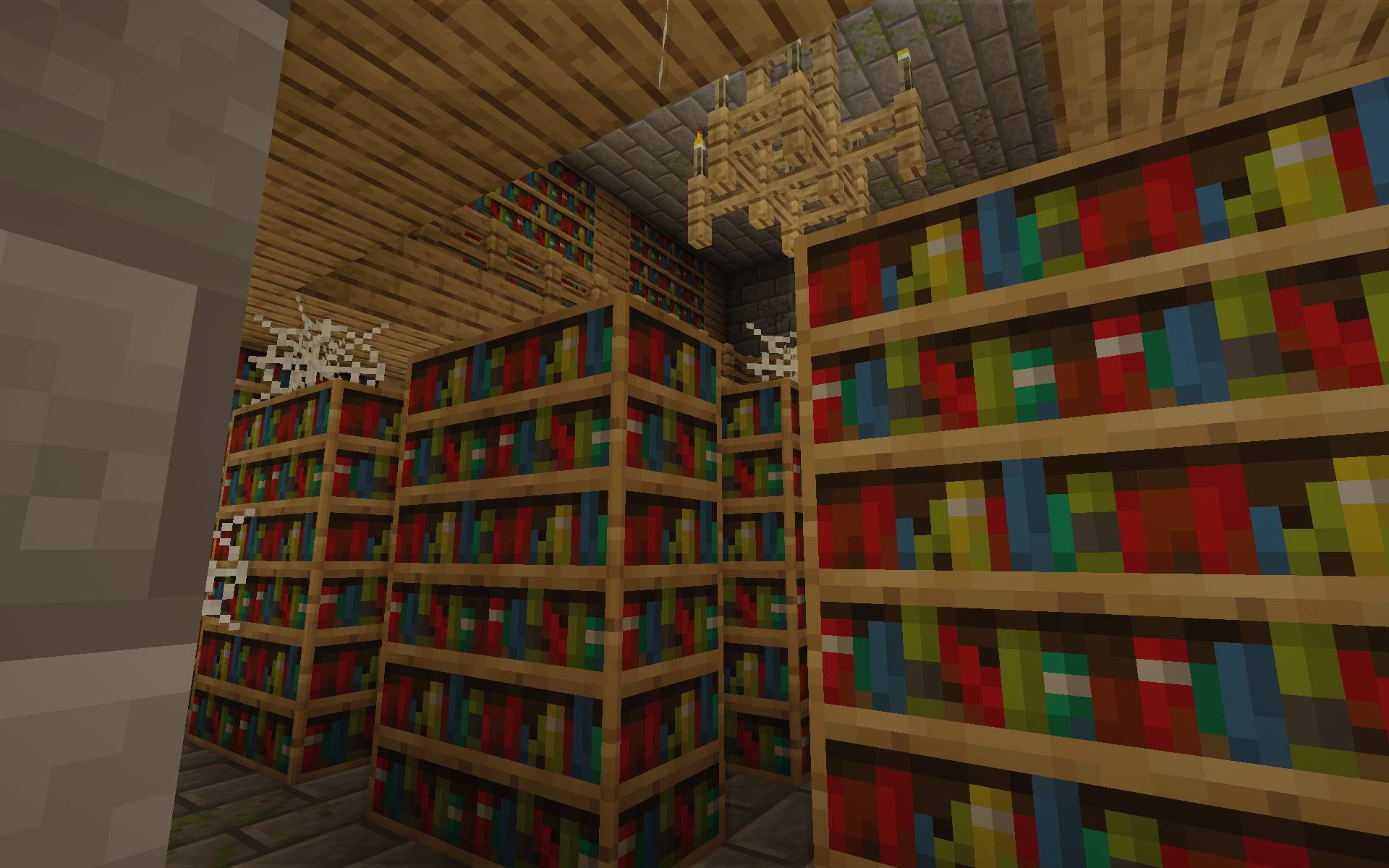
PoorLite is a lightweight Minecraft Java Edition shaderpack designed to improve visuals while keeping performance stable on low and mid range systems, focusing on enhanced lighting, shadows, water, and atmosphere without heavy performance cost, offering a clean and balanced visual upgrade that makes the game feel more modern while staying optimized and accessible, with features like subtle bloom, basic reflections, waving vegetation, and improved weather and night ambience, and it is still in development with future updates planned including volumetric clouds and improved water rendering, recommended for use with Iris or OptiFine.
Still in early development, please comment bugs and features you want to see.
Cách cài đặt PoorLite
With Millida Launcher
Install Millida Launcher
The launcher is free: download it at millida.net/launcher and sign in with any nickname.
Click “Install” on this page
The launcher opens and installs the shaders for Minecraft 26.2 automatically.
Launch the game
A profile with it appears in the launcher: click “Play”.
Manually
Install Iris or OptiFine
Without a shader mod the game cannot see shaders. Install it for the same Minecraft version.
Download the shader archive
Pick the file PoorLite.zip (26 KB) and do not unpack it.
Put it in the shaderpacks folder
“Options”, then “Video Settings”, then “Shader Packs”, then “Open Shader Pack Folder”, and drag the archive there.
Select the shaders
In the same window, click the pack name and “Apply”.
Phiên bản
Kèm phụ thuộc
| Minecraft | Loader | Tệp | Ngày | Hành động |
|---|---|---|---|---|
| 26.2 | — | PoorLite.zip26.2 KB 1 |
Câu hỏi thường gặp
Which Minecraft versions does PoorLite work on?
Only Minecraft 26.2: there are no files for other versions.
Where can I download PoorLite safely?
On this page: the file PoorLite.zip (26 KB) is stored on Millida’s server, with no link shorteners. SHA-1 checksum: 93762dc0f071d7455619f63519214f02210f4b5a.
Đánh giá
Hãy là người đầu tiên đánh giá PoorLite


