

DreadShade Shader cho Minecraft 1.20.1, 1.21.1
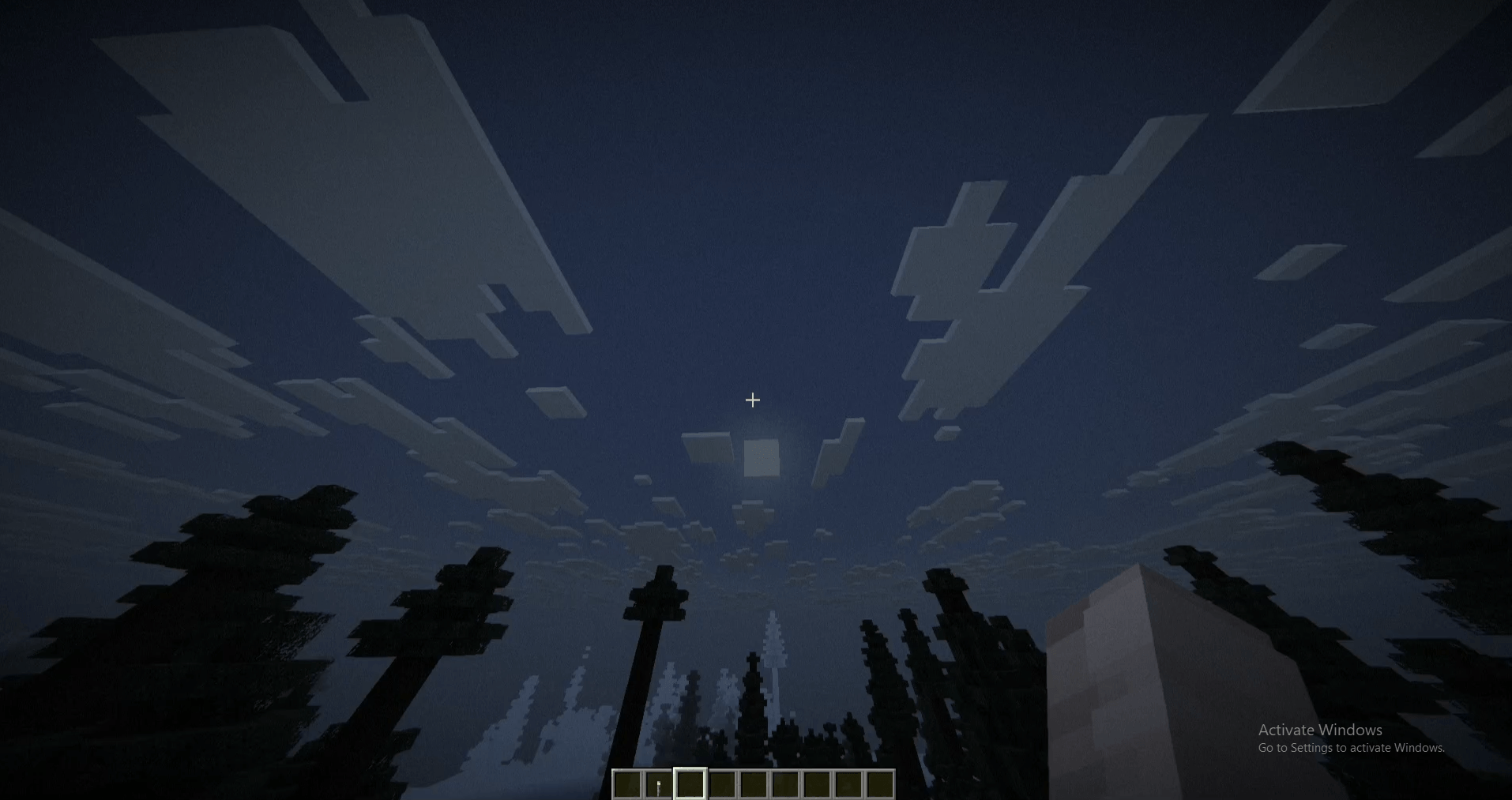
Một shaderpack hậu xử lý đầy u ám cho Minecraft — sương mù len lỏi, chỉnh màu ảm đạm và hiệu ứng tối góc kiểu tầm nhìn đường hầm, được tạo ra để khiến mọi ngọn đuốc đều cảm thấy không đủ.
Giới thiệu shader DreadShade
DreadShade is an OptiFine/Iris shaderpack built for atmosphere, not spectacle. Instead of chasing photorealism, it leans into four unsettling effects layered directly over vanilla rendering: fog that thickens at night and in rain, a cold desaturated color grade with crushed shadows, a heavy tunnel-vision vignette, and animated film grain with a faint flicker that keeps the screen feeling alive in the worst way. A touch of edge-weighted chromatic aberration finishes the look.
Every key value - fog density, grain amount, vignette strength, overall darkness - is exposed as an in-game slider under Shader Options, so you can dial the dread up or down without touching a line of code.
Built for players who want their base to feel like the only safe place left, and the world outside it to feel like it's watching back.
Cách cài đặt DreadShade
Install Millida Launcher
The launcher is free: download it at millida.net/launcher and sign in with any nickname.
Click “Install” on this page
The launcher opens and installs the shaders for Minecraft 1.19–26.2 automatically.
Launch the game
A profile with it appears in the launcher: click “Play”.
Phiên bản
Kèm phụ thuộc
| Minecraft | Loader | Tệp | Ngày | Hành động |
|---|---|---|---|---|
| 1.21 | — | DreadShade.zip4.4 KB 3 |
Câu hỏi thường gặp
Which Minecraft versions does DreadShade work on?
There are files for 1.19–26.2, 28 versions in total. The newest is 26.2.
How do I download DreadShade?
With Millida Launcher: it installs DreadShade into a modpack by itself, for the right game version and loader. The launcher is free.
Đánh giá
Hãy là người đầu tiên đánh giá DreadShade


