

Cartoonikal Shader cho Minecraft 1.20.1, 1.21.1
Một shader hoạt hình không tệ.
Cartoonikal!
Techniques used in hand-drawn art, in the form of a Minecraft shader. Version 1 features a vanilla look, but with effects such as cel shading, cross hatching, emphasized (and slightly wavy) edges, and a tiny bit of blur (only in darker areas)! More features and improvements coming soon!
This shader should be very light on FPS, and was made for use on latest versions of Iris, but should work on older verisons and Optifine. Looks best with a dynamic lights mod and the Bare Bones pack. If you want the light flicker disabled, use Ari's Accessiblity Tweaks
Check out the gallery for how it looks!
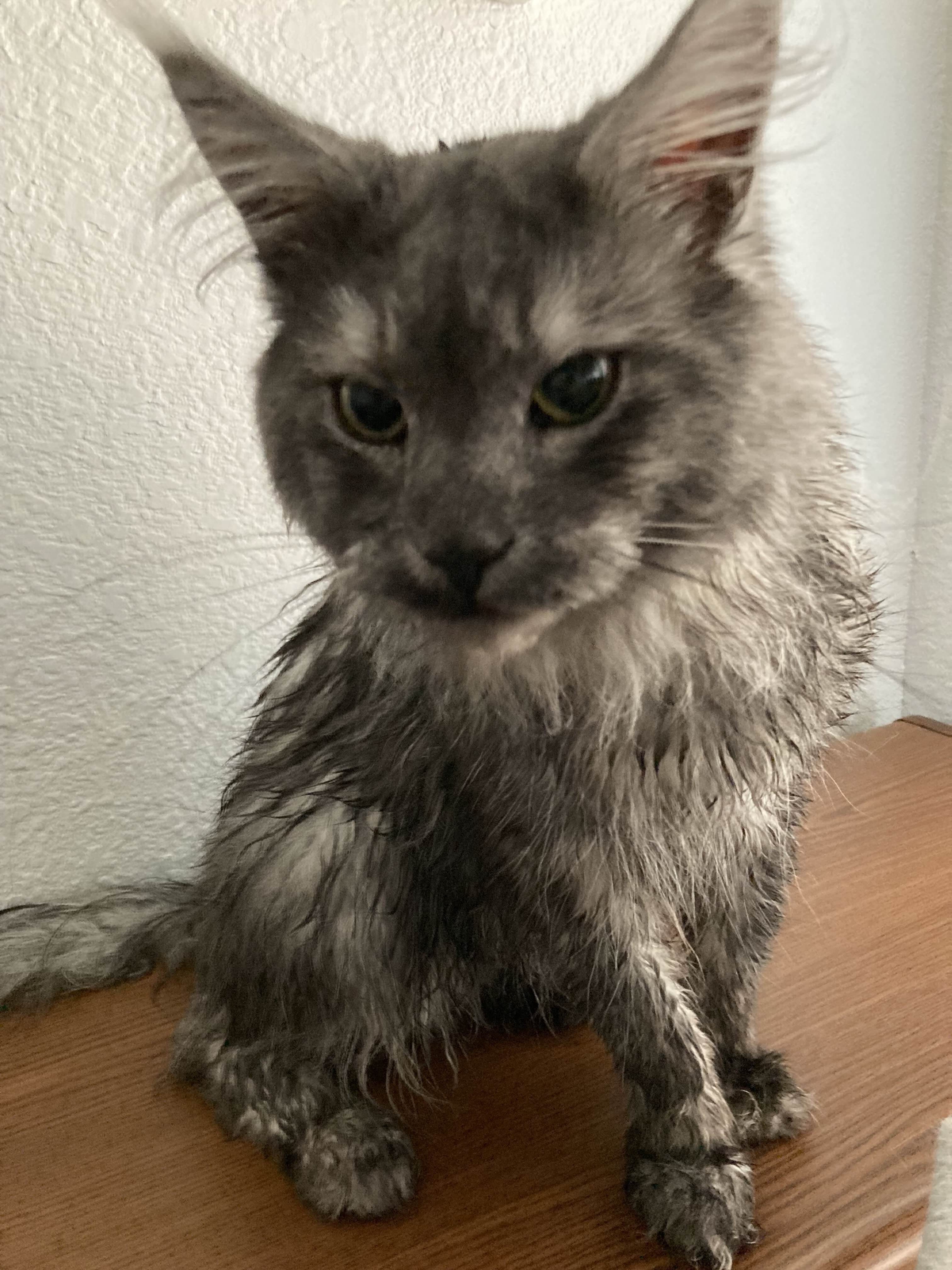
Shoutout to Diamond for the name idea and icon, featuring my cat Kenny!
Cách cài đặt Cartoonikal
With Millida Launcher
Install Millida Launcher
The launcher is free: download it at millida.net/launcher and sign in with any nickname.
Click “Install” on this page
The launcher opens and installs the shaders for Minecraft 1.18–1.21.8 automatically.
Launch the game
A profile with it appears in the launcher: click “Play”.
Manually
Install Iris or OptiFine
Without a shader mod the game cannot see shaders. Install it for the same Minecraft version.
Download the shader archive
Pick the file Cartoonikal.zip (18 KB) and do not unpack it.
Put it in the shaderpacks folder
“Options”, then “Video Settings”, then “Shader Packs”, then “Open Shader Pack Folder”, and drag the archive there.
Select the shaders
In the same window, click the pack name and “Apply”.
Phiên bản
Kèm phụ thuộc
| Minecraft | Loader | Tệp | Ngày | Hành động |
|---|---|---|---|---|
| 1.19.3 | — | Cartoonikal.zip18 KB |
Đánh giá
Hãy là người đầu tiên đánh giá Cartoonikal


