
 NeoForge
 Forge
ForgeGiới thiệu mod XyCraft: World
Tạo thế giới và quặng đã có mặt ở đây! Khắp thế giới là những bí ẩn đang chờ được khám phá, một trong số đó là Xychorium phát sáng!
Tóm tắt:
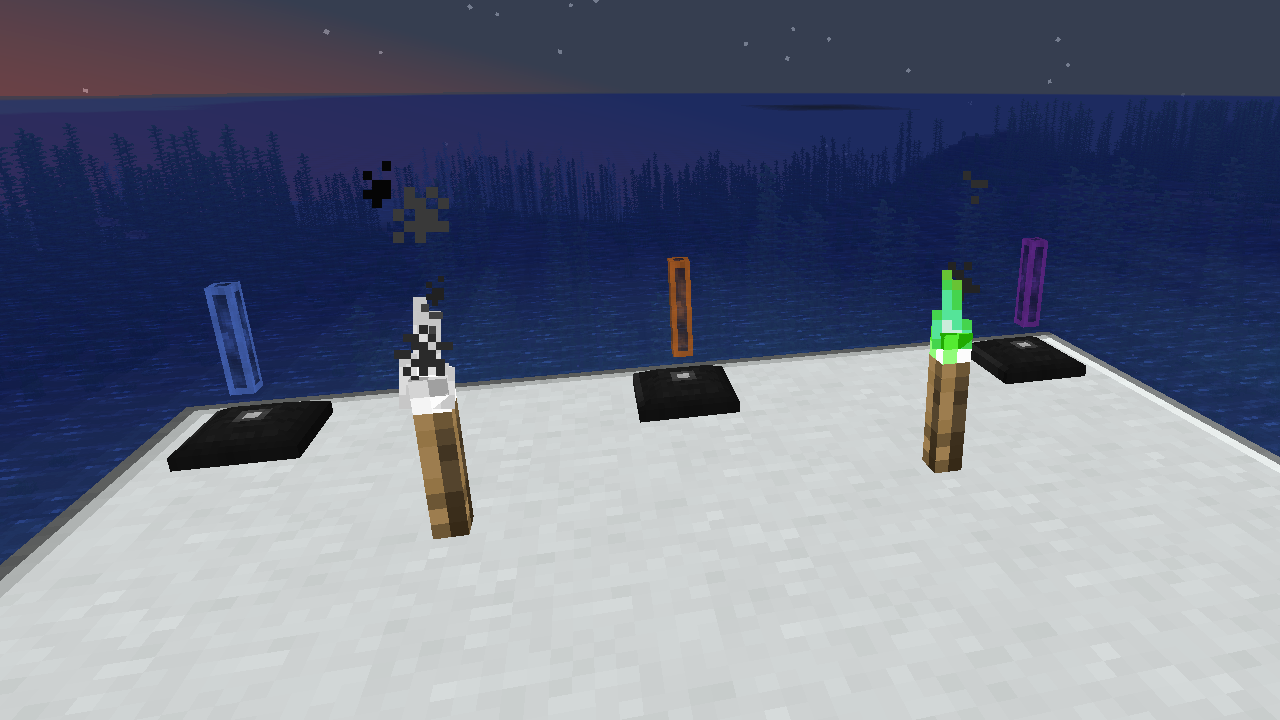
XyCraft World là thành phần bắt buộc của hầu hết các mod, và mặc dù có thể đã gói nó vào Core nhưng đã có một số tranh luận về việc cung cấp công cụ cho nhà phát triển bên ngoài mà không cần đến phần tạo thế giới. Chính vì lý do đó mà nó được tách riêng ra. Mọi phần tạo thế giới hoặc khám phá đều nằm trong module này.
Tính năng:
- Cung cấp phần tạo thế giới cho tất cả các module của XyCraft
- Các vật liệu như Xychorium và Nhôm với tag phù hợp
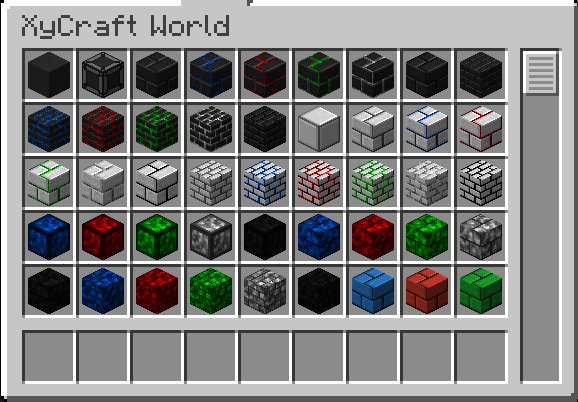
- Thêm các khối trang trí sử dụng hiệu ứng đám mây và phát sáng đặc trưng của XyCraft
Dự kiến:
- Các mỏ quặng kiểu Satisfactory trong một số ý tưởng.
- Nhiều phần thưởng khám phá hơn cho người chơi
- Hướng dẫn trong game về nơi tìm vật liệu và cách sử dụng chúng.
- Các vật phẩm thực phẩm/thực vật như ngô và cà chua.
- Có thể là một chiều không gian, nhưng điều đó không nằm trong lộ trình hiện tại nếu nó thực sự xảy ra.
- Kinh nghiệm rơi ra từ việc khai thác quặng.
- Nhiều biến thể và tùy chọn khối hơn.
Cách cài đặt XyCraft: World
With Millida Launcher
Install Millida Launcher
The launcher is free: download it at millida.net/launcher and sign in with any nickname.
Click “Install” on this page
The launcher opens and installs the mod for Minecraft 1.20.1–26.1.2 on Forge or NeoForge automatically.
Launch the game
A profile with it appears in the launcher: click “Play”.
Manually
Install Forge or NeoForge
The loader must match the game version of the mod file, for example Minecraft 26.1.2. After installing it, a separate profile appears in your launcher.
Download the file for your version
In the version list above, pick the file xycraft-world-0.9.2.jar (1.8 MB) for your game version and loader.
Put it in the mods folder
The folder is inside .minecraft (Windows: %appdata%\.minecraft\mods). If it does not exist, create it.
Launch the loader profile
Open “Mods” in the main menu: XyCraft: World should be in the list.
Phiên bản
Kèm phụ thuộc
| Minecraft | Loader | Tệp | Ngày | Hành động |
|---|---|---|---|---|
| 26.1.2 | NeoForge | XyCraft World 0.9.21.8 MB | ||
| 26.1.2 | NeoForge | XyCraft World 0.9.0-beta.211.8 MB | ||
| 1.20.1 | NeoForge, Forge | XyCraft World v0.6.222.7 MB |
Câu hỏi thường gặp
Which Minecraft versions does XyCraft: World work on?
There are files for 26.1.2, 1.20.1. The newest is 26.1.2.
Is XyCraft: World for Forge or Fabric?
There are files for Forge: 1.20.1 and for NeoForge: 1.20.1–26.1.2. There are no files for Fabric: a mod for another loader will not start.
Does XyCraft: World need other mods?
The author lists no required dependencies: the Forge or NeoForge loader is enough.
Where can I download XyCraft: World safely?
On this page: the file xycraft-world-0.9.2.jar (1.8 MB) is stored on Millida’s server, with no link shorteners. SHA-1 checksum: 7ecf6a0a0efb57e97b1b768e264f444259a325d0.
Đánh giá
Hãy là người đầu tiên đánh giá XyCraft: World


