
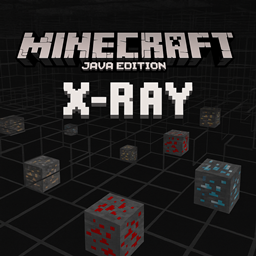
X-RAY Java Edition Mod cho Minecraft 26.1.2
Một gói X-Ray cho Minecraft Java Edition làm nổi bật các quặng như kim cương, vàng và redstone trong khi làm cho hầu hết các khối trở nên trong suốt, cho phép người chơi dễ dàng tìm thấy tài nguyên quý giá dưới lòng đất.
 Fabric
 Forge
Forge NeoForge
 Quilt
Quilt
X-Ray Mod (.jar) for Minecraft Java Edition
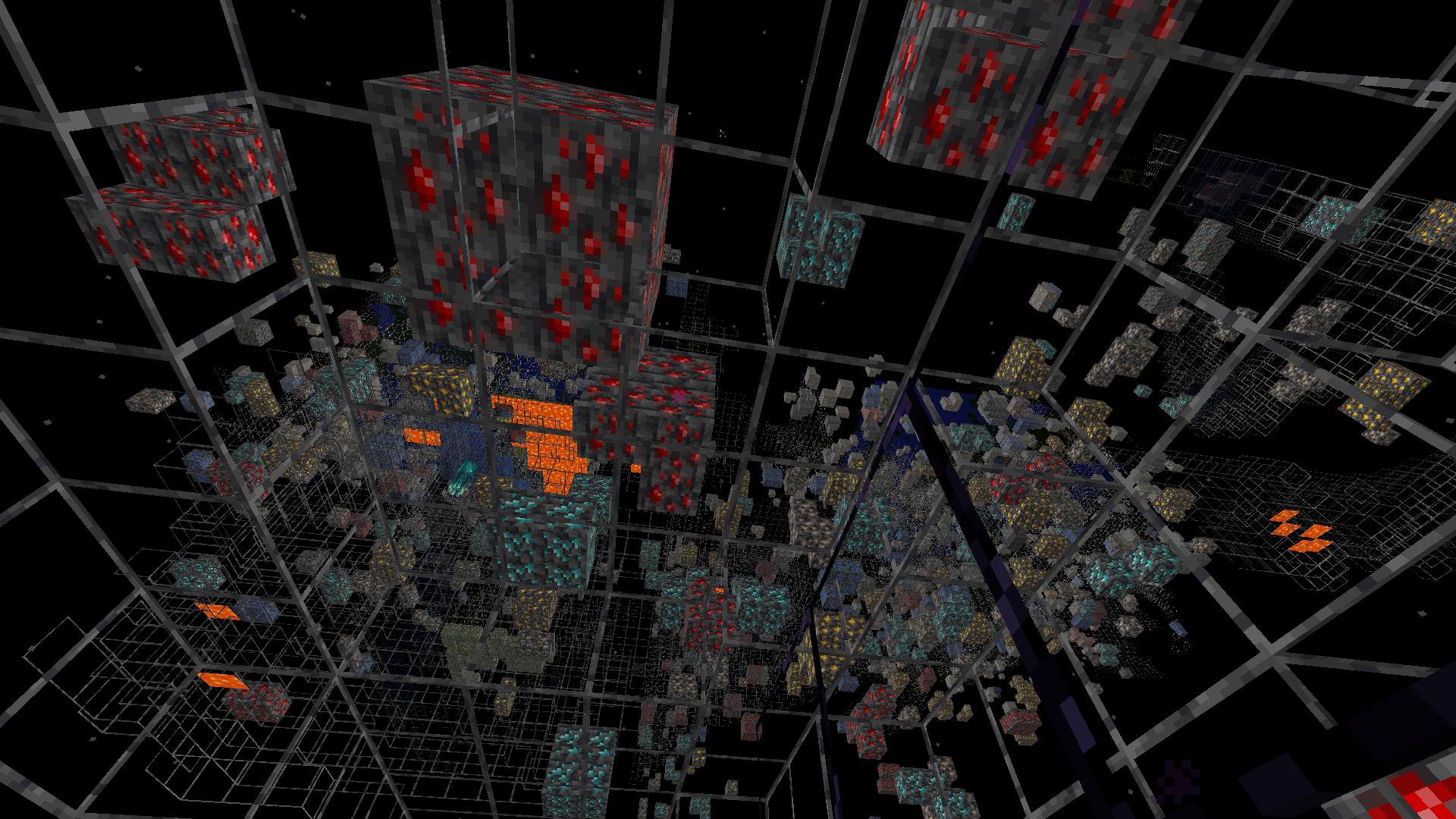
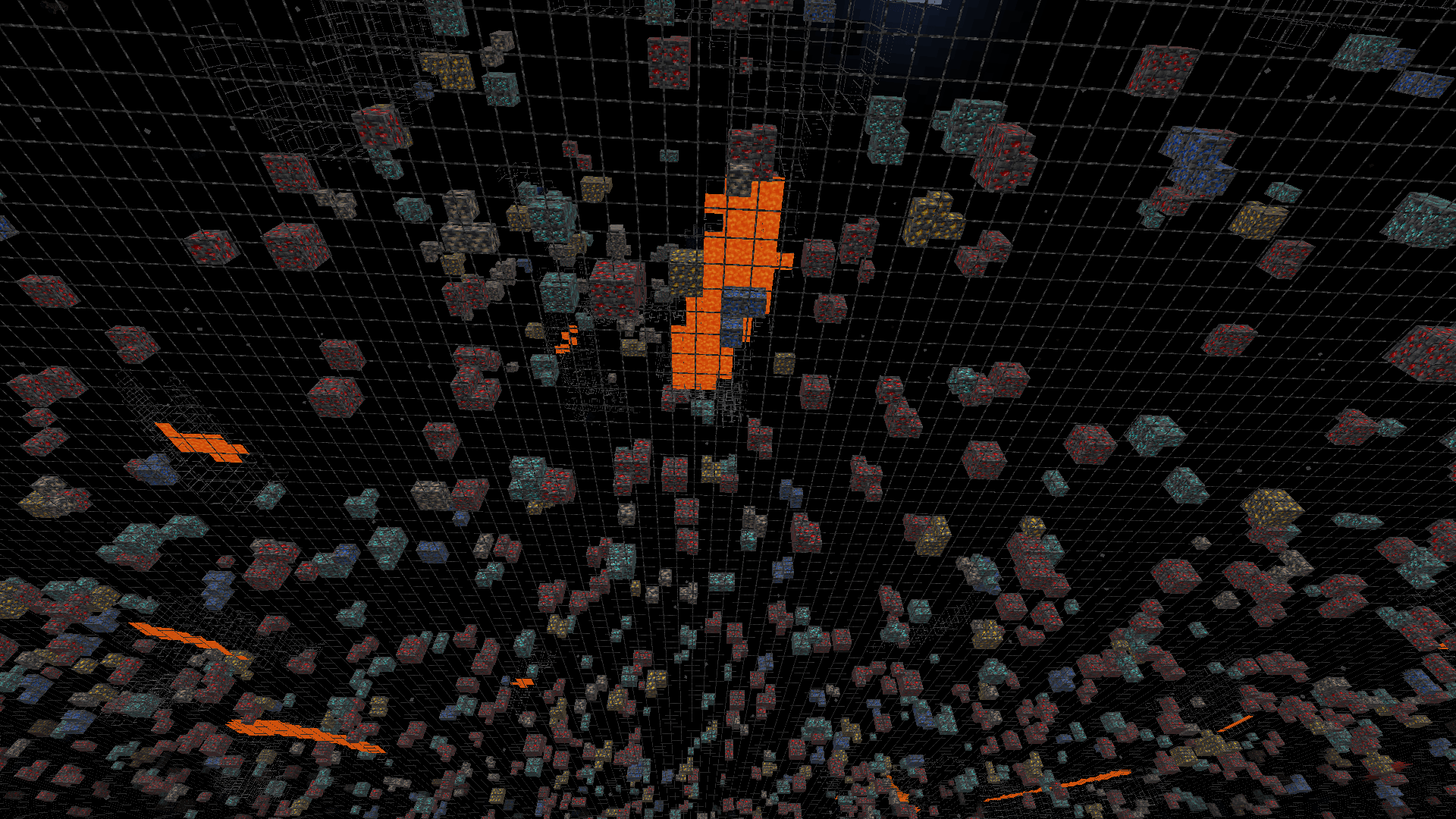
This mod makes stone, deepslate, and netherrack blocks transparent while keeping all ores fully visible perfect for finding resources quickly in both the Overworld and the Nether.
Screenshots
Overworld View
Nether View
⚠️ Note: This mod is intended for use in singleplayer or on servers that explicitly allow it. Using it on public servers without permission may violate server rules.
How to Install (.jar Version)
- Make sure you have Forge or Fabric or Quilt or NeoForge installed (matching your Minecraft version).
- Download the .jar file from the Files section.
- Place the .jar file into your .minecraft/mods folder.
- Launch Minecraft with the correct mod loader profile.
Enjoy seeing through stone and finding ores instantly!
Frequently Asked Questions
- Does this mod work with other mods? Yes, it’s lightweight and should work with most mods, but test for compatibility on your setup.
- Can I toggle the X-Ray effect? Currently, the effect is always on when the mod is active. A toggle feature may be added in future updates.
- Will this mod get me banned on servers? Only use it on servers that allow X-Ray mods to avoid violating rules.
Cách cài đặt X-RAY Java Edition
With Millida Launcher
Install Millida Launcher
The launcher is free: download it at millida.net/launcher and sign in with any nickname.
Click “Install” on this page
The launcher opens and installs the mod for Minecraft 26.1–26.1.2 on Fabric, Forge, NeoForge or Quilt automatically.
Launch the game
A profile with it appears in the launcher: click “Play”.
Manually
Install Fabric, Forge, NeoForge or Quilt
The loader must match the game version of the mod file, for example Minecraft 26.1.2. After installing it, a separate profile appears in your launcher.
Download the file for your version
In the version list above, pick the file XRAY-1.3.1.jar (3.0 MB) for your game version and loader.
Put it in the mods folder
The folder is inside .minecraft (Windows: %appdata%\.minecraft\mods). If it does not exist, create it.
Launch the loader profile
Open “Mods” in the main menu: X-RAY Java Edition should be in the list.
Phiên bản
Kèm phụ thuộc
| Minecraft | Loader | Tệp | Ngày | Hành động |
|---|---|---|---|---|
| 26.1 | Fabric, Forge, NeoForge, Quilt | XRAY-1.3.1.jar3 MB 43 |
Đánh giá
Hãy là người đầu tiên đánh giá X-RAY Java Edition


