
- lượt tải
- 1 lượt tải
- lượt xem
- 19 lượt xem
- Đã cập nhật
- Đã cập nhật 17.10.2026
- 1.12.2 — 1.16.5
 Forge
Forge
Giới thiệu mod Woot
LƯU Ý:
1.15/1.16 hỗ trợ Patchouli cho sách hướng dẫn trong game
1.12 hỗ trợ Guide-API cho sách hướng dẫn trong game
Nhật ký thay đổi
Nhật ký thay đổi 1.16 https://github.com/Ipsis/Woot/blob/1.16.x/CHANGELOG.md
Nhật ký thay đổi 1.15 https://github.com/Ipsis/Woot/blob/1.15.x/CHANGELOG.md
Nhật ký thay đổi 1.12 https://github.com/Ipsis/Woot/wiki/Woot-Changelog-1.12
Giới thiệu mod bởi RGSha
Chúng ta đều đã từng trải qua điều đó trong Minecraft - xây dựng trang trại mob.
Tất cả chúng đều quy về cùng một việc.
- Sinh ra mob
- Giết mob
- Thu thập XP và chiến lợi phẩm
- Xử lý một lượng lớn thực thể được sinh ra
Woot làm mọi thứ hơi khác một chút ..... nó không sinh ra bất kỳ mob nào trong thế giới .... CÁI GÌ?!
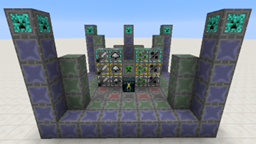
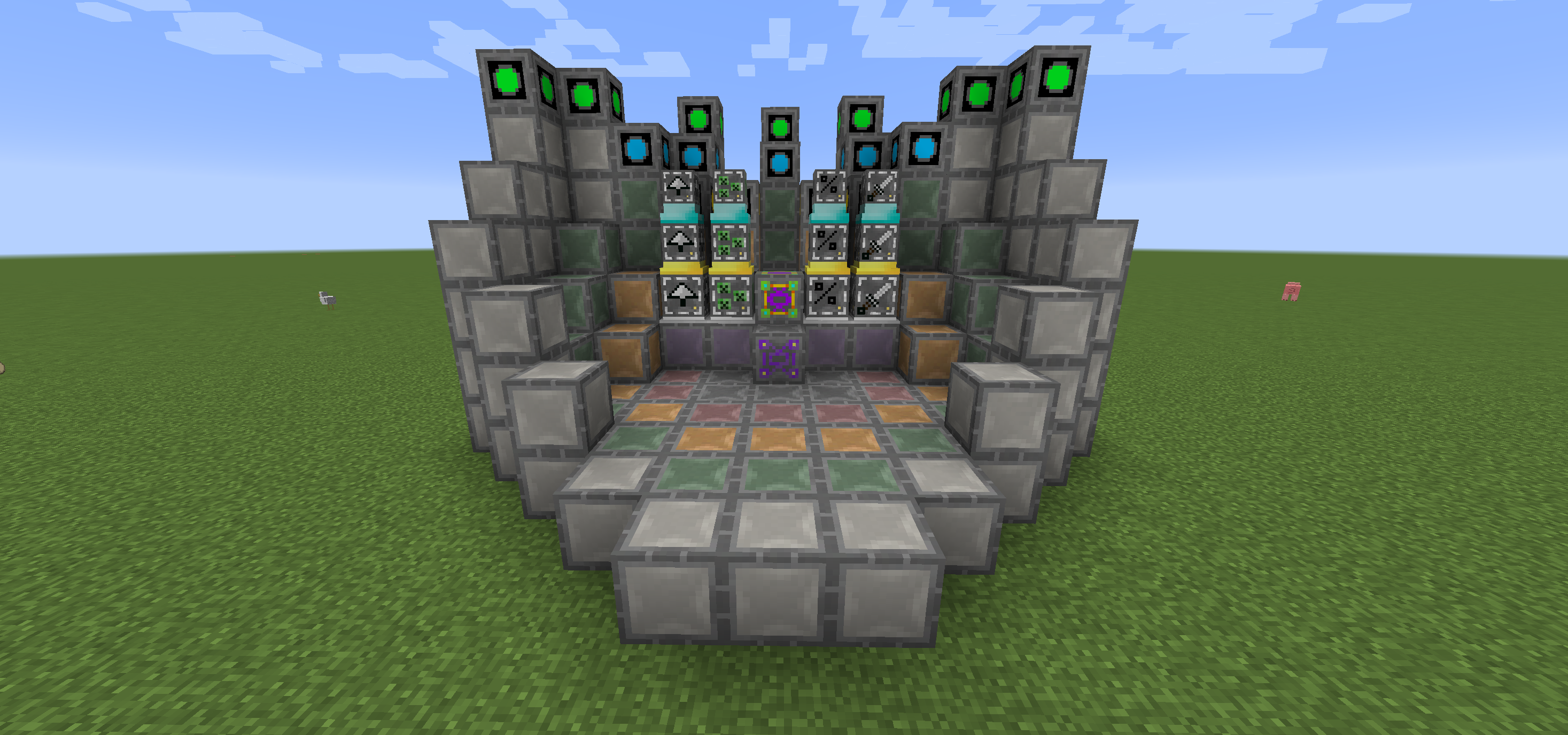
Trong Woot, bạn xây dựng nhà máy của mình rồi lập trình nó với mob mà bạn chọn. Sau đó, bạn cấp cho nó một ít năng lượng và một kho đồ để chứa tất cả chiến lợi phẩm mà mob lẽ ra sẽ tạo ra.
Có nhiều cấp bậc nhà máy khác nhau để xử lý các mob cấp cao hơn. Vậy nên đúng, bạn cần nhà máy lớn để sinh ra Wither!
Để mọi việc dễ dàng hơn một chút, có một khối sơ đồ để chỉ cho bạn nơi cần đặt tất cả các khối trong đa khối của mỗi cấp bậc.
Bạn cũng có thể nâng cấp nhà máy của mình để nhận thêm lợi ích, tất cả đều tốn thêm năng lượng.
- Looting I/II/III - áp dụng looting cho các vụ giết mob
- Rate I/II/III - sinh mob nhanh hơn
- Mass I/II/III - sinh nhiều mob hơn
- Decapitate I/II/III - tăng tỷ lệ rơi đầu
- XP I/II/III - tạo ra mảnh XP
- Efficiency I/II/III - làm nhà máy của bạn rẻ hơn một chút về mặt năng lượng
- BloodMagic I/II/III - tạo Life Essence thông qua một Nghi lễ
https://github.com/Ipsis/Woot/wiki
http://www.minecraftforum.net/forums/mapping-and-modding/minecraft-mods/2659457-woot-the-alternative-mob-factory

Cách cài đặt Woot
With Millida Launcher
Install Millida Launcher
The launcher is free: download it at millida.net/launcher and sign in with any nickname.
Click “Install” on this page
The launcher opens and installs the mod for Minecraft 1.12.2–1.16.5 on Forge automatically.
Launch the game
A profile with it appears in the launcher: click “Play”.
Manually
Install Forge
The loader must match the game version of the mod file, for example Minecraft 1.16.5. After installing it, a separate profile appears in your launcher.
Download the file for your version
In the version list above, pick the file woot-1.16.5-1.0.8.4.jar (1.1 MB) for your game version.
Put it in the mods folder
The folder is inside .minecraft (Windows: %appdata%\.minecraft\mods). If it does not exist, create it.
Launch the loader profile
Open “Mods” in the main menu: Woot should be in the list.
Minecraft 1.16.5 runs on Java 8: with a different Java version the game may close right after launch.
Phiên bản
Kèm phụ thuộc
| Minecraft | Loader | Tệp | Ngày | Hành động |
|---|---|---|---|---|
| 1.16.5 | Forge | woot-1.16.5-1.0.8.4.jar1.1 MB 1 | ||
| 1.16.2 | Forge | woot-1.16.2-1.0.0.0.jar903 KB | ||
| 1.15.2 | — | woot-1.15.2-1.1.1.0.jar888 KB | ||
| 1.12.2 | — | woot-1.12.2-1.4.11.jar859 KB | ||
| 1.12.2 | — | woot-1.12.2-0.0.10.jar741 KB |
Câu hỏi thường gặp
Which Minecraft versions does Woot work on?
There are files for 1.16.5, 1.16.4, 1.16.2, 1.15.2, 1.12.2. The newest is 1.16.5.
Is Woot for Forge or Fabric?
Only for Forge: 1.16.2–1.16.5. There are no files for Fabric or NeoForge: a mod for another loader will not start.
Does Woot need other mods?
The author lists no required dependencies: the Forge loader is enough.
Which Java does Woot need?
Minecraft 1.16.5 runs on Java 8. If the game closes right after launch, the usual cause is the wrong Java version in the profile settings.
Where can I download Woot safely?
On this page: the file woot-1.16.5-1.0.8.4.jar (1.1 MB) is stored on Millida’s server, with no link shorteners. SHA-1 checksum: 271c86303514ca621fecfe41d1e6688e156738b8.
Đánh giá
Hãy là người đầu tiên đánh giá Woot


