
Water Strainer Mod cho Minecraft 1.12.2, 1.19.4
Thêm máy lọc nước để lọc nước lấy tài nguyên phổ biến.
- lượt tải
- 1 lượt tải
- lượt xem
- 25 lượt xem
- Đã cập nhật
- Đã cập nhật 26.10.2026
- 1.12 — 1.19.4
 Forge
Forge
Giới thiệu mod Water Strainer
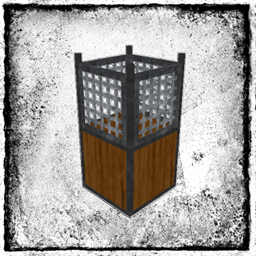
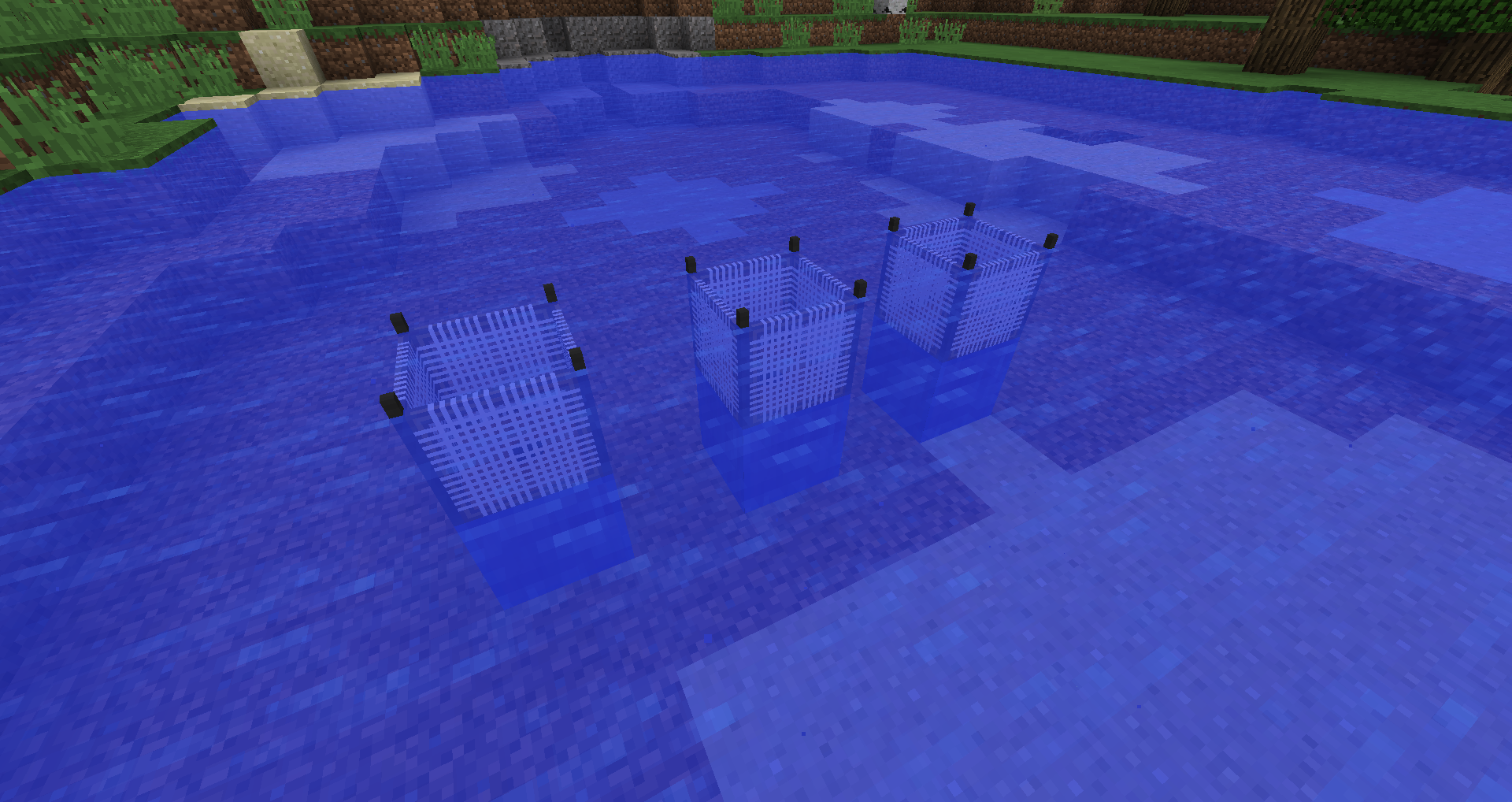
Mô tả: Water Strainer thêm khả năng lọc nước để tìm các tài nguyên phổ biến. Một cái rây sẽ hứng các vật phẩm thông thường (như Cát, Sỏi, Gậy, Đất sét, ...) khi nó ở trong nước. Chúng có thể bị hỏng, nhưng có thể được chế tạo từ nhiều vật liệu khác nhau để tăng độ bền. Ý tưởng là thu được một số tài nguyên phổ biến trong khi bạn đang bận làm việc khác. Độ cao/dòng chảy của nước và loại quần xã sinh vật sẽ ảnh hưởng đến hiệu quả. Độ bền, thời gian chờ, bảng vật phẩm rơi và nhiều thứ khác đều có thể tùy chỉnh. Water Strainer cũng có thể được dùng cho các bản đồ skyblock.
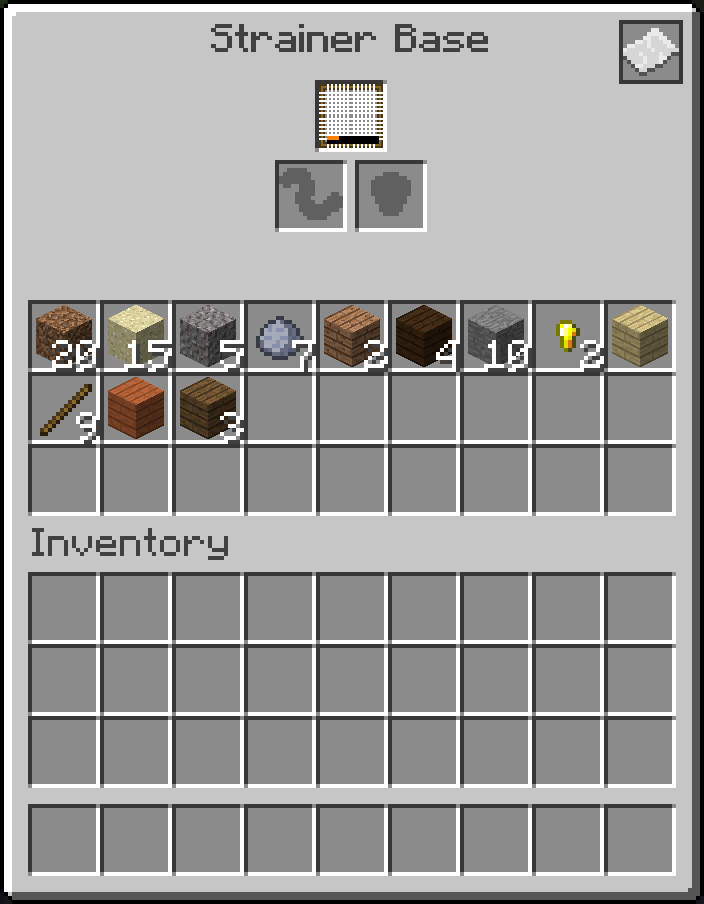
Cách bắt đầu: (1) Chế tạo một đế rây. (2) Chế tạo bất kỳ loại rây nào. (3) Đặt đế rây vào trong một hồ nước (đế cần có nước ở phía trên). (4) Đặt rây của bạn vào đế. Rây sẽ lọc nước để tìm vật phẩm. Danh sách vật phẩm phụ thuộc vào loại rây. Vật phẩm có thể được đưa vào và lấy ra từ phần dưới của Đế Rây.
Tương thích: Mod hỗ trợ Just Enough Items (JEI).
Chính sách Modpack: Bạn được phép đưa mod vào bất kỳ modpack nào. Bạn không được phép bán mod hoặc nội dung của mod (như vật phẩm).
Cách cài đặt Water Strainer
With Millida Launcher
Install Millida Launcher
The launcher is free: download it at millida.net/launcher and sign in with any nickname.
Click “Install” on this page
The launcher opens and installs the mod for Minecraft 1.12–1.19.4 on Forge automatically.
Launch the game
A profile with it appears in the launcher: click “Play”.
Manually
Install Forge
The loader must match the game version of the mod file, for example Minecraft 1.19.4. After installing it, a separate profile appears in your launcher.
Download the file for your version
In the version list above, pick the file WaterStrainer-1.19.4-16.0.0.jar (233 KB) for your game version.
Put it in the mods folder
The folder is inside .minecraft (Windows: %appdata%\.minecraft\mods). If it does not exist, create it.
Launch the loader profile
Open “Mods” in the main menu: Water Strainer should be in the list.
Minecraft 1.19.4 runs on Java 17: with a different Java version the game may close right after launch.
Phiên bản
Kèm phụ thuộc
| Minecraft | Loader | Tệp | Ngày | Hành động |
|---|---|---|---|---|
| 1.19.4 | Forge | WaterStrainer-1.19.4-16.0.0.jar233 KB | ||
| 1.12.1 | Forge | WaterStrainer-1.12-3.3.0.jar120 KB 1 | ||
| 1.14.4 | — | WaterStrainer-1.14.4-7.0.0.jar216 KB | ||
| 1.14.3 | — | WaterStrainer-1.14.3-6.1.0.jar190 KB |
Câu hỏi thường gặp
Which Minecraft versions does Water Strainer work on?
There are files for 1.19.4, 1.14.4, 1.14.3, 1.12.2, 1.12.1, 1.12. The newest is 1.19.4.
Is Water Strainer for Forge or Fabric?
Only for Forge: 1.12–1.19.4. There are no files for Fabric or NeoForge: a mod for another loader will not start.
Does Water Strainer need other mods?
The author lists no required dependencies: the Forge loader is enough.
Which Java does Water Strainer need?
Minecraft 1.19.4 runs on Java 17. If the game closes right after launch, the usual cause is the wrong Java version in the profile settings.
Where can I download Water Strainer safely?
On this page: the file WaterStrainer-1.19.4-16.0.0.jar (233 KB) is stored on Millida’s server, with no link shorteners. SHA-1 checksum: 80cd871030e40bb262269c2fcf6aaf103bed4f5e.
Đánh giá
Hãy là người đầu tiên đánh giá Water Strainer


