

 Forge
Giới thiệu mod Transport
Transport là mod tổng hợp cho tất cả ý tưởng của tôi liên quan đến Minecart/Thuyền. Hiện tại mod hỗ trợ một vài loại đường ray minecart và bộ nạp bổ sung, kế hoạch là không chỉ mở rộng những thứ đó mà còn thêm tàu hỏa, liên kết toa xe, thuyền tự động, và thậm chí cả những ý tưởng xa hơn như đường dành cho ngựa, tàu ngầm và nhiều hơn nữa.
Mod này nhằm bao gồm những ý tưởng tiếp theo của tôi như Vehicular Engineering, OpenTransport, Magical Railways và các mod khác mà tôi từng có, mà không biến mọi thứ thành 20 mod riêng lẻ.
Hiện có hai nhóm tính năng đã được triển khai.
Đường ray: Holding, Diamond Crossing, Elevator Switch, Scaffolding Rail
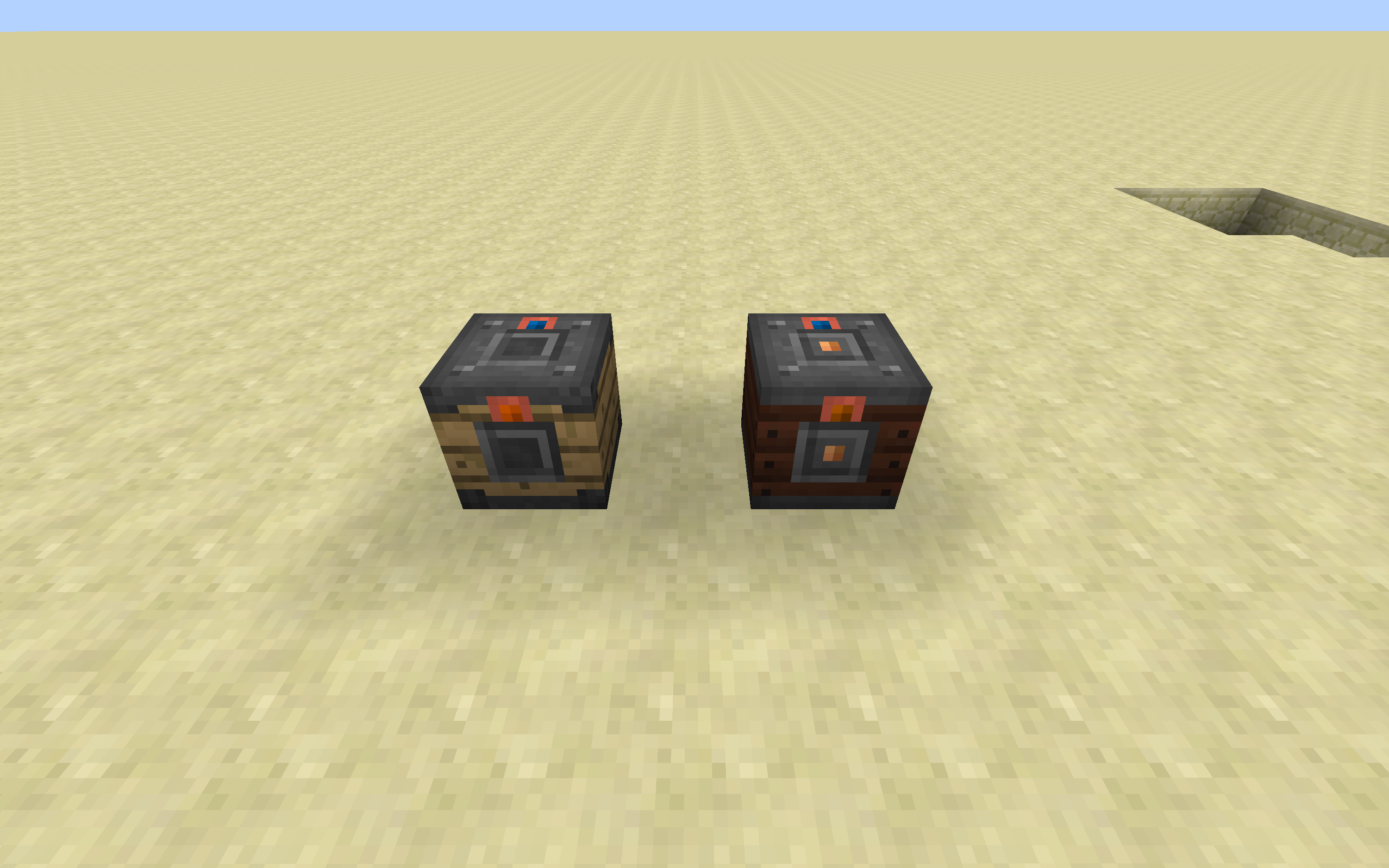
Bộ nạp: Inventory, Forge Energy, Fluid Tank
Toa xe: Inventory, Forge Energy, Fluid Tank
Với Bộ nạp, ban đầu chúng không có mặt nhập hay mặt xuất. Dùng bất kỳ vật phẩm nào được gắn thẻ "forge:wrenches" (Lưu ý mặc định là một cây gậy), bạn có thể cấu hình các mặt thành đầu vào hoặc đầu ra. Các mặt hỗ trợ cả Block và Entity (bao gồm cả Người chơi).
Tham gia Discord với chúng tôi: https://discordapp.com/invite/0h9DNazfyABqZMeC
Cách cài đặt Transport
With Millida Launcher
Install Millida Launcher
The launcher is free: download it at millida.net/launcher and sign in with any nickname.
Click “Install” on this page
The launcher opens and installs the mod for Minecraft 1.16.5 on Forge automatically.
Launch the game
A profile with it appears in the launcher: click “Play”.
Manually
Install Forge
The loader must match the game version of the mod file, for example Minecraft 1.16.5. After installing it, a separate profile appears in your launcher.
Download the file for your version
In the version list above, pick the file Transport-1.16.5-3.7.0.jar (1.1 MB) for your game version.
Put it in the mods folder
The folder is inside .minecraft (Windows: %appdata%\.minecraft\mods). If it does not exist, create it.
Launch the loader profile
Open “Mods” in the main menu: Transport should be in the list.
Minecraft 1.16.5 runs on Java 8: with a different Java version the game may close right after launch.
Phiên bản
Kèm phụ thuộc
| Minecraft | Loader | Tệp | Ngày | Hành động |
|---|---|---|---|---|
| 1.16.5 | Forge | Transport-1.16.5-3.7.0.jar1.1 MB 1 | ||
| 1.16.5 | — | Transport-1.16.5-3.5.1.jar1005 KB |
Câu hỏi thường gặp
Which Minecraft versions does Transport work on?
Only Minecraft 1.16.5: there are no files for other versions.
Is Transport for Forge or Fabric?
Only for Forge: 1.16.5. There are no files for Fabric or NeoForge: a mod for another loader will not start.
Does Transport need other mods?
The author lists no required dependencies: the Forge loader is enough.
Which Java does Transport need?
Minecraft 1.16.5 runs on Java 8. If the game closes right after launch, the usual cause is the wrong Java version in the profile settings.
Where can I download Transport safely?
On this page: the file Transport-1.16.5-3.7.0.jar (1.1 MB) is stored on Millida’s server, with no link shorteners. SHA-1 checksum: 1bb22c300d636feafb2da3462470429955f61c10.
Đánh giá
Hãy là người đầu tiên đánh giá Transport


