

- lượt tải
- 7 lượt tải
- lượt xem
- 30 lượt xem
- lượt thích
- 1 lượt thích
- Đã cập nhật
- Đã cập nhật 22.10.2026
- 1.15.2 — 1.18.2
 Forge
Forge
Giới thiệu:
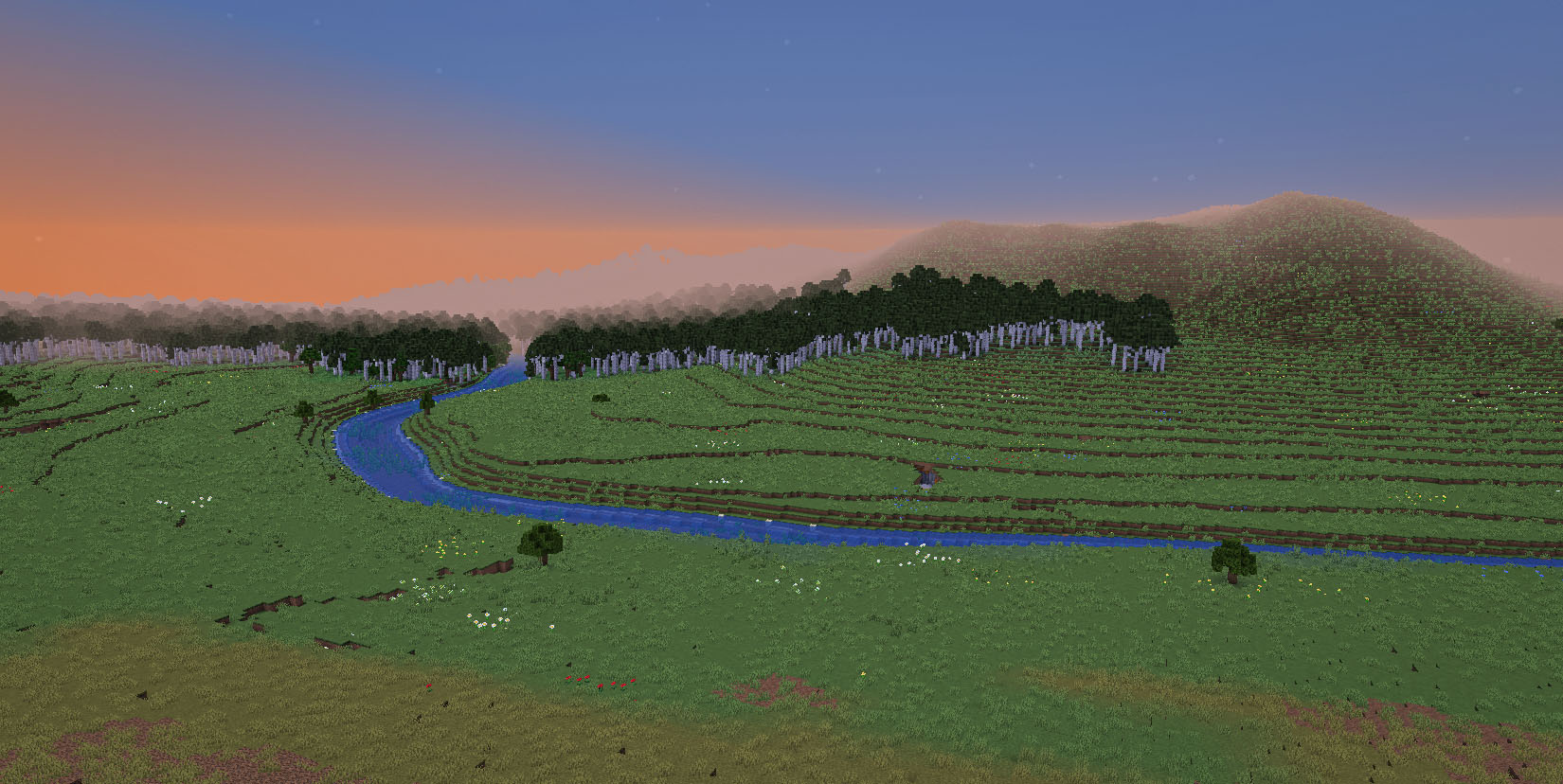
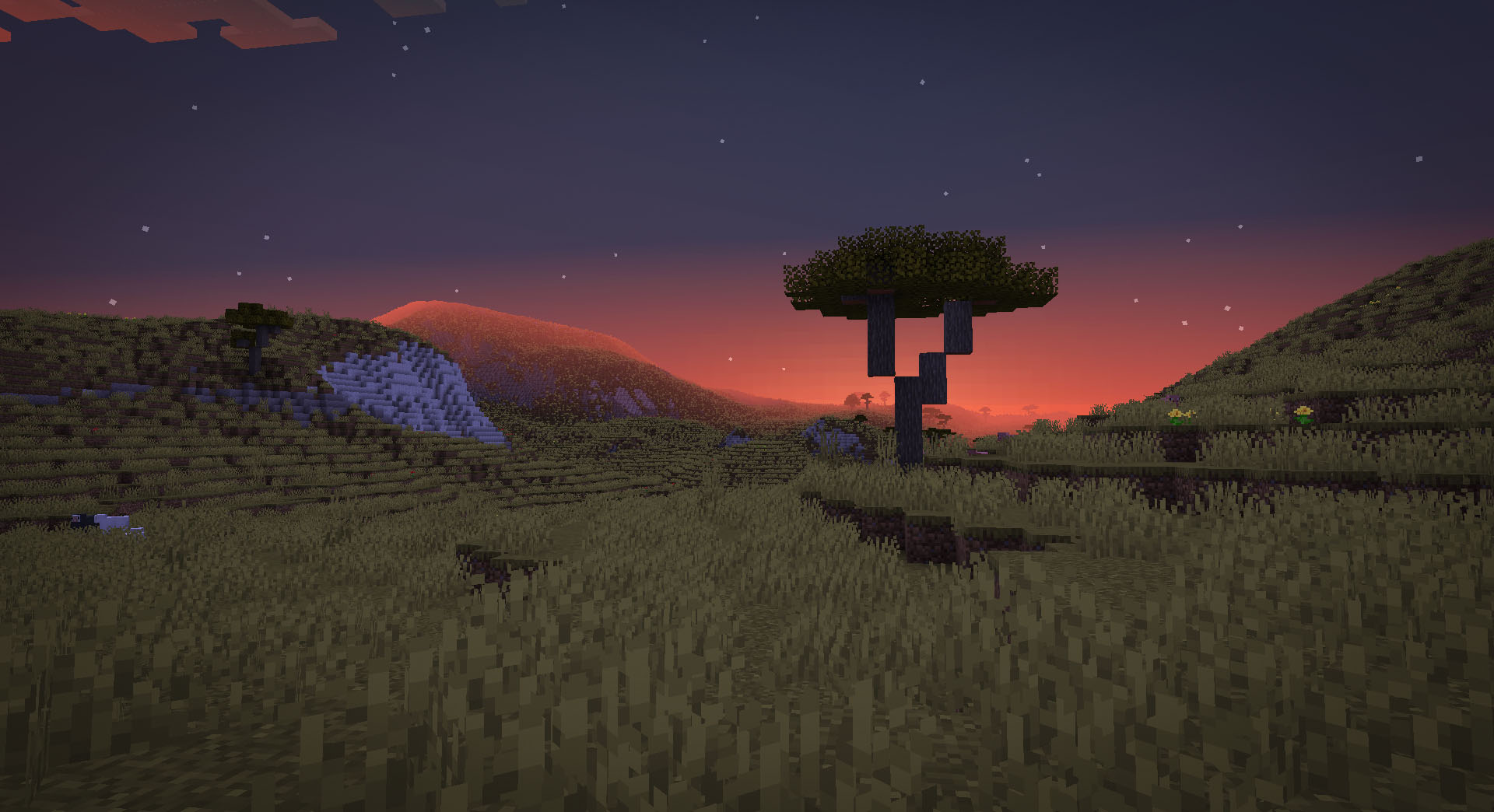
TerraForged là một mod tạo thế giới dành cho Minecraft (Java Edition), giúp tạo ra những thế giới sống động và truyền cảm hứng hơn để khám phá. Mod cải tổ hoàn toàn hệ thống tạo thế giới gốc với địa hình hoàn toàn mới, sông ngòi đẹp hơn, các đặc điểm quần xã tùy chỉnh và vô số tùy chọn cấu hình đi kèm!
Discord:
https://discord.gg/petc6SF6P2
Cài đặt:
- Cài forge cho phiên bản Minecraft mục tiêu (ví dụ 1.15.2)
- Thêm tệp jar của mod TerraForged vào thư mục mods trong profile của bạn
- Chọn kiểu thế giới 'TerraForged' khi tạo thế giới mới
Câu hỏi thường gặp:
- "Mod này có hoạt động với quần xã của các mod khác không?"
Có, chắc chắn là được. Khi bạn chọn 'TerraForged' làm kiểu thế giới, mod sẽ tìm tất cả các quần xã ở thế giới bề mặt hiện có (gốc và từ mod) và đưa chúng vào quá trình tạo thế giới một cách tốt nhất có thể.
- "Làm thế nào để dùng mod này trên server của tôi?"
Bạn cần chạy server Forge. Chỉ cần thêm tệp jar của mod TerraForged vào thư mục mods của server và đặt level-type=terraforged trong tệp server.properties (hãy làm điều này trước khi khởi động server)
- "Mod này có được chuyển sang Fabric/Bukkit/Spigot/Sponge hoặc các phiên bản Minecraft cũ không?"
Không. Tuy nhiên các modder khác đều được hoan nghênh làm điều đó
Thông tin cho các tác giả mod
- Quần xã - nếu bạn muốn TerraForged sử dụng quần xã tùy chỉnh của bạn trong quá trình tạo thế giới, vui lòng xem thông tin này
- Khối - nếu bạn muốn các khối tùy chỉnh của mình xuất hiện trong các lớp địa tầng của TerraForged, vui lòng xem thông tin này
Cách cài đặt TerraForged
With Millida Launcher
Install Millida Launcher
The launcher is free: download it at millida.net/launcher and sign in with any nickname.
Click “Install” on this page
The launcher opens and installs the mod for Minecraft 1.15.2–1.18.2 on Forge automatically.
Launch the game
A profile with it appears in the launcher: click “Play”.
Manually
Install Forge
The loader must match the game version of the mod file, for example Minecraft 1.18.2. After installing it, a separate profile appears in your launcher.
Download the file for your version
In the version list above, pick the file TerraForged-1.18.2-0.3.1-alpha-2.jar (1.1 MB) for your game version.
Put it in the mods folder
The folder is inside .minecraft (Windows: %appdata%\.minecraft\mods). If it does not exist, create it.
Launch the loader profile
Open “Mods” in the main menu: TerraForged should be in the list.
Minecraft 1.18.2 runs on Java 17: with a different Java version the game may close right after launch.
Phiên bản
Kèm phụ thuộc
| Minecraft | Loader | Tệp | Ngày | Hành động |
|---|---|---|---|---|
| 1.16.5 | Forge | 0.2.161.6 MB 4 | ||
| 1.18.2 | Forge | 0.3.1-ALPHA-21.1 MB 1 | ||
| 1.16.5 | Forge | 0.2.16-BETA-21.6 MB | ||
| 1.15.2 | — | 0.0.5920 KB 2 |
Câu hỏi thường gặp
Which Minecraft versions does TerraForged work on?
There are files for 1.18.2, 1.16.5, 1.15.2. The newest is 1.18.2.
Is TerraForged for Forge or Fabric?
Only for Forge: 1.16.5–1.18.2. There are no files for Fabric or NeoForge: a mod for another loader will not start.
Does TerraForged need other mods?
The author lists no required dependencies: the Forge loader is enough.
Which Java does TerraForged need?
Minecraft 1.18.2 runs on Java 17. If the game closes right after launch, the usual cause is the wrong Java version in the profile settings.
How do I download TerraForged?
With Millida Launcher: it installs TerraForged into a modpack by itself, for the right game version and loader. The launcher is free.
Đánh giá
Hãy là người đầu tiên đánh giá TerraForged


