
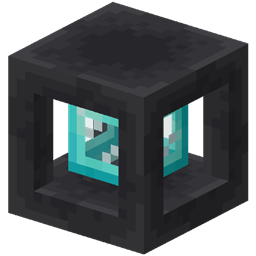
Tank Storage Mod cho Minecraft 1.20.1, 1.21.1
Một bồn chứa di động có thể lưu trữ nhiều chất lỏng.
 NeoForge
 Fabric
Tank Storage
Adds Tanks of 7 increasing sizes. A portable tank that can store multiple fluids.
Features
- Portable: Store fluids on the go!
- Different sizes: From Tank 1 with 3 slots to Tank 7 with 27 slots each with increasing fluid capacity.
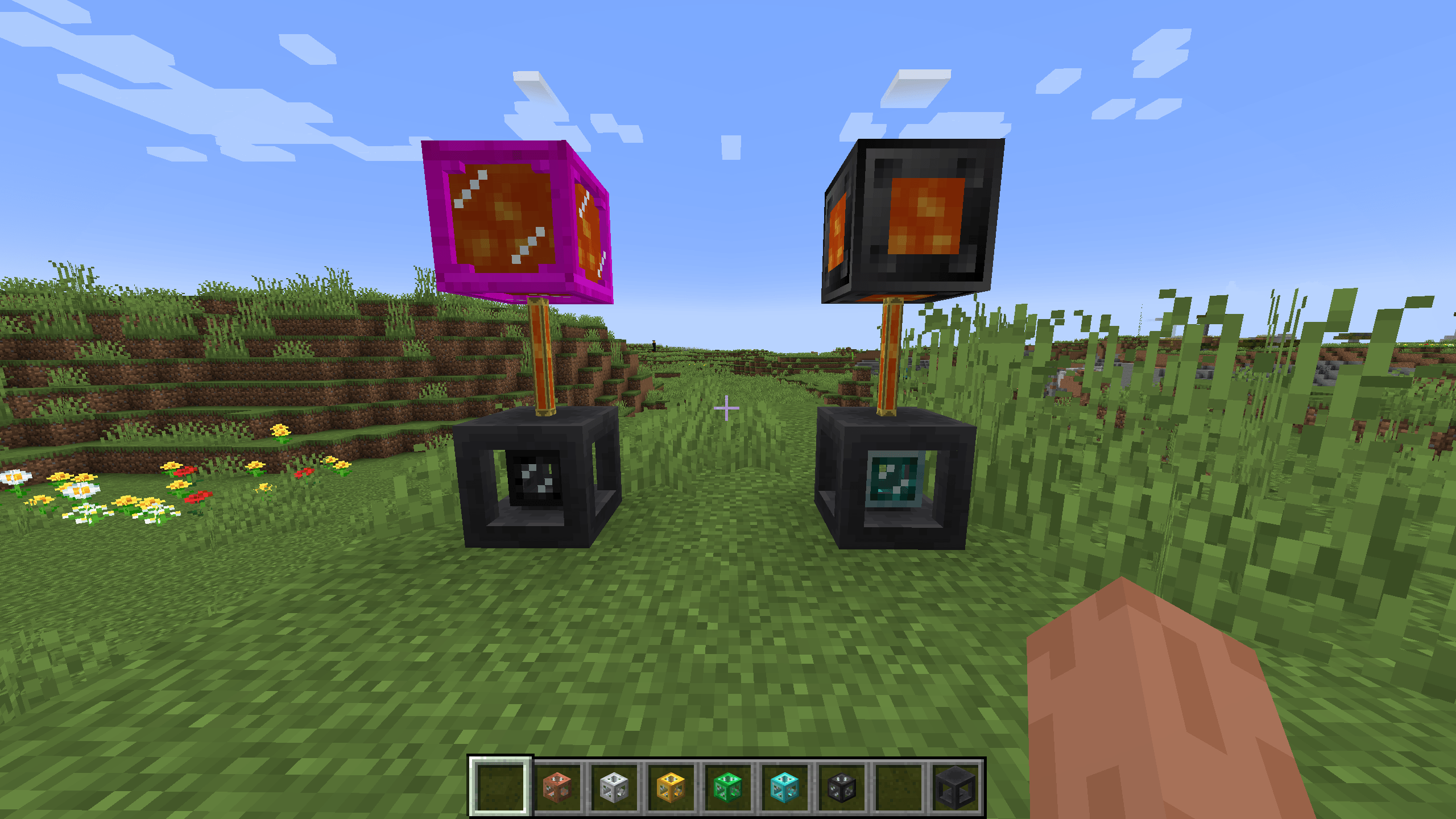
- Tank Dock: Dock your tank to easily access it in-world.
Bucket mode
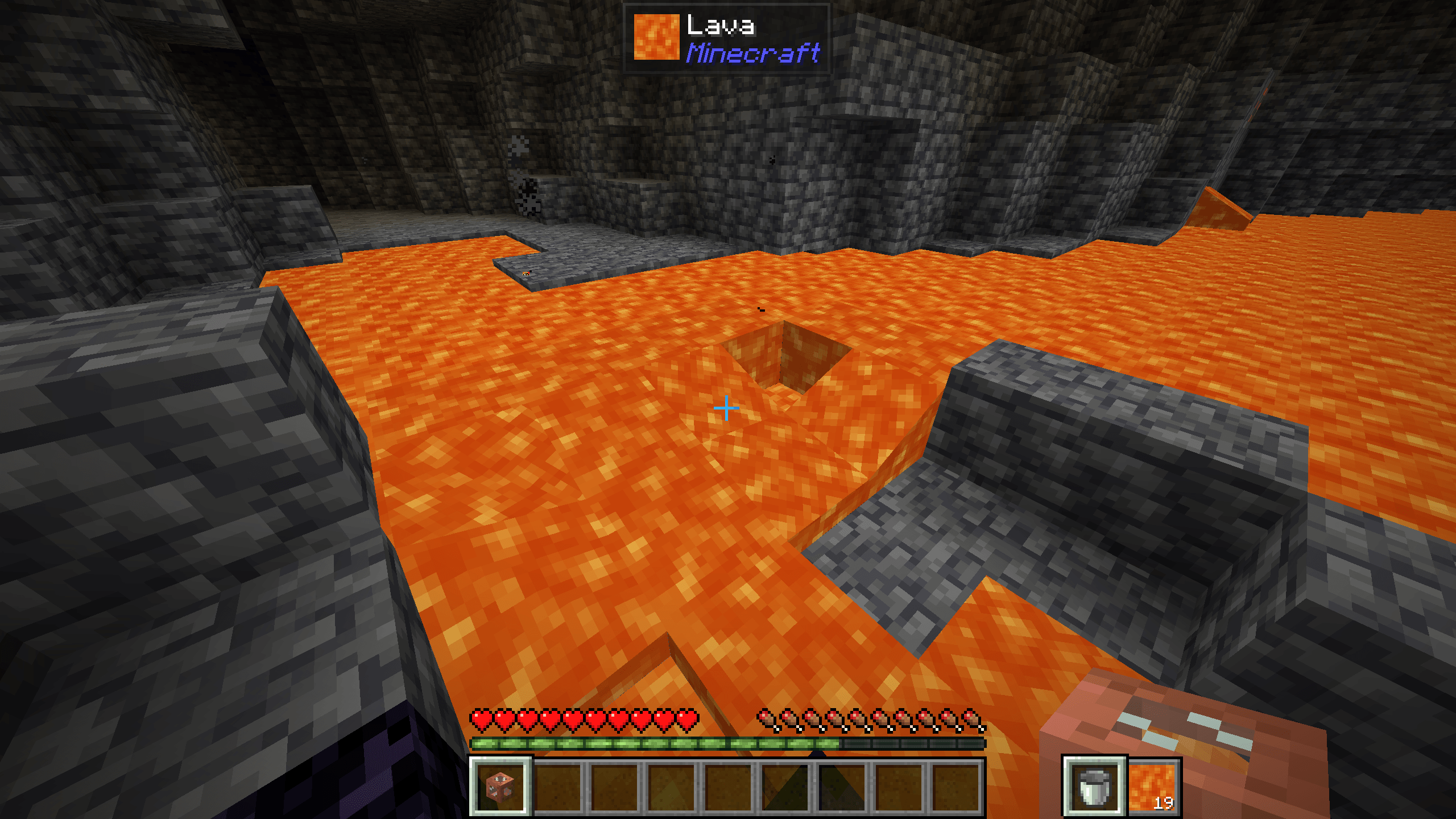
- Bucket Mode: Choose any fluid inside your Tank and place it directly in the world.
- Scroll while crouching to choose fluid.
- Tank Mode: Right click to open the Tank inventory screen.
- Right click which crouching to toggle bucket mode.
Slot filtering
- Hold alt and click with a fluid-containing item to lock the slot to that fluid.
- Only matching fluids can go into that slot.
Tank Dock
- Make Tanks accessible in the world.
- Right click with a Tank to dock it.
- Right click while crouching to pick up the Tank.
Tank Link
- Link to another Tank to access the contents in multiple places at the same time.
Insert modes
- Insert All: All fluids can be inserted and extracted from the Tank Dock.
- Filtered: Only filtered fluids can be inserted.
- Void overflow: Similar to filtered insert, but if there is no room left in the Tank, the fluid gets voided.
Join the Discord!
Cách cài đặt Tank Storage
With Millida Launcher
Install Millida Launcher
The launcher is free: download it at millida.net/launcher and sign in with any nickname.
Click “Install” on this page
The launcher opens and installs the mod for Minecraft 1.20.1–1.21.1 on Fabric or NeoForge automatically.
Launch the game
A profile with it appears in the launcher: click “Play”.
Manually
Install Fabric or NeoForge
The loader must match the game version of the mod file, for example Minecraft 1.21.1. After installing it, a separate profile appears in your launcher.
Download the file for your version
In the version list above, pick the file tankstorage-1.1.1+1.21.jar (207 KB) for your game version and loader.
Put it in the mods folder
The folder is inside .minecraft (Windows: %appdata%\.minecraft\mods). If it does not exist, create it.
Launch the loader profile
Open “Mods” in the main menu: Tank Storage should be in the list.
Minecraft 1.21.1 runs on Java 21: with a different Java version the game may close right after launch.
Phiên bản
Kèm phụ thuộc
| Minecraft | Loader | Tệp | Ngày | Hành động |
|---|---|---|---|---|
| 1.21 | NeoForge | Tank Storage 1.1.1+1.21207 KB 1 | ||
| 1.20.1 | Fabric | Tank Storage 0.1.2+1.20.1193 KB |
Đánh giá
Hãy là người đầu tiên đánh giá Tank Storage


