

Pop (up) Mod cho Minecraft 1.20.1, 1.21.1
Hiển thị văn bản tùy chỉnh cho nhà phát triển gói mod thông qua lệnh hoặc kubejs
 NeoForge
 Forge
ForgePop
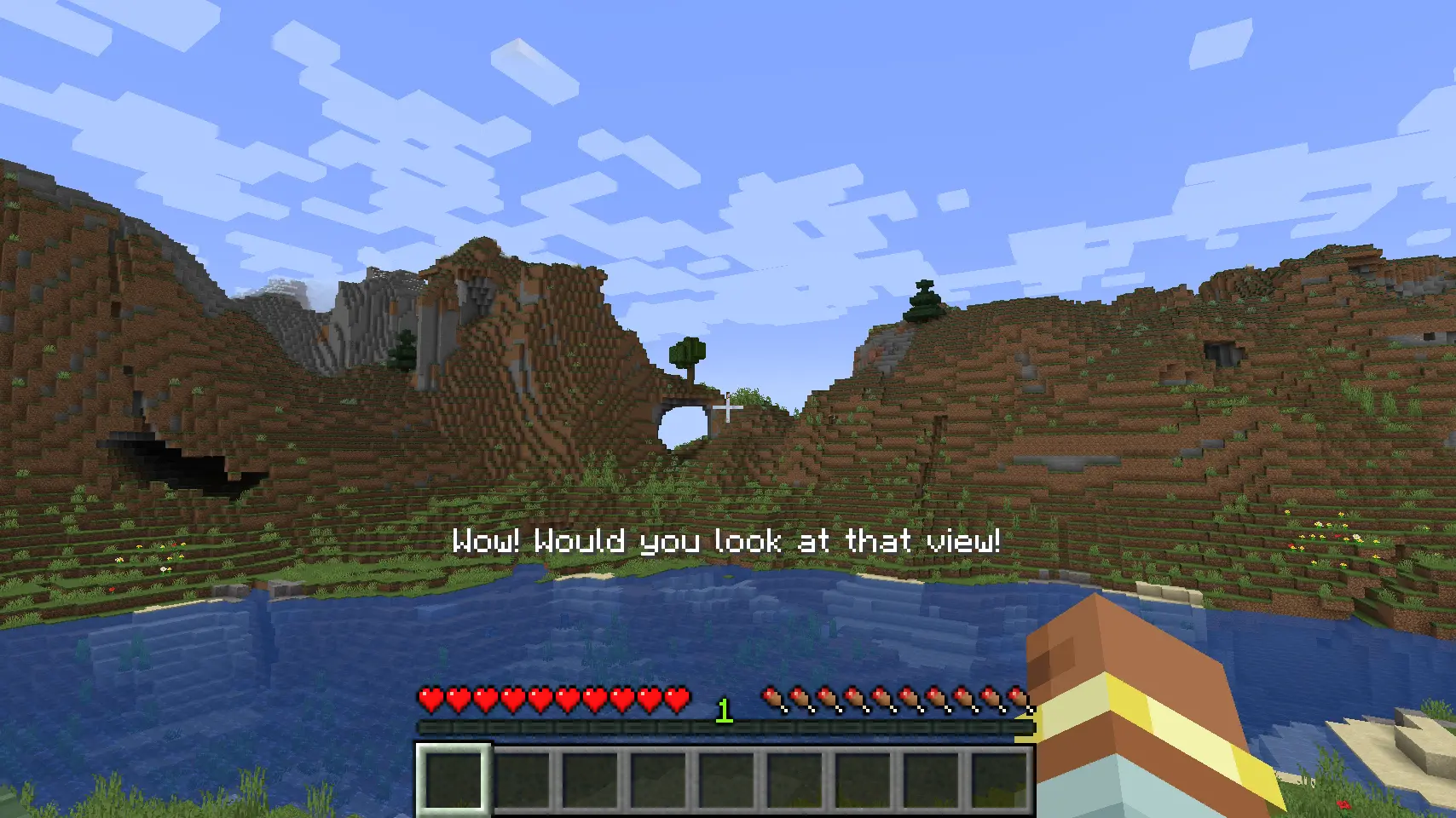
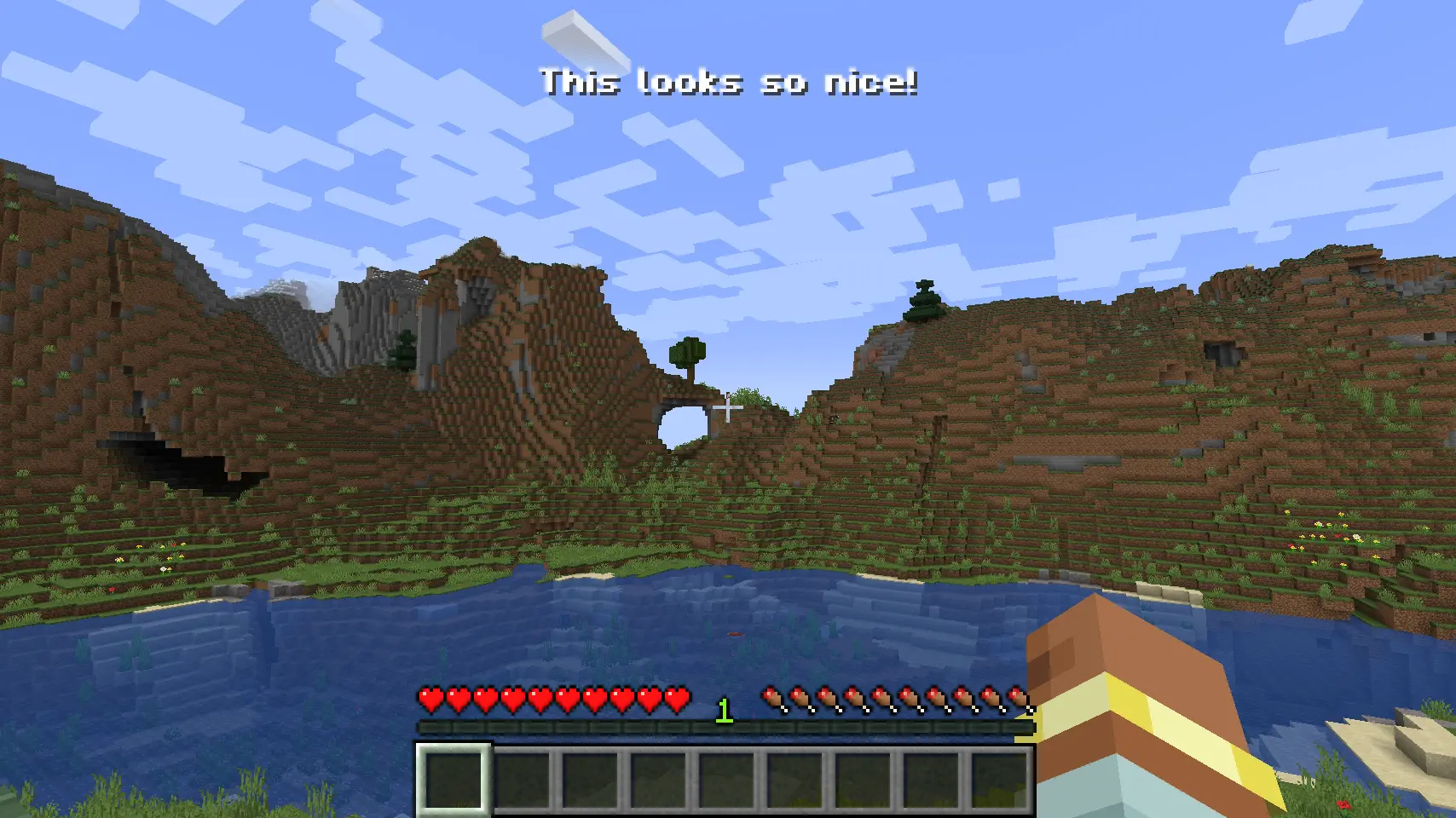
Pop is a small helper mod for modpack developers to allow for more screen locations to display information on screen in a command driven, or kubejs driven way.
Features
- Display information on screen in a command driven way (/pop create @s MIDDLE_LEFT "Hello World!")
- Supports translations out of the box
- <input type="checkbox" disabled style="margin: 0px 0.35em 0.25em -1.6em; vertical-align: middle;"> (Coming soon) progress bars
- <input type="checkbox" disabled style="margin: 0px 0.35em 0.25em -1.6em; vertical-align: middle;"> (Coming soon) headings & subheadings
- <input type="checkbox" disabled style="margin: 0px 0.35em 0.25em -1.6em; vertical-align: middle;"> (Coming soon) customisation via commands as well as code
- <input type="checkbox" disabled style="margin: 0px 0.35em 0.25em -1.6em; vertical-align: middle;"> (Coming soon) more animations for text
How to use
- Install the mod in your modpack
- Run the game
- Use the /pop command to create a new pop up
Alternatively, you can use KubeJS to access the Pop Manager and the Pop Builder.
Example
// server.js const PopBuilder = java.load('pro.mikey.mods.pop.PopBuilder'); const Placement = java.load('pro.mikey.mods.pop.data.Placement'); // Optional const pop = PopBuilder.create() .duration(5) .content({ text: "Hello World!" }) .placement("middle_left") // Or .placement(Placement.MIDDLE_LEFT) // You can now either build it and get a PopData object or directly send it to the player // If you're on the server pop.sendToPlayer(player); // If you're on the client pop.display()
Requests
If you have any requests for features, please open an issue on the GitHub repository. I will try to get to them as soon as possible. I'm always looking for new ideas to improve the mod and make it more useful for modpack developers.
Cách cài đặt Pop (up)
With Millida Launcher
Install Millida Launcher
The launcher is free: download it at millida.net/launcher and sign in with any nickname.
Click “Install” on this page
The launcher opens and installs the mod for Minecraft 1.20.1–1.21.1 on Forge or NeoForge automatically.
Launch the game
A profile with it appears in the launcher: click “Play”.
Manually
Install Forge or NeoForge
The loader must match the game version of the mod file, for example Minecraft 1.21.1. After installing it, a separate profile appears in your launcher.
Download the file for your version
In the version list above, pick the file pop-21.1.3.jar (21 KB) for your game version and loader.
Put it in the mods folder
The folder is inside .minecraft (Windows: %appdata%\.minecraft\mods). If it does not exist, create it.
Launch the loader profile
Open “Mods” in the main menu: Pop (up) should be in the list.
Minecraft 1.21.1 runs on Java 21: with a different Java version the game may close right after launch.
Phiên bản
Kèm phụ thuộc
| Minecraft | Loader | Tệp | Ngày | Hành động |
|---|---|---|---|---|
| 1.21.1 | NeoForge | Pop 21.1.321.2 KB | ||
| 1.20.1 | NeoForge, Forge | Pop 20.1.022.9 KB |
Câu hỏi thường gặp
Which Minecraft versions does Pop (up) work on?
There are files for 1.21.1, 1.20.1. The newest is 1.21.1.
Is Pop (up) for Forge or Fabric?
There are files for Forge: 1.20.1 and for NeoForge: 1.20.1–1.21.1. There are no files for Fabric: a mod for another loader will not start.
Does Pop (up) need other mods?
The author lists no required dependencies: the Forge or NeoForge loader is enough.
Which Java does Pop (up) need?
Minecraft 1.21.1 runs on Java 21. If the game closes right after launch, the usual cause is the wrong Java version in the profile settings.
Where can I download Pop (up) safely?
On this page: the file pop-21.1.3.jar (21 KB) is stored on Millida’s server, with no link shorteners. SHA-1 checksum: c43f31c61fce67f866289ba5025c98c3d8645f65.
Đánh giá
Hãy là người đầu tiên đánh giá Pop (up)


