
Platforms Mod cho Minecraft 1.21.1
Tạo sàn, cầu, hầm mỏ hoặc thậm chí tàu lượn bằng gỗ
 NeoForge
 Forge
ForgeGiới thiệu mod Platforms
- ShetiPhianCore là bắt buộc!
Xây sàn, cầu, mái nhà, giếng mỏ, hoặc thậm chí cả tàu lượn bằng gỗ.
Kết hợp gần như bất kỳ 2 khối hoặc vật phẩm nào (có mod hoặc vanilla).
Nếu một khối được sử dụng phát sáng thì vật phẩm chế tạo cũng sẽ phát sáng.
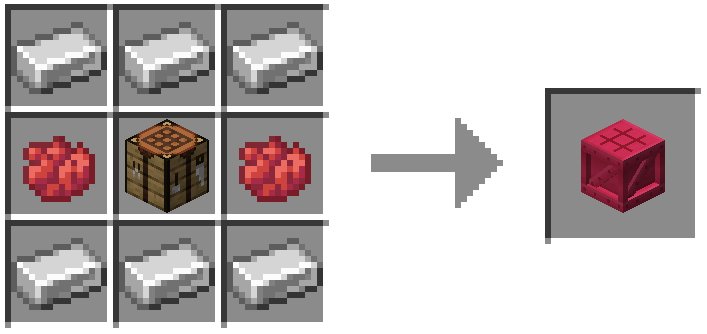
Khung, Sàn & Nền tảng
Khung có thể được gắn soul/redstone/đuốc.
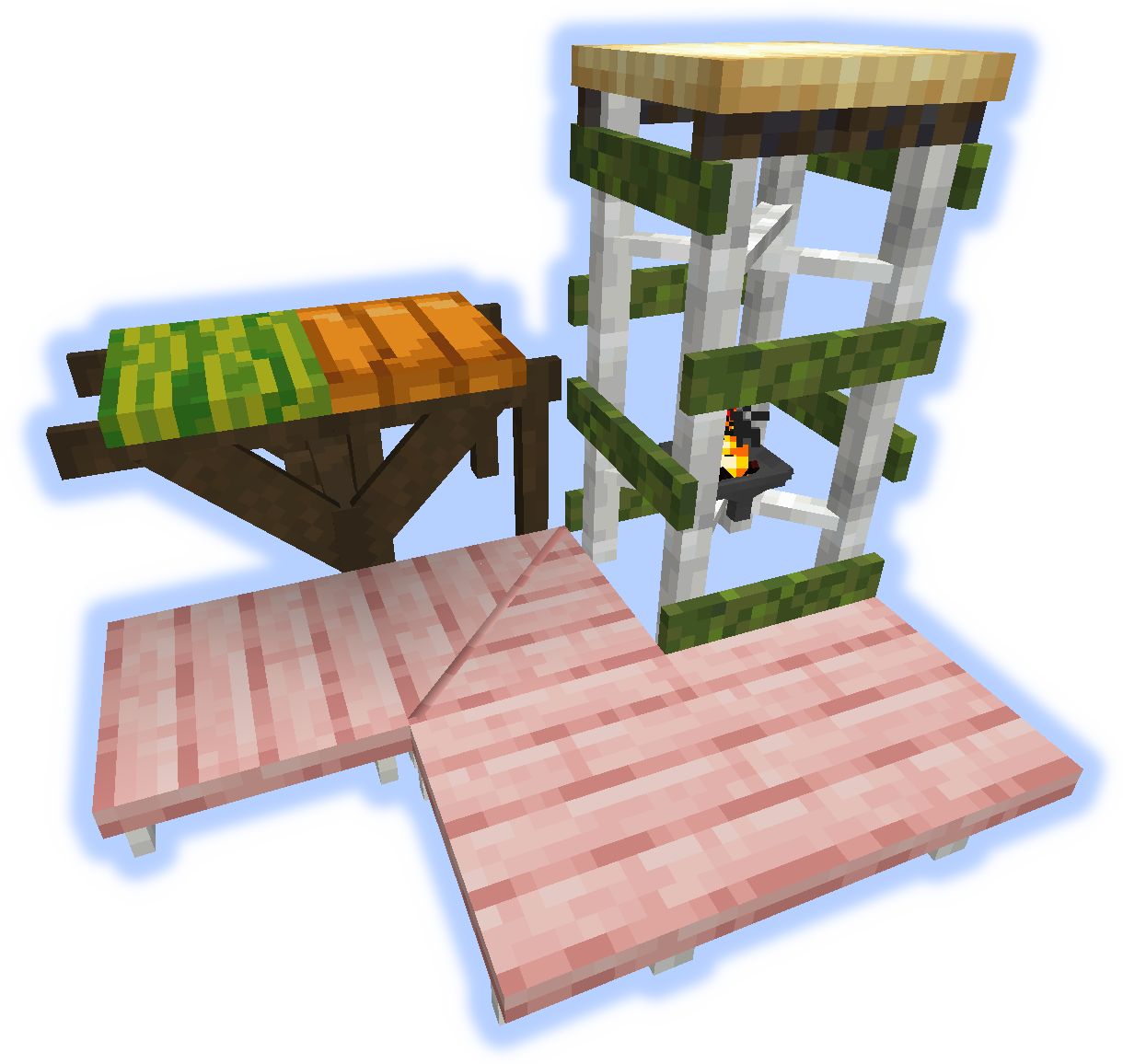
Dốc, Bậc & Cầu thang
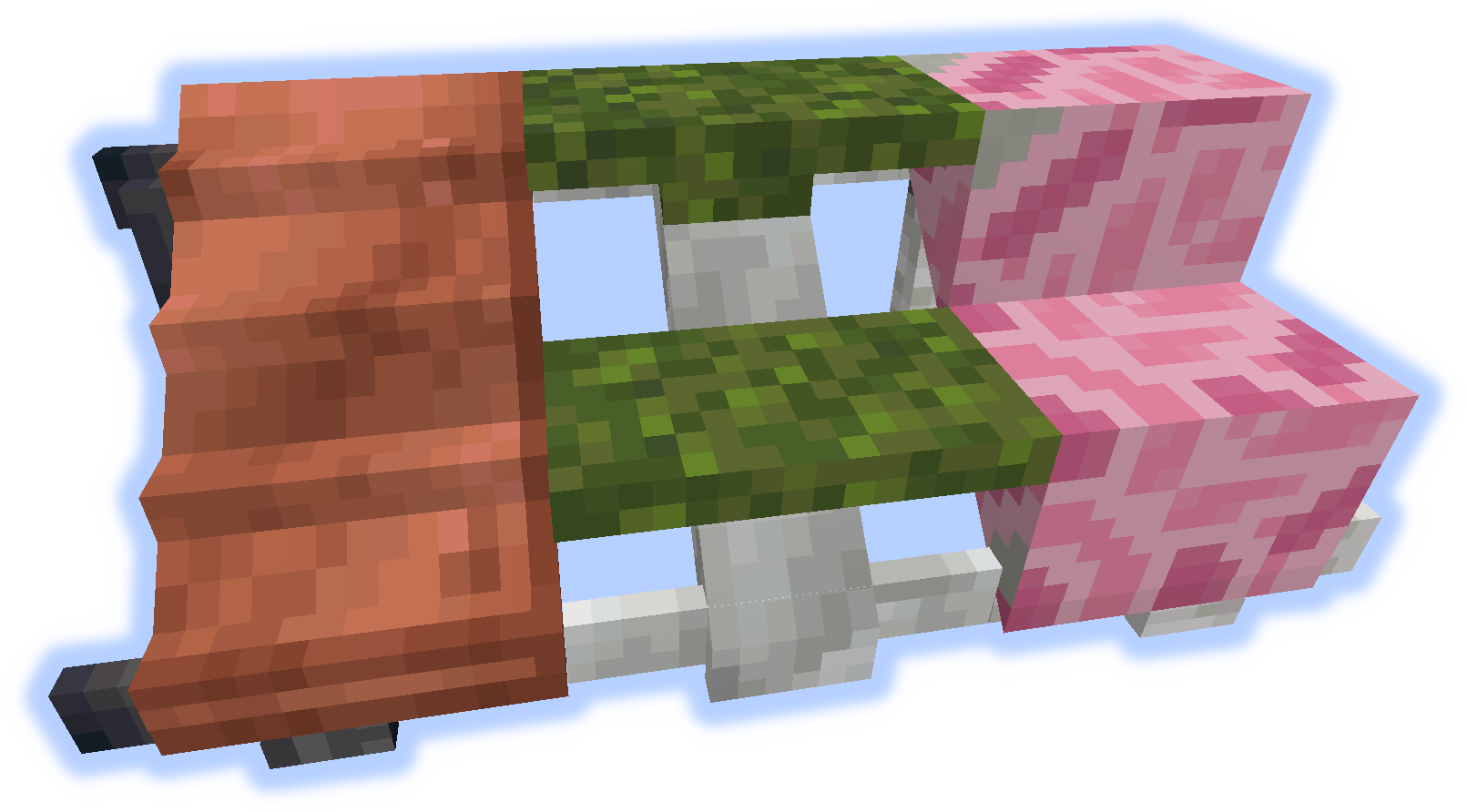
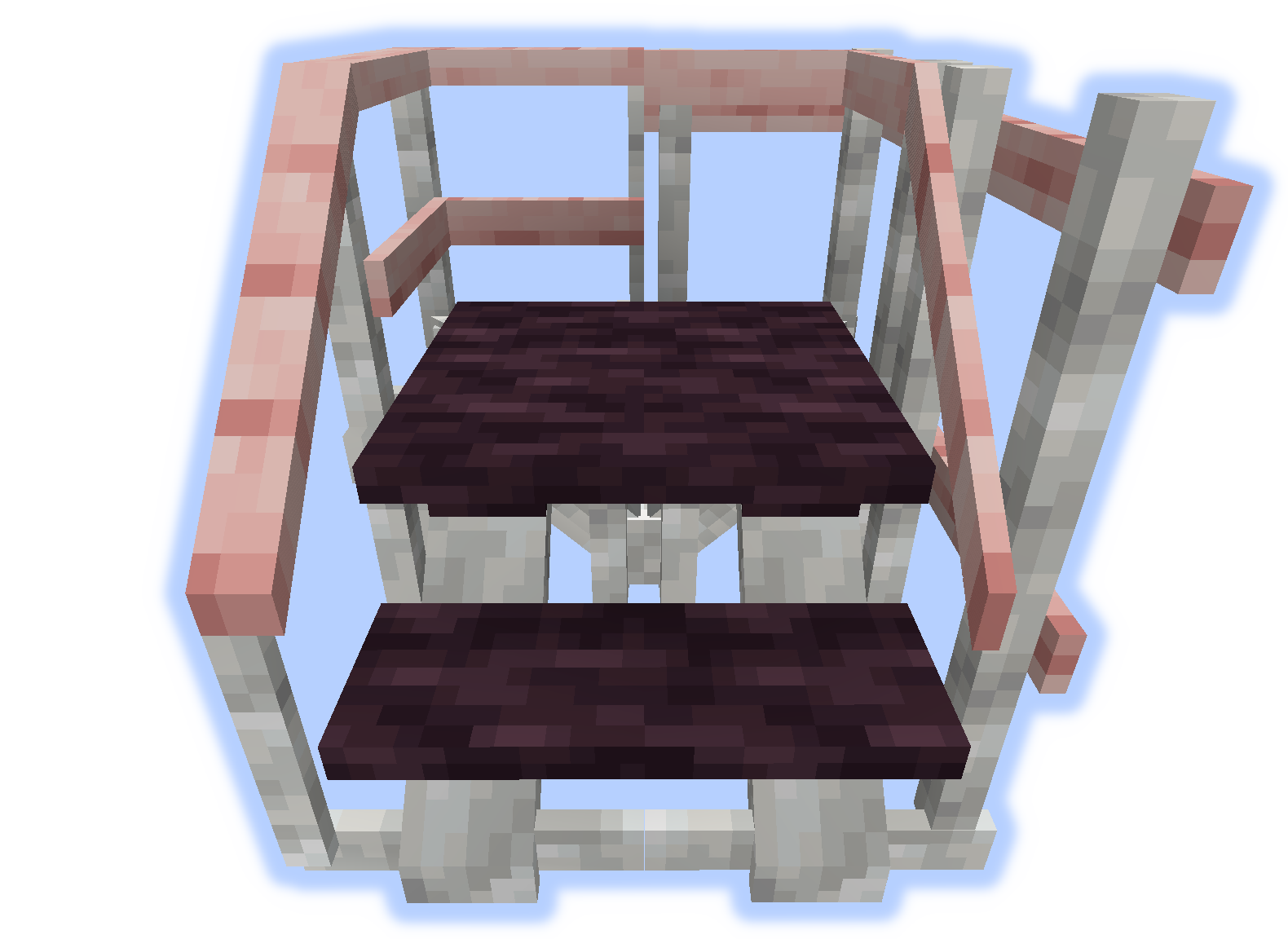
Tay vịn & Bậc lên
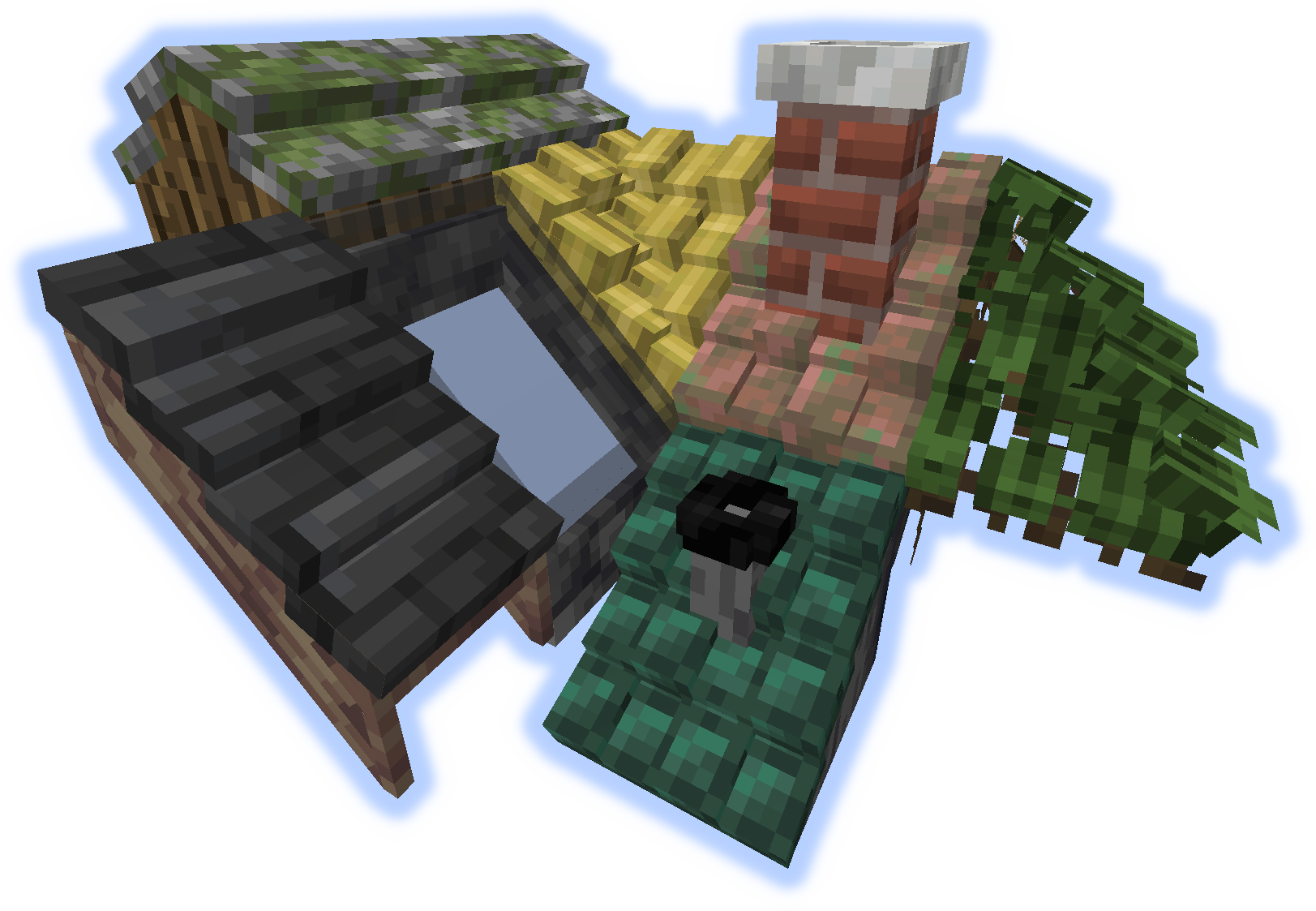
Mái nhà
Khi một "bậc lên" hoặc "tay vịn" được đặt trên mái nhà, chúng sẽ trở thành ống khói hoặc đường ống.
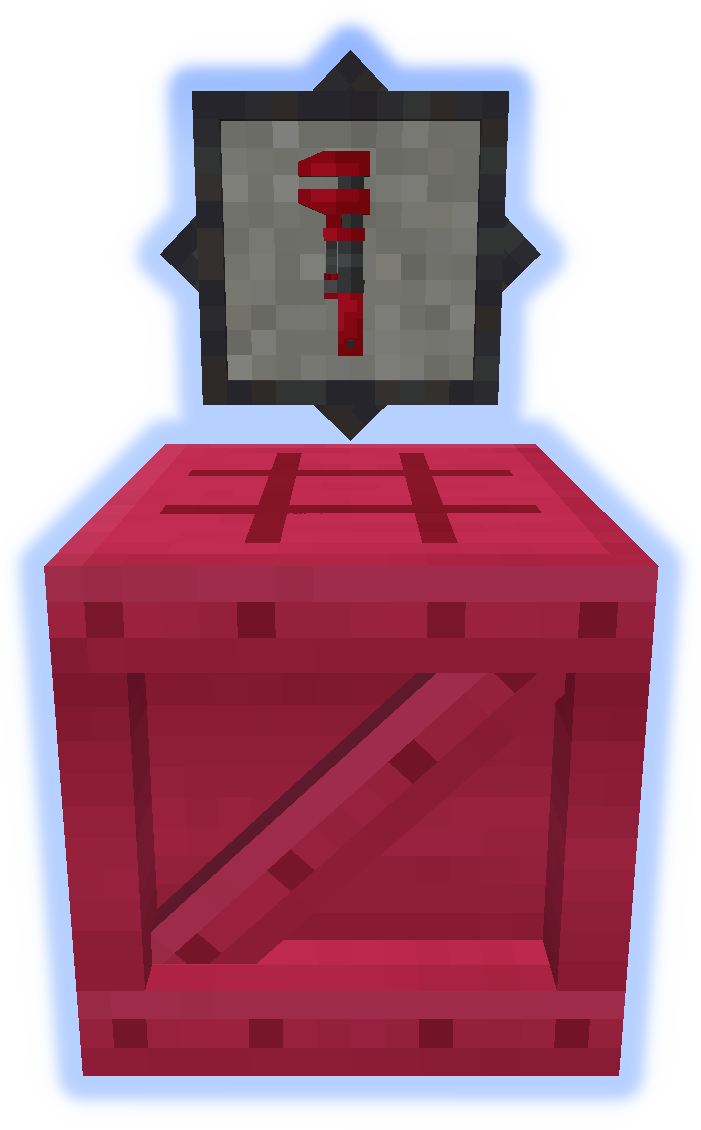
Công cụ
Cờ lê là một công cụ rất quan trọng. Hãy thử nó ở tay phụ. (Thêm thông tin)
Platformer được dùng để chế tạo mọi thứ khác từ mod. (Thêm thông tin)
Tính năng đặc biệt
Thảm có thể được đặt trên nền tảng.
Tuyết hoặc Cát sẽ tích tụ trong quần xã tương ứng của chúng.
Ống khói & Đường ống phát ra hạt (có thể bật/tắt).
Gửi tệp bản địa hóa trên github.
Đừng đăng lỗi trong phần bình luận, hãy dùng Issue Tracker.
Cách cài đặt Platforms
With Millida Launcher
Install Millida Launcher
The launcher is free: download it at millida.net/launcher and sign in with any nickname.
Click “Install” on this page
The launcher opens and installs the mod for Minecraft 1.14.4–1.21.1 on Forge or NeoForge automatically.
Launch the game
A profile with it appears in the launcher: click “Play”.
Manually
Install Forge or NeoForge
The loader must match the game version of the mod file, for example Minecraft 1.21.1. After installing it, a separate profile appears in your launcher.
Download the file for your version
In the version list above, pick the file platforms-neoforge-1.21.1-1.0.jar (808 KB) for your game version and loader.
Put it in the mods folder
The folder is inside .minecraft (Windows: %appdata%\.minecraft\mods). If it does not exist, create it.
Launch the loader profile
Open “Mods” in the main menu: Platforms should be in the list.
Minecraft 1.21.1 runs on Java 21: with a different Java version the game may close right after launch.
Phiên bản
Kèm phụ thuộc
| Minecraft | Loader | Tệp | Ngày | Hành động |
|---|---|---|---|---|
| 1.21.1 | NeoForge | platforms-neoforge-1.21.1-1.0.jar808 KB 2 | ||
| 1.21.1 | Forge | platforms-forge-1.21.1-1.0.jar804 KB 4 | ||
| 1.21.1 | NeoForge | platforms-neoforge-1.21.1-0.1.jar808 KB | ||
| 1.21.1 | Forge | platforms-forge-1.21.1-0.1.jar804 KB | ||
| 1.14.4 | — | platforms-1.14-1.5.13.jar497 KB 1 |
Câu hỏi thường gặp
Which Minecraft versions does Platforms work on?
There are files for 1.21.1, 1.14.4. The newest is 1.21.1.
Is Platforms for Forge or Fabric?
There are files for Forge: 1.21.1 and for NeoForge: 1.21.1. There are no files for Fabric: a mod for another loader will not start.
Does Platforms need other mods?
The author lists no required dependencies: the Forge or NeoForge loader is enough.
Which Java does Platforms need?
Minecraft 1.21.1 runs on Java 21. If the game closes right after launch, the usual cause is the wrong Java version in the profile settings.
Where can I download Platforms safely?
On this page: the file platforms-neoforge-1.21.1-1.0.jar (808 KB) is stored on Millida’s server, with no link shorteners. SHA-1 checksum: 4597d439a87ed57aa38ddbe935071c9398057557.
Đánh giá
Hãy là người đầu tiên đánh giá Platforms


