

Physics Mod cho Minecraft 1.20.1, 1.21.1
Chào mừng đến với một Minecraft mang tính phá hủy hơn bao giờ hết!
 Forge
Forge Fabric
 Quilt
Quilt NeoForge
Trải nghiệm nhập vai hoàn toàn mới
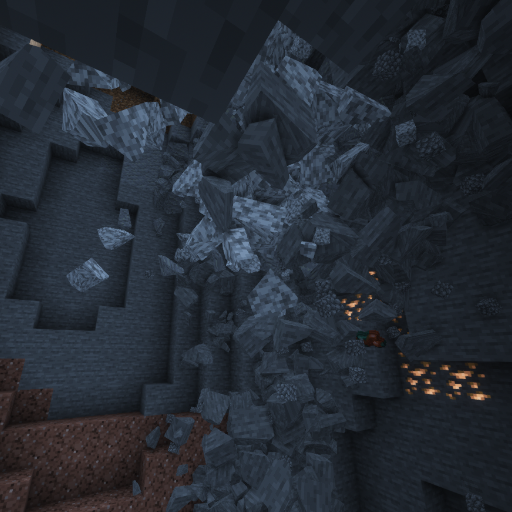
Đắm mình vào một thế giới mới chưa từng thấy. Hang động sụp đổ, ragdoll tương tác, vật lý vật phẩm và nhiều hơn nữa đang chờ bạn!

Nền tảng được hỗ trợ
Windows, Linux và MacOS (CPU M1/M2 chỉ hoạt động với Minecraft 1.20 trở lên, các phiên bản khác cần chế độ tương thích: Hướng dẫn)!

Mob
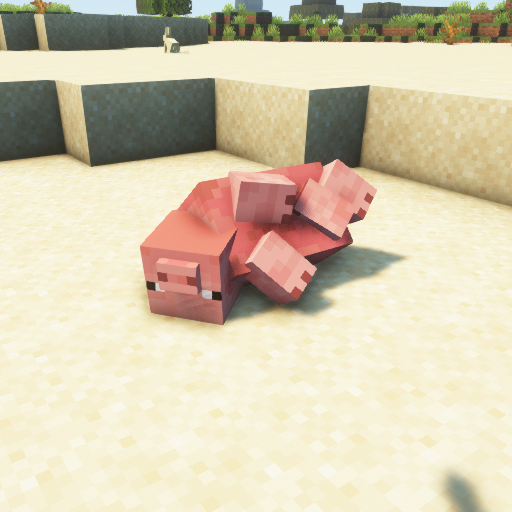
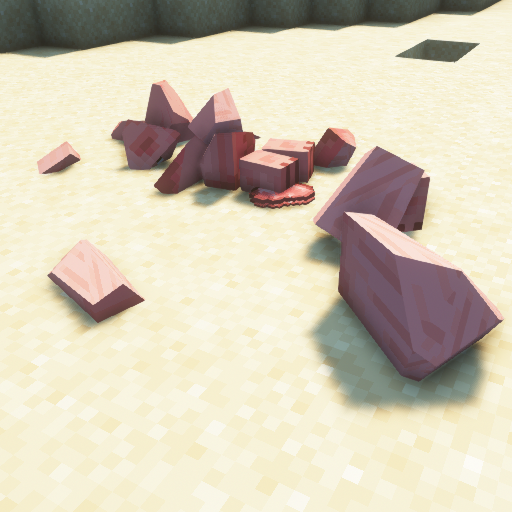
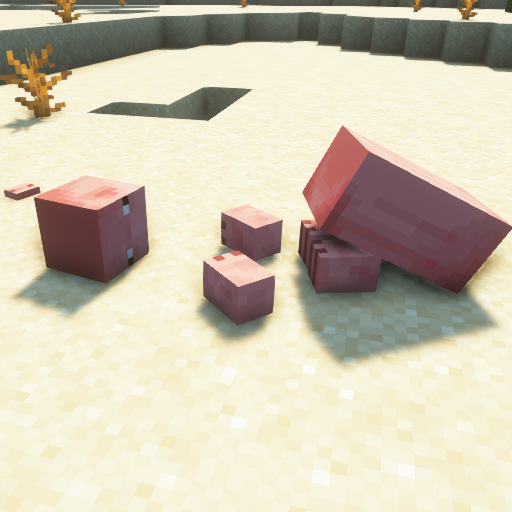
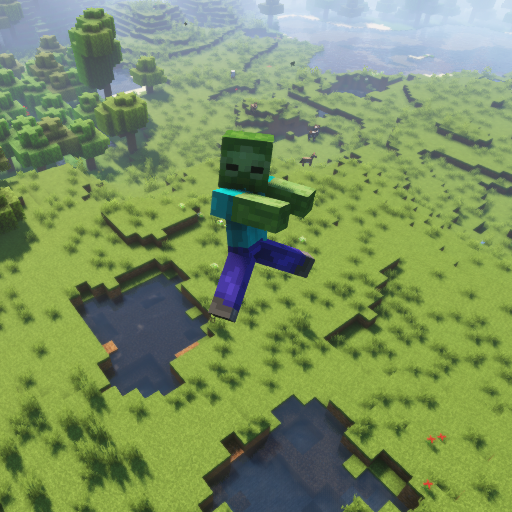
Phần yêu thích của mọi người mê vật lý. Mỗi mob Vanilla Minecraft đều hỗ trợ ragdoll, vỡ vụn và phiên bản khối!
Khối
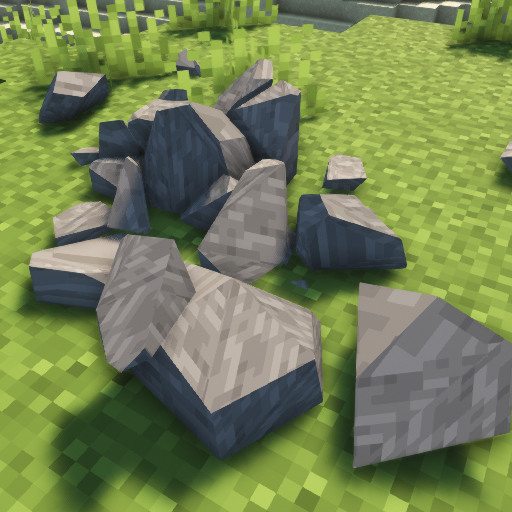
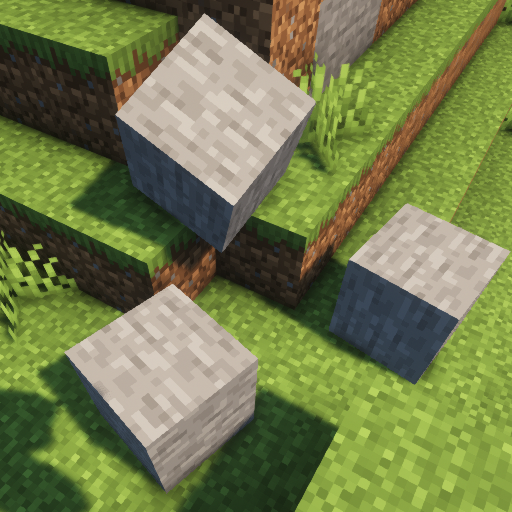
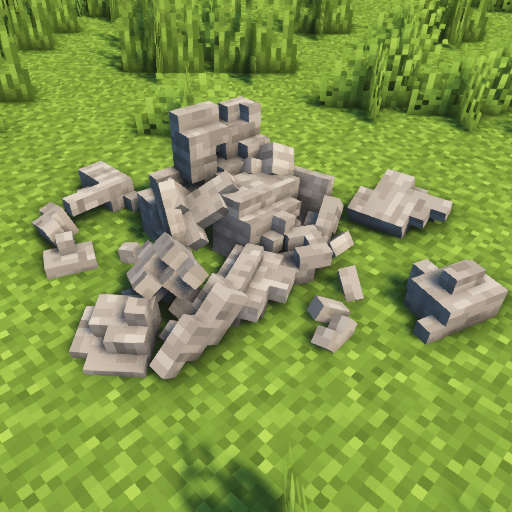
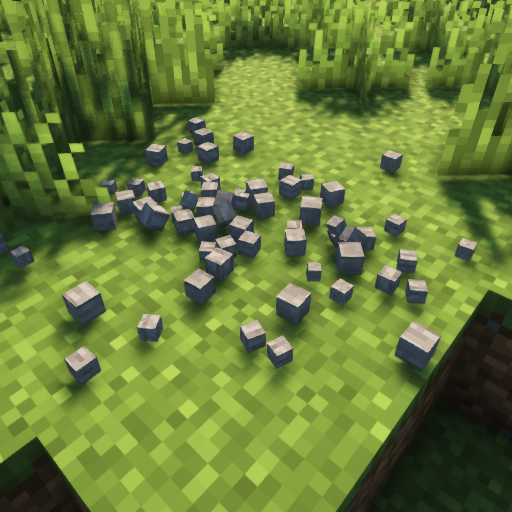
Hãy để các khối trong thế giới Minecraft vỡ thành từng mảnh!
Tính năng khác
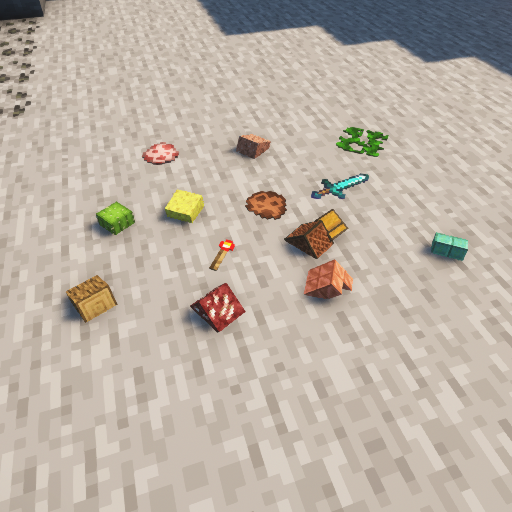
Bạn chán những vật phẩm lơ lửng? Hãy thử vật lý vật phẩm! Trọng lực? Mặt Trăng? Sao Hỏa? Sao Diêm Vương? Trái Đất? Thay đổi thành bất cứ thứ gì bạn muốn! Bạn muốn đẩy PC đến giới hạn? Xem nó chịu được bao lâu với các cấu trúc sụp đổ!
Cách cài đặt Physics Mod
With Millida Launcher
Install Millida Launcher
The launcher is free: download it at millida.net/launcher and sign in with any nickname.
Click “Install” on this page
The launcher opens and installs the mod for Minecraft 1.16.5–26.3 on Fabric, Forge, NeoForge or Quilt automatically.
Launch the game
A profile with it appears in the launcher: click “Play”.
Manually
Install Fabric, Forge, NeoForge or Quilt
The loader must match the game version of the mod file, for example Minecraft 26.3. After installing it, a separate profile appears in your launcher.
Download the file for your version
In the version list above, pick the file physics-mod-3.2.5-mc-26.3-forge.jar (89 MB) for your game version and loader.
Put it in the mods folder
The folder is inside .minecraft (Windows: %appdata%\.minecraft\mods). If it does not exist, create it.
Launch the loader profile
Open “Mods” in the main menu: Physics Mod should be in the list.
Physics Mod works on the player’s side only: there is no need to install it on a server.
Phiên bản
Kèm phụ thuộc
| Minecraft | Loader | Tệp | Ngày | Hành động |
|---|---|---|---|---|
| 26.3 | Forge | 26.389.2 MB 48 | ||
| 26.3 | Fabric, Quilt | 26.389.3 MB 90 | ||
| 26.3 | NeoForge | 26.389.3 MB 4 | ||
| 1.21.1 | NeoForge | 1.21.189.7 MB 17 | ||
| 26.3 | NeoForge | 26.389.3 MB | ||
| 1.21.1 | Fabric, Quilt | 1.21.189.8 MB 7 | ||
| 1.21.1 | NeoForge | 1.21.189.7 MB | ||
| 26.3 | Fabric, Quilt | 26.389.3 MB |
Câu hỏi thường gặp
Which Minecraft versions does Physics Mod work on?
There are files for 1.16.5–26.3, 15 versions in total. The newest is 26.3.
Is Physics Mod for Forge or Fabric?
There are files for Fabric: 1.18.2–26.3, for Forge: 1.16.5–26.3, for NeoForge: 1.21–26.3 and for Quilt: 1.18.2–26.3.
Does Physics Mod need other mods?
The author lists no required dependencies: the Fabric, Forge, NeoForge or Quilt loader is enough.
Do I need to install Physics Mod on a server?
No. Physics Mod works on the player’s side only: there is no need to install it on a server.
Where can I download Physics Mod safely?
On this page: the file physics-mod-3.2.5-mc-26.3-forge.jar (89 MB) is stored on Millida’s server, with no link shorteners. SHA-1 checksum: 90cf291d11c8a08e0f8185144f5d584e56d793c9.
Đánh giá
Hãy là người đầu tiên đánh giá Physics Mod


