

Peek Mod cho Minecraft 26.3
Một mod Fabric cung cấp thông tin bổ sung về vật phẩm và khối
 Fabric
 Quilt
QuiltGiới thiệu mod Peek
A Fabric mod that provides additional information about items and blocks. Can be used client-side only.
Optional Dependencies
- ModMenu
- ClothConfig
Features
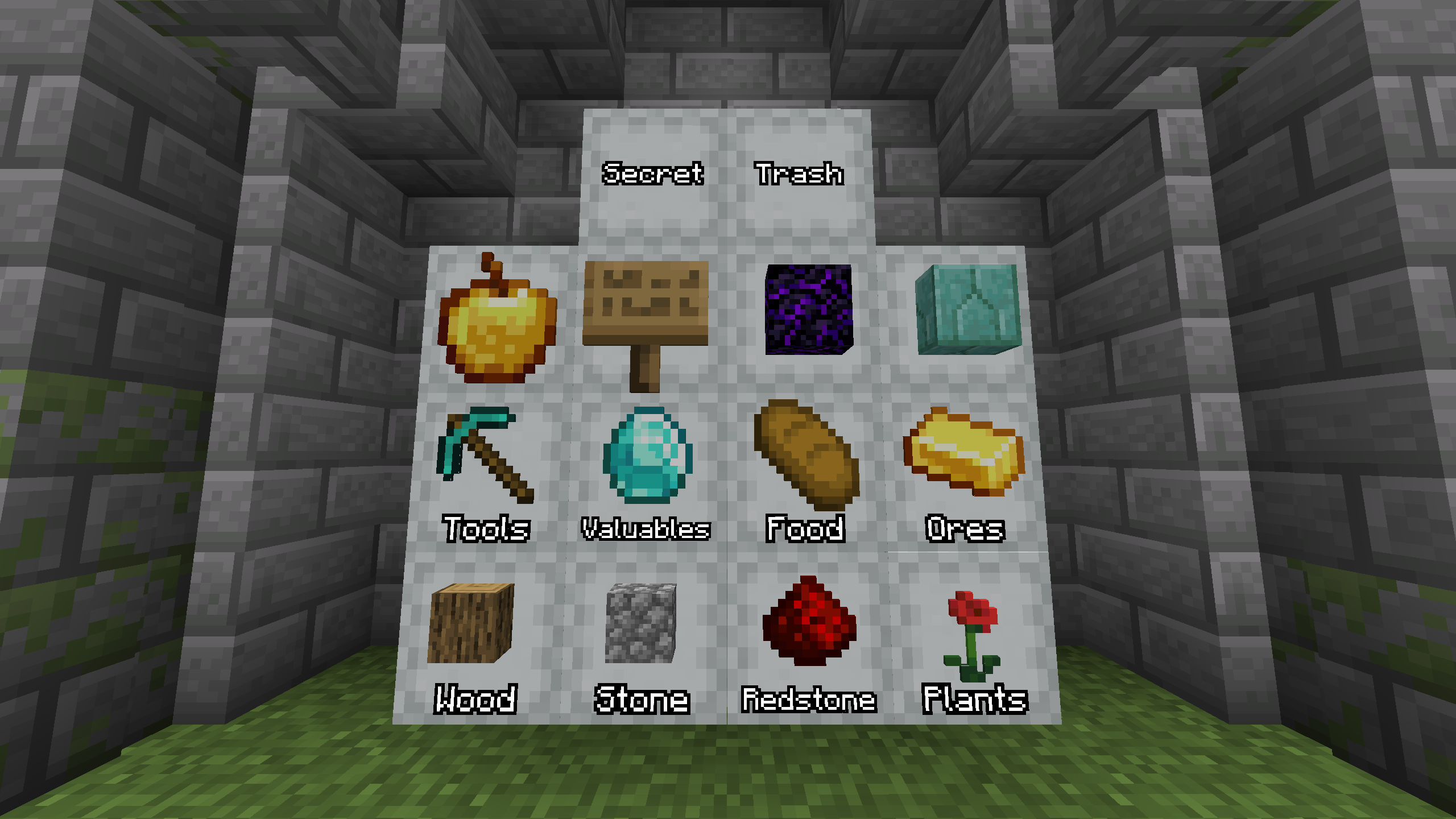
Shulker box hints (More information)
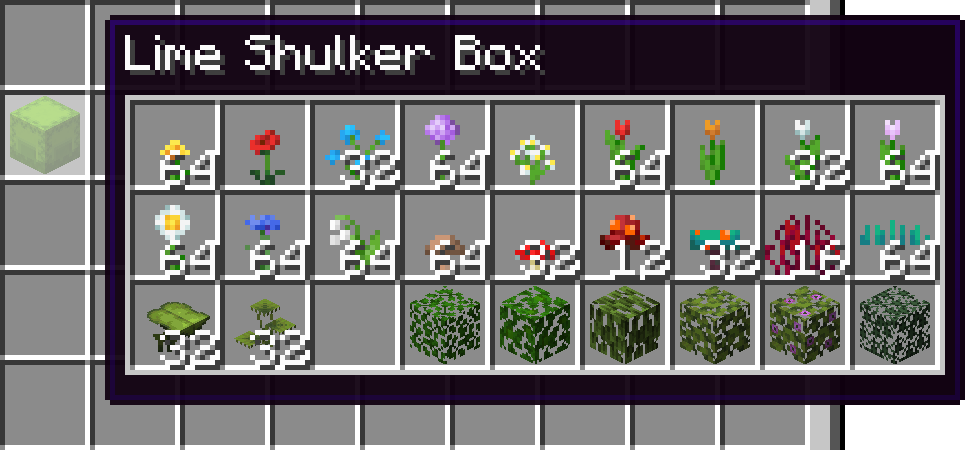
Shulker box contents
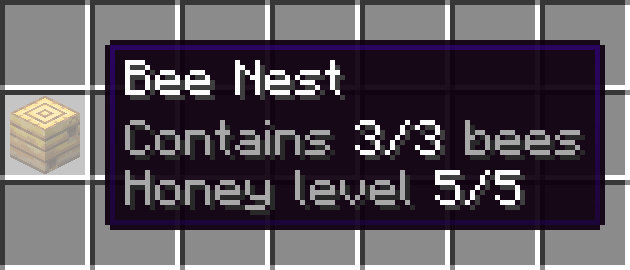
Amount of bees in a bee nest
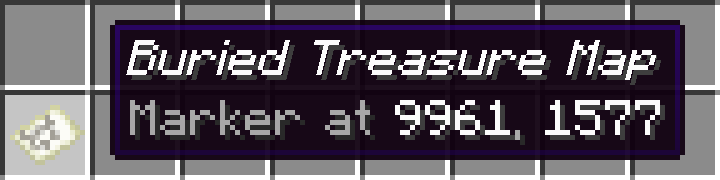
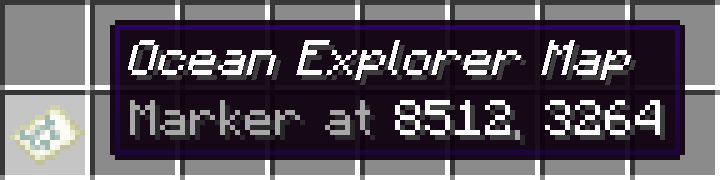
Locations of markers on explorer maps
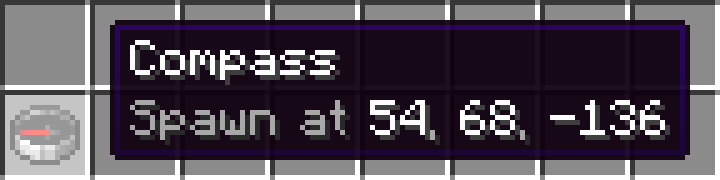
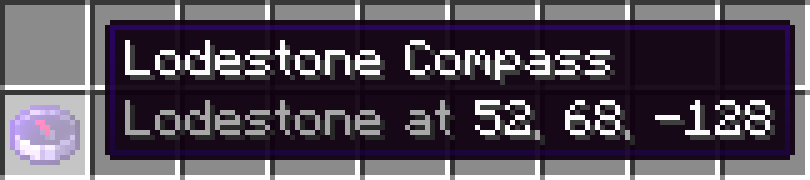
Destinations of compasses

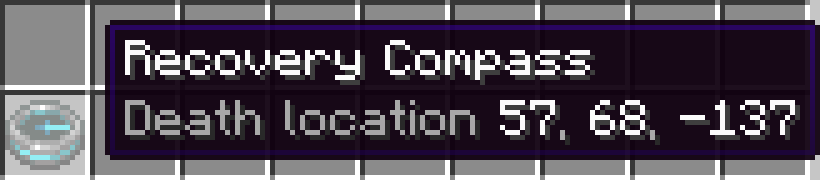
Death locations of recovery compasses
Effects of suspicious stews

Configurable bundle tooltip
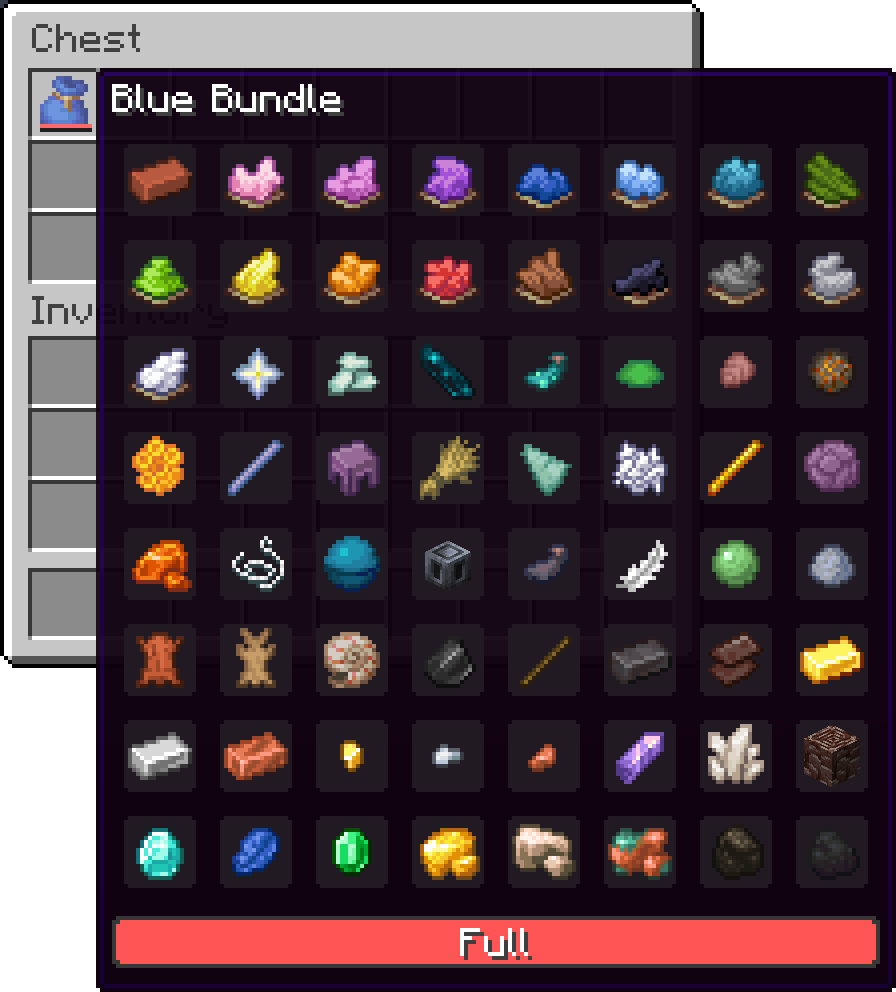
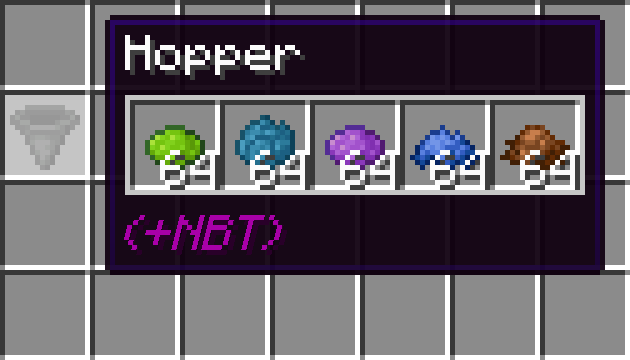
Pick-blocked containers
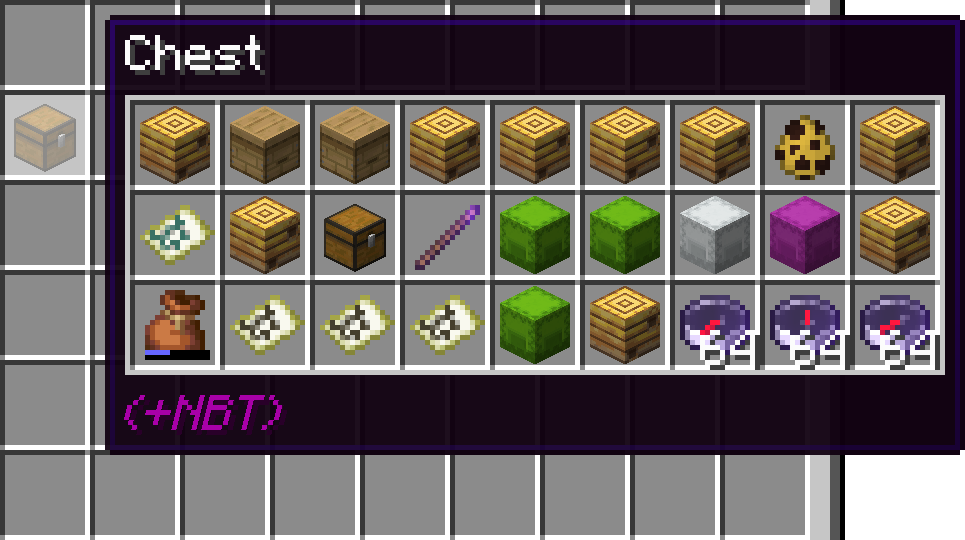
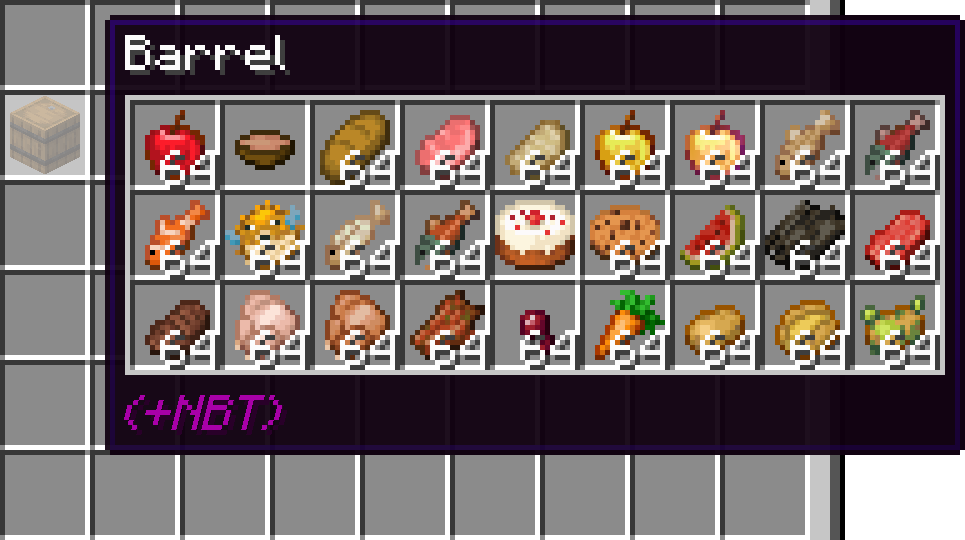
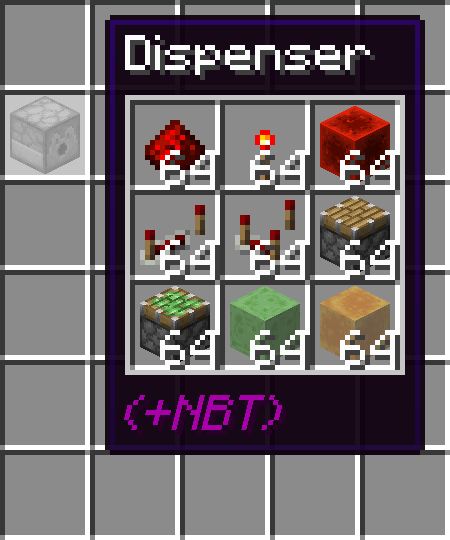
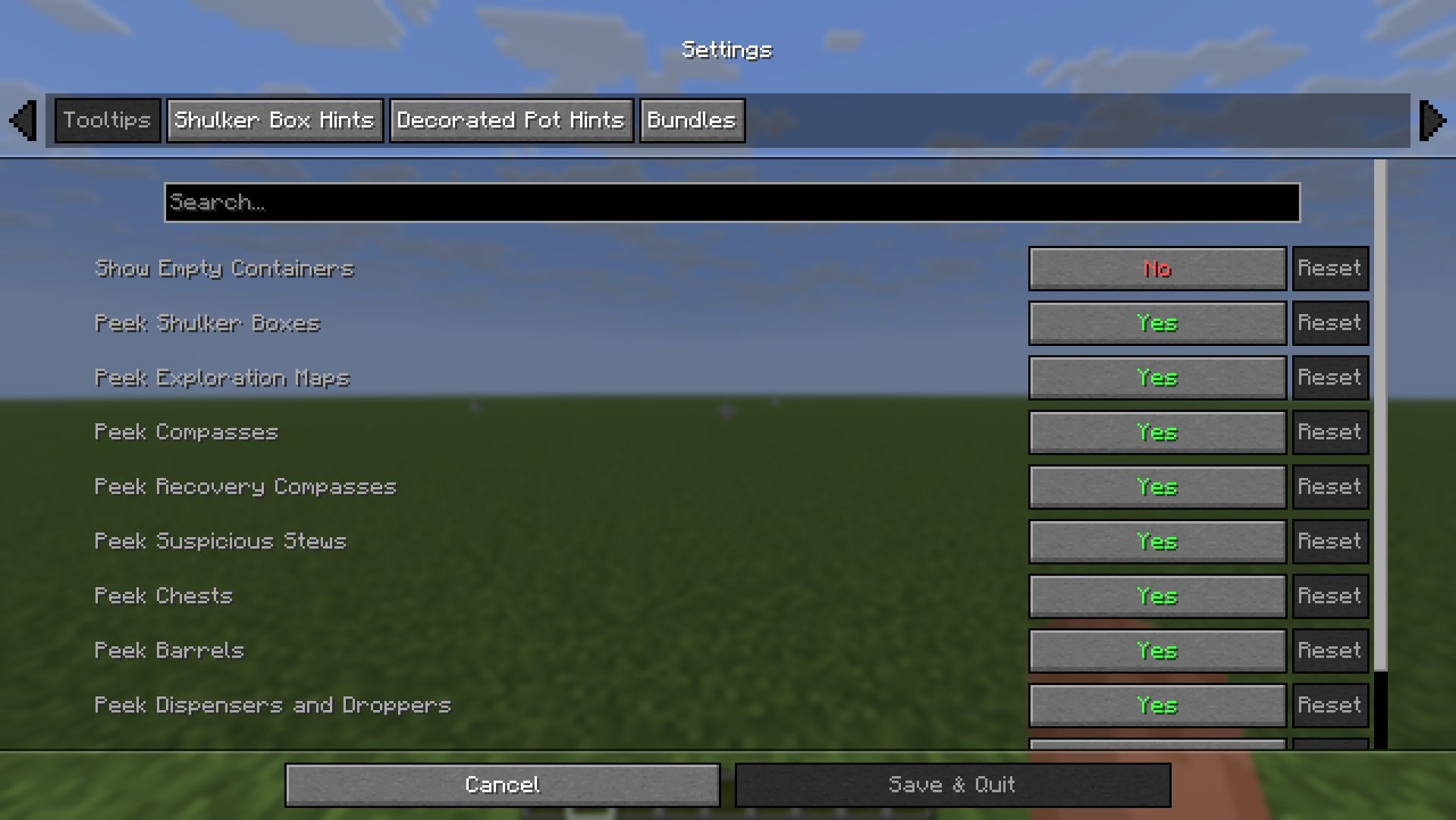
Fully configurable with ModMenu and ClothConfig
Cách cài đặt Peek
With Millida Launcher
Install Millida Launcher
The launcher is free: download it at millida.net/launcher and sign in with any nickname.
Click “Install” on this page
The launcher opens and installs the mod for Minecraft 1.21.11–26.3 on Fabric or Quilt automatically.
Launch the game
A profile with it appears in the launcher: click “Play”.
Manually
Install Fabric or Quilt
The loader must match the game version of the mod file, for example Minecraft 26.3. After installing it, a separate profile appears in your launcher.
Download the file for your version
In the version list above, pick the file peek-fabric-1.6.0+26.3.jar (657 KB) for your game version and loader.
Put it in the mods folder
The folder is inside .minecraft (Windows: %appdata%\.minecraft\mods). If it does not exist, create it.
Launch the loader profile
Open “Mods” in the main menu: Peek should be in the list.
On a server
A server on Fabric or Quilt
The mod only works on a server with the same loader and game version, for example 26.3.
File goes into the server’s mods folder
Stop the server, put the mod file into the mods folder and start the server again.
Use the “To server” button
On Millida Hosting, the button at the top of the page uploads the file to your server and restarts it for you.
Phiên bản
Kèm phụ thuộc
| Minecraft | Loader | Tệp | Ngày | Hành động |
|---|---|---|---|---|
| 26.3 | Fabric, Quilt | 26.3657 KB 2 | ||
| 26.2 | Fabric, Quilt | 26.2636 KB 5 | ||
| 26.1.2 | Fabric, Quilt | 26.1.2487 KB | ||
| 1.21.11 | Fabric, Quilt | 1.21.11505 KB 3 | ||
| 26.1.2 | Fabric, Quilt | 26.1.2486 KB | ||
| 1.21.11 | Fabric, Quilt | 1.21.11503 KB | ||
| 26.1.2 | Fabric, Quilt | 26.1.2482 KB | ||
| 1.21.11 | Fabric, Quilt | 1.21.11500 KB |
Yêu cầu để chạy
- Cloth Config APIkhông bắt buộc
- Mod Menukhông bắt buộc
Câu hỏi thường gặp
Which Minecraft versions does Peek work on?
There are files for 26.3, 26.2, 26.1.2, 26.1.1, 26.1, 1.21.11. The newest is 26.3.
Is Peek for Forge or Fabric?
There are files for Fabric: 1.21.11–26.3 and for Quilt: 1.21.11–26.3. There are no files for Forge or NeoForge: a mod for another loader will not start.
Does Peek need other mods?
The author lists no required dependencies: the Fabric or Quilt loader is enough.
Does Peek work on a server?
Yes. Peek works both in singleplayer and on a server.
Where can I download Peek safely?
On this page: the file peek-fabric-1.6.0+26.3.jar (657 KB) is stored on Millida’s server, with no link shorteners. SHA-1 checksum: ad6e1ef2257271cdd1cedeb32cddcab20b985689.
Đánh giá
Hãy là người đầu tiên đánh giá Peek


