
NetherEx Mod cho Minecraft 1.12.2, 26.1.2
NetherEx là một mod nội dung Nether.
 NeoForge
 Fabric
 Forge
ForgeGiới thiệu mod NetherEx
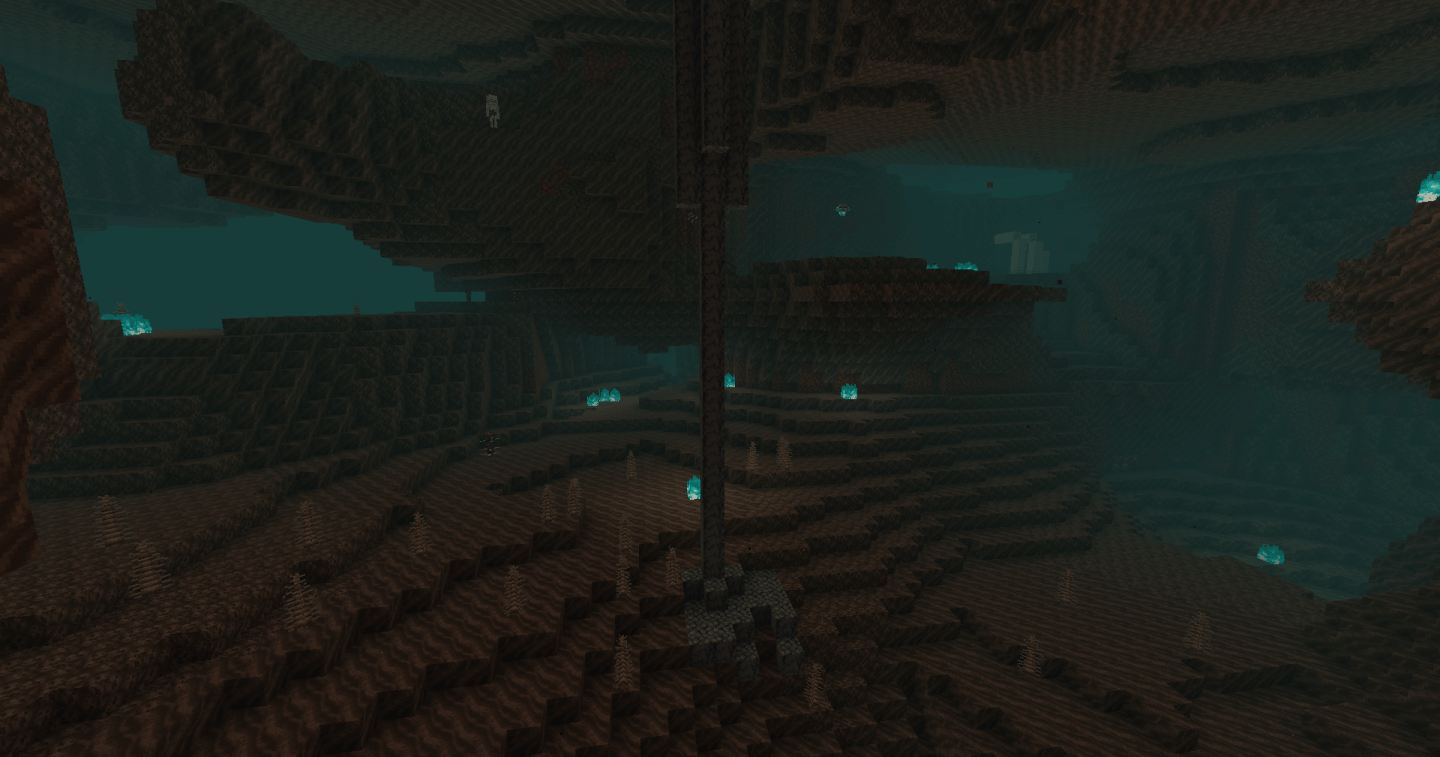
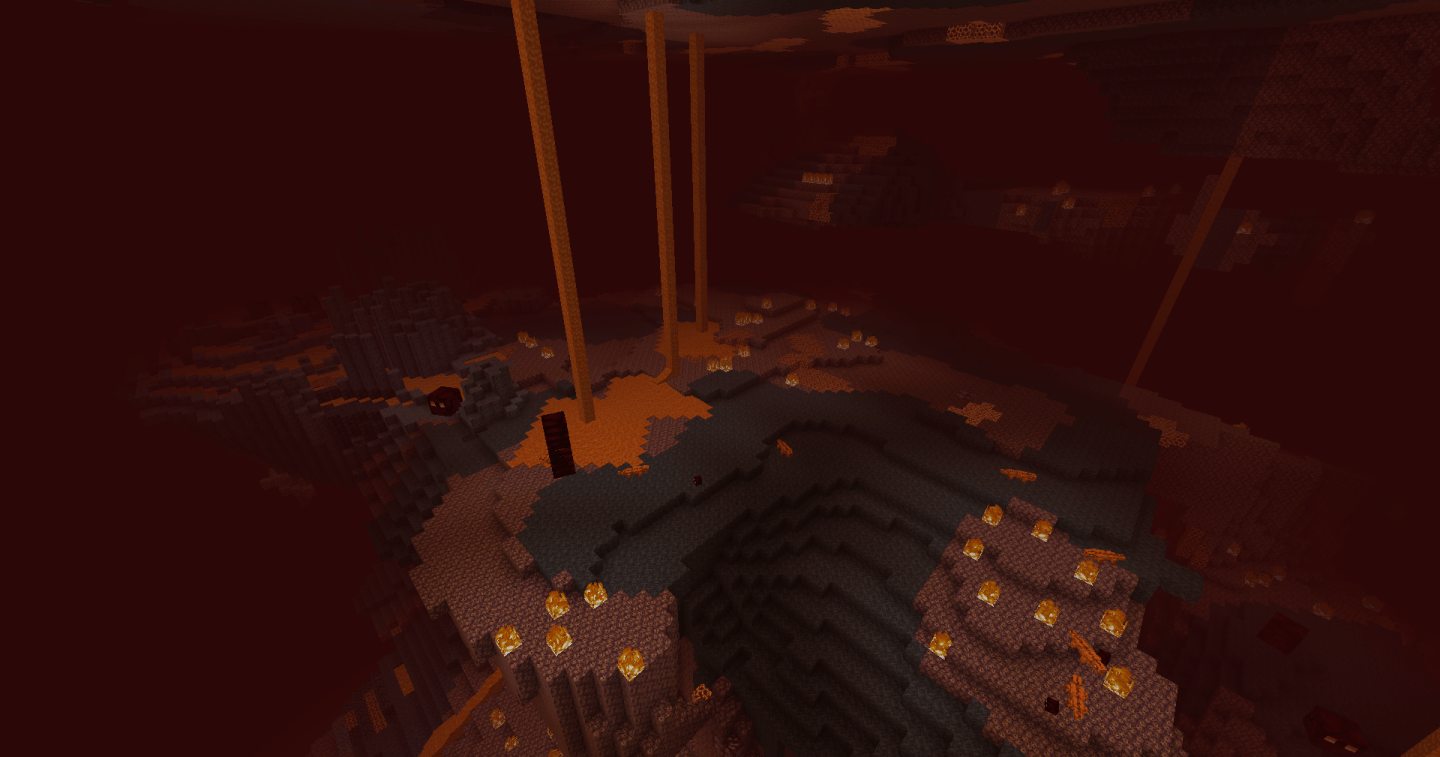
NetherEx là một mod được thiết kế để mở rộng và nâng cao cảm giác của Nether. Nó thêm các biome mới chứa đầy các khối, vật phẩm và mob mới. Nó cũng thêm nội dung mới vào các biome Nether đã tồn tại.
Nếu bạn có bất kỳ câu hỏi nào hoặc muốn thảo luận về mod, hãy thoải mái tham gia máy chủ Discord của mod tại đây.
Nếu bạn muốn ủng hộ tôi, vui lòng truy cập trang Ko-fi của tôi tại đây.
Nhấp vào biểu ngữ bên dưới để nhận một máy chủ với BisectHosting! Sử dụng mã 'Logic' để ủng hộ tôi và được giảm 25% cho tháng đầu tiên. Không thấy biểu ngữ? Vậy thì nhấp vào liên kết này: https://bisecthosting.com/logic
Các phiên bản trước 1.21.4 yêu cầu một mod thư viện có tên LibraryEx, có thể tìm thấy tại đây. Các phiên bản trước của NetherEx tương thích với Biomes O' Plenty (1.12, 1.14 và 1.15), Oh The Biomes You'll Go (1.15) và Extended Nether Backport (1.15).
Fish2, Eleazzaar, Nazenn, Angelz/Demonly, Vlakk, AnarchCassius, LapisWhovian, misterslime, Vivi, Cameron, rye, SnakeBlock, hatsondogs, Endergy, Farcr, Adeline, SirBaconFace, Yapetto, enri, crispytwig, Nitpick/Olive, ZucchiniByDay, JadenXgamer và Jamiscus.
Cách cài đặt NetherEx
With Millida Launcher
Install Millida Launcher
The launcher is free: download it at millida.net/launcher and sign in with any nickname.
Click “Install” on this page
The launcher opens and installs the mod for Minecraft 1.12.2–26.1.2 on Fabric, Forge or NeoForge automatically.
Launch the game
A profile with it appears in the launcher: click “Play”.
Manually
Install Fabric, Forge or NeoForge
The loader must match the game version of the mod file, for example Minecraft 26.1.2. After installing it, a separate profile appears in your launcher.
Download the file for your version
In the version list above, pick the file NetherEx-neoforge-26.1.2-1.2.4.jar (1.7 MB) for your game version and loader.
Put it in the mods folder
The folder is inside .minecraft (Windows: %appdata%\.minecraft\mods). If it does not exist, create it.
Launch the loader profile
Open “Mods” in the main menu: NetherEx should be in the list.
Phiên bản
Kèm phụ thuộc
| Minecraft | Loader | Tệp | Ngày | Hành động |
|---|---|---|---|---|
| 26.1.2 | NeoForge | NetherEx 1.2.4 - NeoForge 26.1.21.7 MB | ||
| 26.1.2 | Fabric | NetherEx 1.2.4 - Fabric 26.1.21.7 MB 1 | ||
| 1.12.2 | Forge | NetherEx-1.12.2-2.2.5.jar2.5 MB 4 | ||
| 1.12.2 | — | NetherEx-1.12.2-2.0.15.jar2.6 MB |
Câu hỏi thường gặp
Which Minecraft versions does NetherEx work on?
There are files for 26.1.2, 1.12.2. The newest is 26.1.2.
Is NetherEx for Forge or Fabric?
There are files for Fabric: 26.1.2, for Forge: 1.12.2 and for NeoForge: 26.1.2.
Does NetherEx need other mods?
The author lists no required dependencies: the Fabric, Forge or NeoForge loader is enough.
Where can I download NetherEx safely?
On this page: the file NetherEx-neoforge-26.1.2-1.2.4.jar (1.7 MB) is stored on Millida’s server, with no link shorteners. SHA-1 checksum: 53c25315cc8193c5b6431b4f30bd24fd5a66952a.
Đánh giá
Hãy là người đầu tiên đánh giá NetherEx


