

Immersive Weathering Mod cho Minecraft 1.20.1
Vô số hệ thống tự nhiên mới khiến thế giới của bạn sống động hơn bao giờ hết.
 Forge
Forge Fabric
Giới thiệu mod Immersive Weathering
The world of Minecraft is static and lifeless, save for a few random barn animals roaming around. Have you ever wanted things to actually grow and change as you explore? Immersive Weathering is the mod for you.
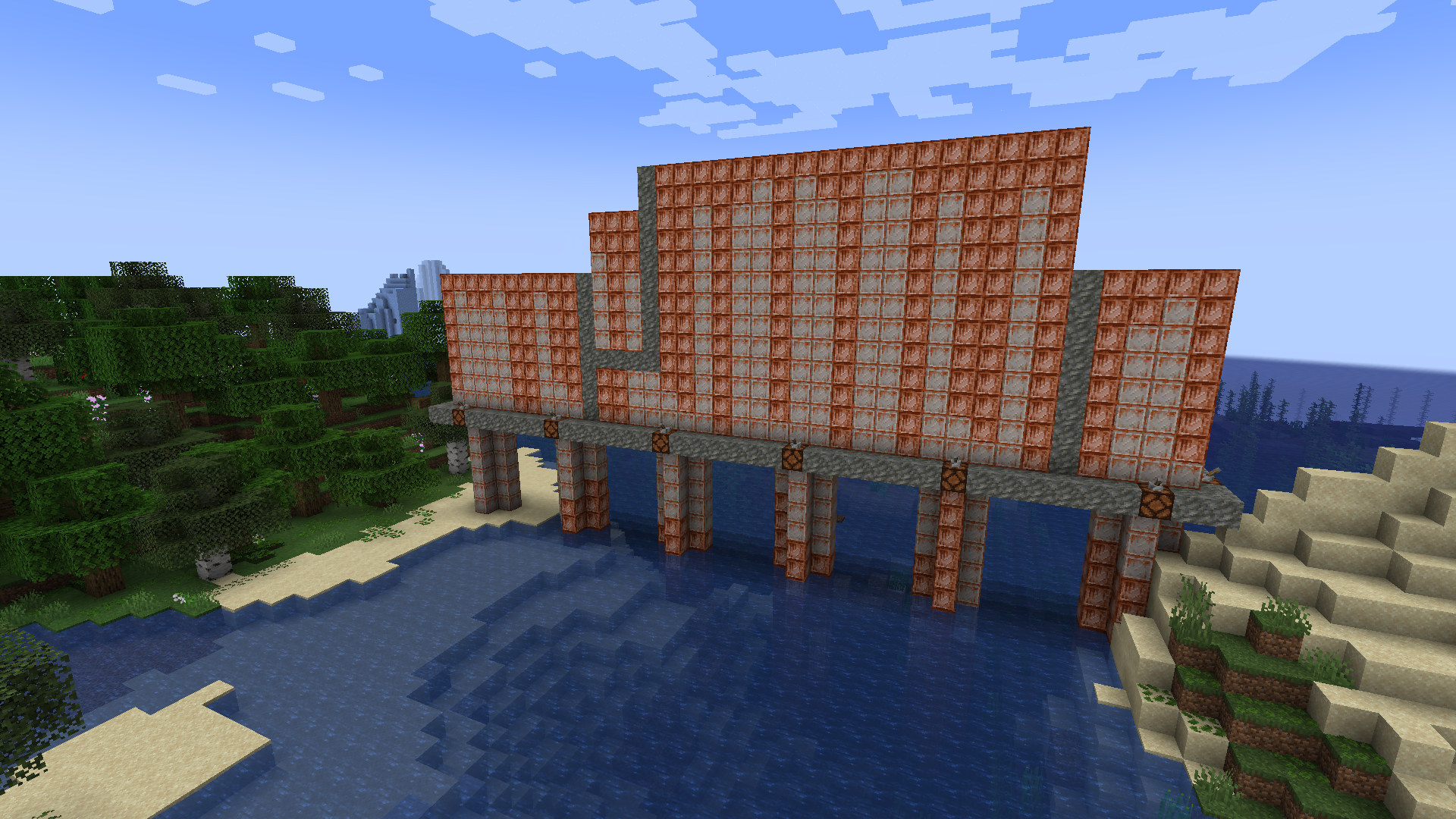
With features like moss spreading over cobblestone and bricks becoming cracked when exposed to extreme heat, iron that rusts when it rains, wood blocks that char when burnt, icicles that form on the edges of your roof and grass the actually grows as well as many more similar mechanics, Immersive Weathering breathes a whole new kind of life into your world without being laggy or invasive on the buildings you work so hard to construct.
However, nothing stands forever without care and attention so you will need to take a little care to protect what you've built. While bricks can crack, they can be repaired as simply as using some mortar on them. Moss will never grow back if you burn it away with Flint and Steel. Significant attention has been paid to how these mechanics can impact your gamplay and as such we've made sure you can prevent or repair any potential damage.

Cách cài đặt Immersive Weathering
With Millida Launcher
Install Millida Launcher
The launcher is free: download it at millida.net/launcher and sign in with any nickname.
Click “Install” on this page
The launcher opens and installs the mod for Minecraft 1.20.1 on Fabric or Forge automatically, together with its dependencies: Moonlight Lib.
Launch the game
A profile with it appears in the launcher: click “Play”.
Manually
Install Fabric or Forge
The loader must match the game version of the mod file, for example Minecraft 1.20.1. After installing it, a separate profile appears in your launcher.
Download the file for your version
In the version list above, pick the file immersive_weathering-1.20.1-2.0.5-forge.jar (2.2 MB) for your game version and loader.
Put it in the mods folder
The folder is inside .minecraft (Windows: %appdata%\.minecraft\mods). If it does not exist, create it. Required dependencies go there too: Moonlight Lib.
Launch the loader profile
Open “Mods” in the main menu: Immersive Weathering should be in the list.
On a server
A server on Fabric or Forge
The mod only works on a server with the same loader and game version, for example 1.20.1.
File goes into the server’s mods folder
Stop the server, put the mod file into the mods folder and start the server again.
Use the “To server” button
On Millida Hosting, the button at the top of the page uploads the file to your server and restarts it for you.
Minecraft 1.20.1 runs on Java 17: with a different Java version the game may close right after launch.
Phiên bản
Kèm phụ thuộc
| Minecraft | Loader | Tệp | Ngày | Hành động |
|---|---|---|---|---|
| 1.20.1 | Forge | 1.20.12.2 MB 39 | ||
| 1.20.1 | Fabric | 1.20.12.1 MB 3 | ||
| 1.20.1 | Forge | 1.20.12.2 MB | ||
| 1.20.1 | Fabric | 1.20.12.1 MB | ||
| 1.20.1 | Forge | 1.20.12.2 MB | ||
| 1.20.1 | Fabric | 1.20.12.1 MB | ||
| 1.20.1 | Forge | 1.20.12.2 MB | ||
| 1.20.1 | Fabric | 1.20.12.1 MB |
Yêu cầu để chạy
- Moonlight Libbắt buộc
Câu hỏi thường gặp
Which Minecraft versions does Immersive Weathering work on?
Only Minecraft 1.20.1: there are no files for other versions.
Is Immersive Weathering for Forge or Fabric?
There are files for Fabric: 1.20.1 and for Forge: 1.20.1. There are no files for NeoForge: a mod for another loader will not start.
What does Immersive Weathering need to work?
Required: Moonlight Lib. Without it the mod will not start: dependencies go into the same mods folder.
Does Immersive Weathering work on a server?
Yes. Immersive Weathering works both in singleplayer and on a server.
Which Java does Immersive Weathering need?
Minecraft 1.20.1 runs on Java 17. If the game closes right after launch, the usual cause is the wrong Java version in the profile settings.
Where can I download Immersive Weathering safely?
On this page: the file immersive_weathering-1.20.1-2.0.5-forge.jar (2.2 MB) is stored on Millida’s server, with no link shorteners. SHA-1 checksum: d89ad3793ffb97df27f415ac6cc07c61460dd9f3.
Đánh giá
Hãy là người đầu tiên đánh giá Immersive Weathering


