

Formations Nether Mod cho Minecraft 1.21.1, 1.21
Formations Nether thêm rất nhiều cấu trúc mới vào Nether!
 Fabric
 Forge
Forge NeoForge
 Quilt
QuiltFormations Nether thêm một loạt cấu trúc mới vào Nether!
Cấu trúc
Một số ví dụ về cấu trúc bạn có thể tìm thấy trong Formations Nether. Để xem thêm hình ảnh, bạn có thể xem thư viện ảnh.
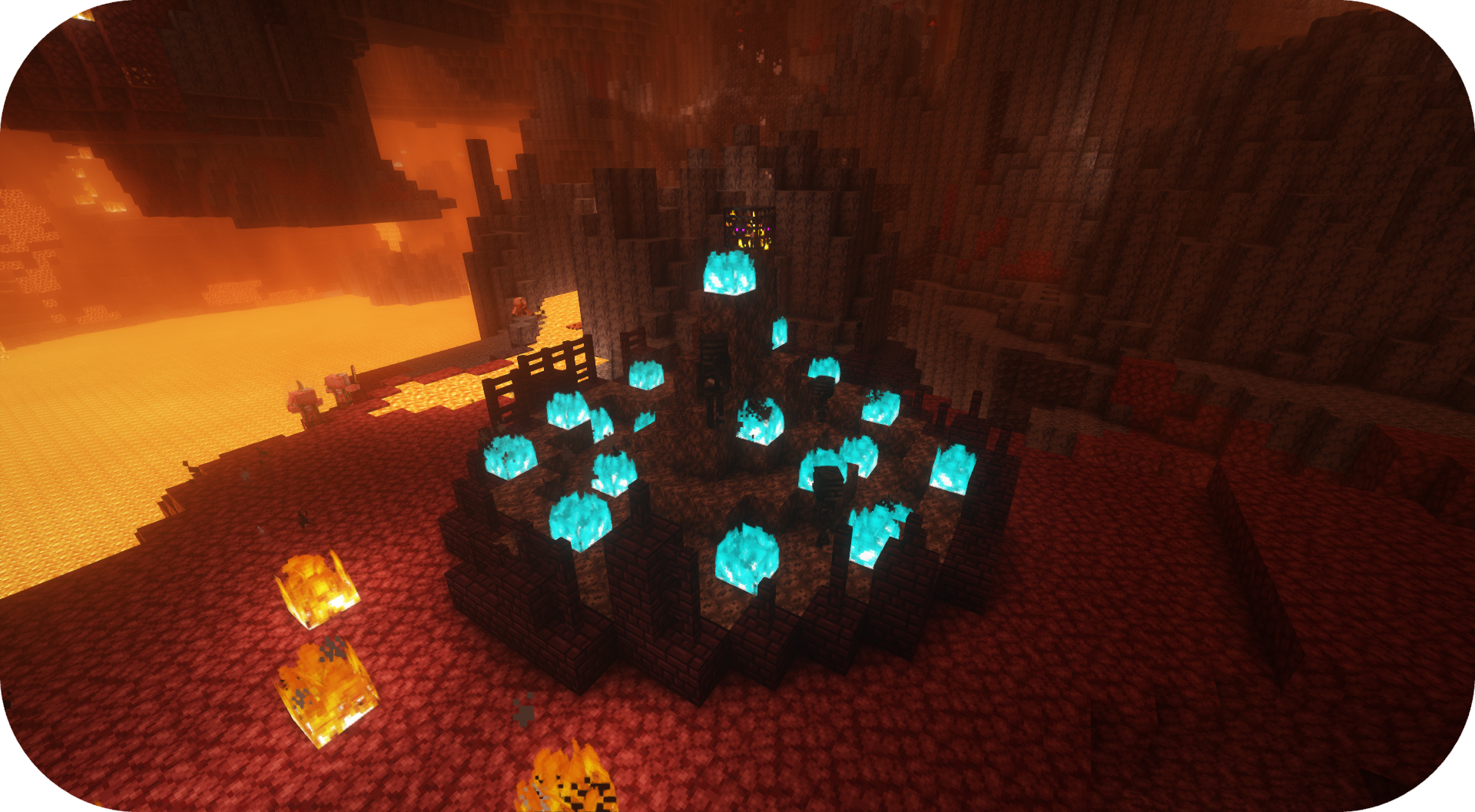
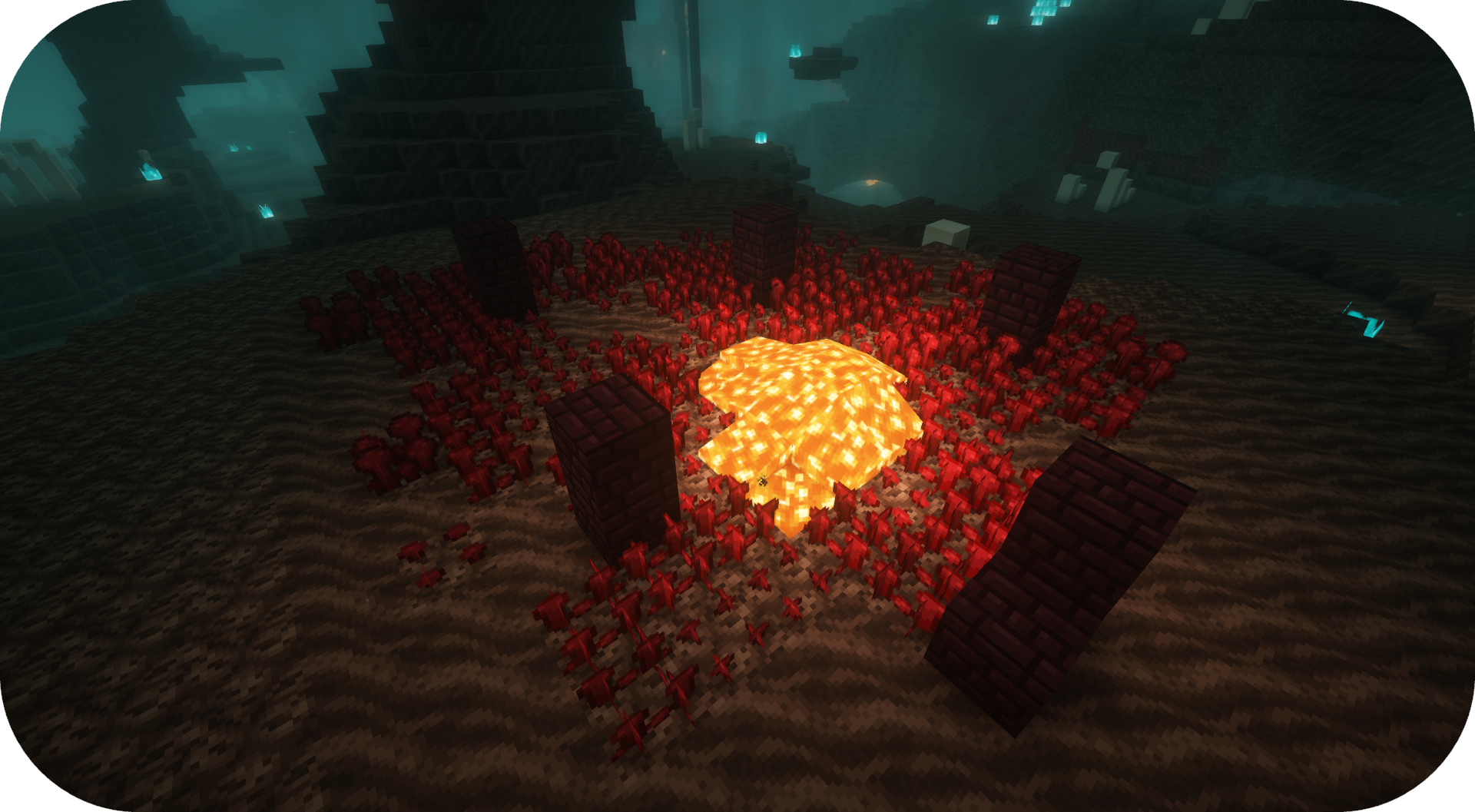
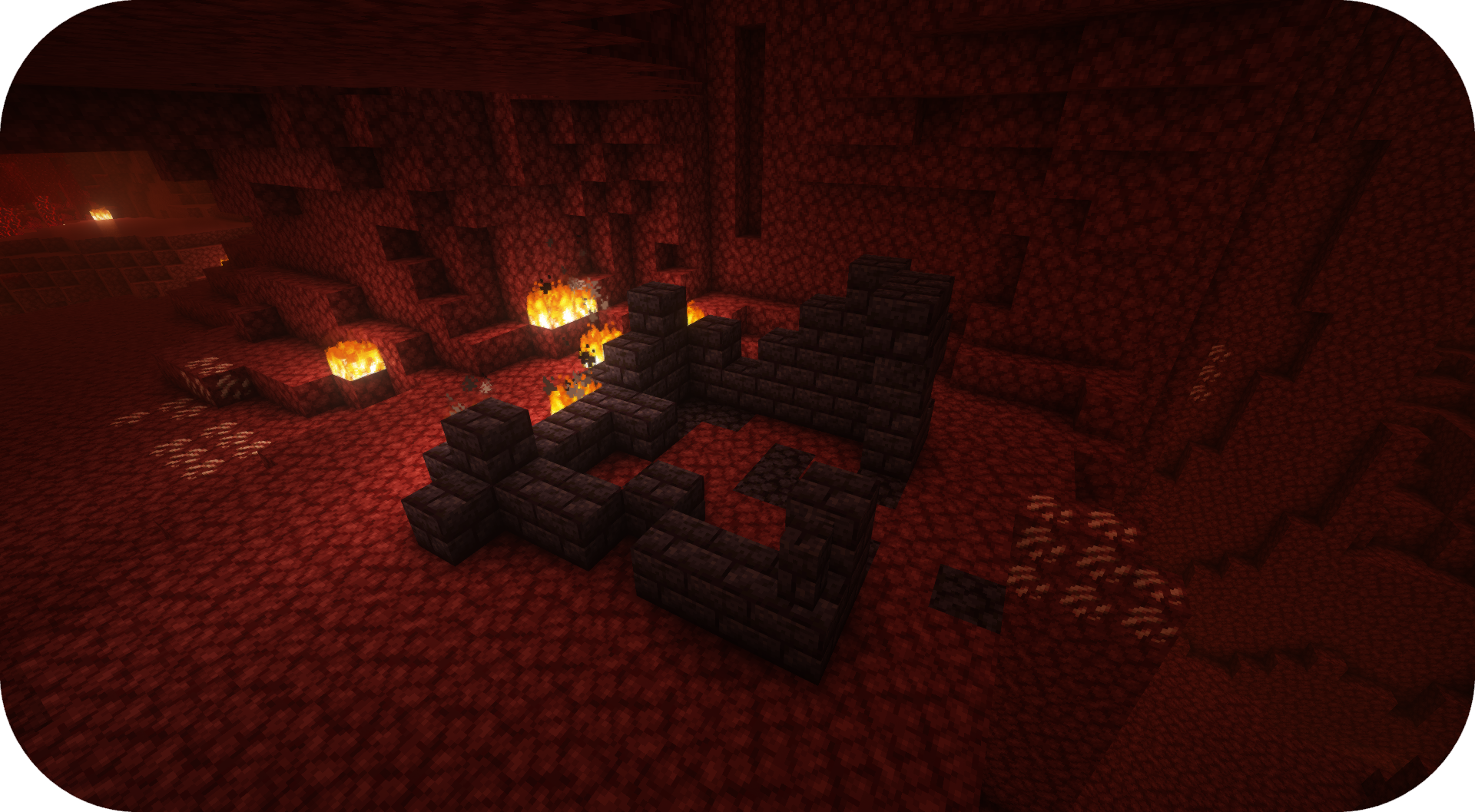
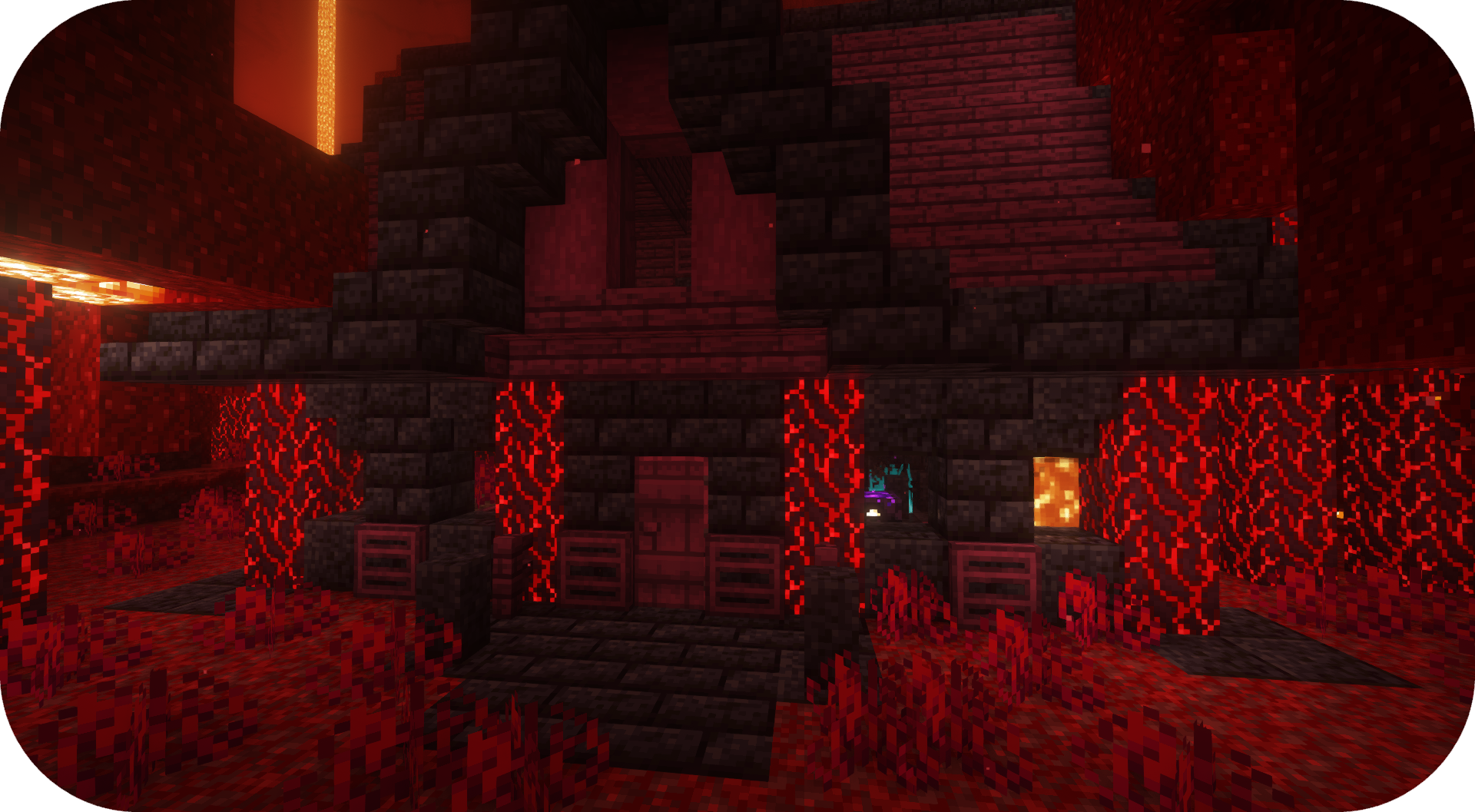
Câu hỏi thường gặp
Tôi có thể sử dụng mod của bạn trong modpack của tôi không? Có, cứ thoải mái sử dụng mod của tôi trong modpack của bạn

Discord
Để biết nội dung trong tương lai, các mod sắp ra mắt và thảo luận, hãy thoải mái tham gia máy chủ Discord của SuperMartijn642! [ ](https://discord.gg/QEbGyUYB2e)

Cách cài đặt Formations Nether
With Millida Launcher
Install Millida Launcher
The launcher is free: download it at millida.net/launcher and sign in with any nickname.
Click “Install” on this page
The launcher opens and installs the mod for Minecraft 1.21–26.3 on Fabric, Forge, NeoForge or Quilt automatically, together with its dependencies: Formations (Structure Library).
Launch the game
A profile with it appears in the launcher: click “Play”.
Manually
Install Fabric, Forge, NeoForge or Quilt
The loader must match the game version of the mod file, for example Minecraft 26.3. After installing it, a separate profile appears in your launcher.
Download the file for your version
In the version list above, pick the file formationsnether-1.0.5b-mc1.21+.jar (323 KB) for your game version and loader.
Put it in the mods folder
The folder is inside .minecraft (Windows: %appdata%\.minecraft\mods). If it does not exist, create it. Required dependencies go there too: Formations (Structure Library).
Launch the loader profile
Open “Mods” in the main menu: Formations Nether should be in the list.
On a server
A server on Fabric, Forge, NeoForge or Quilt
The mod only works on a server with the same loader and game version, for example 26.3.
File goes into the server’s mods folder
Stop the server, put the mod file into the mods folder and start the server again.
Use the “To server” button
On Millida Hosting, the button at the top of the page uploads the file to your server and restarts it for you.
Phiên bản
Kèm phụ thuộc
| Minecraft | Loader | Tệp | Ngày | Hành động |
|---|---|---|---|---|
| 26.3 | Fabric, Forge, NeoForge, Quilt | 26.3323 KB 13 | ||
| 26.1 | Fabric, Forge, NeoForge, Quilt | 26.1920 KB 1 | — |
Yêu cầu để chạy
- Formations (Structure Library)bắt buộc
Đánh giá
Hãy là người đầu tiên đánh giá Formations Nether


