

Fast IP Ping Mod cho Minecraft 1.20.1, 1.21.1
Loại bỏ tra cứu DNS ngược gây lag cho địa chỉ máy chủ IP thực
 Fabric
 Forge
Forge NeoForge
Giới thiệu mod Fast IP Ping
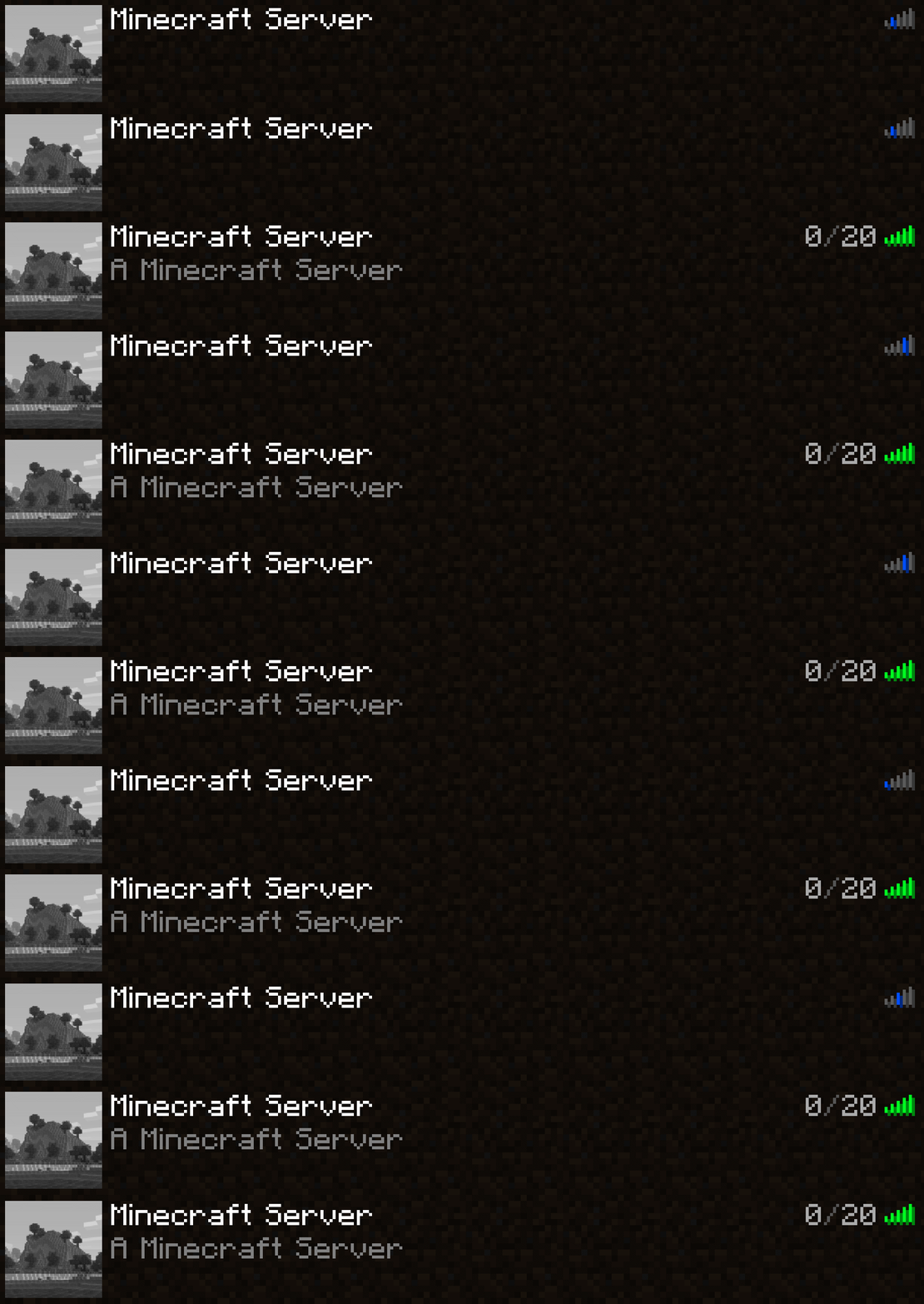
Loại bỏ tra cứu DNS ngược gây lag cho địa chỉ máy chủ dạng IP thuần
Được trích xuất từ tùy chọn yeetServerIpReversedDnsLookup trong TweakerMore Mod
Cái gì & Tại sao & Như thế nào
Đối với các máy chủ có địa chỉ chỉ được biểu diễn bằng IP thuần, ví dụ 192.168.2.10:25565, vô hiệu hóa tra cứu DNS ngược trong đối tượng InetAddress tương ứng
Nhiều IP không phải loopback không có tên miền liên kết, khiến tra cứu ngược tốn thời gian
// java.net.InetAddressgetHostName(boolean) String getHostName(boolean check) { if (holder().getHostName() == null) { // Nó sẽ là null nếu InetAddress.getByName() nhận được IP thuần holder().hostName = InetAddress.getHostFromNameService(this, check); // <-- mất rất nhiều thời gian } return holder().getHostName(); }
Tùy chọn này đặt tên miền của những máy chủ đó trực tiếp thành IP của chúng, bỏ qua kiểm tra DNS ngược
Điều này giúp giảm 1s ~ 5s thời gian đối với các máy chủ có địa chỉ IP thuần. Ảnh hưởng đến các môi trường sau:
- Ping máy chủ trong màn hình danh sách máy chủ
- Kết nối đến máy chủ
Môi trường
- Chỉ phía máy khách
- Mod loader Fabric / Forge / NeoForge. Không cần yêu cầu thêm
Cách cài đặt Fast IP Ping
With Millida Launcher
Install Millida Launcher
The launcher is free: download it at millida.net/launcher and sign in with any nickname.
Click “Install” on this page
The launcher opens and installs the mod for Minecraft 1.16.4–26.2 on Fabric, Forge or NeoForge automatically.
Launch the game
A profile with it appears in the launcher: click “Play”.
Manually
Install Fabric, Forge or NeoForge
The loader must match the game version of the mod file, for example Minecraft 26.2. After installing it, a separate profile appears in your launcher.
Download the file for your version
In the version list above, pick the file fast-ip-ping-v1.0.11-mc26.1.2.jar (11 KB) for your game version and loader.
Put it in the mods folder
The folder is inside .minecraft (Windows: %appdata%\.minecraft\mods). If it does not exist, create it.
Launch the loader profile
Open “Mods” in the main menu: Fast IP Ping should be in the list.
Fast IP Ping works on the player’s side only: there is no need to install it on a server.
Phiên bản
Kèm phụ thuộc
| Minecraft | Loader | Tệp | Ngày | Hành động |
|---|---|---|---|---|
| 1.21.11 | NeoForge | 1.21.1110.2 KB 6 | ||
| 1.21.4 | NeoForge | 1.21.410.2 KB 1 | ||
| 1.21.10 | NeoForge | 1.21.1010.2 KB 3 | ||
| 1.21.5 | NeoForge | 1.21.510.2 KB | ||
| 1.21.8 | NeoForge | 1.21.810.2 KB | ||
| 1.21.3 | NeoForge | 1.21.310.2 KB | ||
| 1.21.1 | NeoForge | 1.21.110.2 KB 12 | ||
| 1.20.6 | NeoForge | 1.20.610.2 KB |
Câu hỏi thường gặp
Which Minecraft versions does Fast IP Ping work on?
There are files for 1.16.4–26.2, 31 versions in total. The newest is 26.2.
Is Fast IP Ping for Forge or Fabric?
There are files for Fabric: 26.1–26.2, for Forge: 1.16.4–26.2 and for NeoForge: 1.20.5–26.2.
Does Fast IP Ping need other mods?
The author lists no required dependencies: the Fabric, Forge or NeoForge loader is enough.
Do I need to install Fast IP Ping on a server?
No. Fast IP Ping works on the player’s side only: there is no need to install it on a server.
Where can I download Fast IP Ping safely?
On this page: the file fast-ip-ping-v1.0.11-mc26.1.2.jar (11 KB) is stored on Millida’s server, with no link shorteners. SHA-1 checksum: 6b69eaa6323da9f7933206d55cdb09ea3299cde3.
Đánh giá
Hãy là người đầu tiên đánh giá Fast IP Ping


