
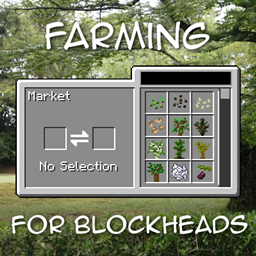
Farming for Blockheads Mod cho Minecraft 1.21.1, 1.16.5
Thêm chợ tùy chỉnh, thùng vận chuyển, hệ thống tưới nước và nhiều tiện ích nông nghiệp khác.
 NeoForge
 Fabric
 Forge
Giới thiệu mod Farming for Blockheads
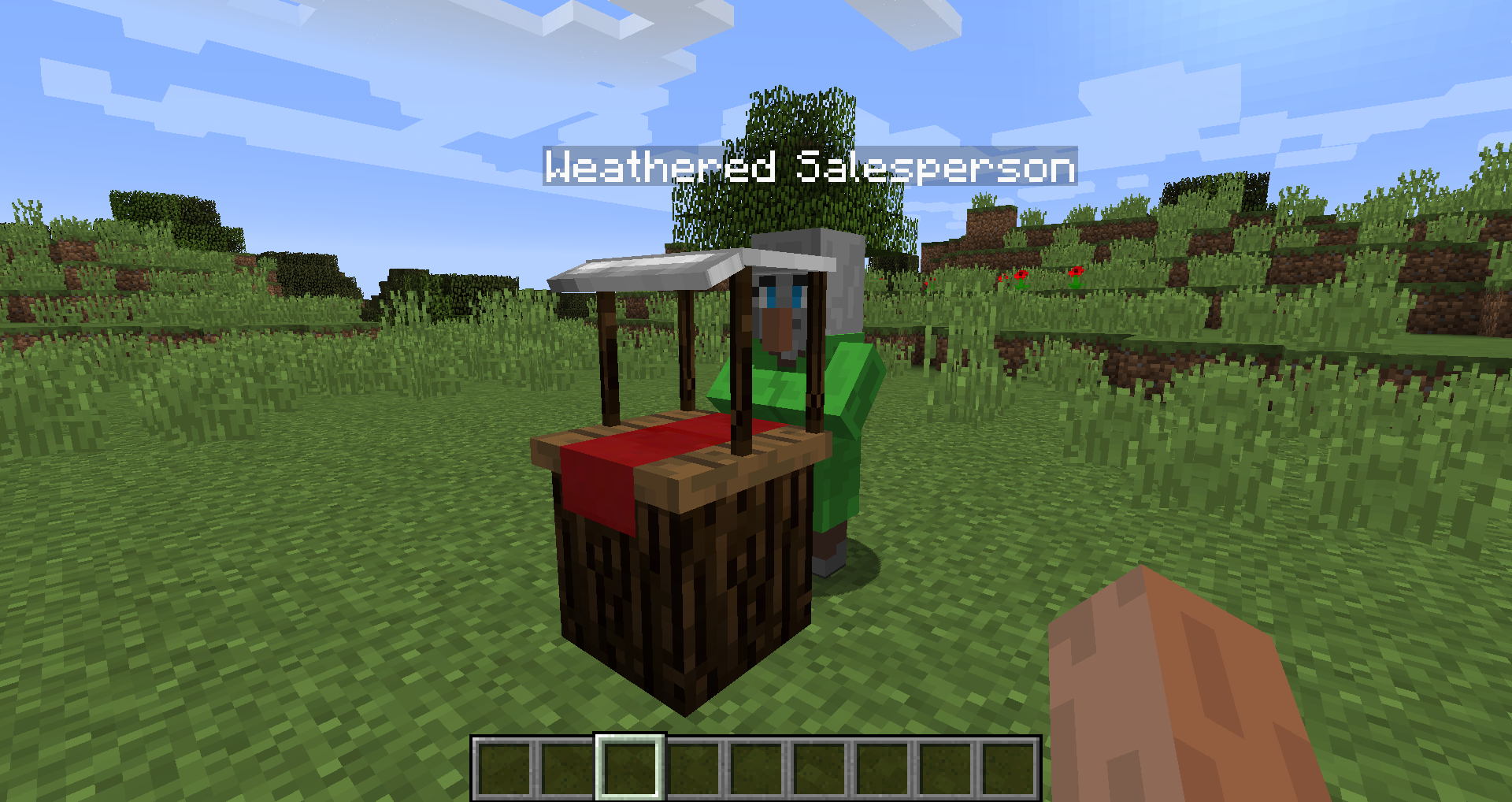
Mod này thêm một khối Chợ vào Minecraft, cho phép bạn mua hạt giống, cây non hoặc những thứ khác như bột xương. Nó cũng thêm một số tiện ích nông trại như Tổ Gà, Máng Ăn, Vòi Phun Nước và Phân Bón để cải thiện cây trồng của bạn.
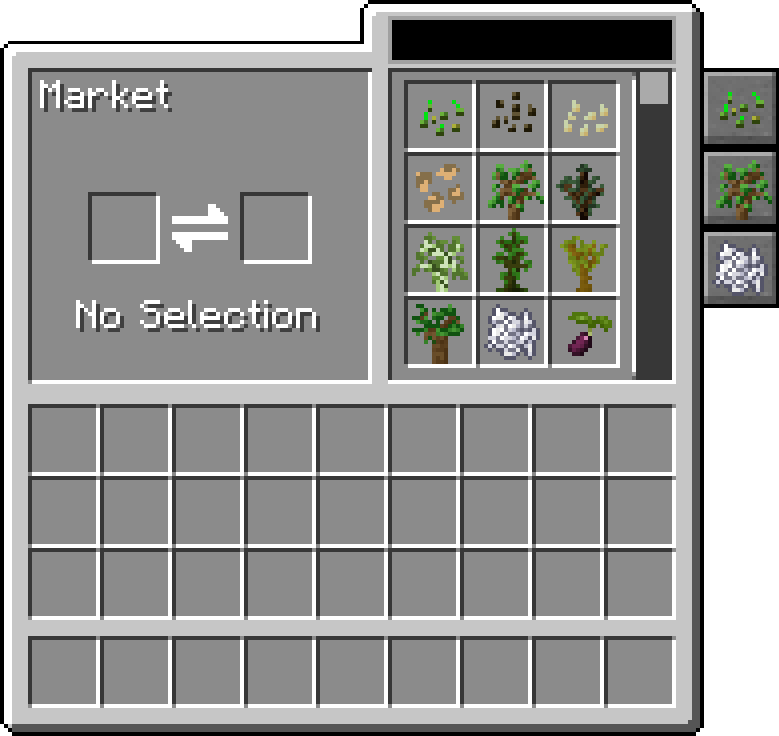
Chợ cho phép tìm kiếm và cuộn qua các giao dịch, có thể lọc theo danh mục và có thể cấu hình để thêm các giao dịch và danh mục khác vào đó.
Mod này yêu cầu Balm, phải được cài đặt cùng với mod.
- Khối Chợ bán hạt giống và cây non, có thể được cấu hình để thay đổi các giao dịch của nó thêm
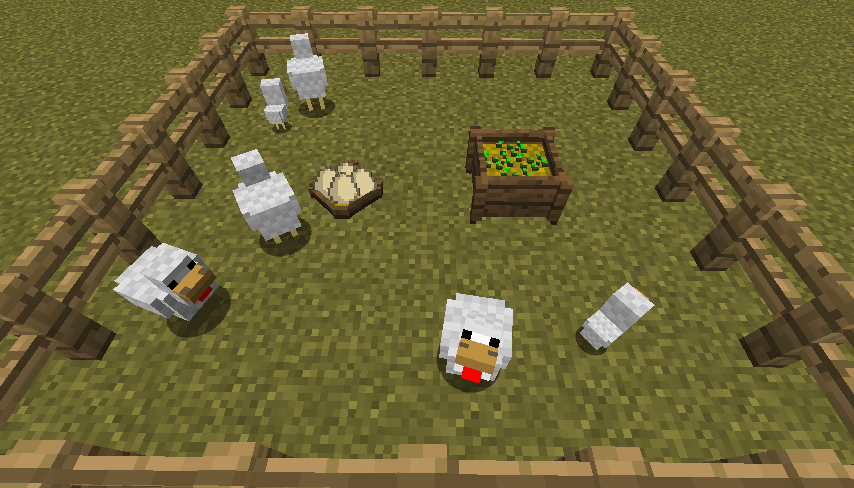
- Tổ Gà để thu thập trứng gà do tất cả những con gà đó đẻ ra
- Máng Ăn để tự động cho động vật ăn một cách thông minh
- Phân Bón để cải thiện sản lượng cây trồng, sự phát triển hoặc ngăn chặn sự phá hoại
- Tương thích với Pam's Harvestcraft, Biomes O' Plenty, Simple Farming và nhiều hơn nữa
- Tương thích với Just Enough Items (Giao Dịch Chợ sẽ hiển thị)
Giới Thiệu Mod bởi Mischief of Mice
Cách cài đặt Farming for Blockheads
With Millida Launcher
Install Millida Launcher
The launcher is free: download it at millida.net/launcher and sign in with any nickname.
Click “Install” on this page
The launcher opens and installs the mod for Minecraft 1.16.2–26.1.2 on Fabric, Forge or NeoForge automatically.
Launch the game
A profile with it appears in the launcher: click “Play”.
Manually
Install Fabric, Forge or NeoForge
The loader must match the game version of the mod file, for example Minecraft 26.1.2. After installing it, a separate profile appears in your launcher.
Download the file for your version
In the version list above, pick the file farmingforblockheads-neoforge-26.1.2-26.1.2.5.jar (1.1 MB) for your game version and loader.
Put it in the mods folder
The folder is inside .minecraft (Windows: %appdata%\.minecraft\mods). If it does not exist, create it.
Launch the loader profile
Open “Mods” in the main menu: Farming for Blockheads should be in the list.
Phiên bản
Kèm phụ thuộc
| Minecraft | Loader | Tệp | Ngày | Hành động |
|---|---|---|---|---|
| 26.1.2 | NeoForge | farmingforblockheads-neoforge-26.1.2-26.1.2.5.jar1.1 MB | ||
| 26.1.2 | Fabric | farmingforblockheads-fabric-26.1.2-26.1.2.5.jar1.1 MB 6 | ||
| 1.21.1 | Forge | farmingforblockheads-forge-1.21.1-21.1.14.jar873 KB 4 | ||
| 1.16.5 | — | FarmingForBlockheads_1.16.5-7.3.1.jar275 KB 2 | ||
| 1.16.2 | — | FarmingForBlockheads_1.16.2-7.1.1.jar273 KB |
Câu hỏi thường gặp
Which Minecraft versions does Farming for Blockheads work on?
There are files for 26.1.2, 1.21.1, 1.16.5, 1.16.2. The newest is 26.1.2.
Is Farming for Blockheads for Forge or Fabric?
There are files for Fabric: 26.1.2, for Forge: 1.21.1 and for NeoForge: 26.1.2.
Does Farming for Blockheads need other mods?
The author lists no required dependencies: the Fabric, Forge or NeoForge loader is enough.
Where can I download Farming for Blockheads safely?
On this page: the file farmingforblockheads-neoforge-26.1.2-26.1.2.5.jar (1.1 MB) is stored on Millida’s server, with no link shorteners. SHA-1 checksum: b19d560601cfd429a92be742dd4ba346c7d554e4.
Đánh giá
Hãy là người đầu tiên đánh giá Farming for Blockheads


