
Ex Compressum Mod cho Minecraft 1.21.1, 1.16.5
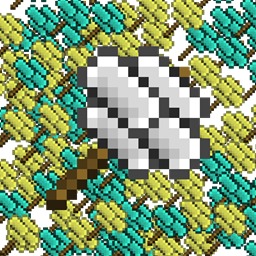
Tiện ích bổ sung cho Ex Nihilo giúp giảm độ cày cuốc bằng cách thêm búa nén và công cụ tự động hóa.
 NeoForge
 Fabric
 Forge
ForgeGiới thiệu mod Ex Compressum
Ex Compressum là một addon của Ex Nihilo, cung cấp các công cụ giúp giảm bớt công đoạn cày cuốc ban đầu trong skyblock theo cách cân bằng.
Trong Minecraft 1.10.2, nó hỗ trợ cả Ex Nihilo Omnia lẫn Ex Nihilo Adscensio.
Trong Minecraft 1.12, nó hỗ trợ Ex Nihilo: Creatio.
Trong Minecraft 1.20.1, nó hỗ trợ Ex Nihilo: Sequentia, Ex Deorum và Fabricae Ex Nihilo.

Trong Minecraft 1.21.1, nó hỗ trợ Ex Nihilo: Sequentia và Ex Deorum.
Trong Minecraft 26.1 trở lên, nó hỗ trợ Ex Deorum.
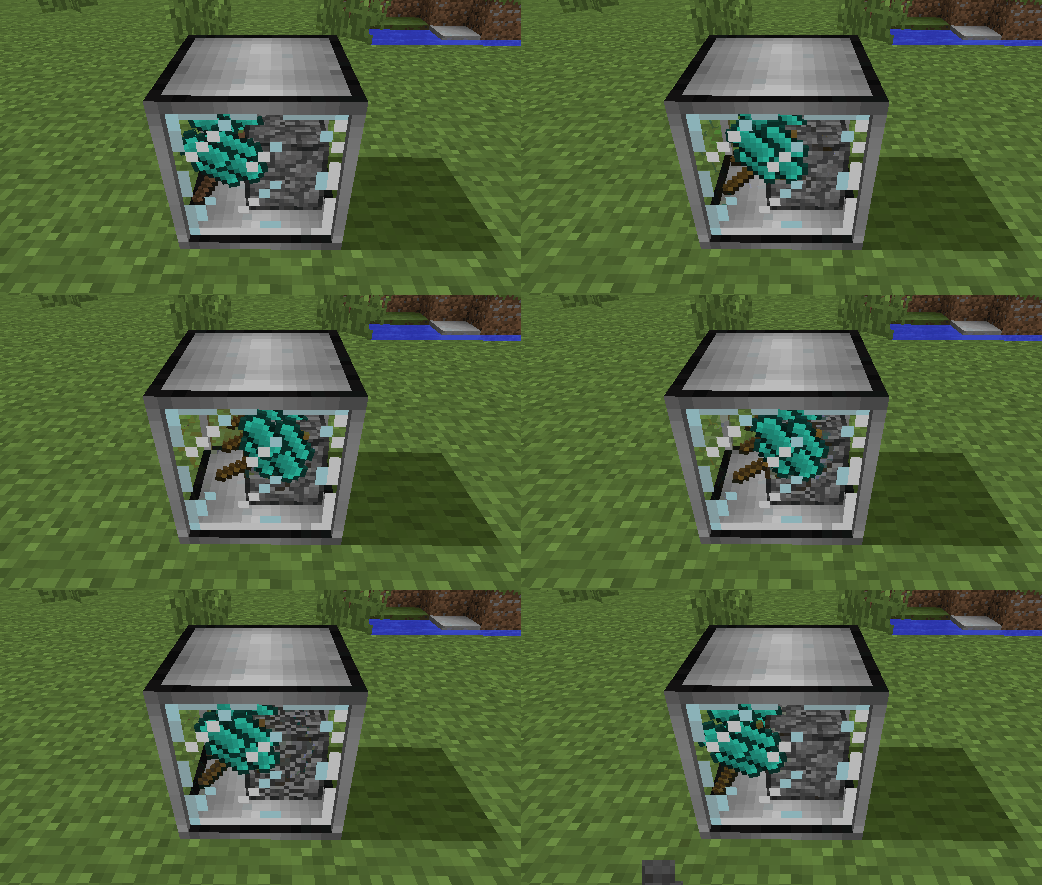
- Compressed Hammer để đập Compressed Block thành chín phần dạng đã đập vỡ của chúng (ví dụ: Compressed Gravel -> 9 Sand)
- Compressed Crook nhanh gấp bốn lần crook thường, nhưng chỉ bền gấp đôi
- Heavy Sieve để sàng trực tiếp các compressed block, với hiệu suất giảm nhẹ
- Auto Compressor để tự động nén vật phẩm thành block (ví dụ: Broken Ores thành Ore Gravel)
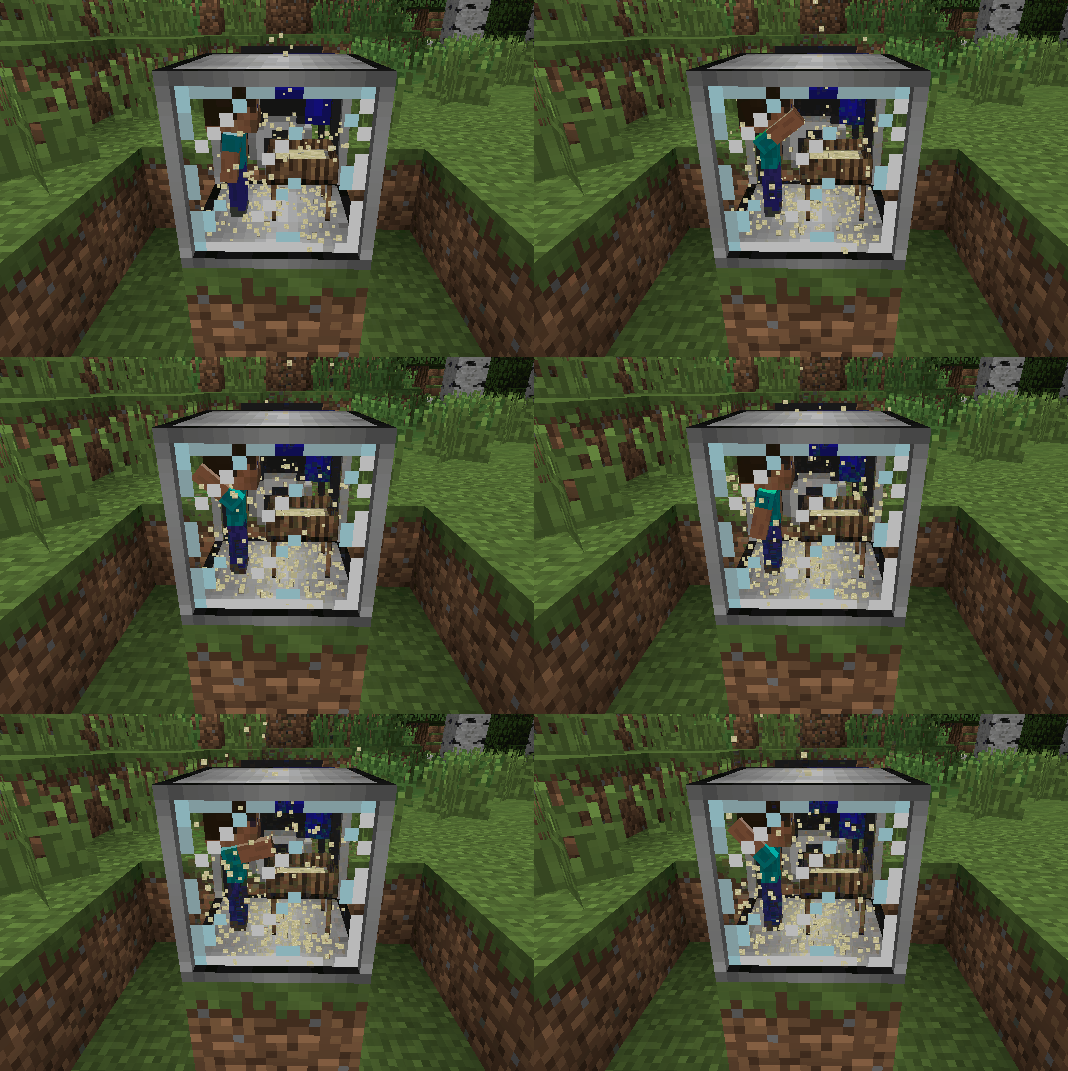
- Auto Sieve và Auto Hammer
- Wooden Crucible để chiết nước từ thực vật, thay thế cho mưa
- Mồi nhử động vật có thể đặt xuống để sinh ra bò, lợn, gà, cừu, ocelot và sói bên ngoài quần xã sinh vật tự nhiên của chúng
Cách cài đặt Ex Compressum
With Millida Launcher
Install Millida Launcher
The launcher is free: download it at millida.net/launcher and sign in with any nickname.
Click “Install” on this page
The launcher opens and installs the mod for Minecraft 1.16.3–26.2 on Fabric, Forge or NeoForge automatically.
Launch the game
A profile with it appears in the launcher: click “Play”.
Manually
Install Fabric, Forge or NeoForge
The loader must match the game version of the mod file, for example Minecraft 26.2. After installing it, a separate profile appears in your launcher.
Download the file for your version
In the version list above, pick the file excompressum-neoforge-26.2-26.2.0.1.jar (702 KB) for your game version and loader.
Put it in the mods folder
The folder is inside .minecraft (Windows: %appdata%\.minecraft\mods). If it does not exist, create it.
Launch the loader profile
Open “Mods” in the main menu: Ex Compressum should be in the list.
Phiên bản
Kèm phụ thuộc
| Minecraft | Loader | Tệp | Ngày | Hành động |
|---|---|---|---|---|
| 26.2 | NeoForge | excompressum-neoforge-26.2-26.2.0.1.jar702 KB 1 | ||
| 26.2 | Fabric | excompressum-fabric-26.2-26.2.0.1.jar722 KB 3 | ||
| 1.21.1 | Forge | excompressum-forge-1.21.1-21.1.15.0.jar672 KB 3 | ||
| 1.18.2 | Forge | excompressum-forge-1.18.2-5.0.3.jar704 KB | ||
| 1.16.5 | — | ExCompressum_1.16.5-4.0.4.jar699 KB | ||
| 1.16.3 | — | ExCompressum_1.16.5-4.0.2.jar694 KB |
Câu hỏi thường gặp
Which Minecraft versions does Ex Compressum work on?
There are files for 26.2, 1.21.1, 1.18.2, 1.16.5, 1.16.4, 1.16.3. The newest is 26.2.
Is Ex Compressum for Forge or Fabric?
There are files for Fabric: 26.2, for Forge: 1.18.2–1.21.1 and for NeoForge: 26.2.
Does Ex Compressum need other mods?
The author lists no required dependencies: the Fabric, Forge or NeoForge loader is enough.
Where can I download Ex Compressum safely?
On this page: the file excompressum-neoforge-26.2-26.2.0.1.jar (702 KB) is stored on Millida’s server, with no link shorteners. SHA-1 checksum: de77552c53b58cd5b4002f9af0ec3ec2208044ec.
Đánh giá
Hãy là người đầu tiên đánh giá Ex Compressum


