
Eternal Starlight Mod cho Minecraft 1.21.1
Một mod Minecraft thêm chiều không gian ánh sao huyền bí và kỳ diệu.
 Fabric
 NeoForge
Embark on a Magical Journey to the Starlight Dimension
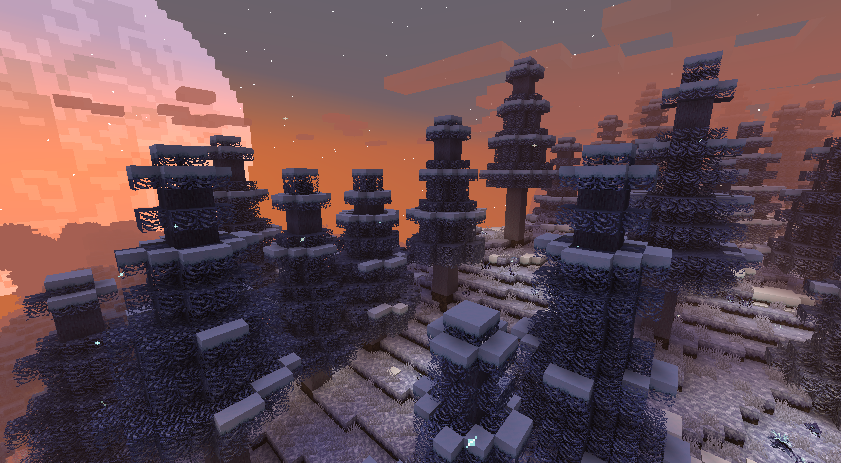
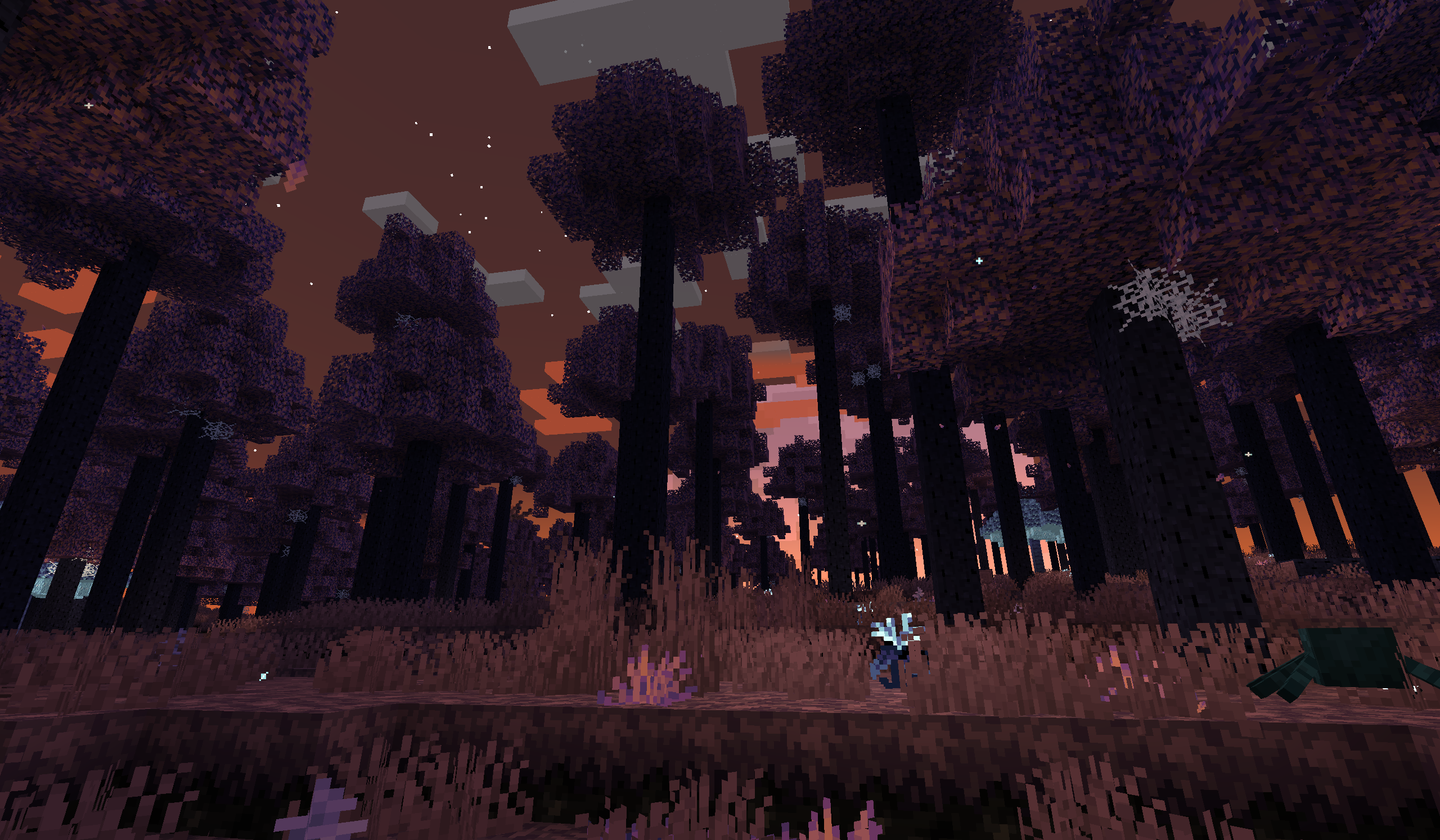
This Minecraft mod introduces a mystical realm bathed in starlight, a dimension full of wonder, danger, and discovery.
🚀 Getting Started
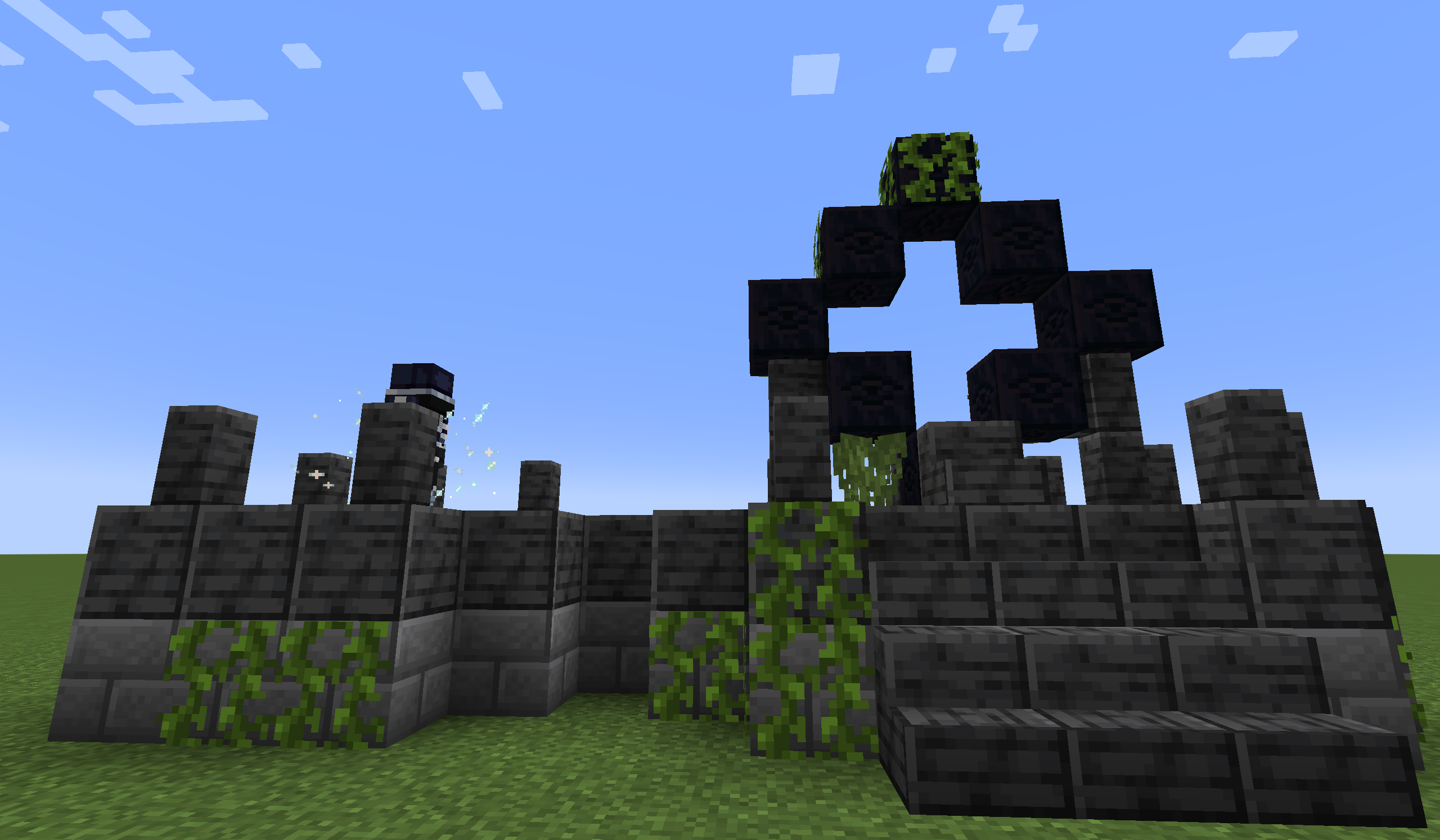
Seek out the Starlight Portal Ruins in the Overworld, and face The Gatekeeper to unlock the gateway to the stars.
⚔️ Boss Encounters
Use the Seeking Eye to locate each boss, then follow the clues provided on the Glimmering Tablet to track them down.
🌿 Exploration & Content
The mod is packed with diverse biomes, rare ingredients, unique mobs, and an array of tools and weapons waiting to be discovered. For a closer look at some of these features, check out the official wiki.
❓ Frequently Asked Questions
Q: What should I do if I find a bug? A: Please open a new issue on our GitHub Issues page. Do not ask AI to analyze the log before sending it to us. Please upload the original latest.log (latest.log preferred) or the crash report .txt file to mclo.gs or any pastebin site, and paste the link in your issue. If possible, include steps to reproduce the issue—it helps us a lot!
Q: Will you port the mod to other Minecraft versions? A: We will port to new versions when the time is right, but we will never backport to older versions. Unofficial ports are welcome.
Q: Can I include this mod in my modpack? A: Absolutely! Just make sure you provide accurate information about the mod (e.g., don't claim you created it).
Q: Can I repost the mod on other websites? A: Yes, you may repost it, but you must direct all downloads to our official channels (e.g., Modrinth or CurseForge). You are not allowed to host the mod files yourself or provide direct download links. Please also review the license for other terms.
Q: Can I reuse the mod's code in my own projects? A: Yes, under the terms of the license.
Q: Can I use the mod's assets (textures, models, sounds) elsewhere? A: No, unless you have explicit written permission from us.
Q: Can I contribute to the mod? A: Definitely! Feel free to submit a pull request on GitHub. Please note that your contributions will be licensed under the same terms as the mod.
💻 Special Thanks
- LeDok: Providing part of the code support.
🎵 Music Credits
- Depus
- KrLite
🖼️ Sneak Peek
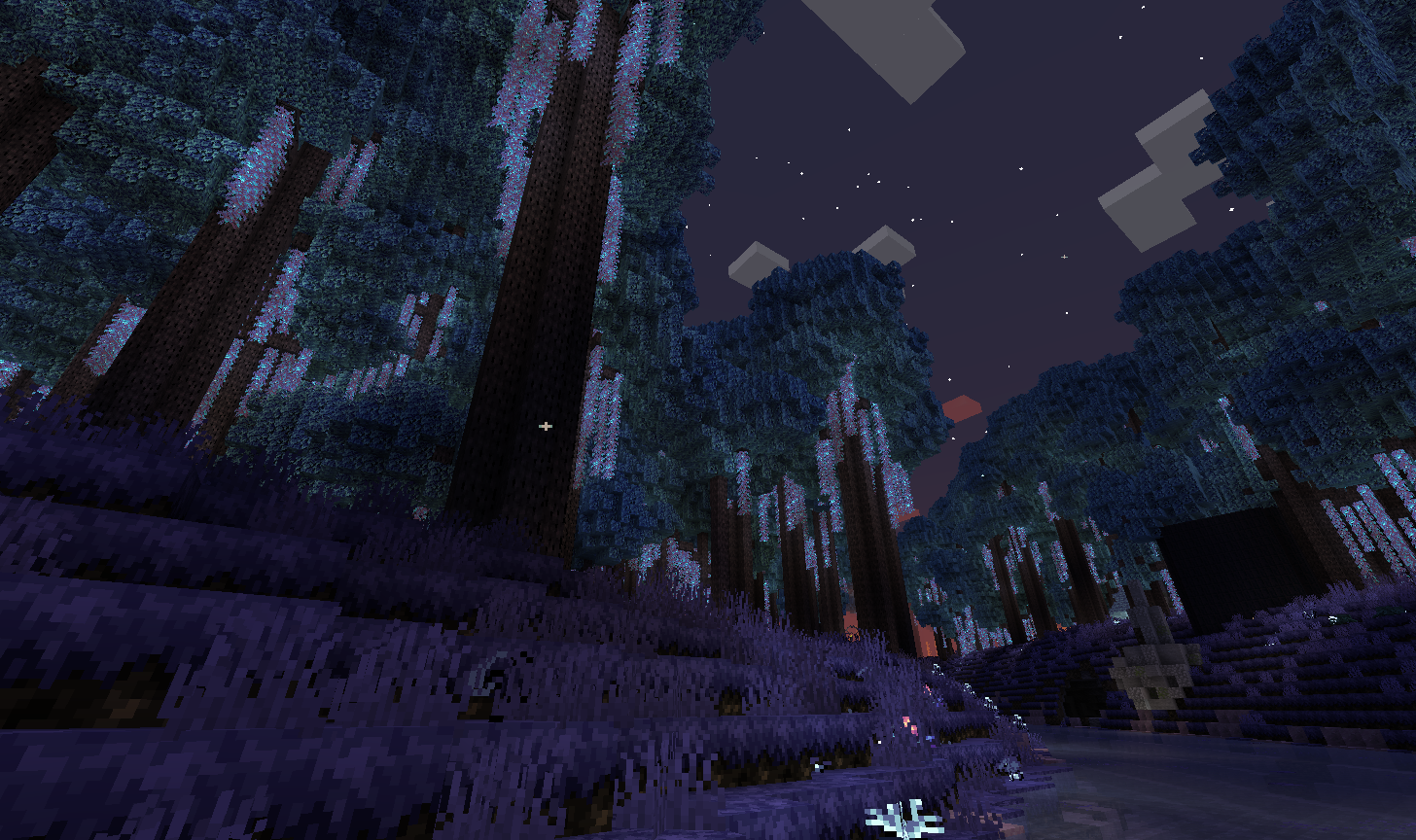
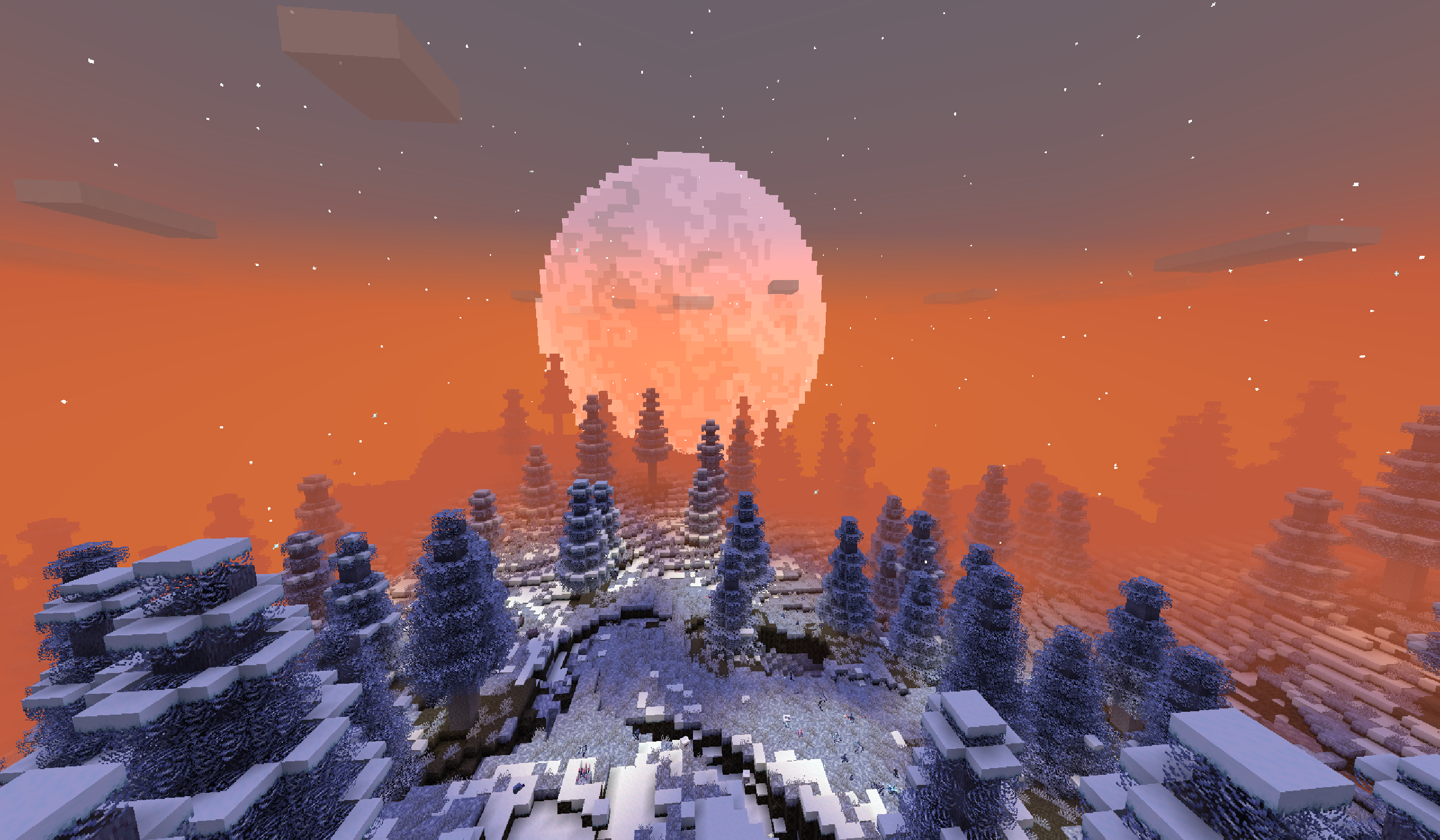
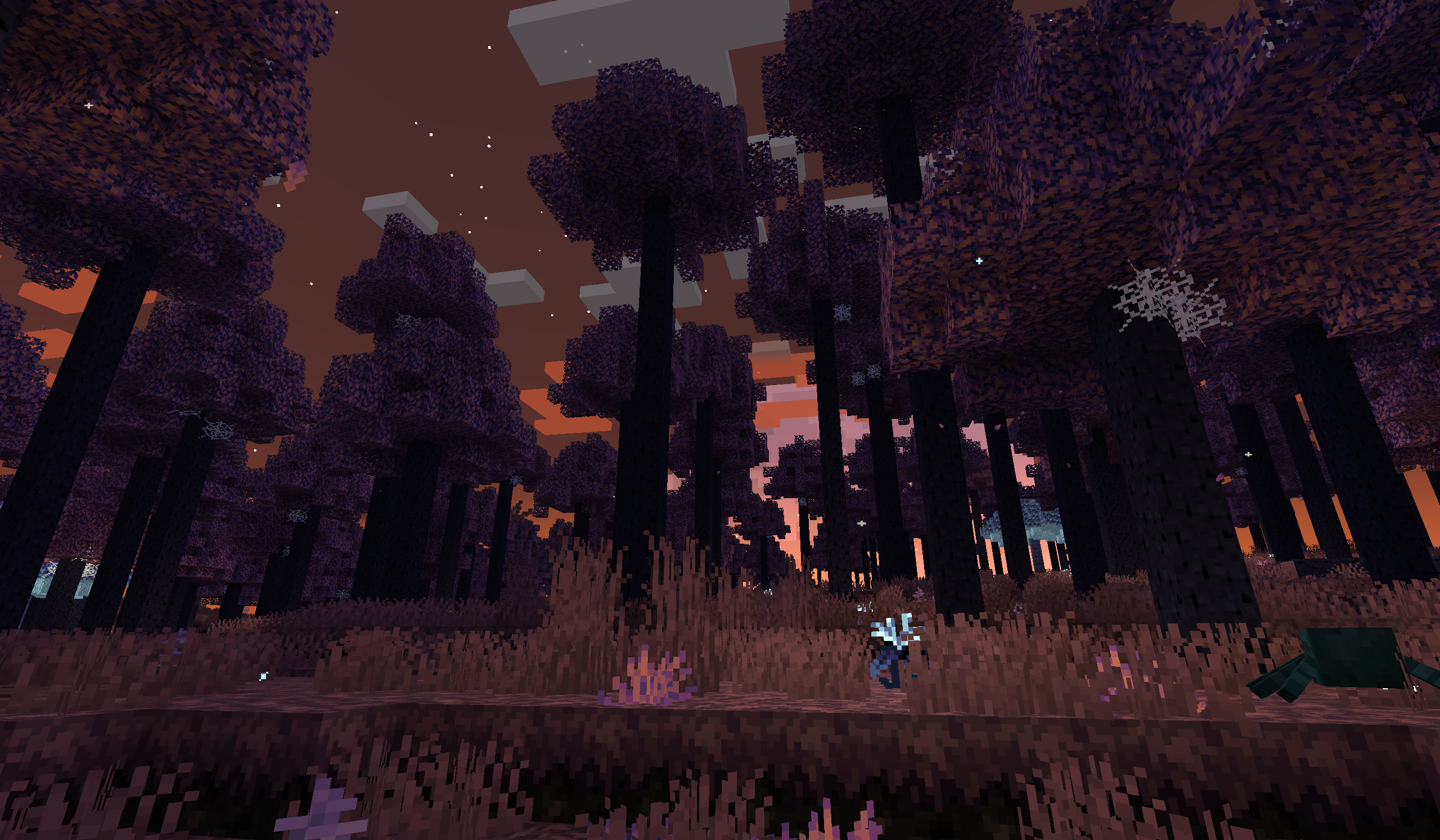
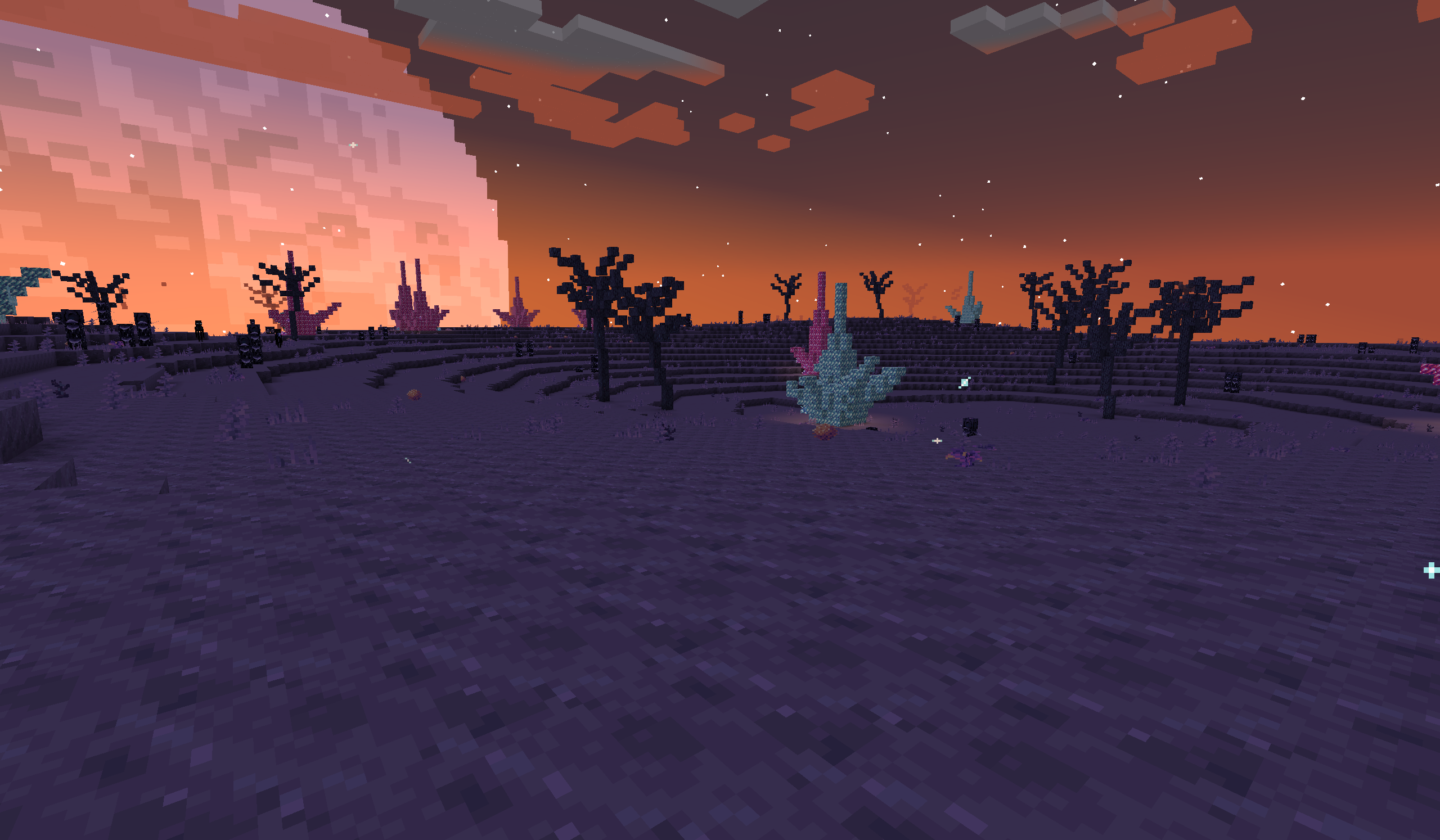
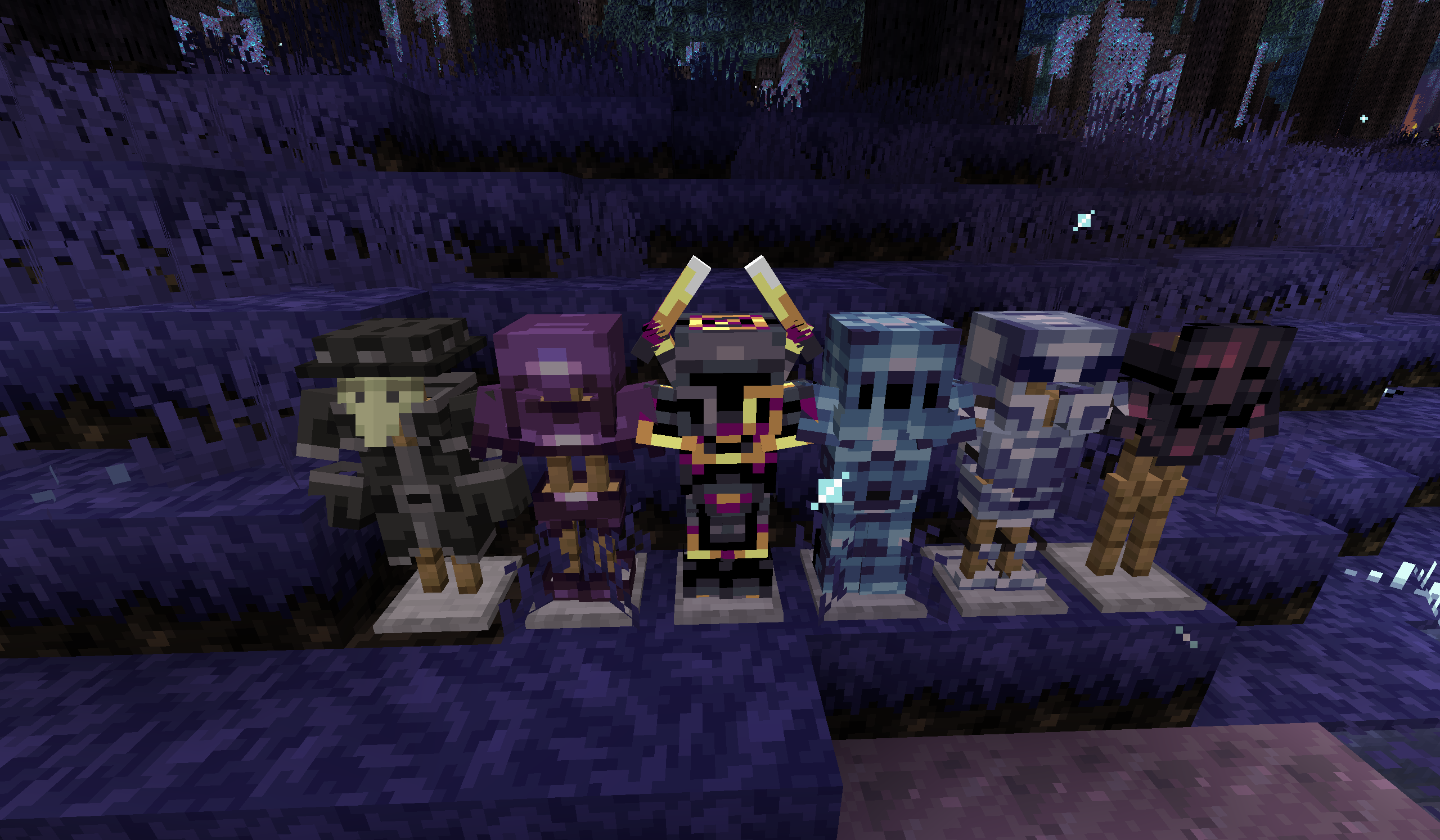
Explore more in the full gallery!
Cách cài đặt Eternal Starlight
With Millida Launcher
Install Millida Launcher
The launcher is free: download it at millida.net/launcher and sign in with any nickname.
Click “Install” on this page
The launcher opens and installs the mod for Minecraft 1.21.1 on Fabric or NeoForge automatically.
Launch the game
A profile with it appears in the launcher: click “Play”.
Manually
Install Fabric or NeoForge
The loader must match the game version of the mod file, for example Minecraft 1.21.1. After installing it, a separate profile appears in your launcher.
Download the file for your version
In the version list above, pick the file eternalstarlight-0.9.1+1.21.1+fabric.jar (56 MB) for your game version and loader.
Put it in the mods folder
The folder is inside .minecraft (Windows: %appdata%\.minecraft\mods). If it does not exist, create it.
Launch the loader profile
Open “Mods” in the main menu: Eternal Starlight should be in the list.
Minecraft 1.21.1 runs on Java 21: with a different Java version the game may close right after launch.
Phiên bản
Kèm phụ thuộc
| Minecraft | Loader | Tệp | Ngày | Hành động |
|---|---|---|---|---|
| 1.21.1 | Fabric | 0.9.1+1.21.1+fabric56.2 MB 6 | ||
| 1.21.1 | NeoForge | 0.9.1+1.21.1+neoforge56.6 MB 4 |
Câu hỏi thường gặp
Which Minecraft versions does Eternal Starlight work on?
Only Minecraft 1.21.1: there are no files for other versions.
Is Eternal Starlight for Forge or Fabric?
There are files for Fabric: 1.21.1 and for NeoForge: 1.21.1. There are no files for Forge: a mod for another loader will not start.
Does Eternal Starlight need other mods?
The author lists no required dependencies: the Fabric or NeoForge loader is enough.
Which Java does Eternal Starlight need?
Minecraft 1.21.1 runs on Java 21. If the game closes right after launch, the usual cause is the wrong Java version in the profile settings.
Where can I download Eternal Starlight safely?
On this page: the file eternalstarlight-0.9.1+1.21.1+fabric.jar (56 MB) is stored on Millida’s server, with no link shorteners. SHA-1 checksum: 7aed35d684c09d1009c729fbc38941a4d4a839c4.
Đánh giá
Hãy là người đầu tiên đánh giá Eternal Starlight


