
Environmental Materials Mod cho Minecraft 1.20.1
Menambahkan serangkaian bahan bangunan sederhana.
 NeoForge
 Forge
Forge Fabric
Giới thiệu
Environmental Materials là một mod đồng hành với Environmental Core/Tech, bổ sung vô số lựa chọn khối xây dựng, cầu thang, tấm và tường mới. Một số khối cơ bản được tích hợp vào bảng loot của Void Miners để bạn có thể nhận được chúng mà không cần chế tạo khi đã cài Environmental Tech.

Làm thế nào để chế tạo các khối?
Bạn có thể chế tạo khối chính của mỗi loại vật liệu trong bàn chế tạo, sau đó phần còn lại được thực hiện bằng Sone Cutter.
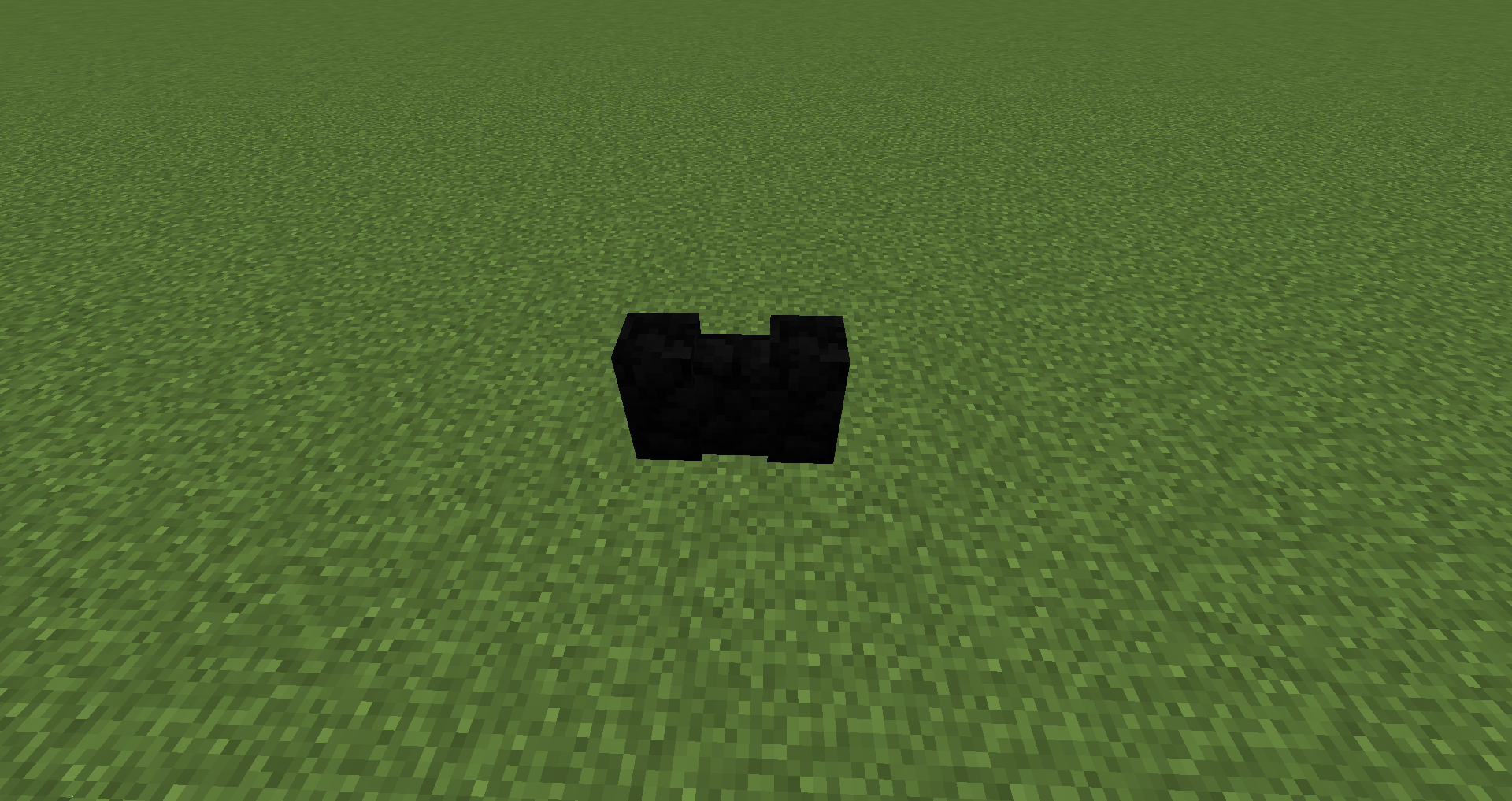
Các khối được thêm vào:
Alabaster với đủ 16 màu: Khối, Cầu thang, Tấm, Tường
Basalt: Khối, Cầu thang, Tấm, Tường
Hardened Stone: Khối, Cầu thang, Tấm, Tường
Granodiorite: Khối, Cầu thang, Tấm, Tường
Marble: Khối, Cầu thang, Tấm, Tường
Travertine: Khối, Cầu thang, Tấm, Tường
Pumice: Khối, Cầu thang, Tấm, Tường
Tôi có thể sử dụng mod này trong modpack của mình không?
Modpack Curesforge và FTB: Cứ thoải mái :)
Các gói trên trang web bên ngoài: Phải xin phép tôi và sau đó liên kết trở lại trang dự án này.
Cách cài đặt Environmental Materials
With Millida Launcher
Install Millida Launcher
The launcher is free: download it at millida.net/launcher and sign in with any nickname.
Click “Install” on this page
The launcher opens and installs the mod for Minecraft 1.16.4–1.20.1 on Fabric, Forge or NeoForge automatically.
Launch the game
A profile with it appears in the launcher: click “Play”.
Manually
Install Fabric, Forge or NeoForge
The loader must match the game version of the mod file, for example Minecraft 1.20.1. After installing it, a separate profile appears in your launcher.
Download the file for your version
In the version list above, pick the file enviromats-forge-1.20.1-2.1.5.0.jar (1.8 MB) for your game version and loader.
Put it in the mods folder
The folder is inside .minecraft (Windows: %appdata%\.minecraft\mods). If it does not exist, create it.
Launch the loader profile
Open “Mods” in the main menu: Environmental Materials should be in the list.
Minecraft 1.20.1 runs on Java 17: with a different Java version the game may close right after launch.
Phiên bản
Kèm phụ thuộc
| Minecraft | Loader | Tệp | Ngày | Hành động |
|---|---|---|---|---|
| 1.20.1 | NeoForge, Forge | enviromats-forge-1.20.1-2.1.5.0.jar1.8 MB | ||
| 1.20.1 | Fabric | enviromats-fabric-1.20.1-2.1.4.2.jar1.9 MB | ||
| 1.19.3 | Fabric | enviromats-fabric-1.19.3-2.1.3.0.jar1.9 MB | ||
| 1.19.3 | Forge | enviromats-forge-1.19.3-2.1.3.0.jar1.7 MB | ||
| 1.16.4 | — | enviromats-1.16.4-2.0.4.0.jar1.4 MB |
Câu hỏi thường gặp
Which Minecraft versions does Environmental Materials work on?
There are files for 1.20.1, 1.19.3, 1.16.4. The newest is 1.20.1.
Is Environmental Materials for Forge or Fabric?
There are files for Fabric: 1.19.3–1.20.1, for Forge: 1.19.3–1.20.1 and for NeoForge: 1.20.1.
Does Environmental Materials need other mods?
The author lists no required dependencies: the Fabric, Forge or NeoForge loader is enough.
Which Java does Environmental Materials need?
Minecraft 1.20.1 runs on Java 17. If the game closes right after launch, the usual cause is the wrong Java version in the profile settings.
Where can I download Environmental Materials safely?
On this page: the file enviromats-forge-1.20.1-2.1.5.0.jar (1.8 MB) is stored on Millida’s server, with no link shorteners. SHA-1 checksum: c7f705d3c999cdcede1d28bc3bf5aae73628715e.
Đánh giá
Hãy là người đầu tiên đánh giá Environmental Materials


