

Desolation Mod cho Minecraft 1.21.1, 1.21
Cháy rừng mang lại cả sự hủy diệt và sự tái sinh.
 Fabric
 Quilt
QuiltGiới thiệu mod Desolation
Features:
- A new biome, the Charred Forest, including several variants.
- Two new mobs: the Ash Scuttler and the Blackened.
- One new wood type, Charred Wood, and all its associated blocks.
- Useful new resources to collect, including ash and cinderfruit.
- New protective equipment (masks and goggles).
- A powerful new potion to brew.
Screenshots:
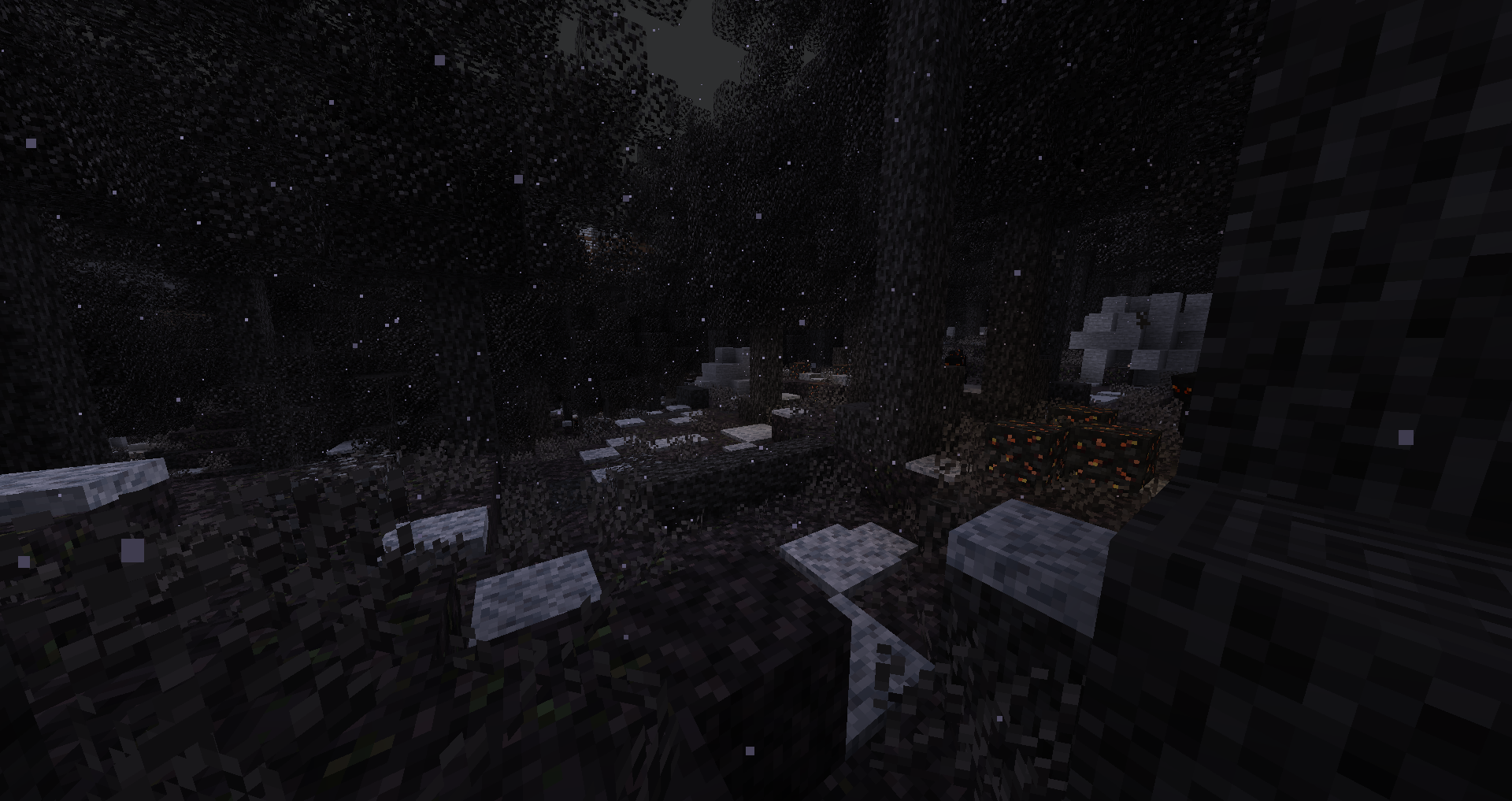
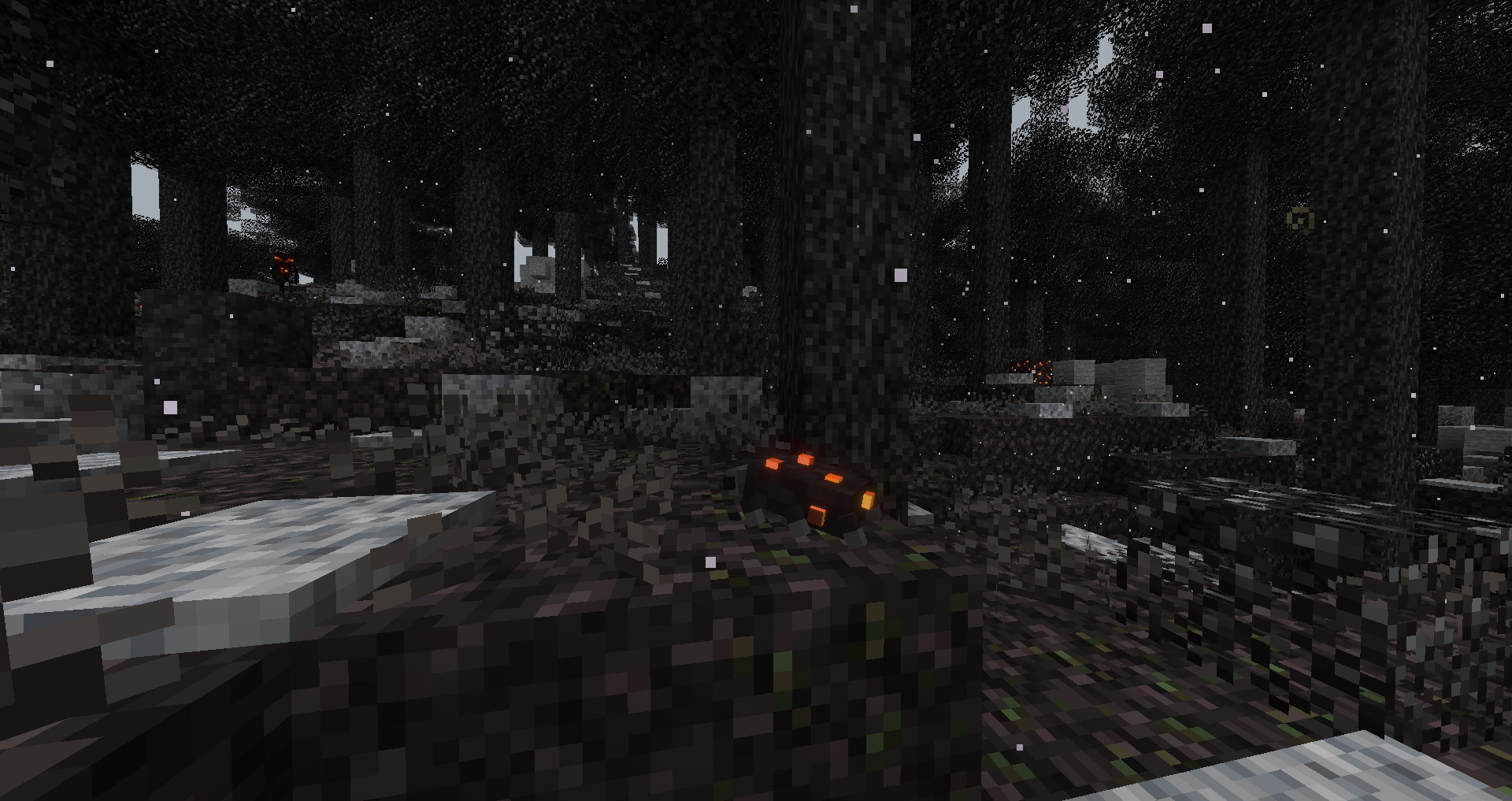
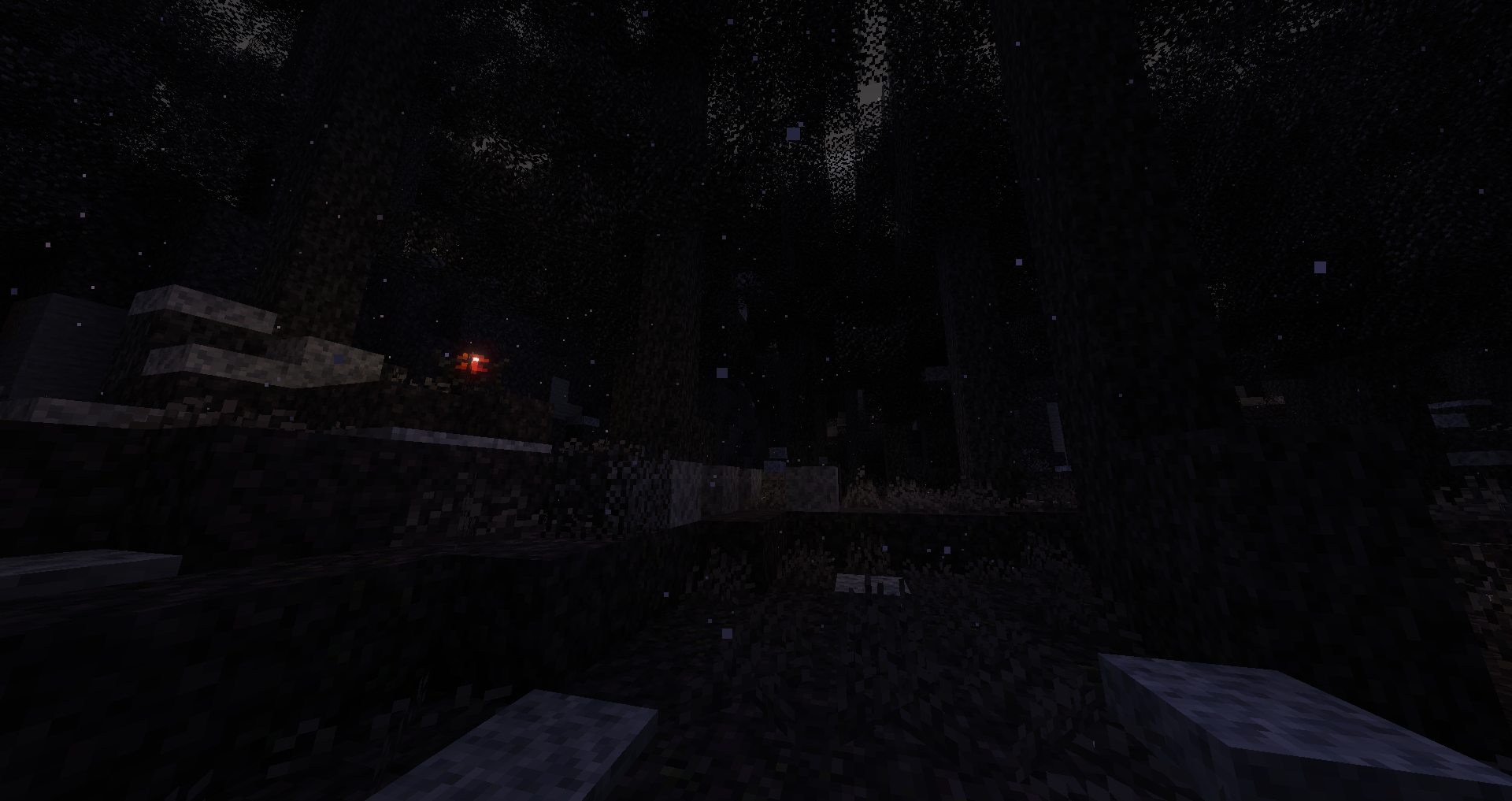
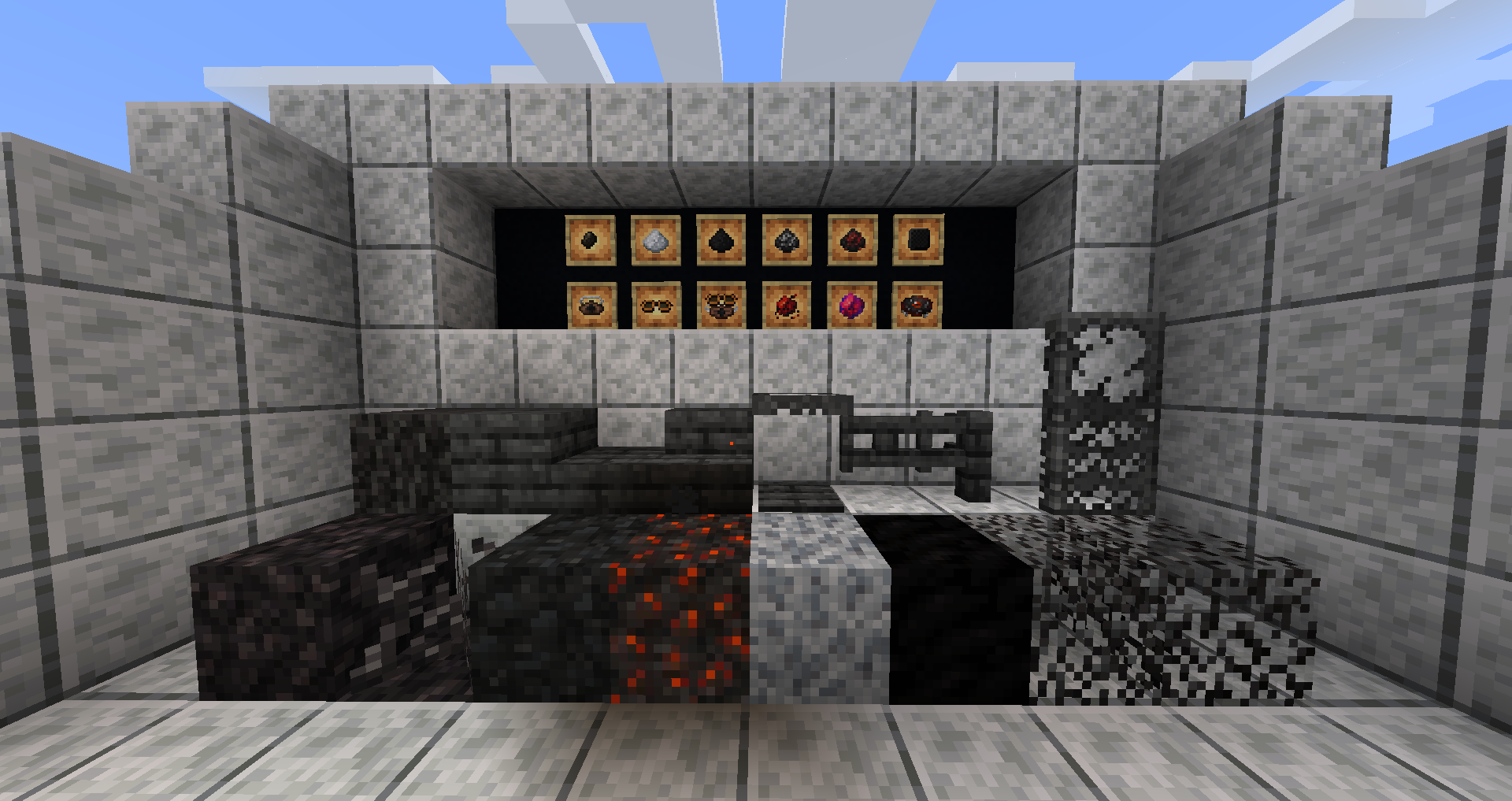
My other mods:
Mob Blindness (Fabric 1.16/1.17)
Cách cài đặt Desolation
With Millida Launcher
Install Millida Launcher
The launcher is free: download it at millida.net/launcher and sign in with any nickname.
Click “Install” on this page
The launcher opens and installs the mod for Minecraft 1.20.2–1.21.8 on Fabric or Quilt automatically, together with its dependencies: Trinkets.
Launch the game
A profile with it appears in the launcher: click “Play”.
Manually
Install Fabric or Quilt
The loader must match the game version of the mod file, for example Minecraft 1.21.8. After installing it, a separate profile appears in your launcher.
Download the file for your version
In the version list above, pick the file desolation-1.10.0.jar (3.6 MB) for your game version and loader.
Put it in the mods folder
The folder is inside .minecraft (Windows: %appdata%\.minecraft\mods). If it does not exist, create it. Required dependencies go there too: Trinkets.
Launch the loader profile
Open “Mods” in the main menu: Desolation should be in the list.
On a server
A server on Fabric or Quilt
The mod only works on a server with the same loader and game version, for example 1.21.8.
File goes into the server’s mods folder
Stop the server, put the mod file into the mods folder and start the server again.
Use the “To server” button
On Millida Hosting, the button at the top of the page uploads the file to your server and restarts it for you.
Minecraft 1.21.8 runs on Java 21: with a different Java version the game may close right after launch.
Phiên bản
Kèm phụ thuộc
| Minecraft | Loader | Tệp | Ngày | Hành động |
|---|---|---|---|---|
| 1.21.8 | Fabric, Quilt | 1.21.83.6 MB | ||
| 1.21.5 | Fabric, Quilt | 1.21.53.5 MB | ||
| 1.21.4 | Fabric, Quilt | 1.21.43.5 MB | ||
| 1.21.1 | Fabric, Quilt | 1.21.13.2 MB | ||
| 1.21 | Fabric, Quilt | 1.213.2 MB | ||
| 1.20.6 | Fabric, Quilt | 1.20.63.2 MB | ||
| 1.20.4 | Fabric, Quilt | 1.20.43.7 MB | ||
| 1.20.2 | Fabric, Quilt | 1.20.24 MB |
Yêu cầu để chạy
- Trinketsbắt buộc
- Geckolibđã bao gồm
- Cloth Config APIđã bao gồm
- Biolithđã bao gồm
- Mod Menukhông bắt buộc
Câu hỏi thường gặp
Which Minecraft versions does Desolation work on?
There are files for 1.20.2–1.21.8, 12 versions in total. The newest is 1.21.8.
Is Desolation for Forge or Fabric?
There are files for Fabric: 1.20.2–1.21.8 and for Quilt: 1.20.2–1.21.8. There are no files for Forge or NeoForge: a mod for another loader will not start.
What does Desolation need to work?
Required: Trinkets. Without it the mod will not start: dependencies go into the same mods folder. Optional: Mod Menu.
Does Desolation work on a server?
Yes. Desolation works both in singleplayer and on a server.
Which Java does Desolation need?
Minecraft 1.21.8 runs on Java 21. If the game closes right after launch, the usual cause is the wrong Java version in the profile settings.
Where can I download Desolation safely?
On this page: the file desolation-1.10.0.jar (3.6 MB) is stored on Millida’s server, with no link shorteners. SHA-1 checksum: f47cd426eb3017be02f2e4ed5f586743fa1f380e.
Đánh giá
Hãy là người đầu tiên đánh giá Desolation


