

Create Confectionery Mod cho Minecraft 1.20.1, 1.21.1
🍫 Tạo Nhà máy Sô-cô-la của riêng bạn!
 NeoForge
 Forge
ForgeGiới thiệu mod Create Confectionery
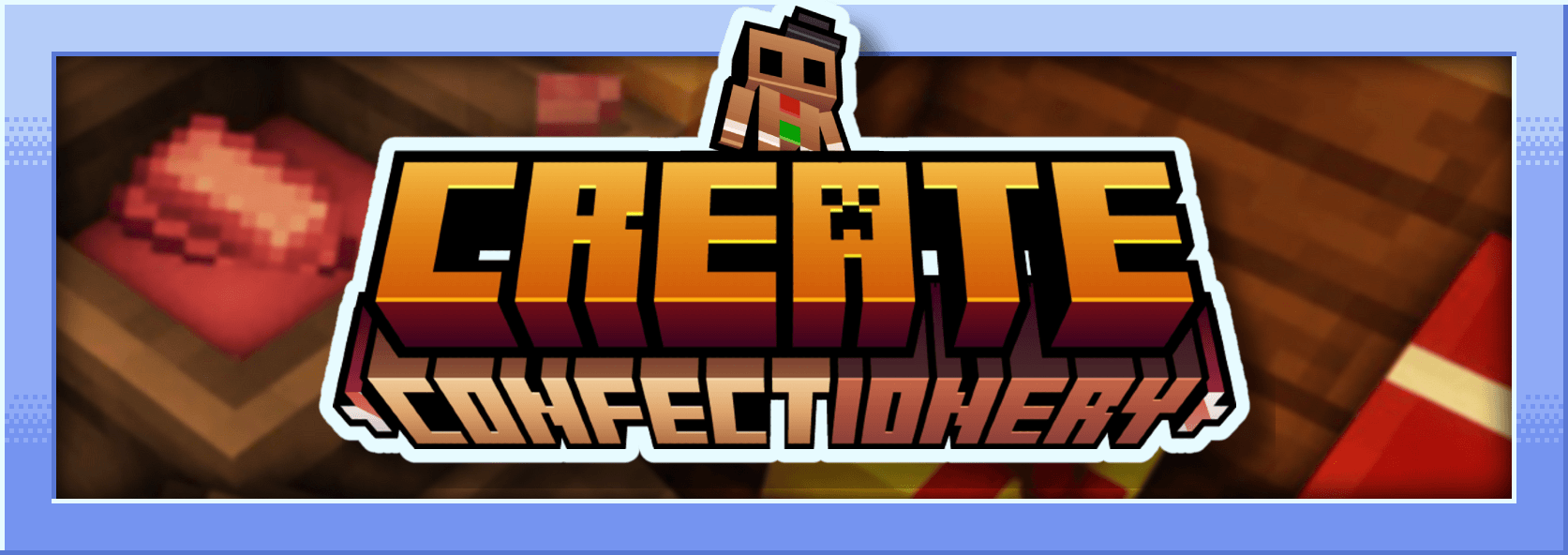
Mod này là một addon cho Create và nó thêm thức ăn được làm từ nhiều nguyên liệu khác nhau. Nó thêm crushed cocoa, cocoa butter, cocoa powder, white chocolate, black chocolate, caramel, chocolate candies, marshmallow...
Tôi là người Pháp và mod này được làm bằng Mcreator
Mô tả Mod :
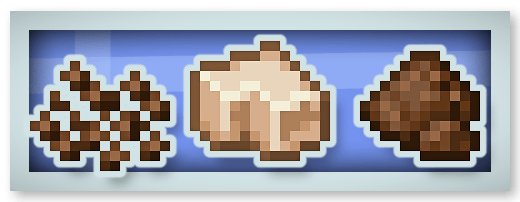
Crushed Cocoa, Cocoa Butter và Cocoa Powder :
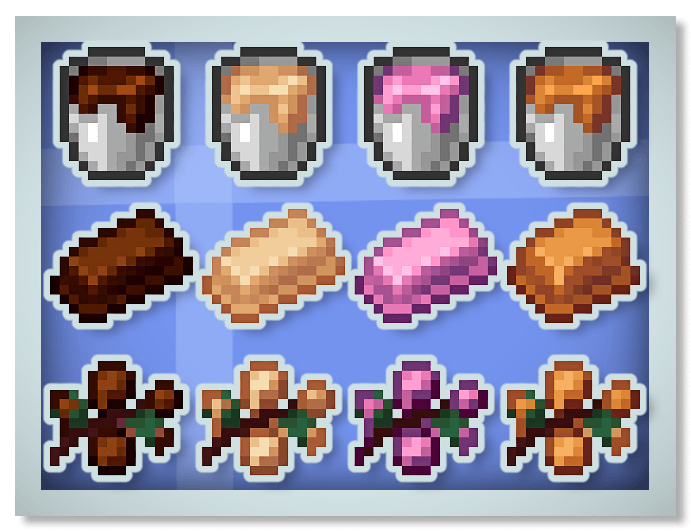
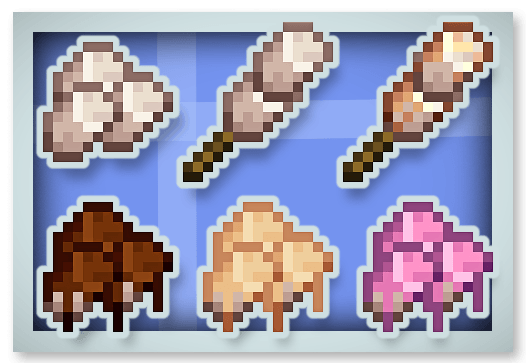
Chocolate mới (Black, White và Ruby Chocolate) và Caramel :
Bánh gừng :
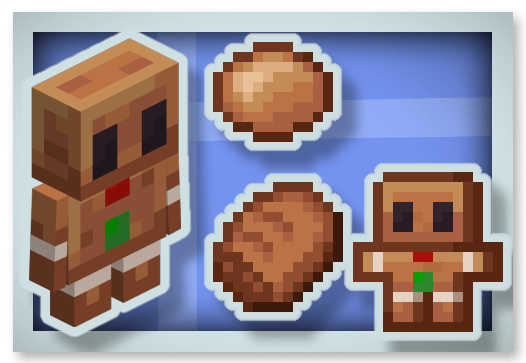
Marshmallow :
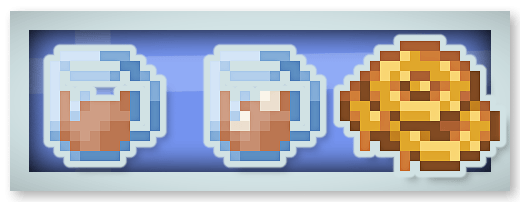
Hot Chocolate (Cho hiệu ứng Regeneration) và Honey Candy :
Full Chocolate Bar (Có thể ăn 16 lần và cho hiệu ứng Chocolated) :
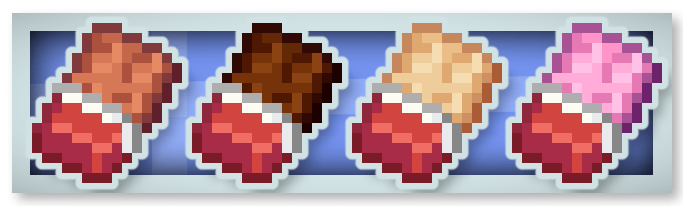
Chocolate Candies :
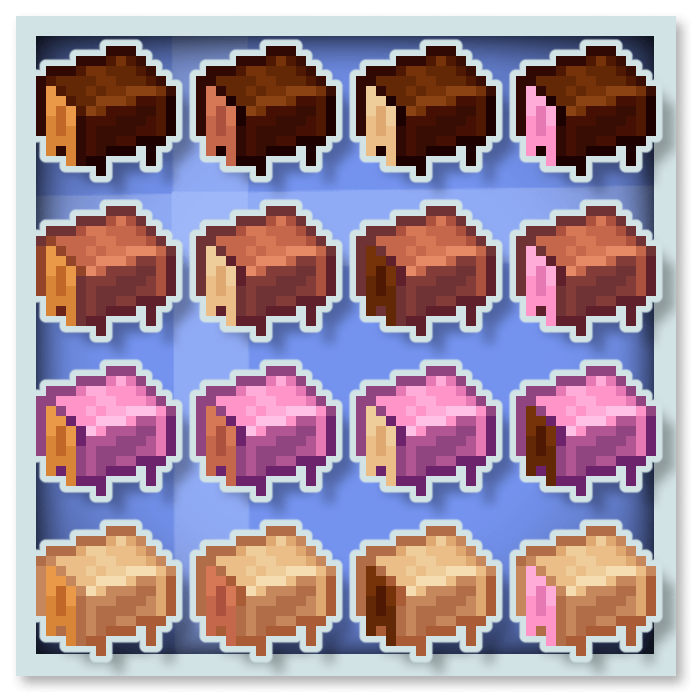
Chocolate cho hiệu ứng đặc biệt như Stimulation (Loại bỏ hiệu ứng mining fatigue và slowness), Rest (Làm biến mất Phantom xung quanh), Saturation và Speed.
Bạn có thể đưa mod này vào modpack của mình.
Bạn cũng có thể xem qua các mod khác của tôi :









Cách cài đặt Create Confectionery
With Millida Launcher
Install Millida Launcher
The launcher is free: download it at millida.net/launcher and sign in with any nickname.
Click “Install” on this page
The launcher opens and installs the mod for Minecraft 1.20.1–1.21.1 on Forge or NeoForge automatically.
Launch the game
A profile with it appears in the launcher: click “Play”.
Manually
Install Forge or NeoForge
The loader must match the game version of the mod file, for example Minecraft 1.21.1. After installing it, a separate profile appears in your launcher.
Download the file for your version
In the version list above, pick the file create-confectionery1.21.1_v1.1.3b.jar (2.0 MB) for your game version and loader.
Put it in the mods folder
The folder is inside .minecraft (Windows: %appdata%\.minecraft\mods). If it does not exist, create it.
Launch the loader profile
Open “Mods” in the main menu: Create Confectionery should be in the list.
Minecraft 1.21.1 runs on Java 21: with a different Java version the game may close right after launch.
Phiên bản
Kèm phụ thuộc
| Minecraft | Loader | Tệp | Ngày | Hành động |
|---|---|---|---|---|
| 1.21.1 | NeoForge | create-confectionery1.21.1_v1.1.3b.jar2 MB 152 | ||
| 1.20.1 | Forge | create-confectionery1.20.1_v1.1.3.jar2 MB 59 |
Câu hỏi thường gặp
Which Minecraft versions does Create Confectionery work on?
There are files for 1.21.1, 1.20.1. The newest is 1.21.1.
Is Create Confectionery for Forge or Fabric?
There are files for Forge: 1.20.1 and for NeoForge: 1.21.1. There are no files for Fabric: a mod for another loader will not start.
Does Create Confectionery need other mods?
The author lists no required dependencies: the Forge or NeoForge loader is enough.
Which Java does Create Confectionery need?
Minecraft 1.21.1 runs on Java 21. If the game closes right after launch, the usual cause is the wrong Java version in the profile settings.
Where can I download Create Confectionery safely?
On this page: the file create-confectionery1.21.1_v1.1.3b.jar (2.0 MB) is stored on Millida’s server, with no link shorteners. SHA-1 checksum: 47e235efa862c5cbea53fdf8346d4c499674defa.
Đánh giá
Hãy là người đầu tiên đánh giá Create Confectionery


