

Configuration Mod cho Minecraft 26.3
Thư viện cấu hình để quản lý cấu hình dễ dàng
 NeoForge
 Fabric
 Forge
ForgeCấu hình
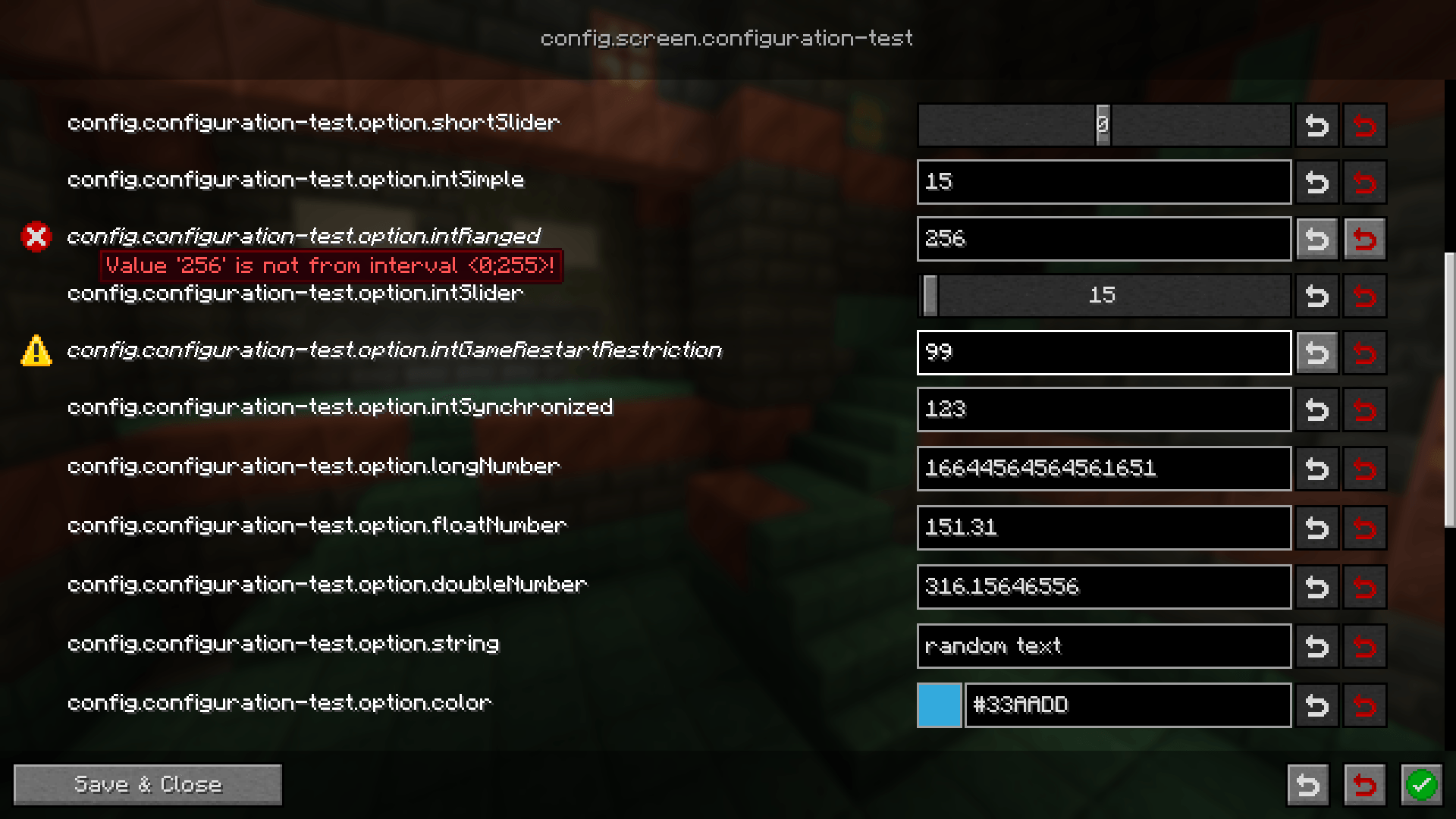
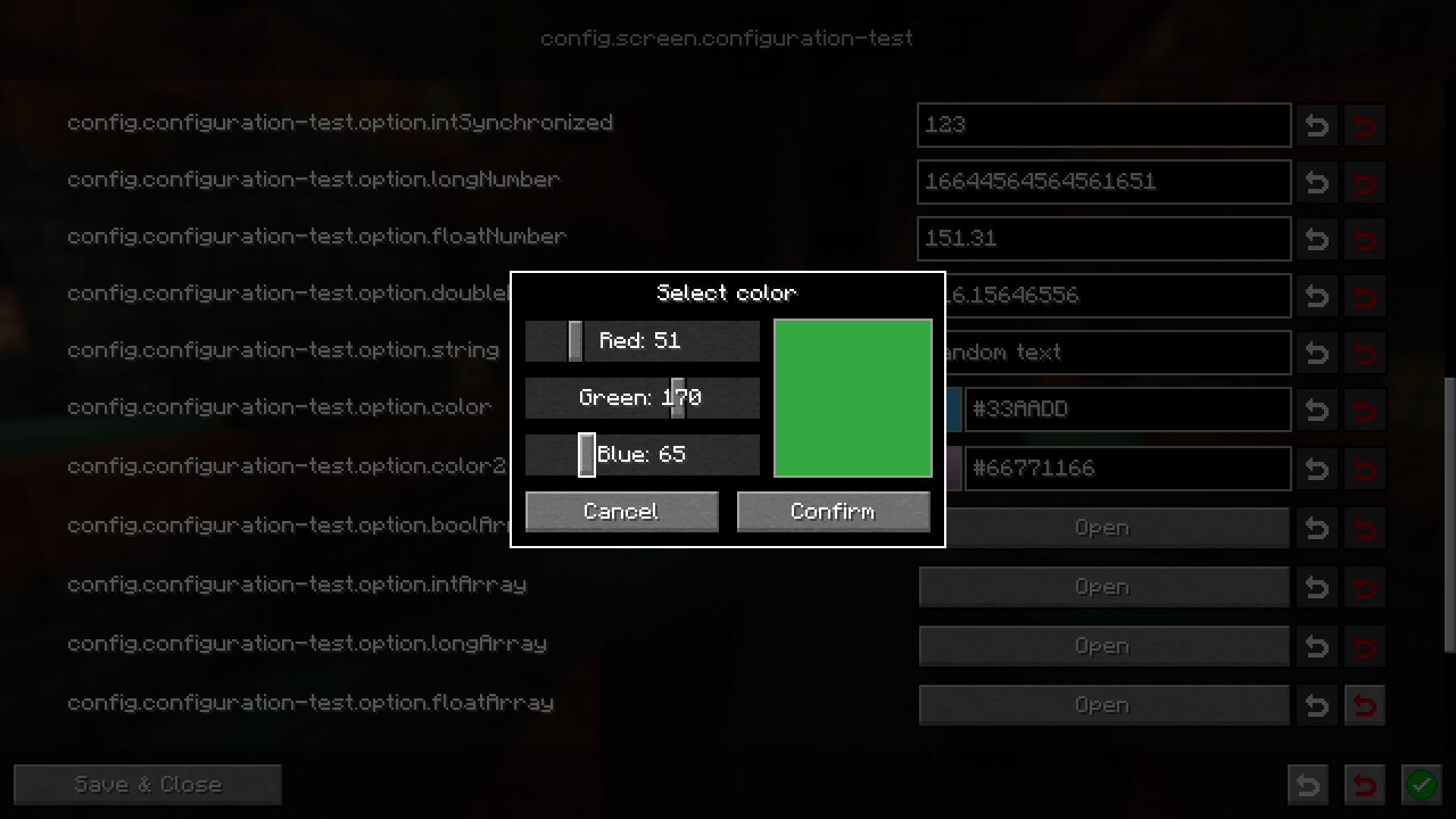
Thư viện cấu hình nhẹ nhàng nhằm mục đích đơn giản hóa việc tạo cấu hình giữa các mod loader khác nhau đồng thời thân thiện với người dùng. Mỗi cấu hình đi kèm giao diện người dùng được tạo tự động để chỉnh sửa. Đối với nhà phát triển, có nhiều thuộc tính cho phép bạn xử lý các trường hợp phổ biến như đồng bộ hóa cho người dùng hoặc ví dụ yêu cầu khởi động lại trò chơi trước khi áp dụng cấu hình đã sửa đổi
Wiki
Hướng dẫn người dùng Hướng dẫn nhà phát triển
Discord
Bạn cần trợ giúp? Bạn có thể tham gia máy chủ Discord của chúng tôi và hỏi tại đó
Báo cáo lỗi / Yêu cầu tính năng
Nếu bạn phát hiện bất kỳ vấn đề nào liên quan đến mod này hoặc có ý tưởng tính năng mới, vui lòng tạo issue trên GitHub cho vấn đề đó. Bạn có thể theo dõi tab Issues trên trang này
Cách cài đặt Configuration
With Millida Launcher
Install Millida Launcher
The launcher is free: download it at millida.net/launcher and sign in with any nickname.
Click “Install” on this page
The launcher opens and installs the mod for Minecraft 1.21.11–26.3 on Fabric, Forge or NeoForge automatically.
Launch the game
A profile with it appears in the launcher: click “Play”.
Manually
Install Fabric, Forge or NeoForge
The loader must match the game version of the mod file, for example Minecraft 26.3. After installing it, a separate profile appears in your launcher.
Download the file for your version
In the version list above, pick the file configuration-neoforge-4.1.4+26.3.jar (441 KB) for your game version and loader.
Put it in the mods folder
The folder is inside .minecraft (Windows: %appdata%\.minecraft\mods). If it does not exist, create it.
Launch the loader profile
Open “Mods” in the main menu: Configuration should be in the list.
Phiên bản
Kèm phụ thuộc
| Minecraft | Loader | Tệp | Ngày | Hành động |
|---|---|---|---|---|
| 26.3 | NeoForge | configuration-neoforge-4.1.4+26.3441 KB | ||
| 26.3 | Fabric | configuration-fabric-4.1.4+26.3446 KB | ||
| 1.21.11 | Forge | configuration-forge-1.21.11-4.1.0445 KB |
Câu hỏi thường gặp
Which Minecraft versions does Configuration work on?
There are files for 26.3, 1.21.11. The newest is 26.3.
Is Configuration for Forge or Fabric?
There are files for Fabric: 26.3, for Forge: 1.21.11 and for NeoForge: 26.3.
Does Configuration need other mods?
The author lists no required dependencies: the Fabric, Forge or NeoForge loader is enough.
Where can I download Configuration safely?
On this page: the file configuration-neoforge-4.1.4+26.3.jar (441 KB) is stored on Millida’s server, with no link shorteners. SHA-1 checksum: 9b43d4452ee280f8b3e42ed24e0082a4db48b39d.
Đánh giá
Hãy là người đầu tiên đánh giá Configuration


