

Colormatic Mod cho Minecraft 1.20.1
Giờ đây bạn có thể tùy chỉnh các màu được mã hóa cứng của Minecraft bằng resource pack.
 Fabric
 Quilt
Giới thiệu mod Colormatic
Colormatic là một bản triển khai độc lập tương thích với resource pack của mod Custom Colors gốc dành cho Minecraft trên Fabric. Nó hoàn toàn tương thích với các resource pack sử dụng tính năng custom colors của Optifine. Colormatic có gần như toàn bộ các tính năng của mod Custom Colors gốc và bổ sung thêm một vài tính năng riêng. Các tính năng bao gồm
- - Bảng màu theo biome cho nước, tán lá, dưới nước, dưới dung nham, bầu trời và sương mù
- - Bảng màu biome tùy chỉnh cho bất kỳ khối nào
- - Lightmap tùy chỉnh cho bất kỳ chiều không gian nào (bao gồm cả chiều không gian từ datapack)
- - Màu thuốc nhuộm tùy chỉnh
- - Màu chat tùy chỉnh
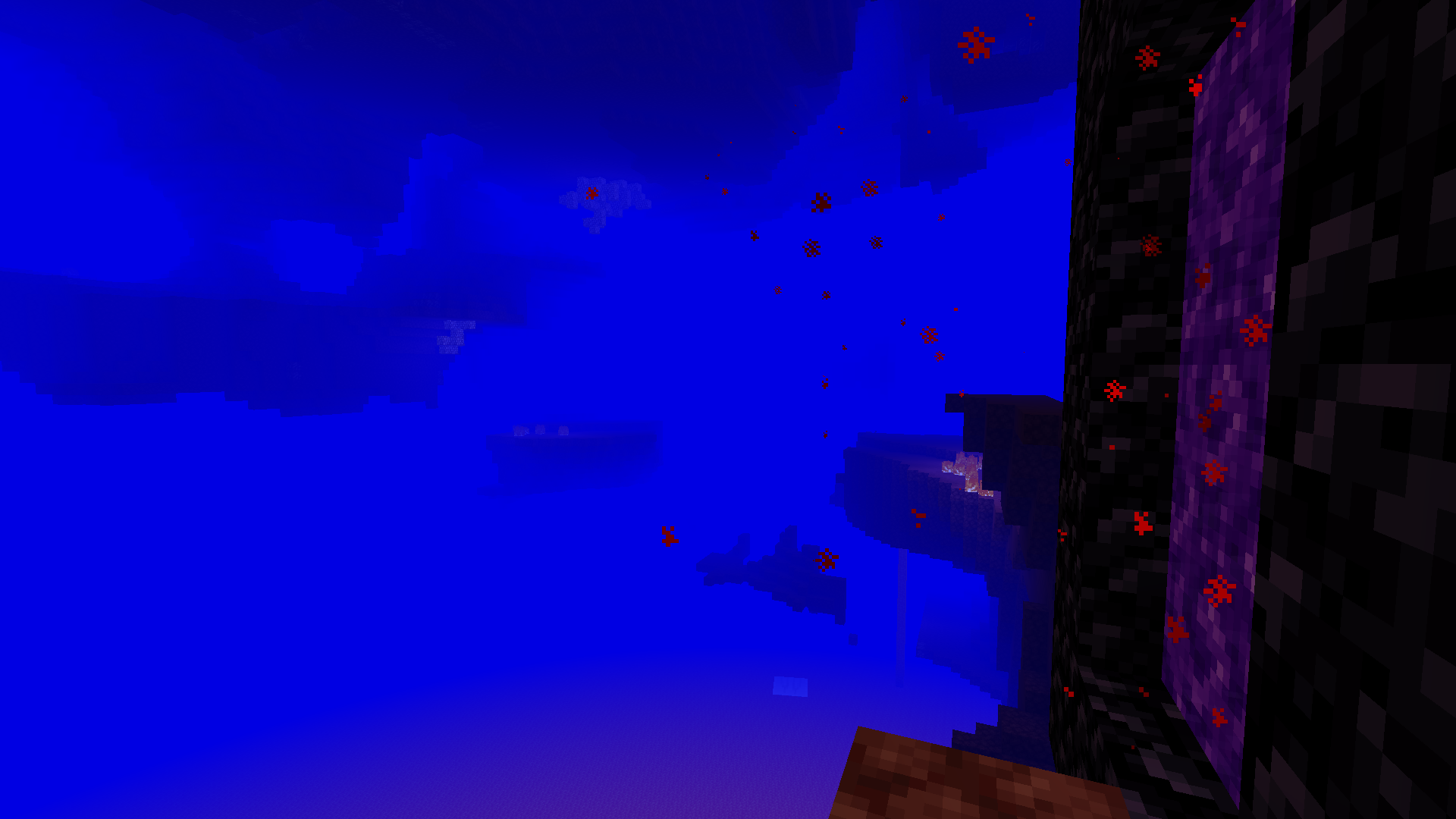
Colormatic hỗ trợ tải các resource pack có chứa tệp custom colors của Optifine nguyên trạng. Nó cũng hỗ trợ (và ưu tiên) tải các tệp định dạng json tương đương từ namespace colormatic.
Lưu ý: Bản thân Colormatic không thêm bất kỳ màu tùy chỉnh nào vào Minecraft. Nó chỉ đơn thuần cung cấp khả năng để các resource pack thêm màu tùy chỉnh.
Xem thêm những hình ảnh ngộ nghĩnh.
Cách cài đặt Colormatic
With Millida Launcher
Install Millida Launcher
The launcher is free: download it at millida.net/launcher and sign in with any nickname.
Click “Install” on this page
The launcher opens and installs the mod for Minecraft 1.16–1.20.1 on Fabric or Quilt automatically.
Launch the game
A profile with it appears in the launcher: click “Play”.
Manually
Install Fabric or Quilt
The loader must match the game version of the mod file, for example Minecraft 1.20.1. After installing it, a separate profile appears in your launcher.
Download the file for your version
In the version list above, pick the file colormatic-3.1.3+mc.1.20.1.jar (216 KB) for your game version and loader.
Put it in the mods folder
The folder is inside .minecraft (Windows: %appdata%\.minecraft\mods). If it does not exist, create it.
Launch the loader profile
Open “Mods” in the main menu: Colormatic should be in the list.
Minecraft 1.20.1 runs on Java 17: with a different Java version the game may close right after launch.
Phiên bản
Kèm phụ thuộc
| Minecraft | Loader | Tệp | Ngày | Hành động |
|---|---|---|---|---|
| 1.20.1 | Fabric, Quilt | colormatic-3.1.3+mc.1.20.1.jar216 KB 1 | ||
| 1.16.1 | — | colormatic-2.2.1+mc.1.16.1.jar498 KB |
Câu hỏi thường gặp
Which Minecraft versions does Colormatic work on?
There are files for 1.20.1, 1.16.1, 1.16. The newest is 1.20.1.
Is Colormatic for Forge or Fabric?
There are files for Fabric: 1.20.1 and for Quilt: 1.20.1. There are no files for Forge or NeoForge: a mod for another loader will not start.
Does Colormatic need other mods?
The author lists no required dependencies: the Fabric or Quilt loader is enough.
Which Java does Colormatic need?
Minecraft 1.20.1 runs on Java 17. If the game closes right after launch, the usual cause is the wrong Java version in the profile settings.
Where can I download Colormatic safely?
On this page: the file colormatic-3.1.3+mc.1.20.1.jar (216 KB) is stored on Millida’s server, with no link shorteners. SHA-1 checksum: 021e7326a3f49d438968f1ea859d7208b69e1dce.
Đánh giá
Hãy là người đầu tiên đánh giá Colormatic


