
Camerapture Mod cho Minecraft 1.20.1, 1.21.1
Chụp ảnh bằng máy ảnh hoạt động được, cho người chơi khác xem và treo chúng lên tường trong khung tranh!
 Fabric
 NeoForge
 Quilt
Quilt Forge
ForgeGiới thiệu mod Camerapture
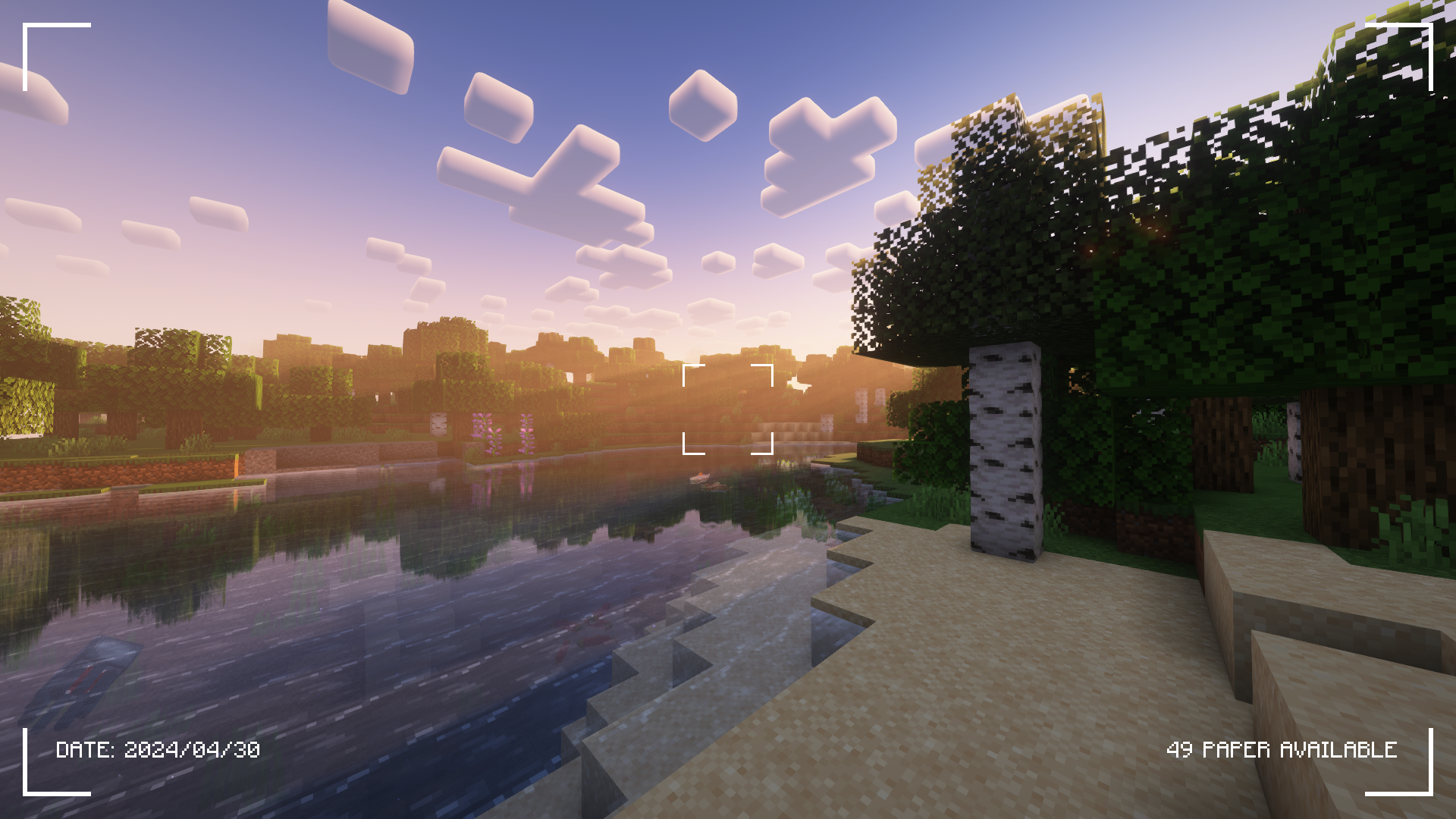
Kiểm tra tab Gallery để xem thêm ảnh chụp màn hình!
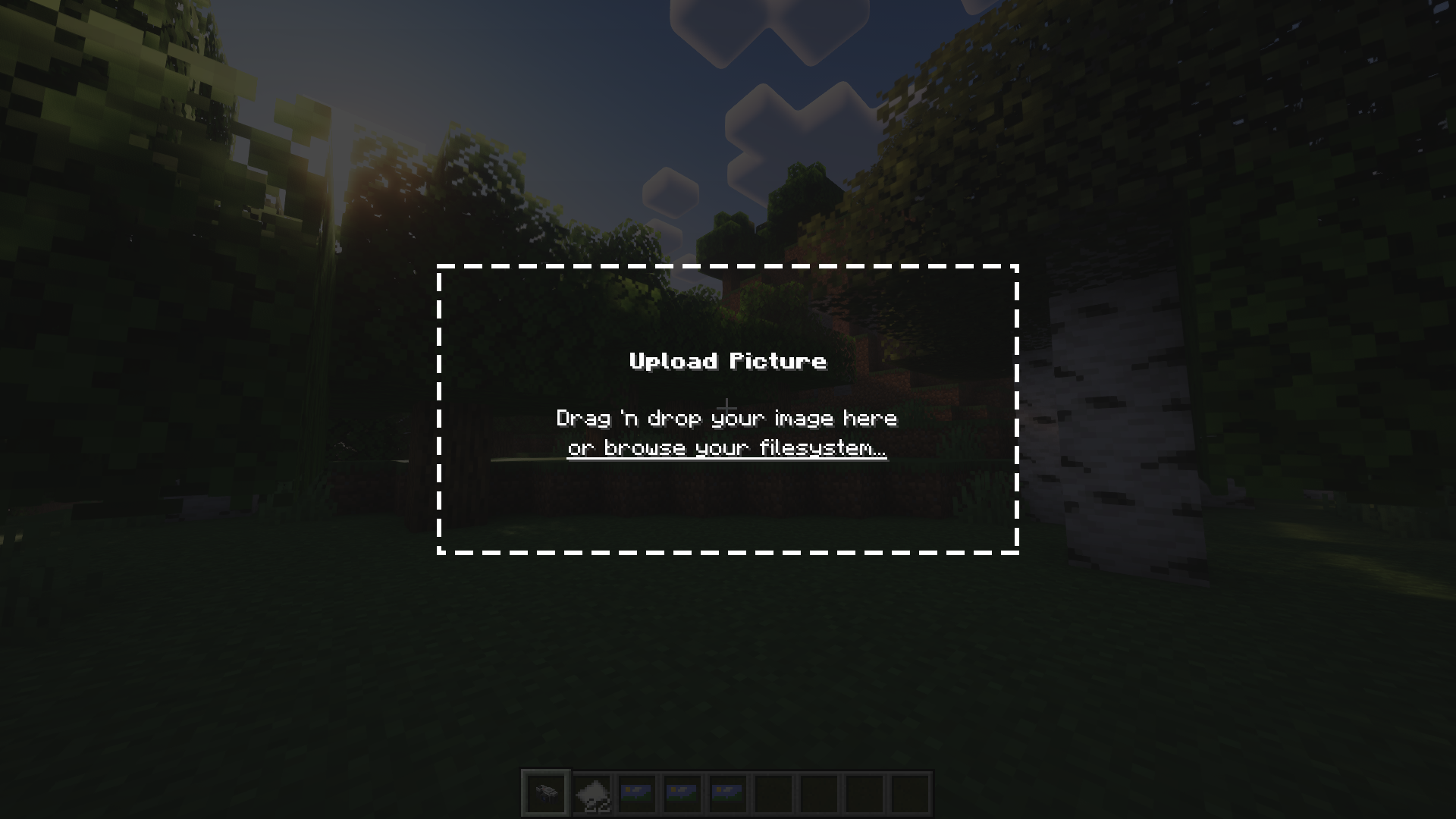
Camerapture là một mod máy ảnh / hình ảnh dành cho Fabric! Nó thêm những chiếc máy ảnh hoạt động được, có thể chụp ảnh thật những gì bạn thấy trong game. Bạn cũng có thể tải lên những bức ảnh tùy chỉnh bằng máy ảnh! Những bức ảnh này có thể được chia sẻ với người chơi khác và treo lên tường để mọi người cùng xem.
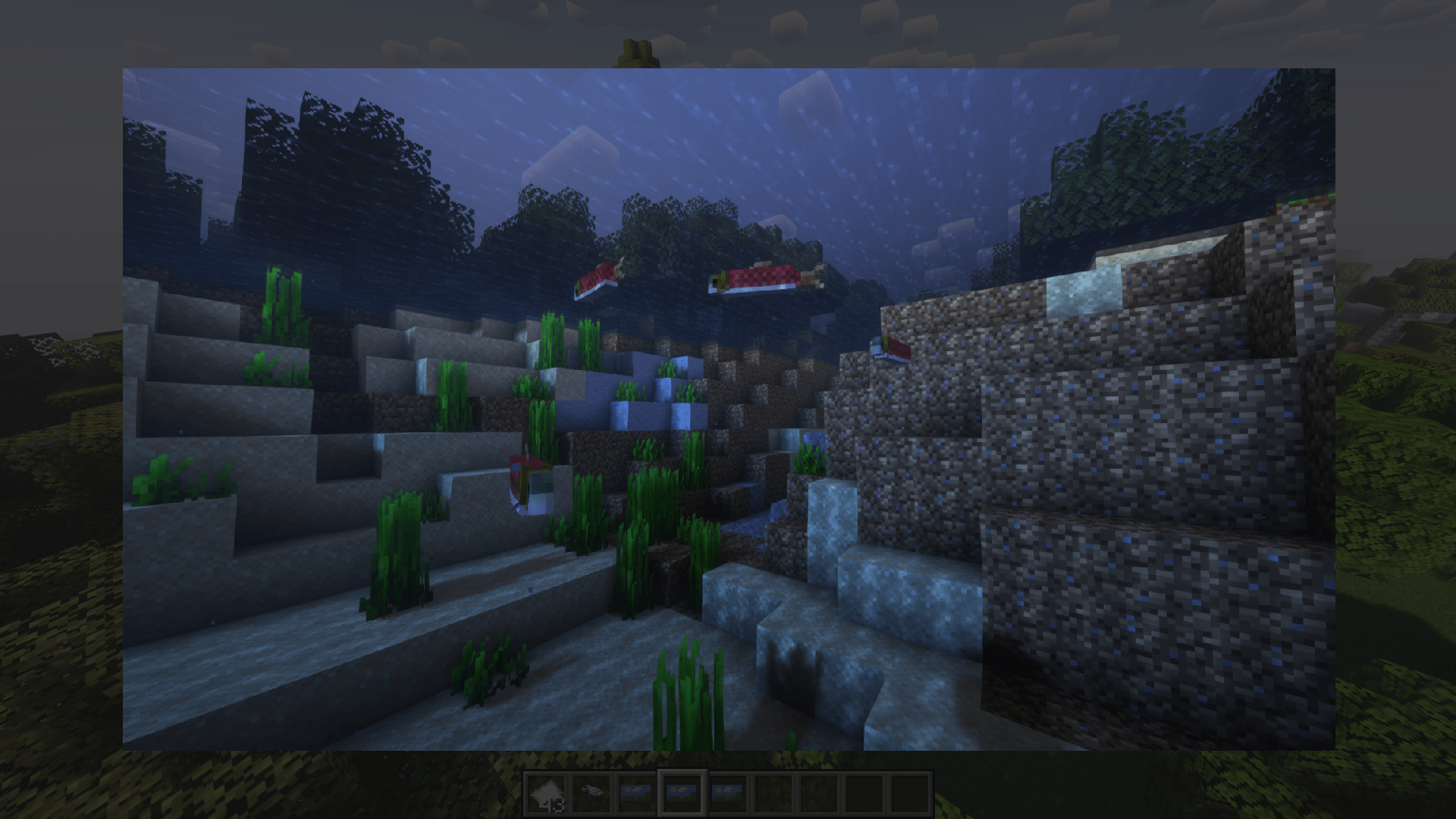
Nó hoạt động như thế nào?
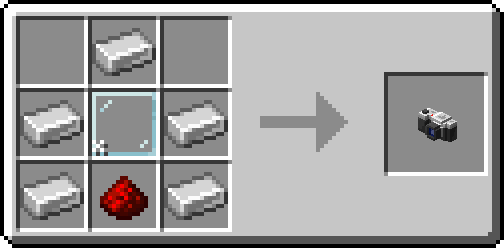
Sau khi chế tạo máy ảnh, hãy đặt một ít giấy vào túi đồ của bạn và bắt đầu chụp ảnh!
Bạn có thể treo một bức ảnh lên tường bằng cách sneak + chuột phải. Để thay đổi kích thước khung ảnh, chỉ cần sneak + chuột phải lần nữa vào bức ảnh!
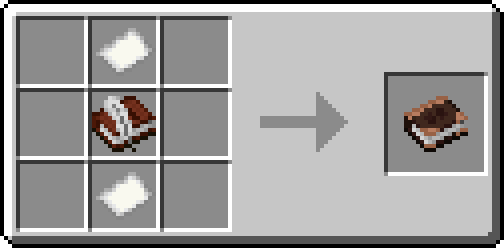
Hoặc, hãy chế tạo một cuốn album và sưu tầm ảnh của bạn vào một cuốn sách duy nhất!
Ghi công
- henkelmax vì đã tạo ra Camera Mod cho Forge được sử dụng trên QSMP, vì là nguồn cảm hứng chính của mod này.
- Tất cả những người tuyệt vời trên server origins của chúng tôi vì đã rất tuyệt vời và kiên nhẫn với tôi <3
Cách cài đặt Camerapture
With Millida Launcher
Install Millida Launcher
The launcher is free: download it at millida.net/launcher and sign in with any nickname.
Click “Install” on this page
The launcher opens and installs the mod for Minecraft 1.20–26.3 on Fabric, Forge, NeoForge or Quilt automatically.
Launch the game
A profile with it appears in the launcher: click “Play”.
Manually
Install Fabric, Forge, NeoForge or Quilt
The loader must match the game version of the mod file, for example Minecraft 26.3. After installing it, a separate profile appears in your launcher.
Download the file for your version
In the version list above, pick the file camerapture-1.10.15+mc26.3.jar (2.3 MB) for your game version and loader.
Put it in the mods folder
The folder is inside .minecraft (Windows: %appdata%\.minecraft\mods). If it does not exist, create it.
Launch the loader profile
Open “Mods” in the main menu: Camerapture should be in the list.
Phiên bản
Kèm phụ thuộc
| Minecraft | Loader | Tệp | Ngày | Hành động |
|---|---|---|---|---|
| 26.3 | Fabric, NeoForge, Quilt | 1.10.15 - Minecraft 26.32.3 MB 18 | ||
| 1.20.1 | Forge, NeoForge | 1.10.12 - Forge 1.20.12.1 MB 8 | ||
| 1.21.11 | NeoForge | 1.10.12 - NeoForge 1.21.111.9 MB 1 | ||
| 1.20.1 | Fabric, Quilt | 1.7.0-alpha - Fabric 1.20.13.3 MB 7 | ||
| 1.20.1 | NeoForge, Forge | 1.7.0-alpha - Forge 1.20.13.5 MB | ||
| 1.21 | NeoForge | 1.7.0-alpha - NeoForge 1.21.13.3 MB 6 |
Câu hỏi thường gặp
Which Minecraft versions does Camerapture work on?
There are files for 26.3, 1.21.11, 1.21.1, 1.21, 1.20.1, 1.20. The newest is 26.3.
Is Camerapture for Forge or Fabric?
There are files for Fabric: 1.20–26.3, for Forge: 1.20–1.20.1, for NeoForge: 1.20–26.3 and for Quilt: 1.20–26.3.
Does Camerapture need other mods?
The author lists no required dependencies: the Fabric, Forge, NeoForge or Quilt loader is enough.
Where can I download Camerapture safely?
On this page: the file camerapture-1.10.15+mc26.3.jar (2.3 MB) is stored on Millida’s server, with no link shorteners. SHA-1 checksum: 48489e23ebd921c9dd95bbbc8eb713bf9b566a10.
Đánh giá
Hãy là người đầu tiên đánh giá Camerapture


