

Camera Tweaks Mod cho Minecraft 26.1
Mod mewah dengan freecam, zoom, fullbright, freelook, no fog, dan third person kustom!
 Fabric
 Quilt
QuiltCamera Tweaks
Warning: Some features of this mod could be considered cheats. Use this mod responsibly, I am not accountable if you get banned.
This mod adds a few new features to your camera in the game:
☀️ Fullbright
Fullbright makes the game always render at full brightness, this is very useful when mining in the dark.
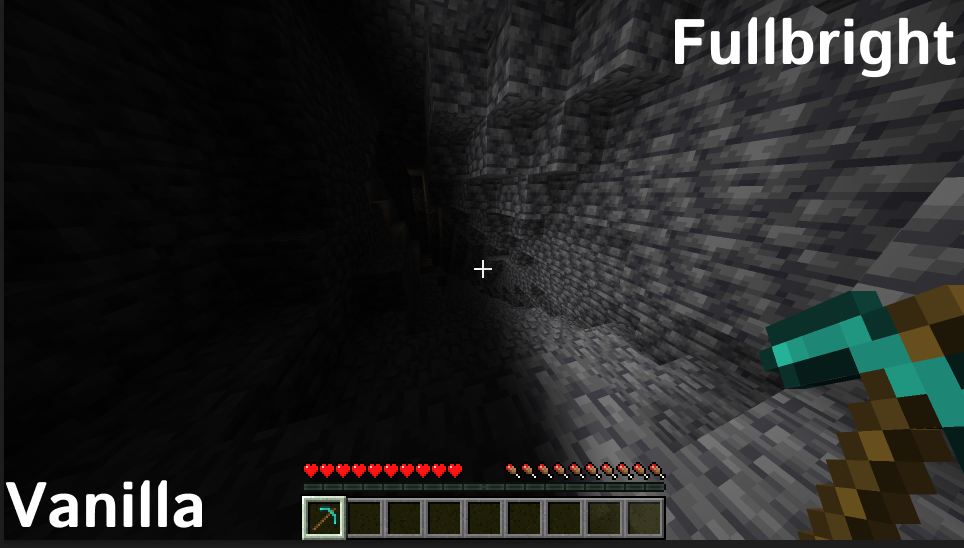
Fullbright can be toggled by pressing Y
🎦 Freecam
With freecam you can easily fly around just like spectator, this is very useful for building or exploring.
You can toggle freecam by pressing G, scroll to change speed and H to toggle player movement.
You can also remember up to 9 positions by pressing H + any hotbar slot and teleport back by pressing G + that hotbar slot.
🔎 Zoom
You can zoom in and out by scrolling, this is very useful for looking at things from a distance.
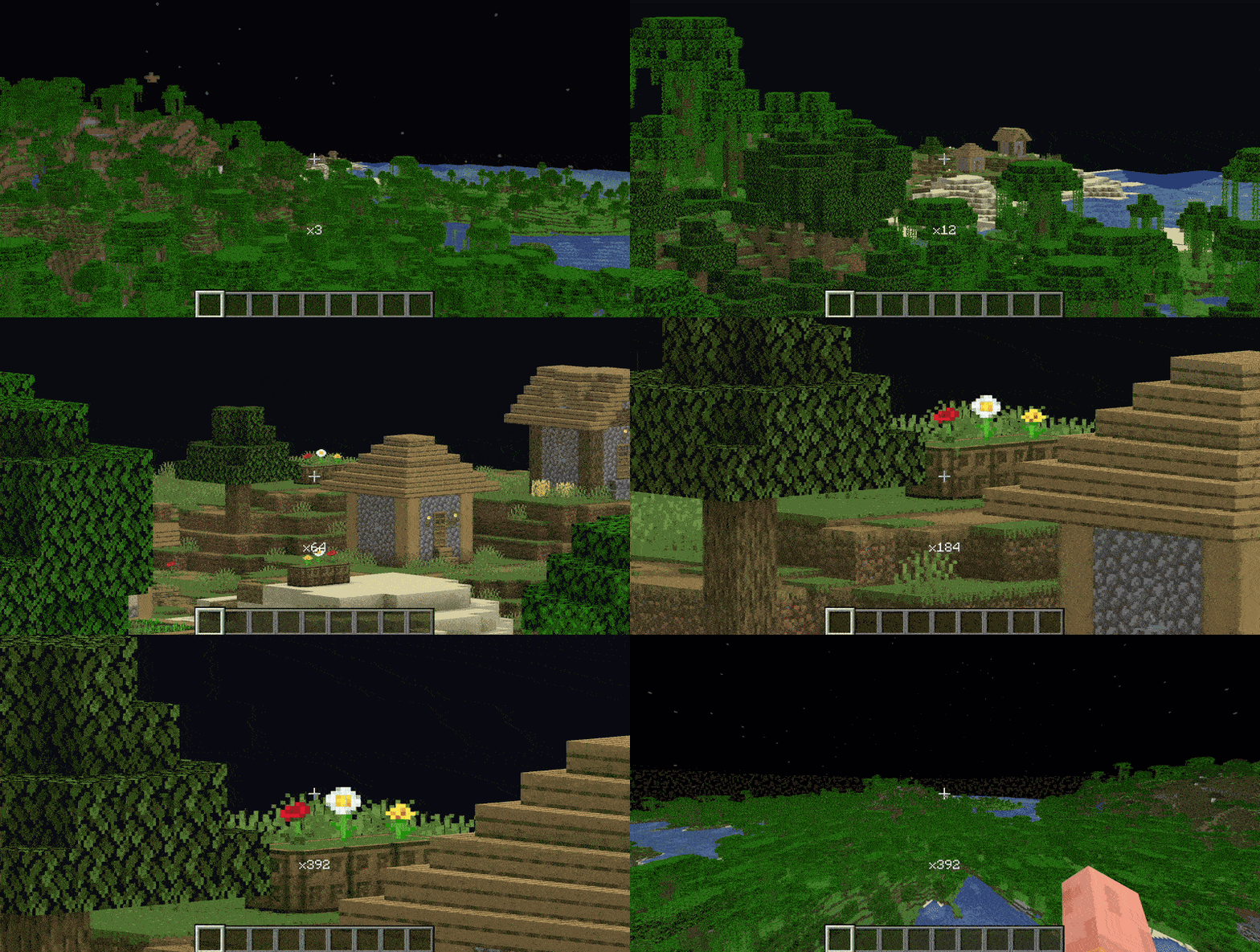
Press C to zoom and scroll to change how much.
🌫️ No Fog
No fog removes the terrain fog from the game, this is very useful for in the nether or in liquid.
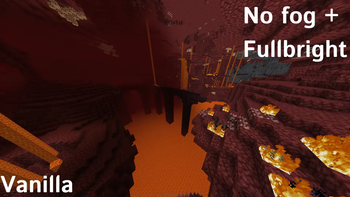
No fog can be toggled in camera tweaks config, accessible via modmenu.
🎥 Freelook
Freelook allows you to look around without changing the direction you are walking in, this is very useful for looking around while flying.
You can set either hold or toggle keybinds for this in controls.
There is also an option for in third person to allow you to look around the player in third person similar to the better third person mod.
🚶 Custom Third Persons
You can set custom third person views and modify the existing ones in the config, allowing for better overviews and preventing the middle of your screen being blocked by the player.
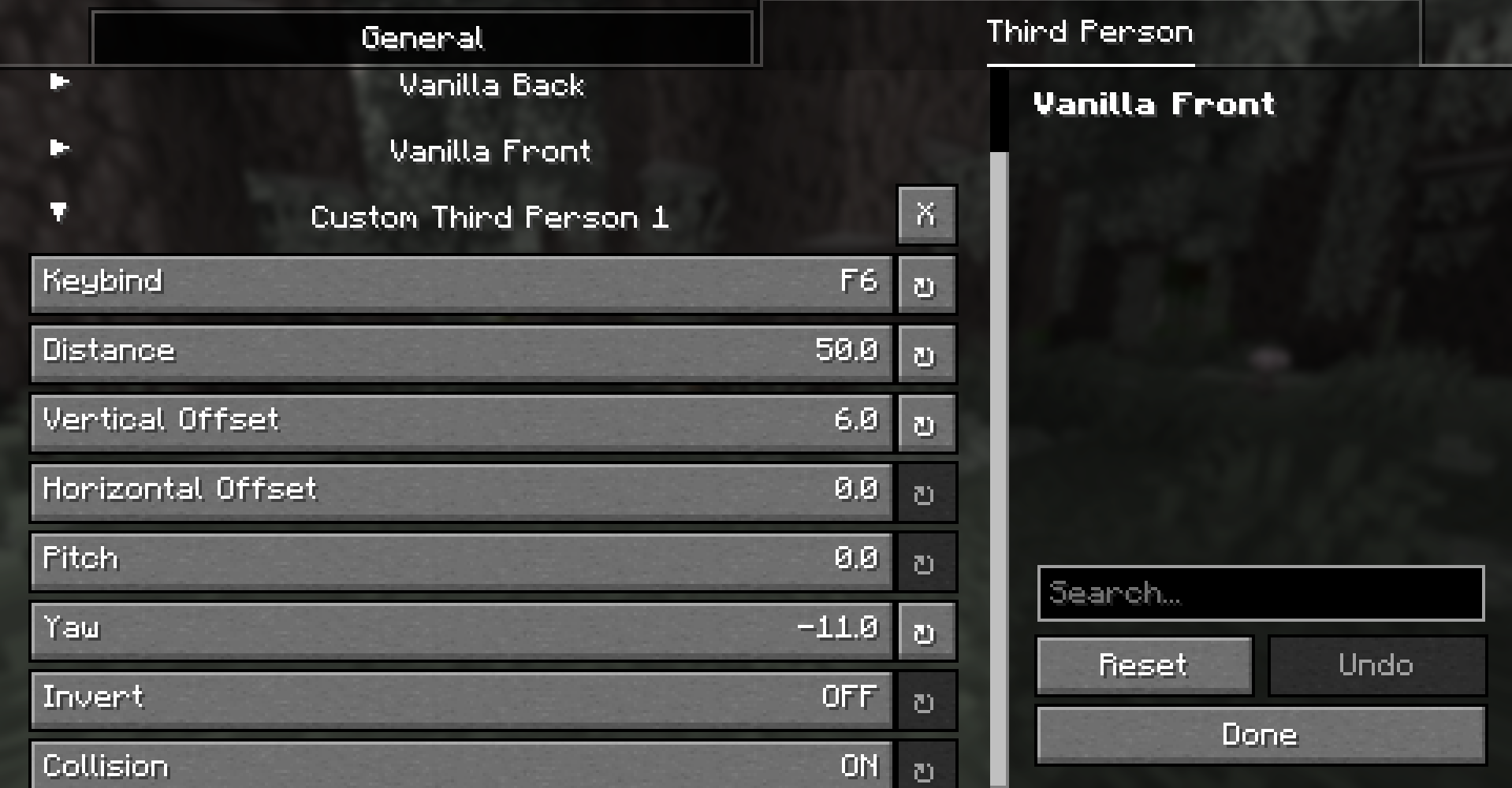
You can also set a key to temporarily modify the third person distance.
☁️ Configurable Clouds
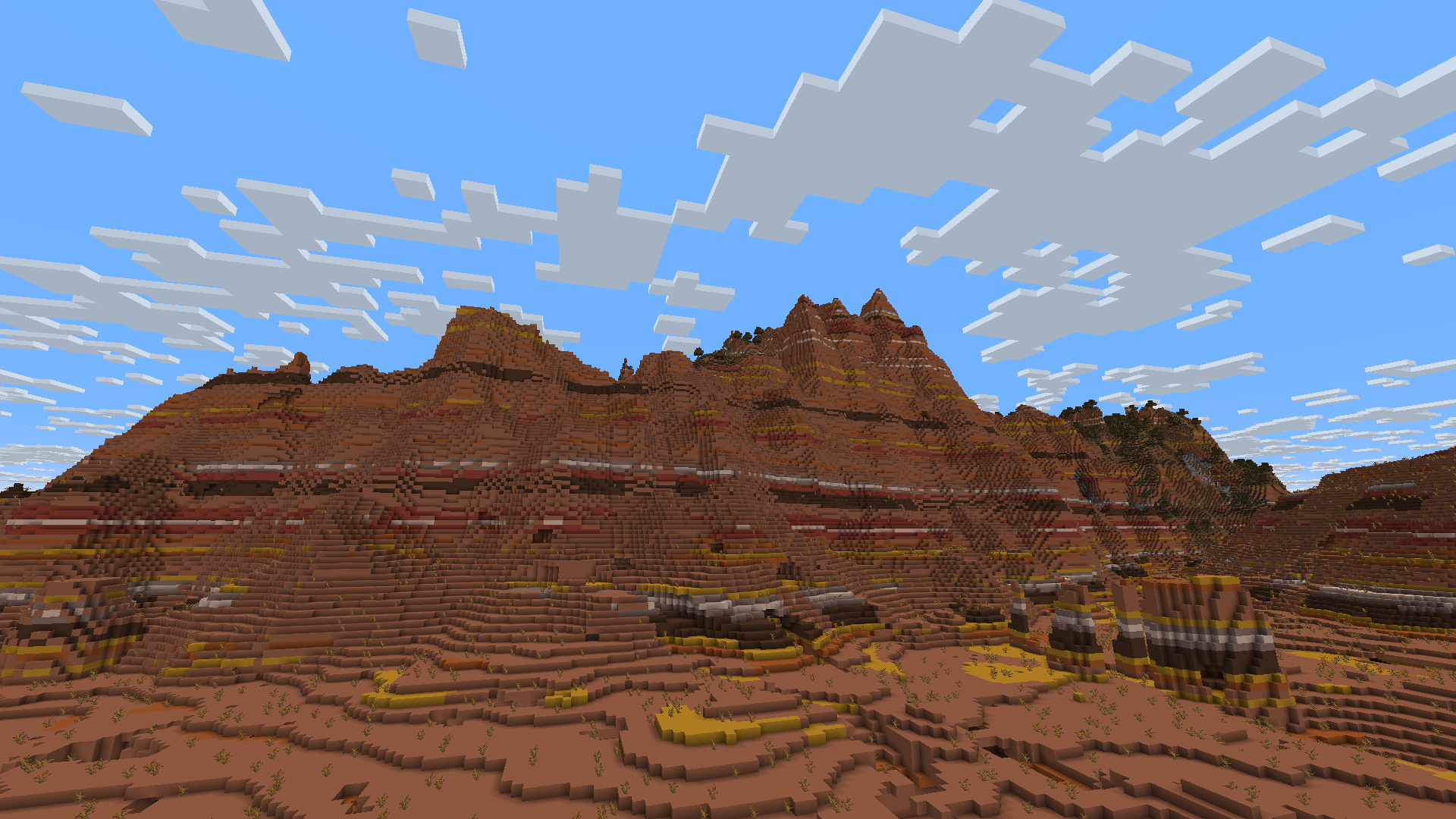
You can configure your cloud render distance and height in the Camera Tweaks settings.
🫲 See items in boats
With Camera Tweaks you can see the items you are holding while moving in a boat.
❓ Faq
I have a suggestion for this mod!
If you have any suggestions, feel free to tell me!
Is this mod compatible with X?
Probably, I am trying to make this mod as compatible as I can. If there is a problematic conflict you can open an issue.
I found a bug!
If you found a bug, please tell me!
Can I use this in my modpack?
Yes, of course as long as it stays on modrinth!
Can I upload this mod somewhere else?
No, you can't redistribute this mod without my permission. You can only link back to this page.
Can you port this to (Neo)Forge?
No.
Cách cài đặt Camera Tweaks
With Millida Launcher
Install Millida Launcher
The launcher is free: download it at millida.net/launcher and sign in with any nickname.
Click “Install” on this page
The launcher opens and installs the mod for Minecraft 26.1 on Fabric or Quilt automatically.
Launch the game
A profile with it appears in the launcher: click “Play”.
Manually
Install Fabric or Quilt
The loader must match the game version of the mod file, for example Minecraft 26.1. After installing it, a separate profile appears in your launcher.
Download the file for your version
In the version list above, pick the file CameraTweaks-1.11.2-26.1.jar (75 KB) for your game version and loader.
Put it in the mods folder
The folder is inside .minecraft (Windows: %appdata%\.minecraft\mods). If it does not exist, create it.
Launch the loader profile
Open “Mods” in the main menu: Camera Tweaks should be in the list.
Phiên bản
Kèm phụ thuộc
| Minecraft | Loader | Tệp | Ngày | Hành động |
|---|---|---|---|---|
| 26.1 | Fabric, Quilt | CameraTweaks-1.11.2-26.1.jar75.3 KB 2 |
Đánh giá
Hãy là người đầu tiên đánh giá Camera Tweaks


