
 Forge
Forge Fabric
Giới thiệu mod Blur
Bạn đã bao giờ nghĩ rằng thế giới phía sau túi đồ của mình quá mất tập trung chưa? Vậy thì đây chính là mod dành cho bạn!
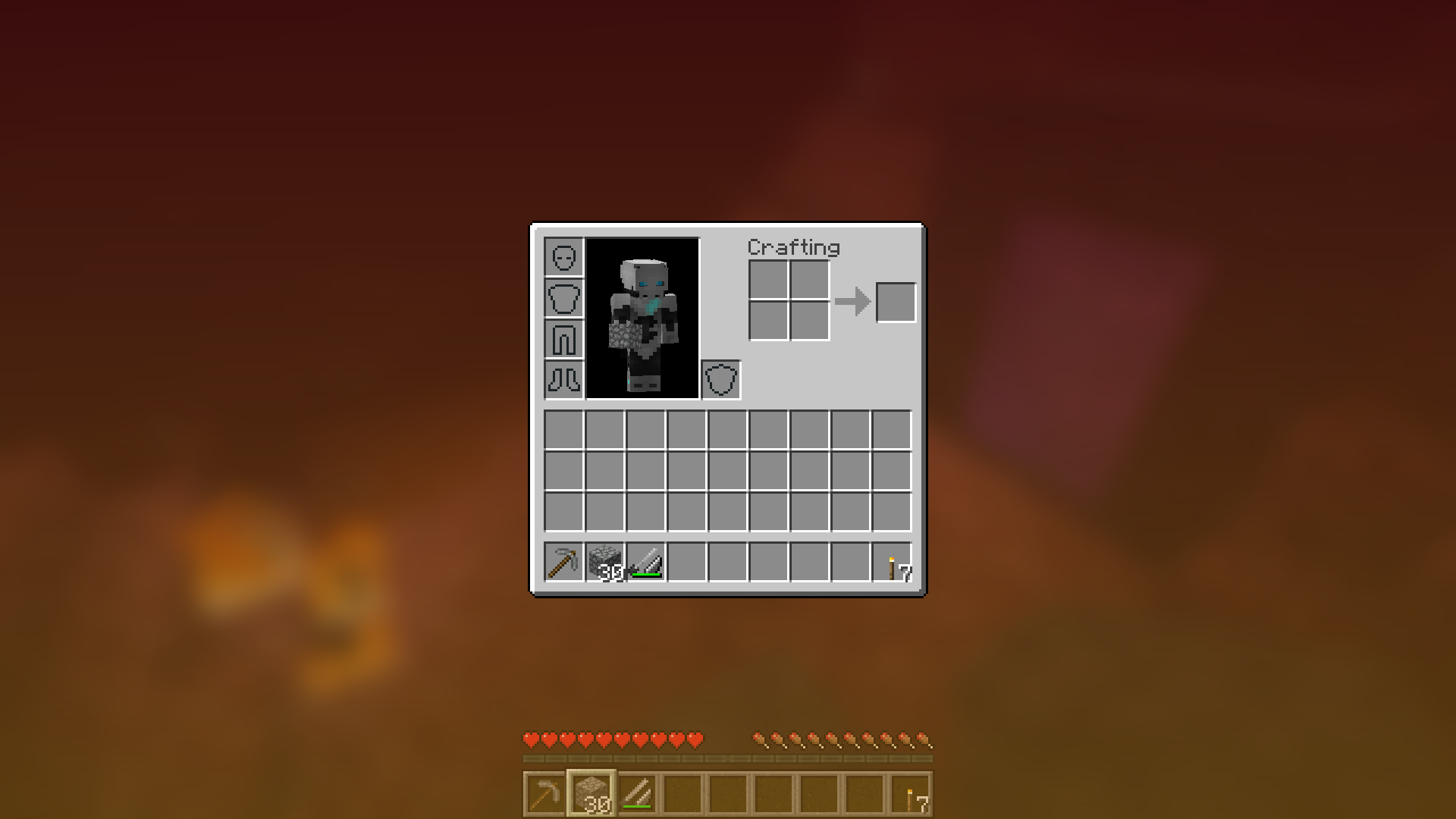
Blur thêm shader làm mờ Gaussian vào nền của tất cả GUI, rồi mờ dần để tạo vẻ ngoài bóng bẩy. Mod cũng có thể tùy chỉnh cao, nên bạn có thể chỉnh giao diện của mod theo ý thích. Nhấn vào đây để xem một gif minh họa khổng lồ!
LƯU Ý: Các phiên bản dành cho snapshot 1.14 cần Fabric.
Bạn có thể cấu hình độ mạnh của hiệu ứng mờ trong tệp config với tùy chọn "radius".
Đây là minh họa với vài bán kính khác nhau:
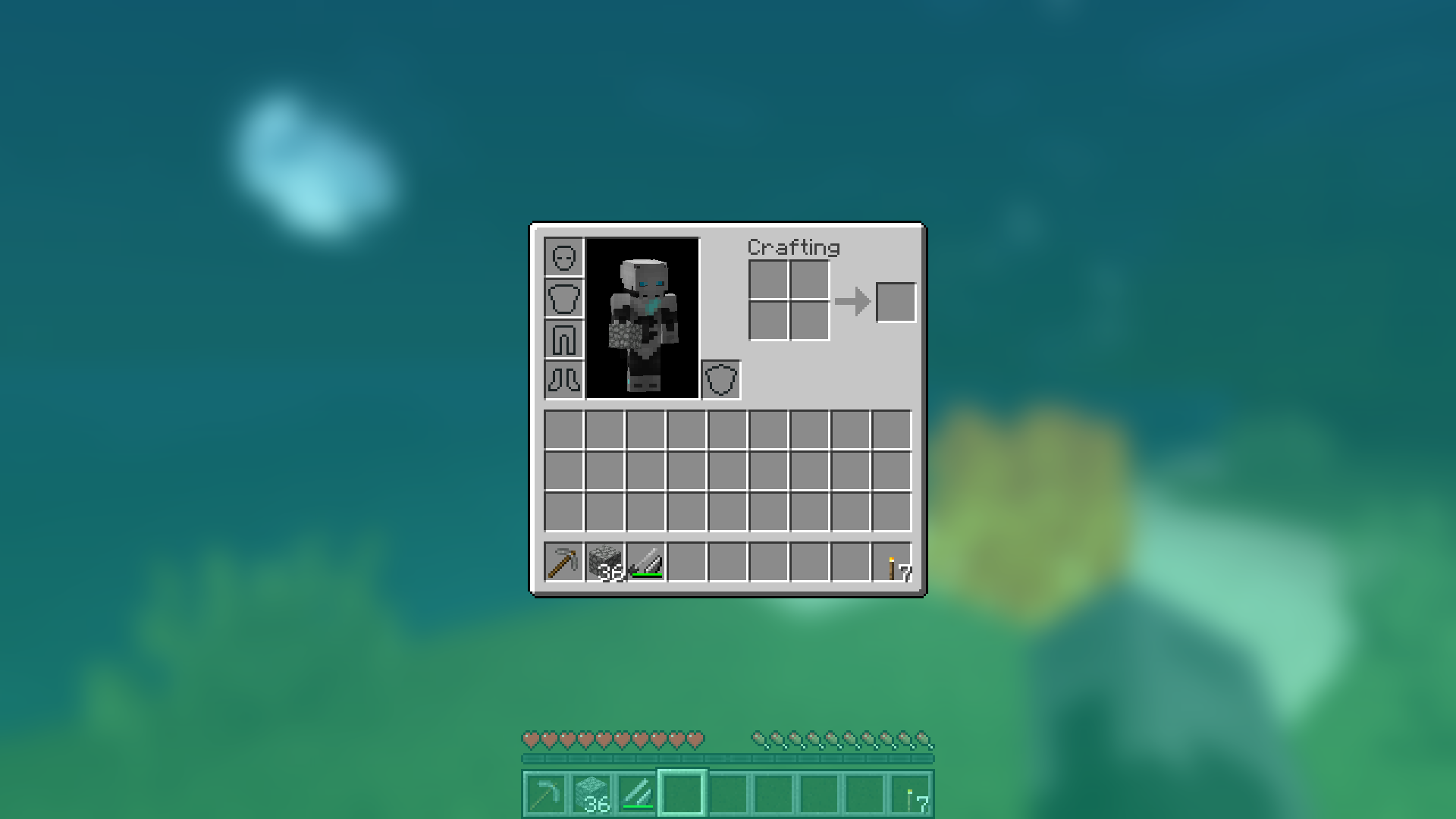
Thay đổi màu nền và gradient!
Lạc lối trong GUI của bạn!
Buổi tối mưa tuyệt đẹp cùng bạn và hiệu ứng mờ của bạn:
Hoạt động với shader!
Giải thích các cài đặt Config
- radius
- Như đã giải thích ở trên, tùy chọn này điều khiển độ "mạnh" của hiệu ứng mờ. Nếu bạn gặp vấn đề về hiệu năng, hãy giảm giá trị này.
- fadeTime
- Đây là thời gian để hiệu ứng mờ "hiện dần", tính bằng mili giây.
- gradientStart/EndColor
- Các màu dùng cho lớp phủ trên tất cả nền GUI. Giá trị ở đây là mã màu thập lục phân, theo định dạng ARGB (alpha trước, rồi đến rgb). Vì nền là gradient, có thể chỉ định hai màu. Mặc định là màu đen với giá trị alpha 45% (75000000).
- guiExclusions
- Danh sách các lớp bị loại trừ khỏi shader làm mờ. Tùy chọn này dùng cho những GUI không nhất thiết phủ kín màn hình. Mặc định chỉ chứa một GUI là chat.
Cách cài đặt Blur
With Millida Launcher
Install Millida Launcher
The launcher is free: download it at millida.net/launcher and sign in with any nickname.
Click “Install” on this page
The launcher opens and installs the mod for Minecraft 1.8.9–1.16.5 on Fabric or Forge automatically.
Launch the game
A profile with it appears in the launcher: click “Play”.
Manually
Install Fabric or Forge
The loader must match the game version of the mod file, for example Minecraft 1.16.5. After installing it, a separate profile appears in your launcher.
Download the file for your version
In the version list above, pick the file Blur-1.1.0-1.jar (358 KB) for your game version and loader.
Put it in the mods folder
The folder is inside .minecraft (Windows: %appdata%\.minecraft\mods). If it does not exist, create it.
Launch the loader profile
Open “Mods” in the main menu: Blur should be in the list.
Minecraft 1.16.5 runs on Java 8: with a different Java version the game may close right after launch.
Phiên bản
Kèm phụ thuộc
| Minecraft | Loader | Tệp | Ngày | Hành động |
|---|---|---|---|---|
| 1.14.4 | Forge | Blur - 1.1.0-1358 KB | ||
| 1.14.4 | Fabric | Blur 1.0.5 [Fabric]201 KB 2 | ||
| 1.8.9 | — | Blur 1.0.4 [1.8.9]16 KB | ||
| — | — | Blur 1.0.4 [Fabric]200 KB 2 |
Câu hỏi thường gặp
Which Minecraft versions does Blur work on?
There are files for 1.16.5, 1.15.1, 1.14.4, 1.8.9. The newest is 1.16.5.
Is Blur for Forge or Fabric?
There are files for Fabric: 1.14.4 and for Forge: 1.14.4–1.16.5. There are no files for NeoForge: a mod for another loader will not start.
Does Blur need other mods?
The author lists no required dependencies: the Fabric or Forge loader is enough.
Which Java does Blur need?
Minecraft 1.16.5 runs on Java 8. If the game closes right after launch, the usual cause is the wrong Java version in the profile settings.
Where can I download Blur safely?
On this page: the file Blur-1.1.0-1.jar (358 KB) is stored on Millida’s server, with no link shorteners. SHA-1 checksum: eba362692f92c7c8e069cb0c5073f13fc479a251.
Đánh giá
Hãy là người đầu tiên đánh giá Blur


