

Blahaj - Replushed Mod cho Minecraft 26.2
Thêm những chú gấu bông Blåhaj nổi tiếng từ ikea cùng bộ sưu tập gấu bông khác
 NeoForge
 Fabric
Giới thiệu mod Blahaj - Replushed
Một mod thêm gấu bông cá mập IKEA BLÅHAJ và gối bánh mì khổng lồ làm vật phẩm.
- Khi bạn chế tạo hoặc đổi tên một món thú bông, nó sẽ gắn tên người dùng của bạn vào.
- Bạn có thể đặt thú bông xuống!
- Mod này cần có trên cả máy chủ và máy khách.
Nội dung
Xem trước vật phẩm Công thức
Cá mập đồ chơi mềm
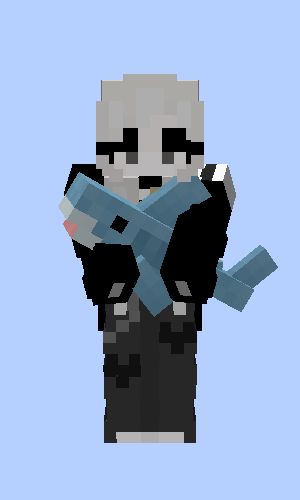
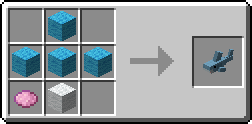
Cá mập đồ chơi màu xám
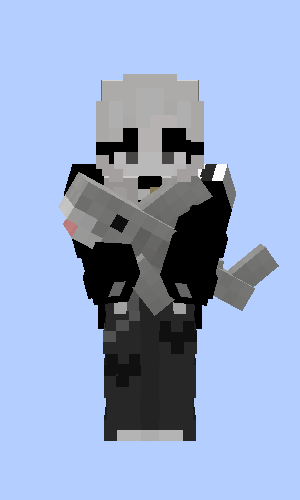
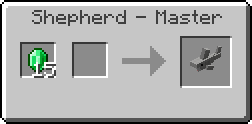
Cá voi xanh đồ chơi mềm
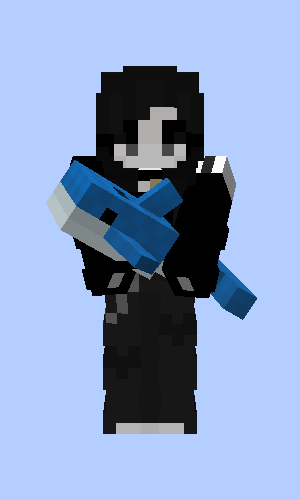
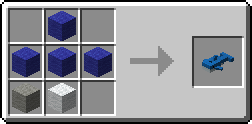
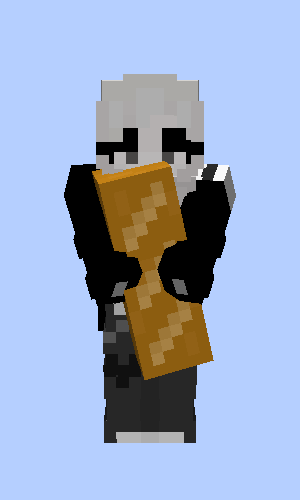
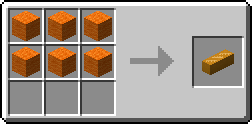
Gối bánh mì
Gấu nâu
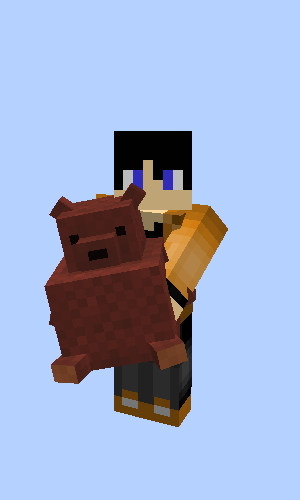
Quà tặng từ Fletcher, Butcher và Leatherworker khi bạn giải cứu một ngôi làng
Cá mập Pride bởi musicalskele!
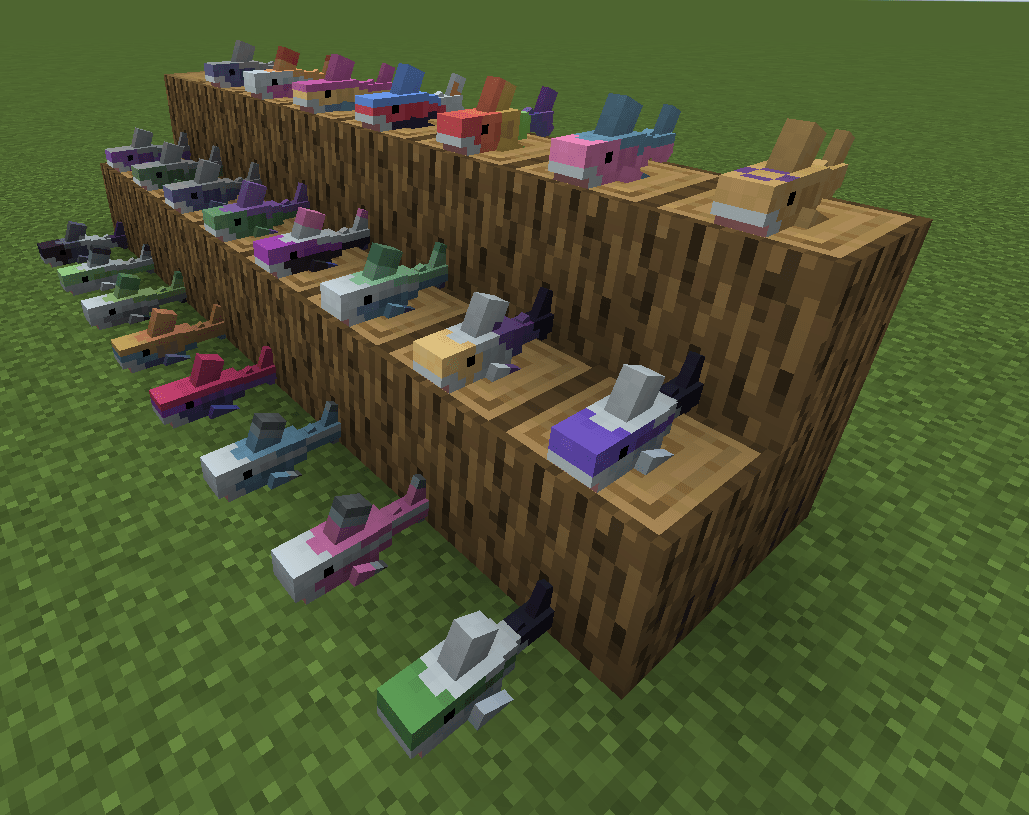
Phiên bản Quilt gốc
Đây là bản chuyển thể từ Hibiii/Blahaj gốc: BLÅHAJ Soft toy, shark mod, 16px. Nếu bạn dùng Quilt trên <=1.20.1 thì hãy dùng phiên bản của họ thay vào đó và gửi lời cảm ơn! 😄
Giấy phép
- Mod này - giống như bản gốc - được cấp phép theo Unlicense. Hãy thoải mái học hỏi từ nó và đưa vào các dự án của riêng bạn.
- Biểu tượng của dự án này là Blobhaj bởi Heatherhorns, được cấp phép theo Creative Commons Attribution 4.0 International License.
- Hầu hết hình ảnh trong game đều từ người sáng tạo gốc Hibiii.
Cách cài đặt Blahaj - Replushed
With Millida Launcher
Install Millida Launcher
The launcher is free: download it at millida.net/launcher and sign in with any nickname.
Click “Install” on this page
The launcher opens and installs the mod for Minecraft 26.2 on Fabric or NeoForge automatically.
Launch the game
A profile with it appears in the launcher: click “Play”.
Manually
Install Fabric or NeoForge
The loader must match the game version of the mod file, for example Minecraft 26.2. After installing it, a separate profile appears in your launcher.
Download the file for your version
In the version list above, pick the file blahaj-replushed-4.0.0+26.2.jar (170 KB) for your game version and loader.
Put it in the mods folder
The folder is inside .minecraft (Windows: %appdata%\.minecraft\mods). If it does not exist, create it.
Launch the loader profile
Open “Mods” in the main menu: Blahaj - Replushed should be in the list.
Phiên bản
Kèm phụ thuộc
| Minecraft | Loader | Tệp | Ngày | Hành động |
|---|---|---|---|---|
| 26.2 | NeoForge | blahaj-replushed-4.0.0+26.2.jar170 KB | ||
| 26.2 | Fabric | 4.0.0+26.2173 KB |
Câu hỏi thường gặp
Which Minecraft versions does Blahaj - Replushed work on?
Only Minecraft 26.2: there are no files for other versions.
Is Blahaj - Replushed for Forge or Fabric?
There are files for Fabric: 26.2 and for NeoForge: 26.2. There are no files for Forge: a mod for another loader will not start.
Does Blahaj - Replushed need other mods?
The author lists no required dependencies: the Fabric or NeoForge loader is enough.
Where can I download Blahaj - Replushed safely?
On this page: the file blahaj-replushed-4.0.0+26.2.jar (170 KB) is stored on Millida’s server, with no link shorteners. SHA-1 checksum: 38bd3415a8dd427963bade64d9061c4b7cdaf636.
Đánh giá
Hãy là người đầu tiên đánh giá Blahaj - Replushed


