
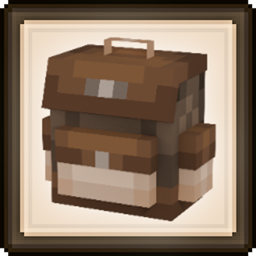
Backpacked Mod cho Minecraft 1.20.1, 1.21.1
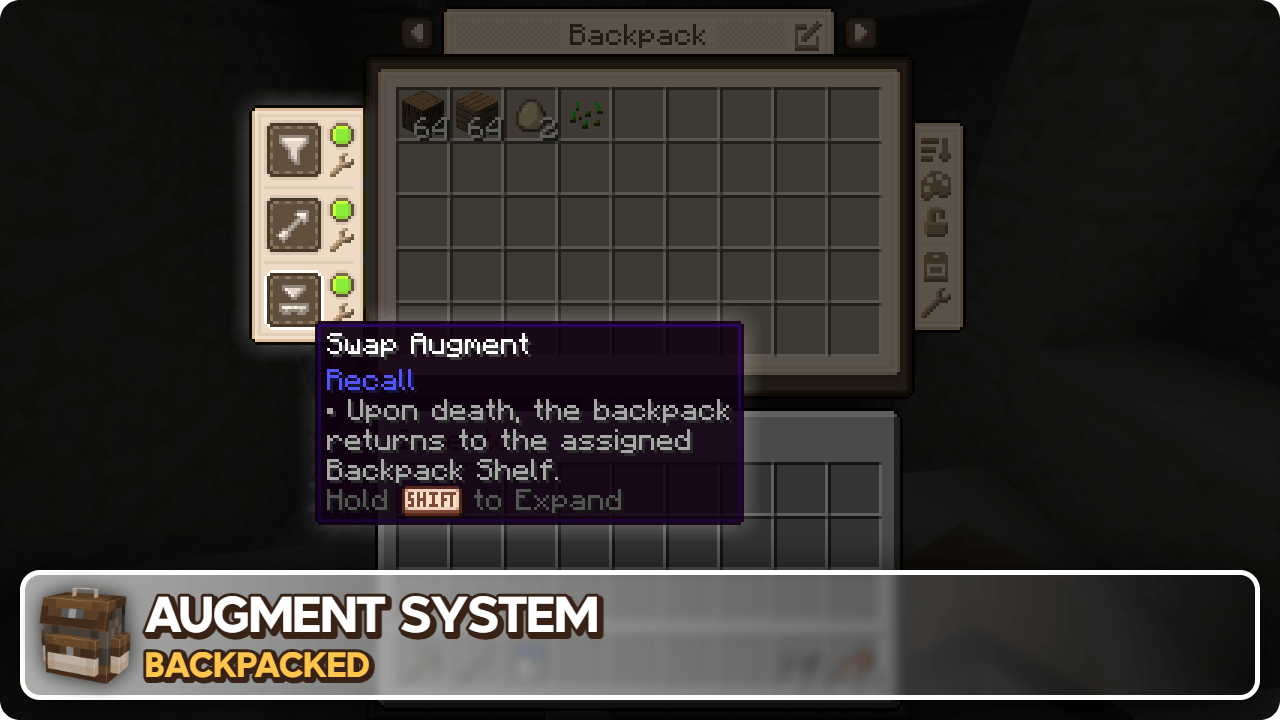
Một mod ba lô thân thiện với vanilla, có tiến trình dựa trên mở khóa, hệ thống nâng cấp, tùy chỉnh, móc túi và hỗ trợ addon!
 NeoForge
 Fabric
 Forge
Forge






Backpacked 3.0.0 đã ra mắt!
Phát hành ngày 21 tháng 1 năm 2026
Tôi sẽ sớm cập nhật mô tả này, xin lỗi - MrCrayfish
🏘️ Tiện ích cộng đồng Những tiện ích này bổ sung thêm nhiều ba lô để khám phá!
Backpacked: Shells của Beast135 (https://www.curseforge.com/minecraft/mc-mods/backpacked-shells) Bổ sung hai ba lô mới để mở khóa, Snail Shell và Nautilus Shell
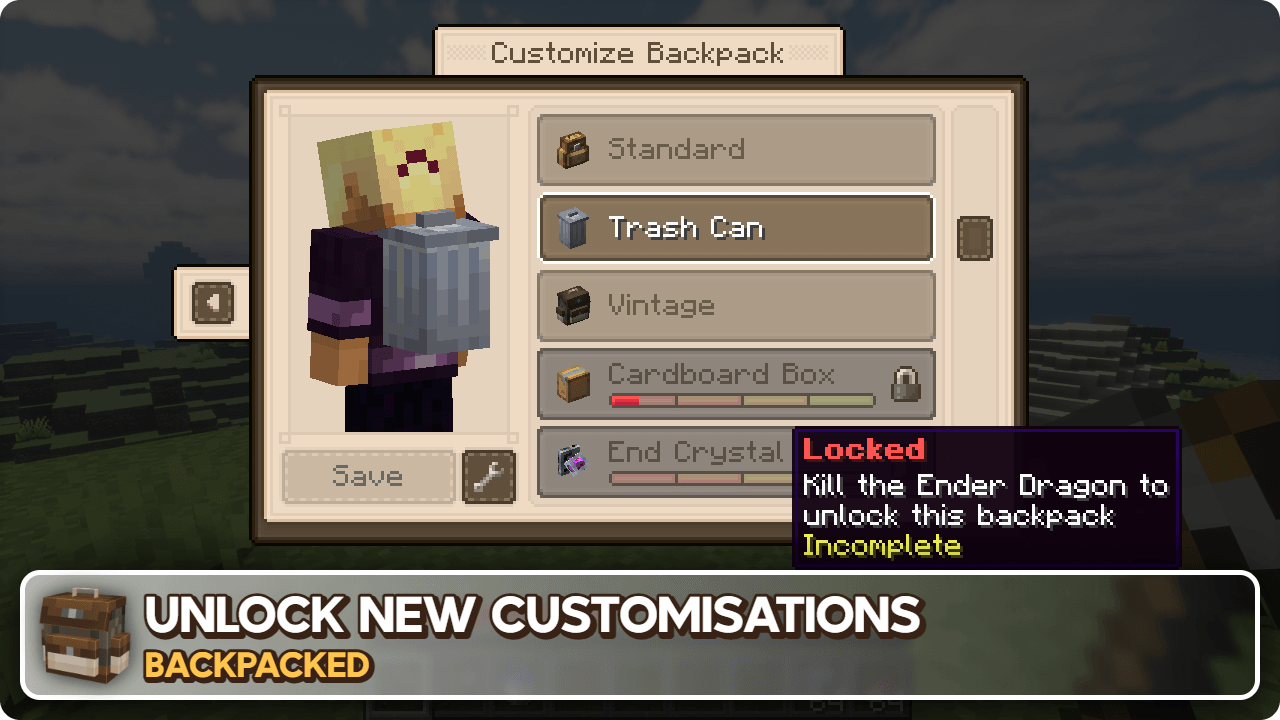
Backpacked: World of Color của Beast135 (https://www.curseforge.com/minecraft/mc-mods/backpacked-world-of-color) Bổ sung các biến thể nhuộm màu của Standard Backpack
MrCrayfish's Furniture Mod: Refurbished của MrCrayfish (https://www.curseforge.com/minecraft/mc-mods/refurbished-furniture) Bổ sung một ba lô Storage Cabinet độc quyền khi cài đặt mod này cùng với Backpacked.
🙋‍♀️ Cần hỗ trợ? Tham gia Máy chủ Discord chính thức:
Phần bình luận không phù hợp để hỗ trợ, hãy tham gia máy chủ discord chính thức. Bạn có thể nhận trợ giúp cài đặt và cấu hình mod, giải quyết lỗi treo và hơn thế nữa! Ngoài ra bạn còn được truy cập tin tức về cập nhật và phát triển mod (trước bất kỳ nơi nào khác).

Cách cài đặt Backpacked
With Millida Launcher
Install Millida Launcher
The launcher is free: download it at millida.net/launcher and sign in with any nickname.
Click “Install” on this page
The launcher opens and installs the mod for Minecraft 1.12.2–26.1.2 on Fabric, Forge or NeoForge automatically.
Launch the game
A profile with it appears in the launcher: click “Play”.
Manually
Install Fabric, Forge or NeoForge
The loader must match the game version of the mod file, for example Minecraft 26.1.2. After installing it, a separate profile appears in your launcher.
Download the file for your version
In the version list above, pick the file backpacked-neoforge-26.1.2-3.0.4.jar (1.2 MB) for your game version and loader.
Put it in the mods folder
The folder is inside .minecraft (Windows: %appdata%\.minecraft\mods). If it does not exist, create it.
Launch the loader profile
Open “Mods” in the main menu: Backpacked should be in the list.
Phiên bản
Kèm phụ thuộc
| Minecraft | Loader | Tệp | Ngày | Hành động |
|---|---|---|---|---|
| 26.1.2 | NeoForge | Backpacked 3.0.41.2 MB 2 | ||
| 26.1.2 | Fabric | Backpacked 3.0.41.3 MB 14 | ||
| 1.20.1 | Forge | Backpacked 3.0.91.1 MB 86 | ||
| 1.20.1 | Forge | Backpacked 3.0.3-rc.41.1 MB | ||
| 1.20.1 | Fabric | Backpacked 3.0.3-rc.41.1 MB 46 | ||
| 1.21.1 | NeoForge | Backpacked 3.0.0-beta.201.2 MB 62 | ||
| 1.21.1 | Fabric | Backpacked 3.0.0-beta.201.2 MB 67 | ||
| 1.21.1 | NeoForge | Backpacked 3.0.0-beta.10624 KB |
Đánh giá
Hãy là người đầu tiên đánh giá Backpacked


