

VulkanCore Ресурспак для Minecraft 26.30
Цей пак забезпечує оптимізований плавний геймплей та ефективну, яскраву графіку, зберігаючи ванільні текстури
Про ресурспак VulkanCore
VulkanCore Facts✅
All In One No Fog - No particles - simplified animation - ≠ FPS
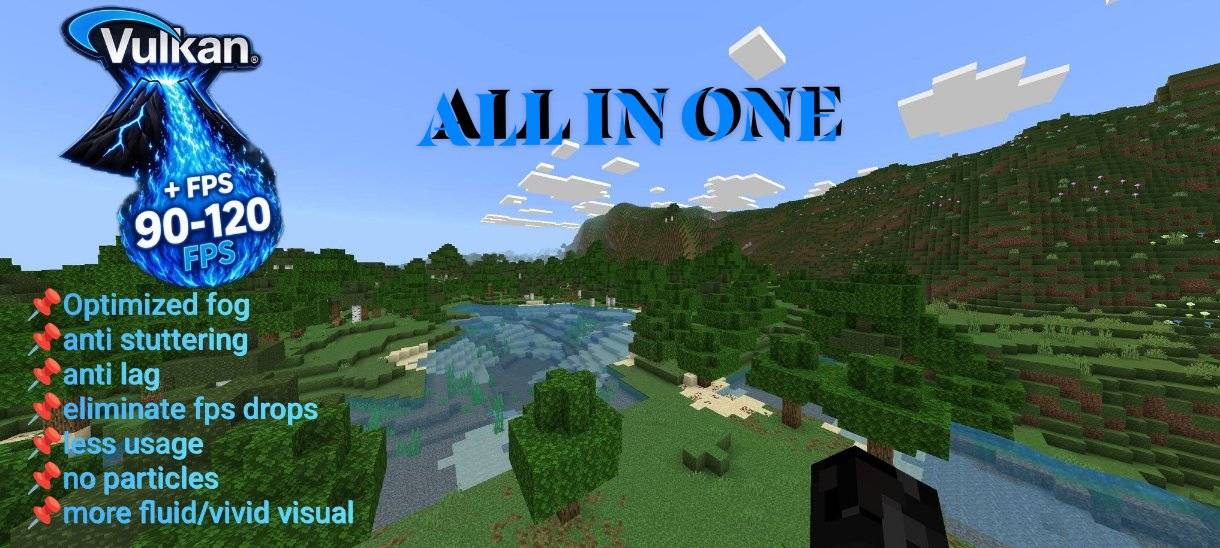
📌New update v9: Fixed chat bug, added clean UI, Added See Durability items, REWORK✅.
⚠️: Experiencing LAG or Slutter on Ultra / Pro set ur Render at 8-9 chunks or "STANDARD" Mode
Mode:
🟢 Standard: All full shader/addon support No-full-Grass
🟡 Pro: Vivid/fluid + Opti Fog Faster FPS + better stability mid add-on friendly No-full-Grass
🔴 Ultra: Vivid/fluid visuals + optimized fog, max performance for low/mid devices, full grass
🟥 Ultra + UI: Same as before with Modern Advance UI.
[ more better efficient on "snapdragon | Apple | mediatek" chipset phones ]
🚀 Performance:
- Pushed you're FPS to the max refresh-rate in you're device, it depends on you're device limit.
- Eliminates FPS drops, stutters, and lag.
- Delivers stable, smooth frame rates at all times.
- Built to handle heavy graphics without slowing down
- Stabilized fps and maximum speed
🎨 Visuals & Colors:
- Rich, vibrant, and enhanced color palette.
- Sharp, clear, and striking visuals across all biomes.
- Balanced brightness and contrast for better visibility.
✨ Effects & Details:
- Zero unnecessary particles.
- Reduced or simplified animations.
- Optimized, lighter fog rendering.
- Clean, uncluttered, and lightweight graphics.
⚙️ Optimization:
- Low resource usage, no extra load on device.
- Smooth performance even on low/mid-end hardware.
- Balances great looks with top-tier efficiency.
👀 What this does:
• No murky underwater fog see clearly deep down
• No lava haze or distortion see clearly deep down or up
• Removes distance fog in Overworld biomes
• Clear view in the Nether (no thick smoke/fog layers)
• Full visibility in the End (no purplish fog or blur)
• Improves FPS while keeping visuals natural
• Works on all render distances and device types
Perfect for survival, Smp, exploration, building, and spotting mobs from far away no more hidden terrain or limited sightlines!
🗺️Origin of VulkanCore Began:
"VulkanCore wasn’t made to be public at first. It started out as my own private optimizer an all-in-one collection of tweaks that I built and used only for myself during my streams for a very long time.
VulkanCore wasn't named VulkanCore at first the first name of this was Lithium_Optimizer before changed the name as it grew into something bigger and more reliable and powerful.
I chose to publicly share it because of my loyal and supportive followers who kept asking where I got my performance settings. I polished it up for everyone, so what began as my personal setup can now help anyone run Minecraft Bedrock smoother and better."
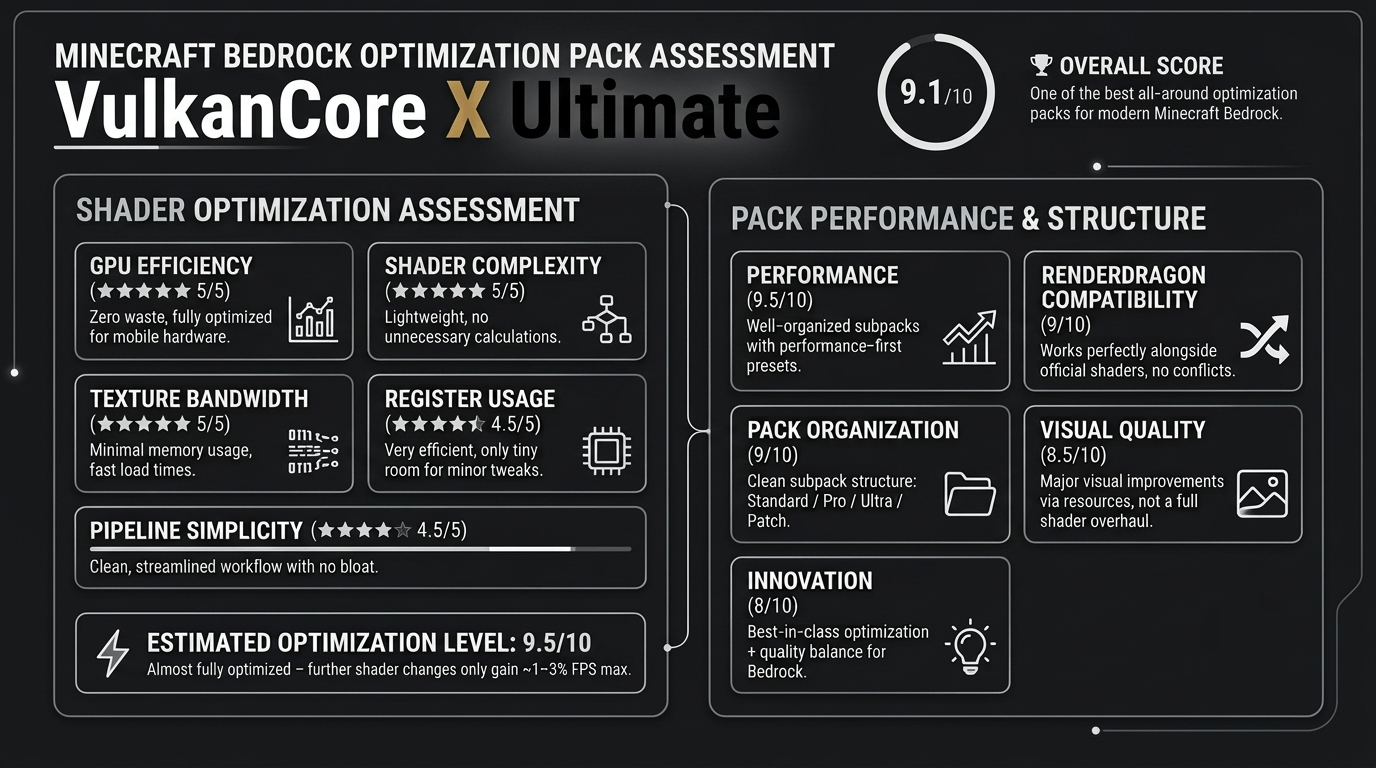
Як встановити VulkanCore
With Millida Launcher
Install Millida Launcher
The launcher is free: download it at millida.net/launcher and sign in with any nickname.
Click “Install” on this page
The launcher opens and installs the resource pack for Minecraft 26.30 automatically.
Launch the game
A profile with it appears in the launcher: click “Play”.
Manually
Download the archive
Pick the file VulkanCore_X_Ultimatev8.2.mcpack (516 KB) for your game version. No need to unpack it.
Put it in the resourcepacks folder
The easiest way: “Options”, then “Resource Packs”, then “Open Pack Folder”, and drag the archive there.
Enable the pack
In the same window, move the pack to the right-hand “Selected” column and click “Done”.
Версії
Із залежностями
| Minecraft | Завантажувач | Файл | Дата | Дії |
|---|---|---|---|---|
| 26.30 | — | VulkanCore_X_Ultimatev8.2.mcpack516 КБ 10 |
Часті питання
Which Minecraft versions does VulkanCore work on?
Only Minecraft 26.30: there are no files for other versions.
Where can I download VulkanCore safely?
On this page: the file VulkanCore_X_Ultimatev8.2.mcpack (516 KB) is stored on Millida’s server, with no link shorteners. SHA-1 checksum: 05fb929740345bb4ba53deb415d06ee12ebe93b7.
Відгуки
Станьте першим, хто оцінить VulkanCore



