

Unity: Dark Edition Ресурспак для Minecraft 1.20.1, 1.19.2
Темний екран завантаження, GUI та елементи, щоб полегшити навантаження на очі!
- переглядів
- 7 переглядів
- Оновлено
- Оновлено 30.09.2026
- 1.19 — 1.20.1
 Ванільна гра
- Клієнт
Про ресурспак Unity: Dark Edition
Menus and GUIs are now dark and noisy!
It is recommended that you use this pack with the base Unity pack, found here:

https://modrinth.com/resourcepack/unity
GUIs were generated with a script so please let me know if something looks out of place or hasn't converted correctly.
I will be adding additional mod support over time and will clean up inconsistencies by hand, should we run into any.
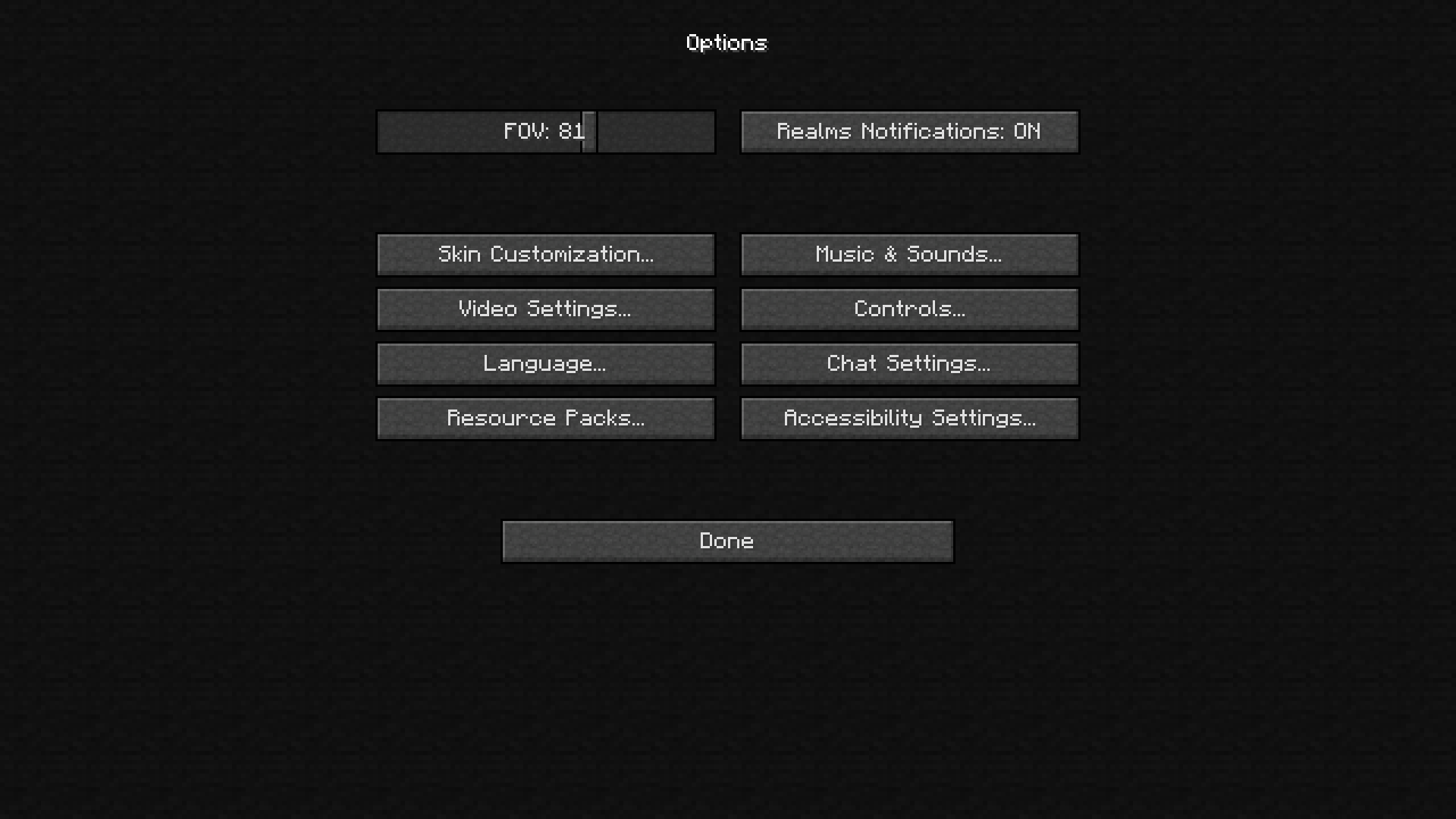
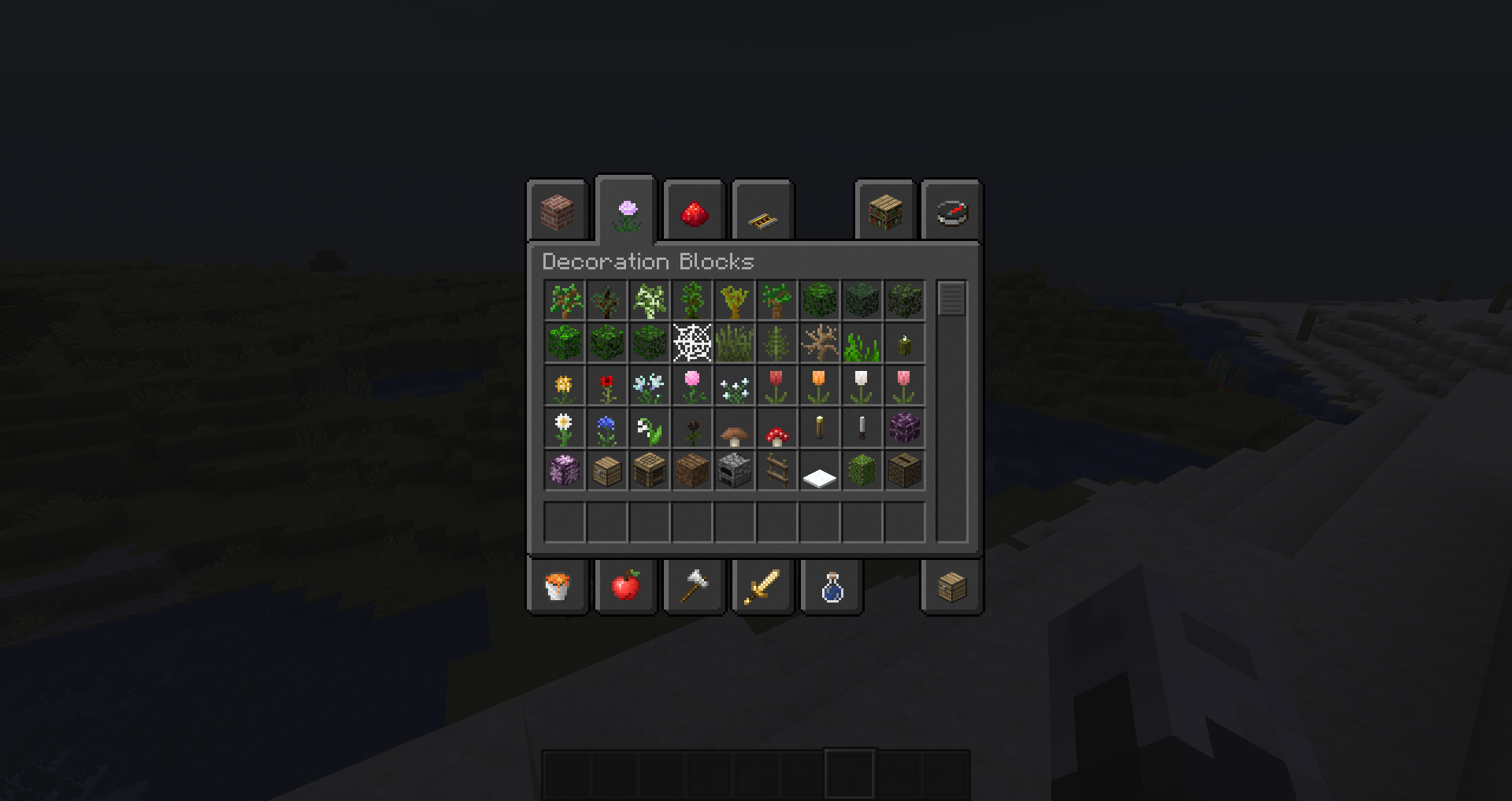
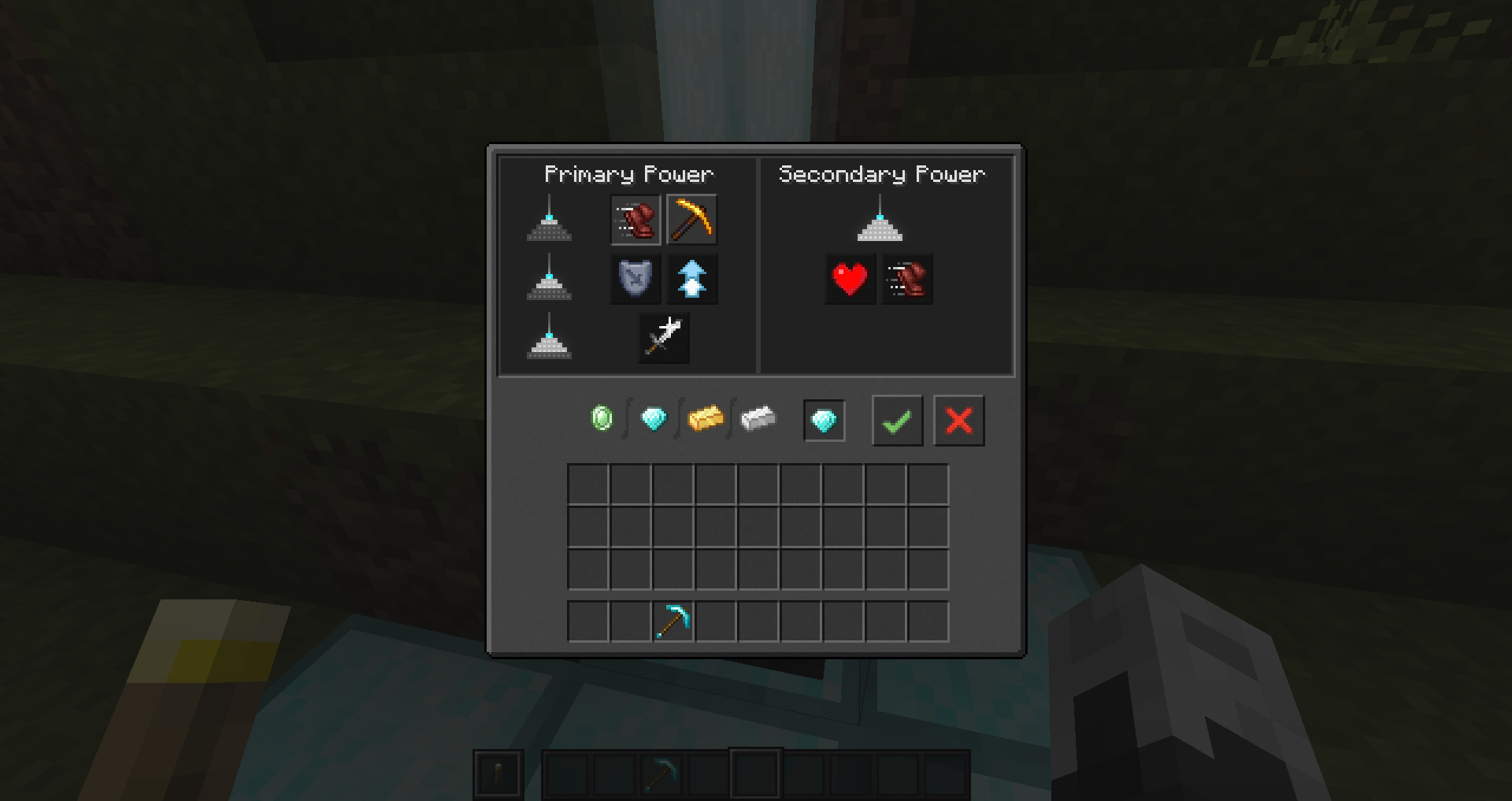
Current list of support:
0.1.0
- Vanilla
0.3.0
- Better Crates
- Charm
- JEI
- Metal Barrels
- Quark
0.4.0
- Refined Storage
0.5.0
- BluePower
- Curios
- Industrial Foregoing
- Iron Chests
- Titanium
- Trash Slot
0.6.0
- Mekanism
- Vanilla 1.16
- Dark Loading Screen (requires OptiFine)
0.7.0
- Toolbelt
- Trophy Slots
- The One Probe
- Open Blocks
- Cosmetic Armor Reworked
- Gravestone
- Applied Energistics 2
- Storage Drawers
0.8.0
- Create
- Farmer's Delight
- Camera Mod
- Buddy Cards
- Curios
- Better Advancements
- Useful Backpacks
- Botanical Machinery
Enjoy!

Як встановити Unity: Dark Edition
With Millida Launcher
Install Millida Launcher
The launcher is free: download it at millida.net/launcher and sign in with any nickname.
Click “Install” on this page
The launcher opens and installs the resource pack for Minecraft 1.19–1.20.1 automatically.
Launch the game
A profile with it appears in the launcher: click “Play”.
Manually
Download the archive
Pick the file Unity-1.20.1-Dark-1.1.0.zip (8.3 MB) for your game version. No need to unpack it.
Put it in the resourcepacks folder
The easiest way: “Options”, then “Resource Packs”, then “Open Pack Folder”, and drag the archive there.
Enable the pack
In the same window, move the pack to the right-hand “Selected” column and click “Done”.
Версії
Із залежностями
| Minecraft | Завантажувач | Файл | Дата | Дії |
|---|---|---|---|---|
| 1.20.1 | — | 1.20.18.3 МБ | ||
| 1.19.4 | — | 1.19.48 МБ | ||
| 1.19.2 | — | 1.19.28 МБ | ||
| 1.19.3 | — | 1.19.32.9 МБ |
Часті питання
Which Minecraft versions does Unity: Dark Edition work on?
There are files for 1.20.1, 1.19.4, 1.19.3, 1.19.2, 1.19.1, 1.19. The newest is 1.20.1.
Does Unity: Dark Edition need mods?
No, the resource pack works in the plain game without loaders: put it into the resourcepacks folder and enable it in the options.
Where can I download Unity: Dark Edition safely?
On this page: the file Unity-1.20.1-Dark-1.1.0.zip (8.3 MB) is stored on Millida’s server, with no link shorteners. SHA-1 checksum: 6357a9a1f176ca642b23d7e420d37d2a9f7c4906.
Відгуки
Станьте першим, хто оцінить Unity: Dark Edition



