
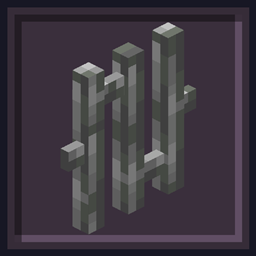
Undopia 3D Bars Ресурспак для Minecraft 1.21.11
Надає ґраткам тривимірну модель
Undopia 3D Bars
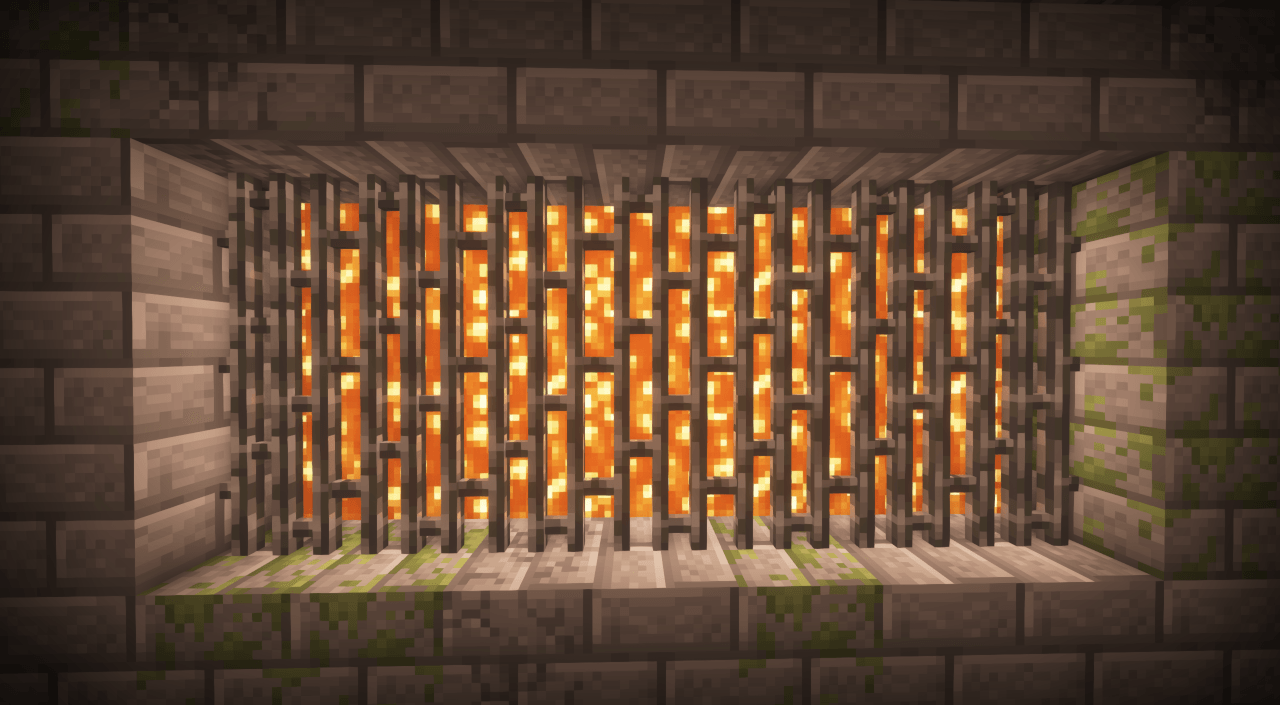
3D Bars makes your Bars look very pretty in 3D with more depth!
This resource pack is part of the Undopia Patch family.
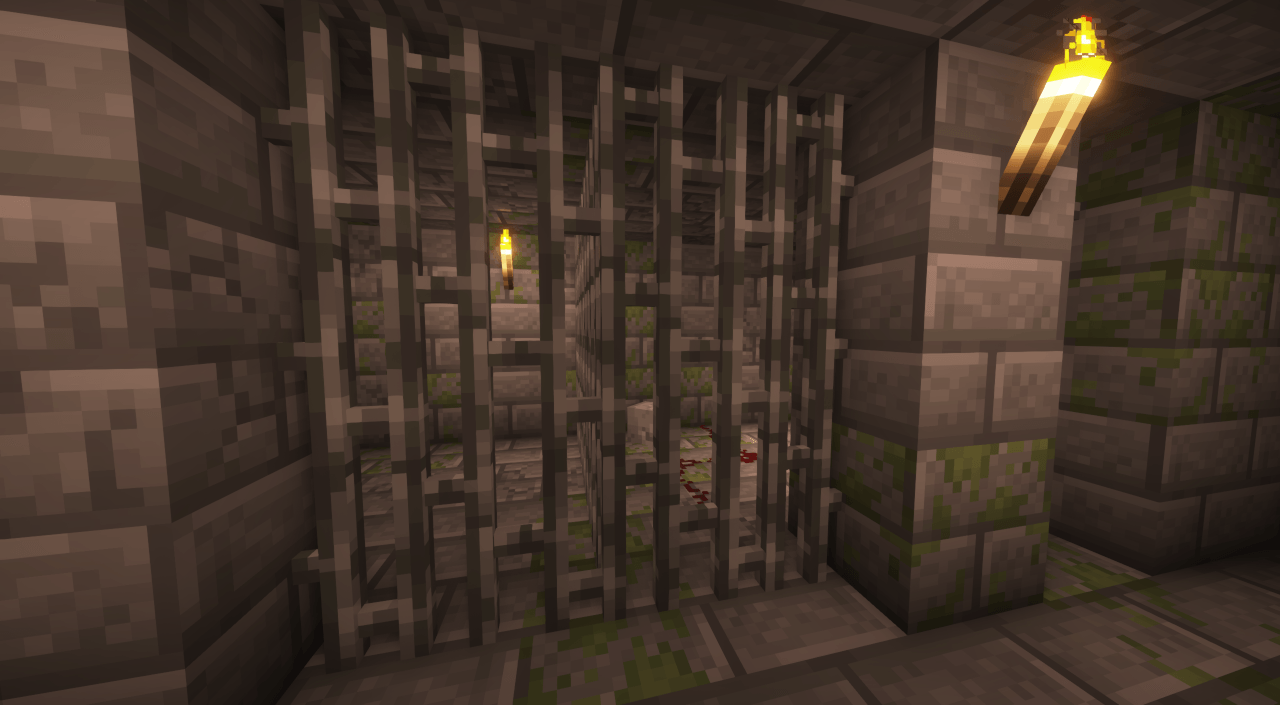
It is made of these Undopia Patch Features
If you want to customize any of these use the Undopia Patch Customizer.
Get your own custom Game Server from KCB Hosting!
Як встановити Undopia 3D Bars
With Millida Launcher
Install Millida Launcher
The launcher is free: download it at millida.net/launcher and sign in with any nickname.
Click “Install” on this page
The launcher opens and installs the resource pack for Minecraft 1.21.11 automatically.
Launch the game
A profile with it appears in the launcher: click “Play”.
Manually
Download the archive
Pick the file Undopia_3D_Bars_1.21.11_v.1.0.zip (36 KB) for your game version. No need to unpack it.
Put it in the resourcepacks folder
The easiest way: “Options”, then “Resource Packs”, then “Open Pack Folder”, and drag the archive there.
Enable the pack
In the same window, move the pack to the right-hand “Selected” column and click “Done”.
Версії
Із залежностями
| Minecraft | Завантажувач | Файл | Дата | Дії |
|---|---|---|---|---|
| 1.21.11 | — | 3D Bars 1.035.8 КБ 3 |
Відгуки
Станьте першим, хто оцінить Undopia 3D Bars



