
Toggle Night Vision Ресурспак для Minecraft 26.3
Хочете побачити печери, але лінуєтеся дістати факели? Цей пакет полегшує вам бачити в темних місцях без них!
This resource pack is recommended to be applied on the GLOBAL RESOURCES.
ANTI-ALIASING must be disabled, or else this pack won't work.
For Mobile or Touch Screen users:
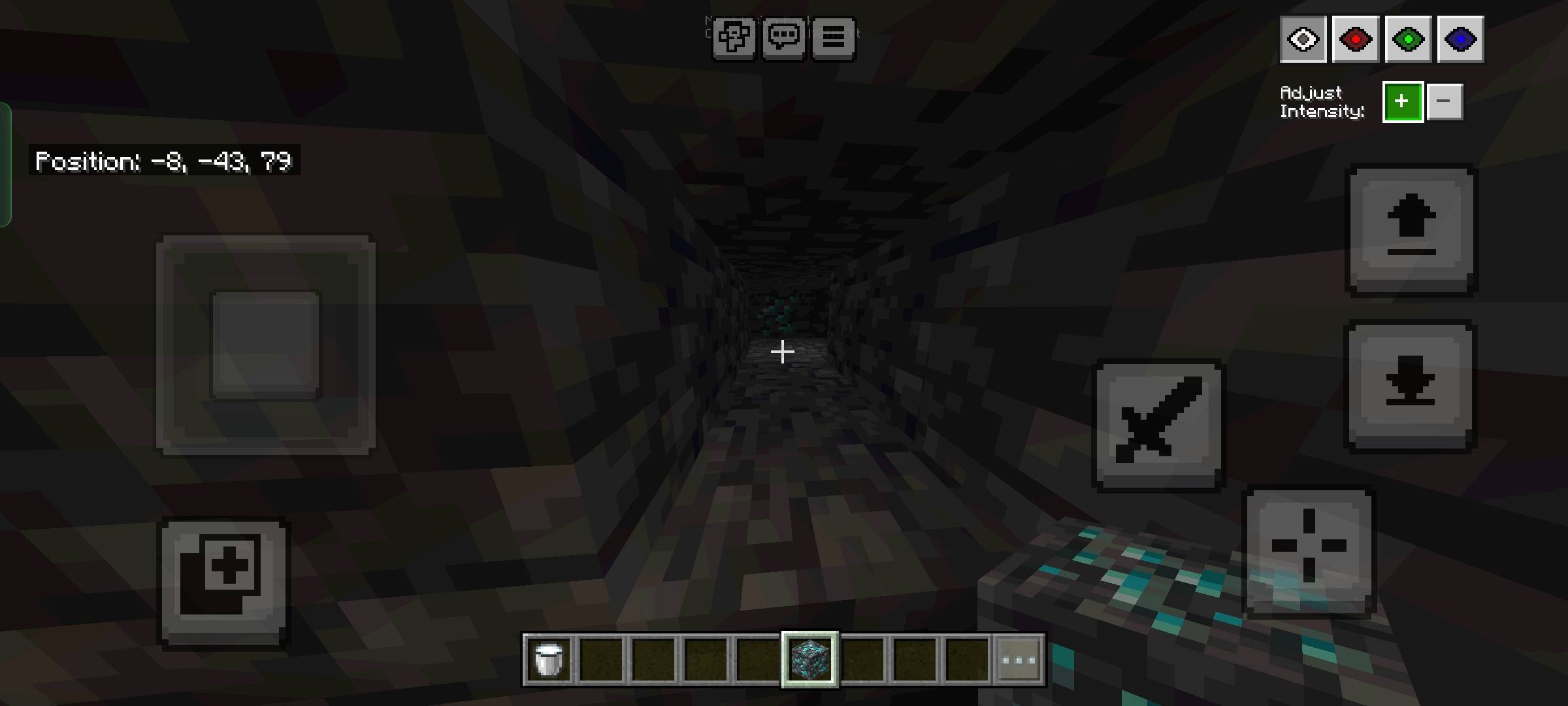
- Press the eye button at the top left next to the pause button to open the night vision menu.
For Desktop or Mouse and keyboard users:
- Press F8 to open the menu.
- Arrow UP/DOWN to change the brightness and Number keys 1-4 to change the color.
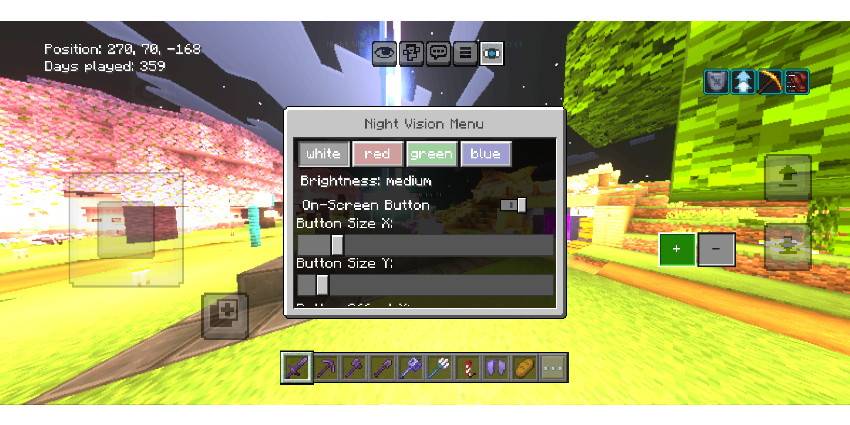
Added subpack for different menu locations
(Description is updated based on the latest update content)
Як встановити Toggle Night Vision
Install Millida Launcher
The launcher is free: download it at millida.net/launcher and sign in with any nickname.
Click “Install” on this page
The launcher opens and installs the resource pack for Minecraft 1.21.130–26.3 automatically.
Launch the game
A profile with it appears in the launcher: click “Play”.
Версії
Із залежностями
| Minecraft | Завантажувач | Файл | Дата | Дії |
|---|---|---|---|---|
| 1.21.130 | — | Toggle Night Vision v0.8.mcpack42.4 КБ 21 |
Часті питання
Which Minecraft versions does Toggle Night Vision work on?
There are files for 26.3, 26.0.02, 26.0, 1.21.132, 1.21.131, 1.21.130. The newest is 26.3.
How do I download Toggle Night Vision?
With Millida Launcher: it installs Toggle Night Vision into a modpack by itself, for the right game version and loader. The launcher is free.
Відгуки
Станьте першим, хто оцінить Toggle Night Vision



