
Про ресурспак Soboku
-- OPTIFINE REQUIRED --
1.15 Version is out! Use the OptiFine Preview releases.
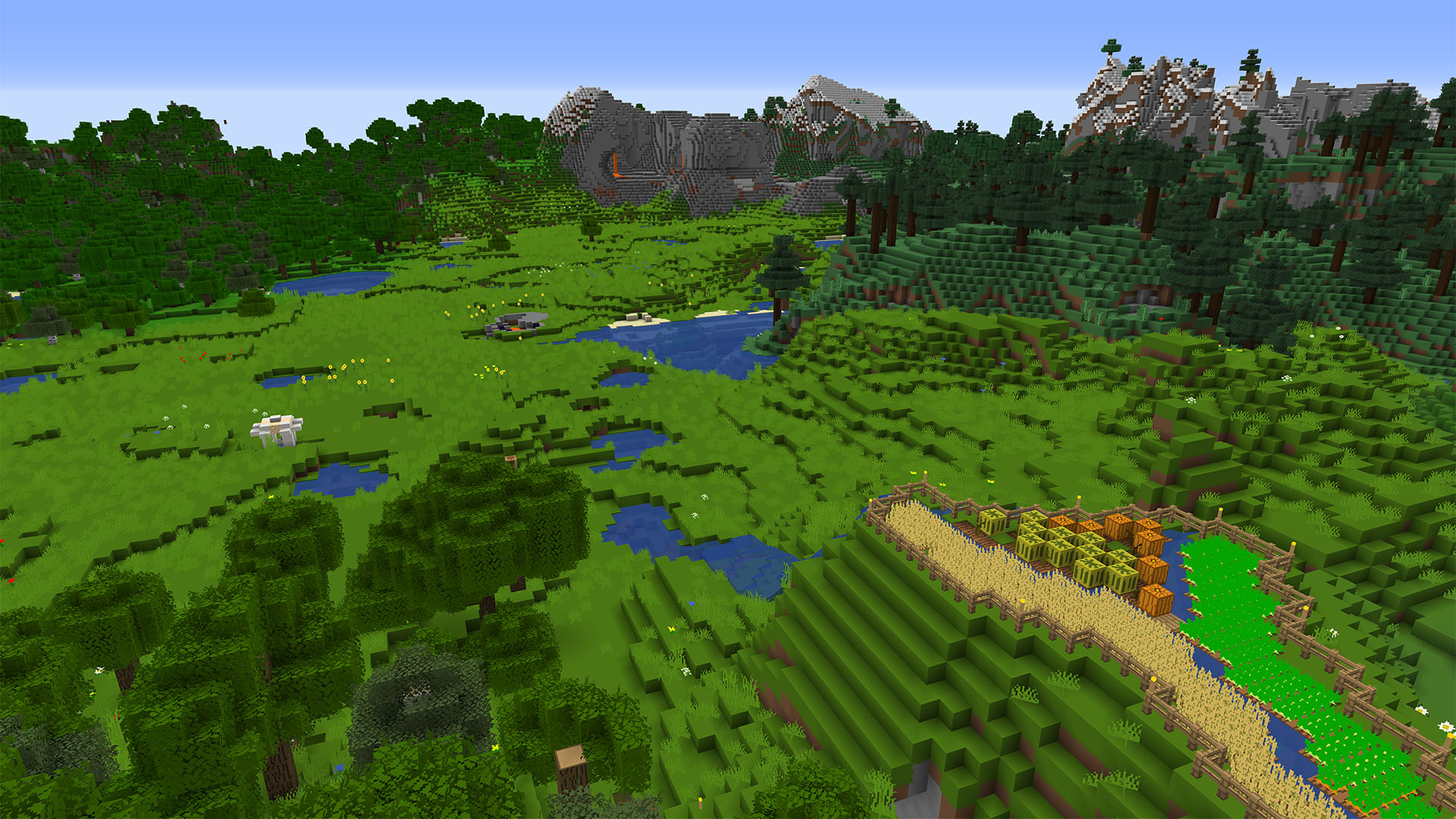
Soboku is a minimalistic/simplistic texture pack. Basically like any other minimalist texture pack but with a slightly different style and a few extra features. This texture pack was previously named MistyCraft, but I decided to change it to Soboku (simplistic in Japanese, I know I know, very pretentious). For clarity, the last version named MistyCraft was v5.1, and the first version to be named Soboku is v0.6 Beta.
Features:
- All textures changed (all blocks, items, mobs, entities, UI, and particles)
- Bushier leaves, similar to Better Foliage mod
- 3D models for some non-full blocks (made to be seamless and not eye-catching)
If you don't like the 3D models or they're too heavy for your PC, the Lite version has all the other features except the 3D models.
- OptiFine connected textures for all types of glass, sandstone and bookshelves
- Randomized textures for grass bushes, sugar cane, and other blocks
- Glowing Redstone textures and glowing Enderman and Phantom eyes
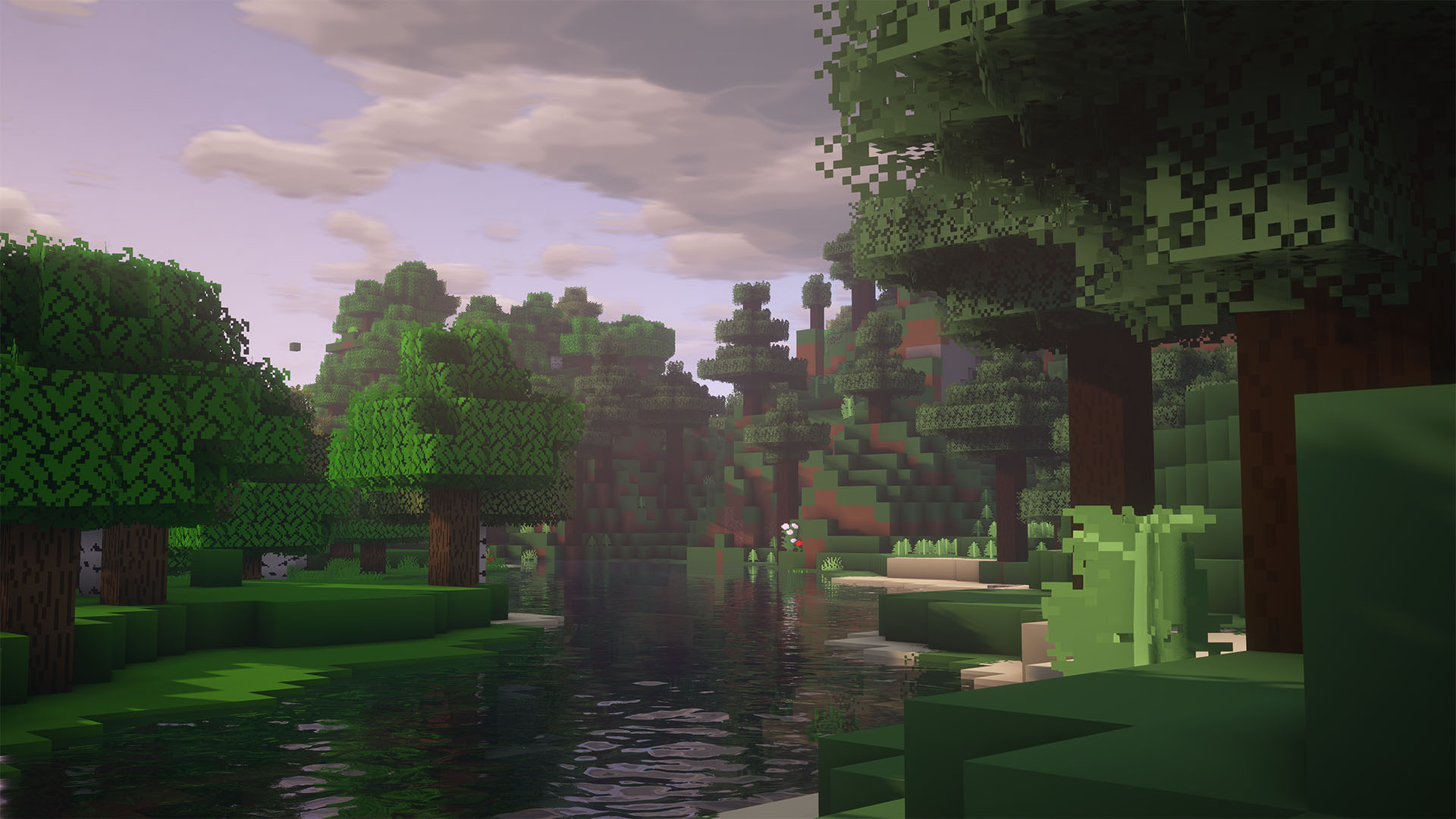
- Glowing skeleton, zombie, and spider eyes that spawned below level Y 18 (looks awesome with shaders)
- Colored lightmap (based on SCUR's)
Since most textures on this pack were made years ago, I had to redo them since they looked awful. I didn't playtest this pack as much as I should so please report bugs/weird stuff in the comment section or Issues section. Thanks a lot for the support on this, it's been amazing.
Як встановити Soboku
With Millida Launcher
Install Millida Launcher
The launcher is free: download it at millida.net/launcher and sign in with any nickname.
Click “Install” on this page
The launcher opens and installs the resource pack for Minecraft 1.13–1.15.2 automatically.
Launch the game
A profile with it appears in the launcher: click “Play”.
Manually
Download the archive
Pick the file Soboku 1.2 for 1.15.zip (13 MB) for your game version. No need to unpack it.
Put it in the resourcepacks folder
The easiest way: “Options”, then “Resource Packs”, then “Open Pack Folder”, and drag the archive there.
Enable the pack
In the same window, move the pack to the right-hand “Selected” column and click “Done”.
Версії
Із залежностями
| Minecraft | Завантажувач | Файл | Дата | Дії |
|---|---|---|---|---|
| 1.15 | — | Soboku 1.212.7 МБ | ||
| 1.13.1 | — | Soboku 0.820.7 МБ |
Часті питання
Which Minecraft versions does Soboku work on?
There are files for 1.13–1.15.2, 11 versions in total. The newest is 1.15.2.
Where can I download Soboku safely?
On this page: the file Soboku 1.2 for 1.15.zip (13 MB) is stored on Millida’s server, with no link shorteners. SHA-1 checksum: 183191fc6c266c2b105dce65a04c70031abca59e.
Відгуки
Станьте першим, хто оцінить Soboku



