

Pikli Ресурспак для Minecraft 1.20.1, 1.21
Оживіть свій світ вибухом кольору та чарівності! Цей пак сповнений затишних котеджних вібрацій, яскравих текстур, анімованих сутностей, 3D-предметів, власних частинок та багато іншого!
Про ресурспак Pikli
Transform your world with the ultimate all-in-one texture pack!
This pack brings a cozy, colorful, and immersive experience to every corner of your game. Whether you’re building, exploring, or just relaxing, many blocks, items, and UI has been carefully reimagined to make your world feel alive.
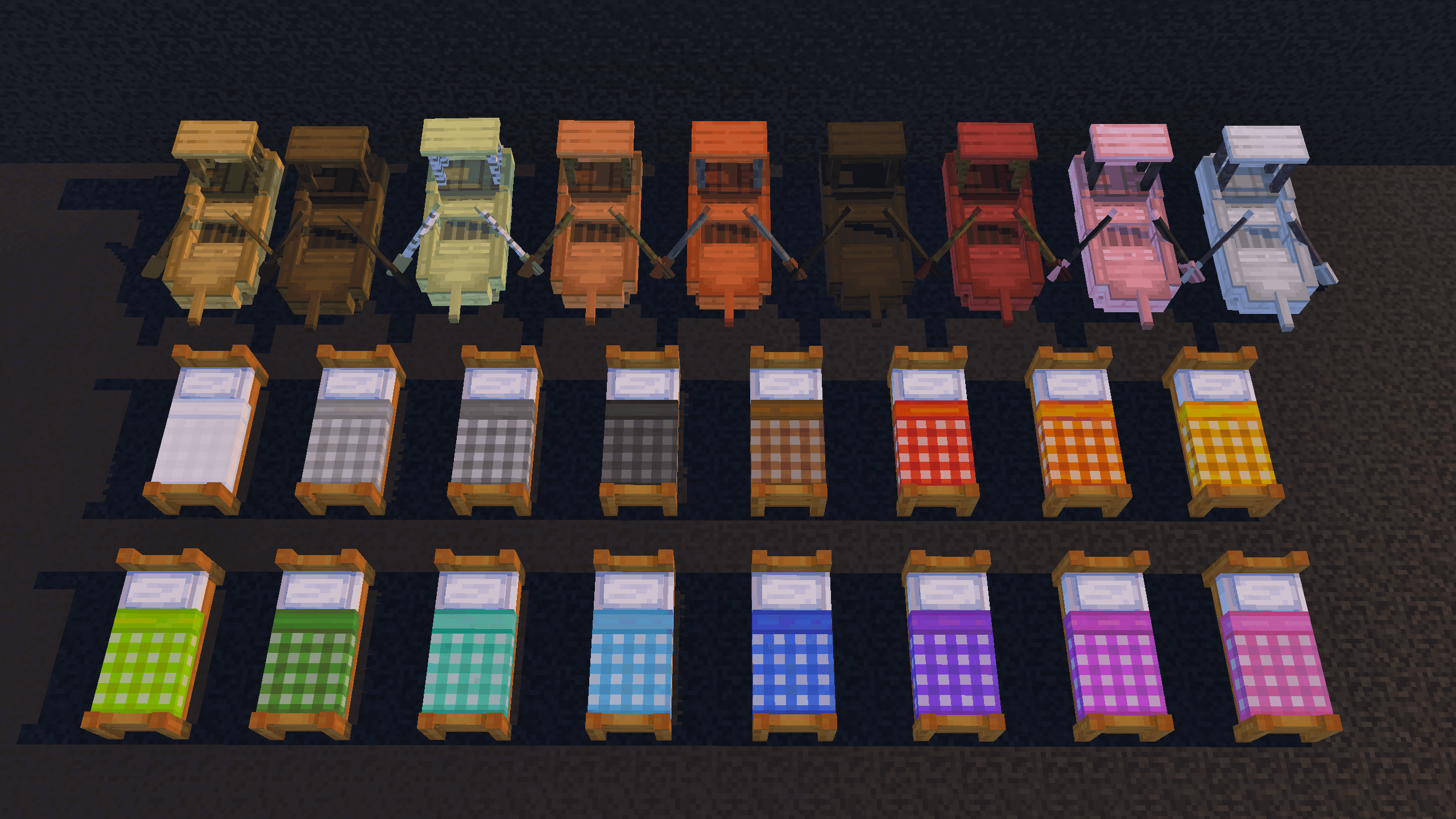
Features include:
Cozy cottage-style aesthetics: From charming houses to scenic landscapes, every element is designed to create a warm and inviting atmosphere.
Custom blocks and edited textures: Hundreds of blocks have been redesigned with unique details and improved visuals, making building and exploring more satisfying than ever.
3D items and animations: Your tools, furniture, and other objects now have depth and movement, adding a dynamic feel to every interaction.
Particles and environmental effects: Weather effects, and other subtle touches bring the world to life in ways that feel natural and engaging.
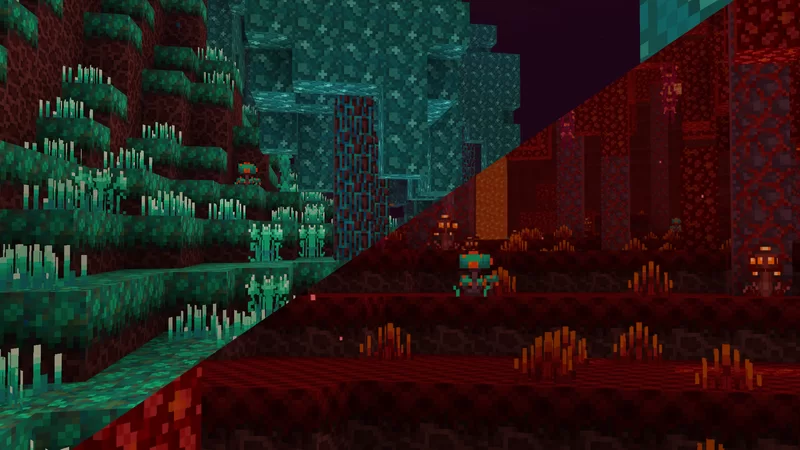
Fully immersive world design: Many details, from flowers to enviroment, has been crafted to work together seamlessly, creating a cohesive, polished experience.
Vibrant and colorful visuals: The palette is bright and inviting without being overwhelming, giving your world energy and personality while maintaining a balanced, natural look with variated blocks.
This texture pack is more than just visuals-it’s an experience. Everything has been created with care to make your world feel unique and full of life.
(Also accessable on mobile)
About me: Hey, I'm new here. Please go easy on me 🙏If you wish me to add, fix or remake anything, do not hesitate to tell me. I'm curious to know your ideas :)
Enjoy!
Як встановити Pikli
With Millida Launcher
Install Millida Launcher
The launcher is free: download it at millida.net/launcher and sign in with any nickname.
Click “Install” on this page
The launcher opens and installs the resource pack for Minecraft 1.20–1.21.101 automatically.
Launch the game
A profile with it appears in the launcher: click “Play”.
Manually
Download the archive
Pick the file Pikli_1.0.mcpack (6.4 MB) for your game version. No need to unpack it.
Put it in the resourcepacks folder
The easiest way: “Options”, then “Resource Packs”, then “Open Pack Folder”, and drag the archive there.
Enable the pack
In the same window, move the pack to the right-hand “Selected” column and click “Done”.
Версії
Із залежностями
| Minecraft | Завантажувач | Файл | Дата | Дії |
|---|---|---|---|---|
| 1.20.40 | — | Pikli_1.0.mcpack6.4 МБ |
Часті питання
Which Minecraft versions does Pikli work on?
There are files for 1.20–1.21.101, 33 versions in total. The newest is 1.21.101.
Where can I download Pikli safely?
On this page: the file Pikli_1.0.mcpack (6.4 MB) is stored on Millida’s server, with no link shorteners. SHA-1 checksum: e24634334d2518a846f0980e1a73b08bac6af034.
Відгуки
Станьте першим, хто оцінить Pikli



