
Про ресурспак Nostalgic Textures
🕰️ Nostalgic Textures
Nostalgic Textures brings back the classic Minecraft feeling while keeping the modern Bedrock experience.
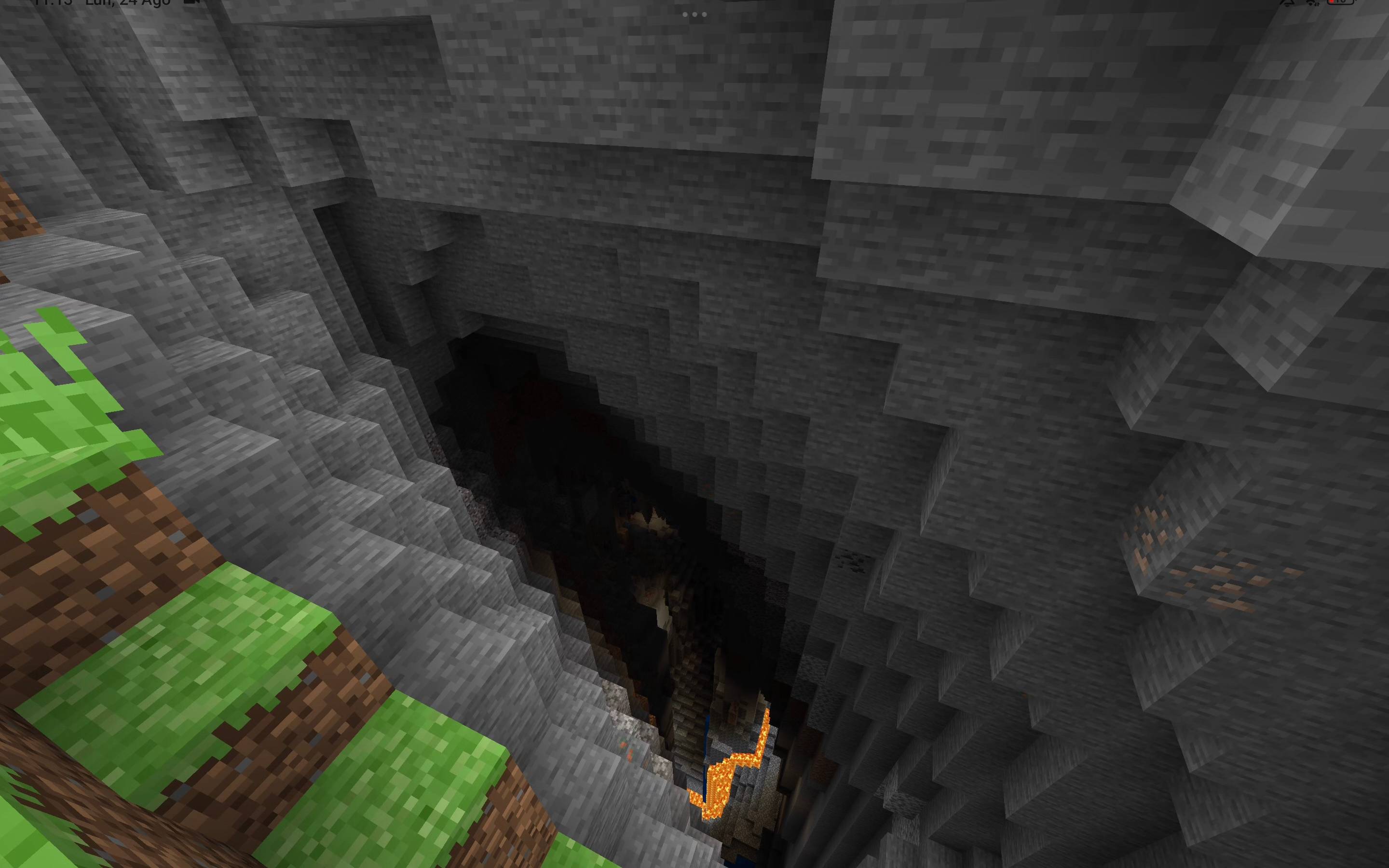
This pack combines a large collection of nostalgic textures, visual changes and classic-style improvements into one complete resource pack.
✨ Features
🧱 Classic & nostalgic block textures
⚔️ Classic-style weapons and tools
🛡️ Classic-style armor textures
🎒 Updated item textures
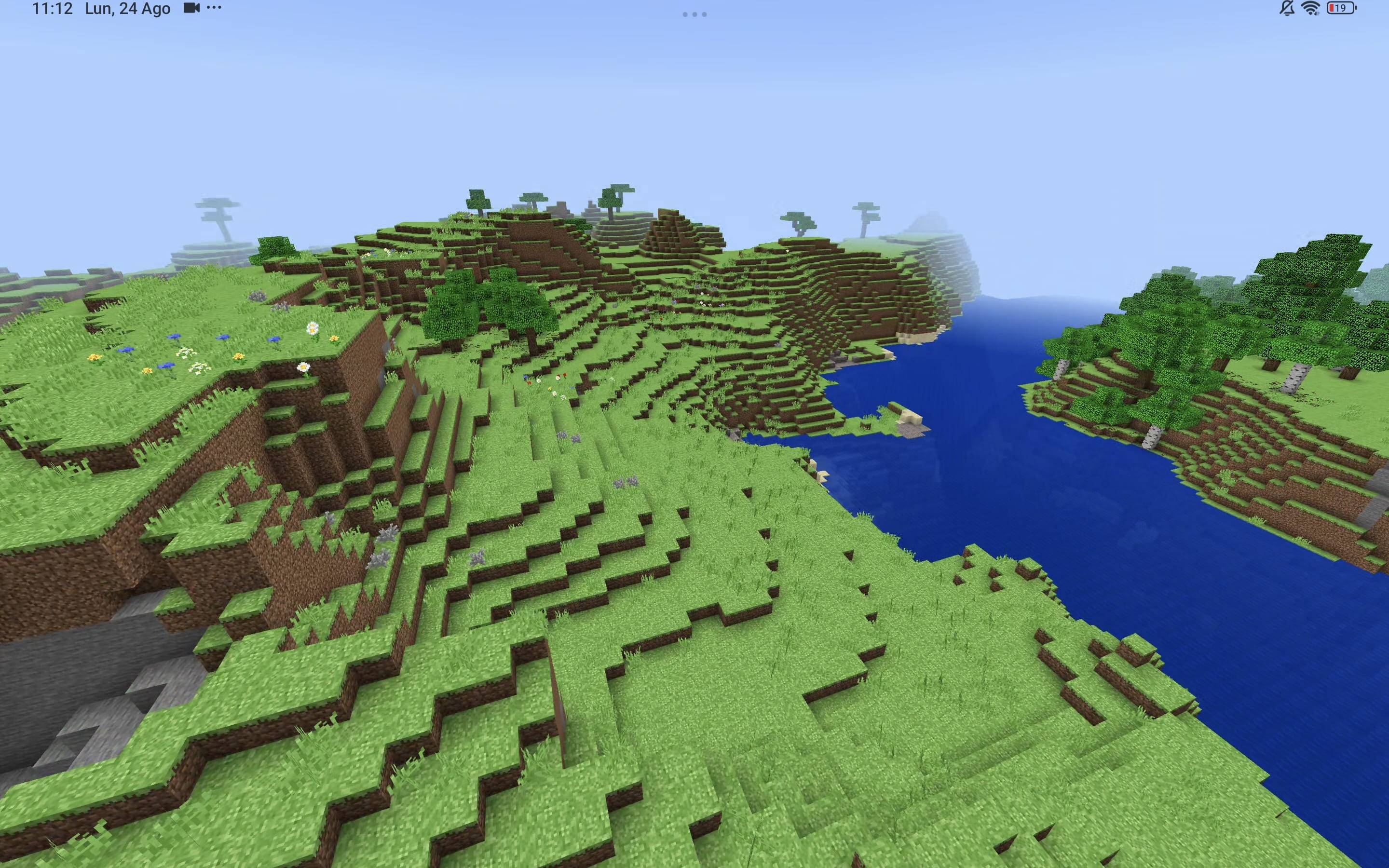
🌎 Nostalgic environment textures
☀️ Classic-style sun, moon and sky elements
🌧️ Weather and environmental textures
✨ Particle textures
🖥️ Modified UI elements
🏞️ Nostalgic menu panorama
🌿 Biome visual resources
🎮 Controller/UI elements
📦 2,800+ resource files
🕰️ Designed to recreate the feeling of older Minecraft versions
🎮 The Old Minecraft Feeling
Nostalgic Textures is made for players who miss the old Minecraft aesthetic but still want to play on modern Bedrock versions.
It doesn't completely change Minecraft's gameplay. Instead, it focuses on bringing back the classic visual style and nostalgia.
Old textures. Classic feeling. Modern Minecraft.
📜 Credits
This project contains assets and inspiration from several Minecraft resource projects.
Credits:
Vanilla Tweaks
Bedrock Tweaks
Classic Texture Pack - original author unlisted
Fusion - integration and combination of resources
Please support the original creators and their projects.
📌 Important
This is a resource pack, not a behavior pack or gameplay addon.
It mainly changes Minecraft's visuals, UI and textures.
Version: 1.2.0
Minimum Minecraft version: 1.20.0
Як встановити Nostalgic Textures
With Millida Launcher
Install Millida Launcher
The launcher is free: download it at millida.net/launcher and sign in with any nickname.
Click “Install” on this page
The launcher opens and installs the resource pack for Minecraft 26.40–26.50 automatically.
Launch the game
A profile with it appears in the launcher: click “Play”.
Manually
Download the archive
Pick the file Nostalgic_Textures_1_2_2.mcpack (20 MB) for your game version. No need to unpack it.
Put it in the resourcepacks folder
The easiest way: “Options”, then “Resource Packs”, then “Open Pack Folder”, and drag the archive there.
Enable the pack
In the same window, move the pack to the right-hand “Selected” column and click “Done”.
Версії
Із залежностями
| Minecraft | Завантажувач | Файл | Дата | Дії |
|---|---|---|---|---|
| 26.40 | — | Nostalgic Textures 1.2.2 (Support 26.51)19.5 МБ 3 |
Часті питання
Which Minecraft versions does Nostalgic Textures work on?
There are files for 26.50, 26.40. The newest is 26.50.
Where can I download Nostalgic Textures safely?
On this page: the file Nostalgic_Textures_1_2_2.mcpack (20 MB) is stored on Millida’s server, with no link shorteners. SHA-1 checksum: c473a4d859a09014a03878c7c8147ab8ade134b7.
Відгуки
Станьте першим, хто оцінить Nostalgic Textures


