

Grass+ Ресурспак для Minecraft 26.1
Трава в Minecraft нудна. Якщо ви хочете зробити дотик до трави (у Minecraft, а не в реальному житті) цікавішим, цей пакет для вас!
- завантажень
- 4 завантажень
- переглядів
- 67 переглядів
- Оновлено
- Оновлено 27.03.2026
- 1.21.5 — 26.1
 Ванільна гра
- Клієнт
Grass+
Why should I use this?
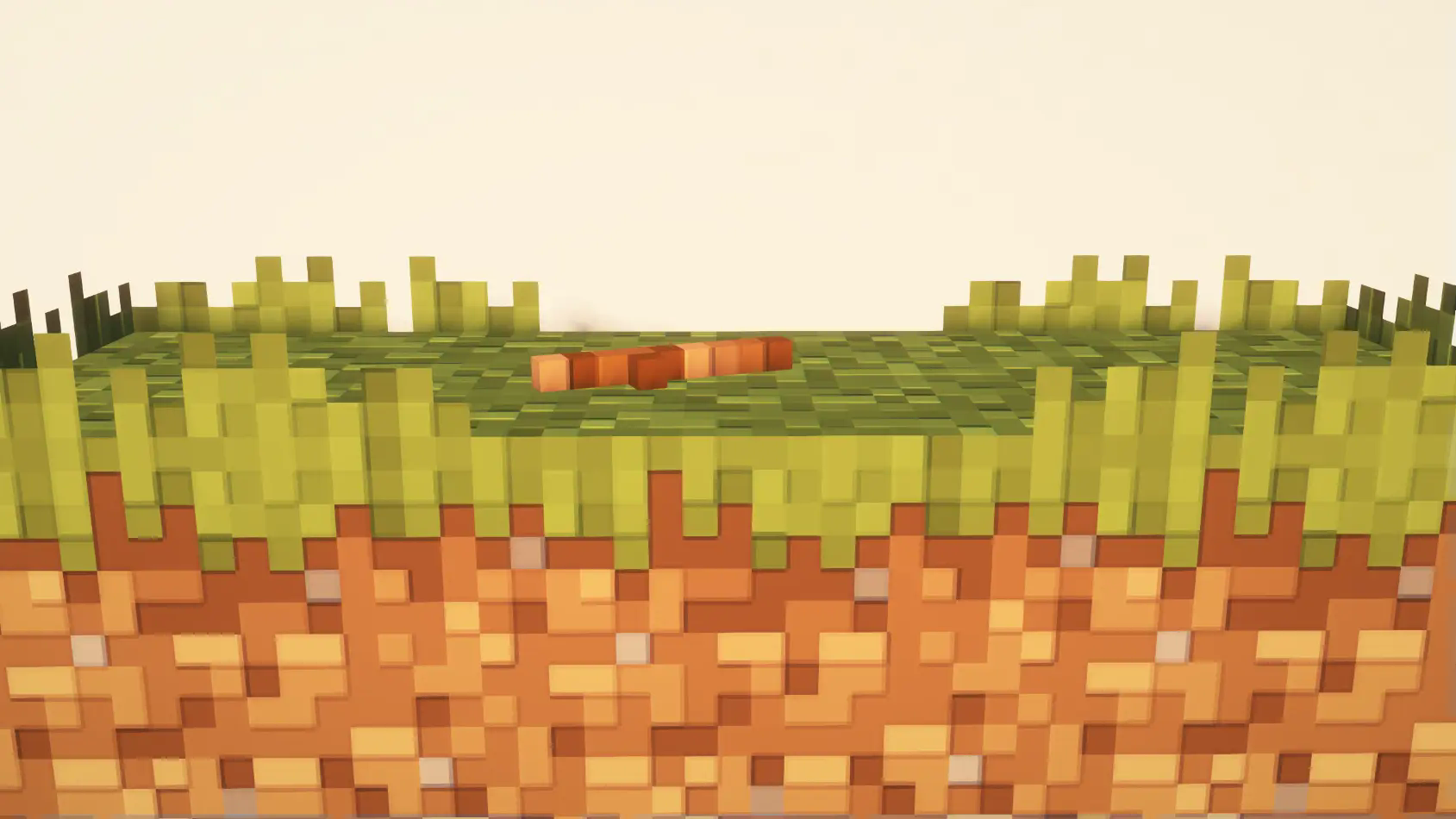
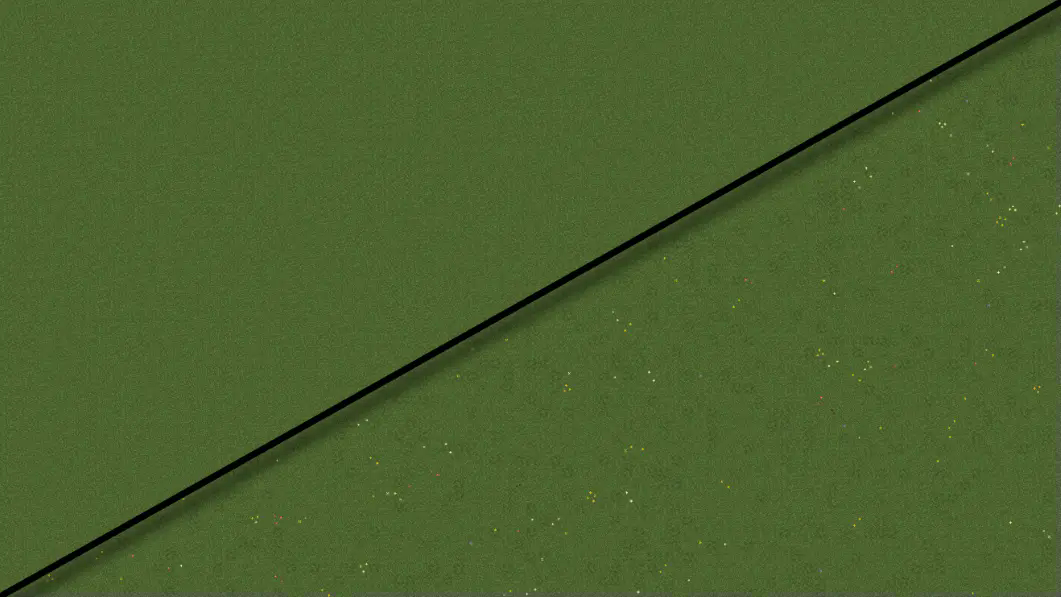
Grass+ aims to enhance the appearance of all grassy biomes by adding a small hedging effect to the sides of grass blocks, generating random flowers and details on the surface of grass blocks, and creating subtle vatiations in the grass texture.

How it works:
I make use of multipart blockstates to achive completely random combinations of variations in the grass block model. Each grass block can have a combination of different rotations, hedge lengths, flowers, and details.

Future plans:
I plan to keep updating this resource pack to all newer versions of the game. I also want to create a second pack to add details to the nether nylium as well. Why make a second pack? To allow more user customizability. I'll link it [here] when I upload it.
Compatibility
This recource pack should be compatible with all texture packs that change the way grass appears. However the flowers and details use special textures so it could look strange with 32x and other higher resolution texture packs
Full support list:
- Fast Better Grass
- Simple Lower Grass Sides
Thank you SO MUCH for over 40,000 downloads!!! 🎉
I never thought this was possible, and it wouldn't have happened without your (yes you reading this) continued support! Updates have been less frequent due to life responsabilities, so thank you for your patience. Expect more content from me this coming summer!
For bug reports, compatability issues, suggestions and ideas, join my Discord server! https://discord.gg/gpNt8265mg
Hedging effect:
Top down comparison:
Як встановити Grass+
With Millida Launcher
Install Millida Launcher
The launcher is free: download it at millida.net/launcher and sign in with any nickname.
Click “Install” on this page
The launcher opens and installs the resource pack for Minecraft 1.21.5–26.1 automatically.
Launch the game
A profile with it appears in the launcher: click “Play”.
Manually
Download the archive
Pick the file §aGrass§f+ §7Release §e§n26.1§n.zip (192 KB) for your game version. No need to unpack it.
Put it in the resourcepacks folder
The easiest way: “Options”, then “Resource Packs”, then “Open Pack Folder”, and drag the archive there.
Enable the pack
In the same window, move the pack to the right-hand “Selected” column and click “Done”.
Версії
Із залежностями
| Minecraft | Завантажувач | Файл | Дата | Дії |
|---|---|---|---|---|
| 26.1 | — | 26.1192 КБ 2 | ||
| 1.21.11 | — | 1.21.11192 КБ 2 |
Відгуки
Станьте першим, хто оцінить Grass+



